
TabTabTab: The AI Agent for Google Sheets EN
TabTabTab Inc · EEdge MV3
Skip manual work—AI in Google Sheets grabs web data, cleans tables, and builds financial models.
截图


简介
Skip manual work—AI in Google Sheets grabs web data, cleans tables, and builds financial models.
TabTabTab is a Google Sheets AI agent and assistant. It enriches rows, scrapes the web, cleans columns, builds charts, and runs quick models directly in Google Sheets. Ask in plain English and watch your sheet update.
WHY TABTABTAB
Turn Google Sheets into a productive workspace for research, enrichment, and analysis. Replace copy-paste and ad-hoc scripts with an AI assistant that gathers data, standardizes it, and builds the outputs you need — without leaving your sheet.
FEATURES
• Lead enrichment: pull people and company details (firmographics, websites, socials) into selected rows
• Company lookup: domains, headcount bands, locations, industries (SIC/NAICS), and summaries from trusted sources
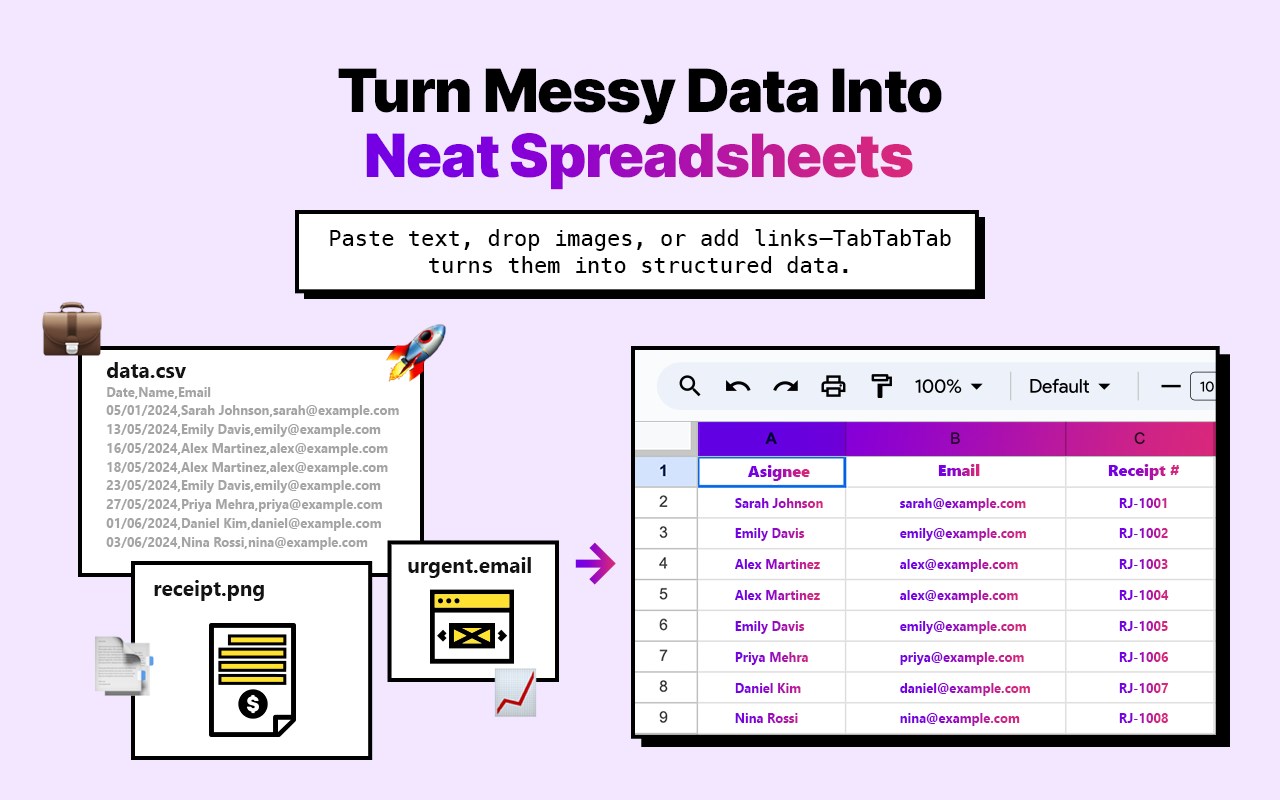
• Web scraping: extract text, links, and tables from URLs into cells; structure messy pages into clean tables
• PDF/table extraction: capture tables and lists from linked files and drop them into your sheet
• Batch processing: run actions across hundreds or thousands of rows in parallel; queue and monitor progress
• Data cleaning: standardize formats, normalize names, deduplicate, validate emails and URLs
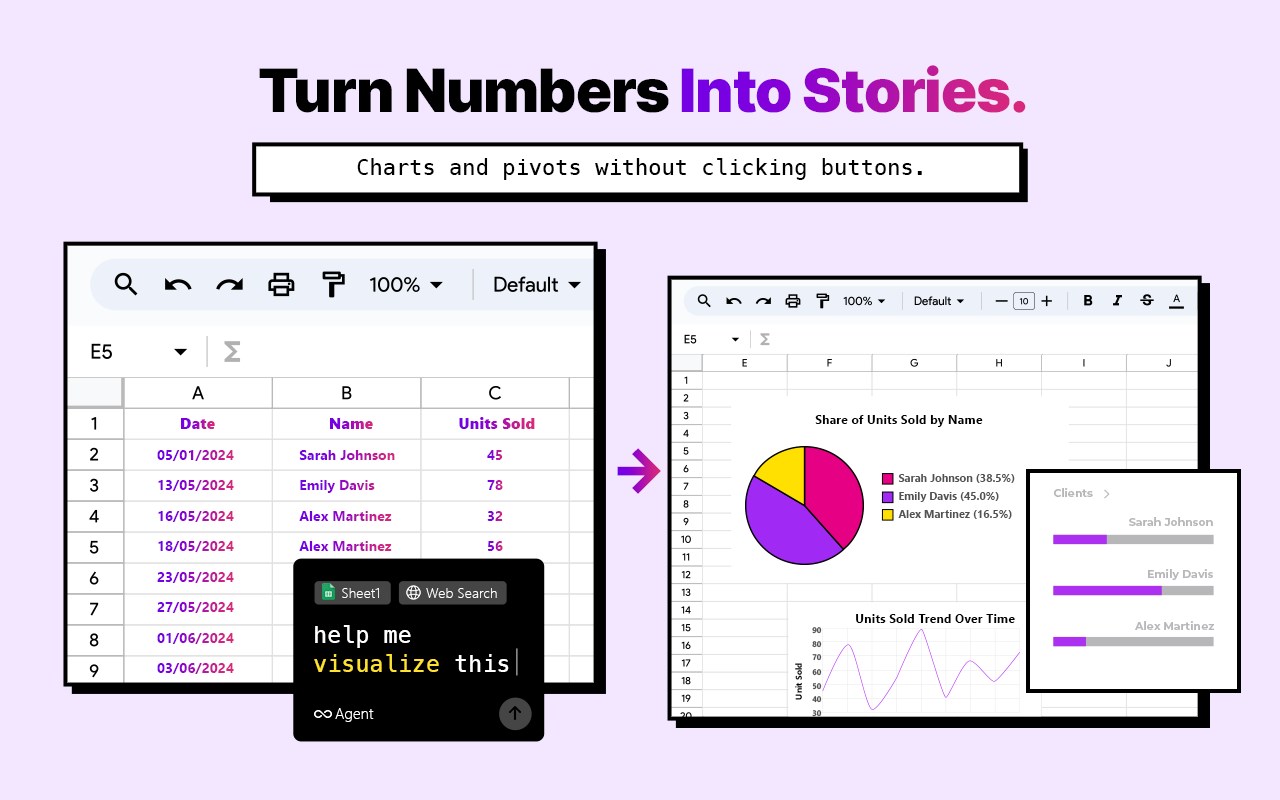
• Formulas and analysis: auto-write formulas, summaries, and KPI tables; create pivot tables and charts on request
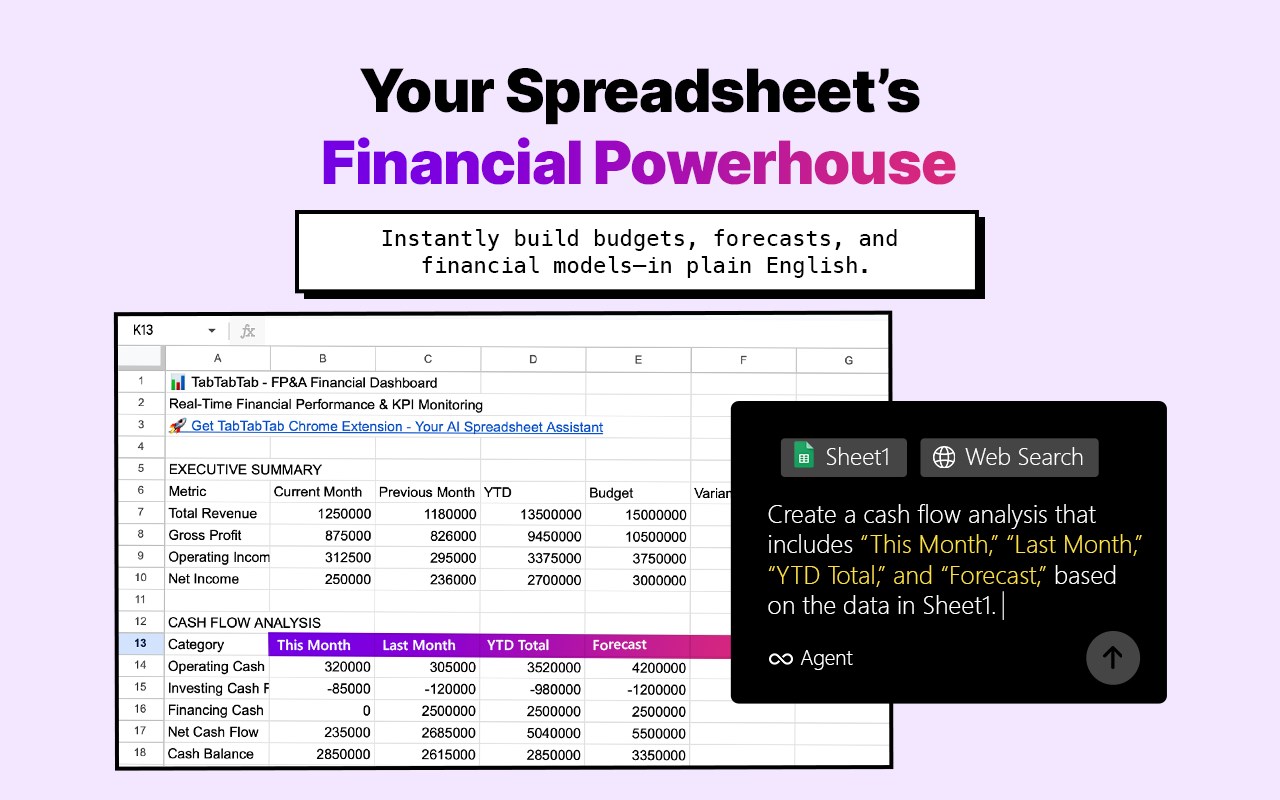
• Finance & modeling: quick DCFs, scenarios, IRR/NPV, cohort tables, and dashboards — built in-sheet
• Safe apply: preview all changes before writing to cells; undo quickly if needed
• No macros required: natural-language commands; keep everything transparent in cells
USE CASES
• Sales & RevOps: build prospect lists in Google Sheets with firmographics, contacts, and verified URLs
• Recruiting: surface candidate profiles, roles, and social links directly into your sheet
• Marketing: enrich leads, track coverage, compile competitor intelligence and content calendars
• Analysts & Operators: benchmark markets, roll up metrics, and automate recurring reports
• Finance: snapshot models, quick valuations, and reporting packs — without external tools
HOW IT WORKS
1) Install TabTabTab as an Edge Add-on
2) Open Google Sheets and launch the TabTabTab sidebar
3) Type a request (e.g., “Fill columns A–D using the profile URLs in column E”)
4) Review the preview and apply; continue iterating in natural language
PRIVACY & SECURITY
• OAuth 2.0 with minimal, clearly explained scopes
• TLS-encrypted end to end
• No advertising use of your data
• Minimal operational logs retained briefly for reliability; enterprise terms available
PRICING & LIMITS
• Free plan available
• Pro unlocks higher limits, faster runs, advanced models, and priority support
• Generous trial on first sign-up
COMPATIBILITY
• Works with Google Sheets in Chrome
• Great for enrichment, web scraping, cleaning, analysis, and quick modeling
• Compatible with leading AI models (GPT, Claude, Gemini); choose the model that fits your workload
Install as an Edge Add-on to get Google Sheets AI inside your spreadsheet for enrichment, scraping, cleaning, analysis, and lightweight financial modeling — without leaving Google Sheets.
TabTabTab: The AI Agent for Google Sheets 是做什么的
TabTabTab: The AI Agent for Google Sheets 是一款面向 Edge 的效率工具类扩展,主要用来管住注意力、屏蔽干扰站点、记录时间。官方对它的介绍是:Skip manual work—AI in Google Sheets grabs web data, cleans tables, and builds financial models.在微软 Edge 加载项商店上,它当前版本 1.12.52,约 26 名用户。
适合什么人用
从功能定位看,TabTabTab: The AI Agent for Google Sheets 更适合想专注工作学习、减少无效刷网页的用户。如果你平时只是偶尔遇到相关需求,用浏览器自带功能也能凑合;但如果这件事每天都发生,装一个专门处理它的扩展通常比手动操作省事得多。
怎么安装 TabTabTab: The AI Agent for Google Sheets
- 打开微软 Edge 加载项商店上的官方页面;
- 点「添加到浏览器」并确认权限提示;
- 装好后在扩展列表里固定图标,方便随时开关。
本站只做索引与介绍,安装包来自官方商店。如果商店页面提示当前地区不可用,说明该扩展未在你所在区域上架。
常见问题
TabTabTab: The AI Agent for Google Sheets 是免费的吗?
TabTabTab: The AI Agent for Google Sheets 在微软 Edge 加载项商店免费提供下载。它是浏览器扩展,装上就能直接用,不需要注册账号。
TabTabTab: The AI Agent for Google Sheets 安全吗?
它只申请了 0 项权限,范围比较克制,没有申请「读取所有网站数据」这种大权限。
TabTabTab: The AI Agent for Google Sheets 支持哪些浏览器?
当前收录的版本来自微软 Edge 加载项商店,适用于 Edge。同一个扩展在其他商店可能有对应版本,但功能与版本号不一定相同。
怎么卸载 TabTabTab: The AI Agent for Google Sheets?
在扩展管理页找到 TabTabTab: The AI Agent for Google Sheets,点移除即可。它在本地保存的设置会一起清掉,不会残留数据。
权限清单 来自 manifest.json 原文
接口权限 3
identitystoragetabs
接口权限(可选) 2
scriptingtabGroups