
TAB STUDIO
compassscout · EEdge MV3
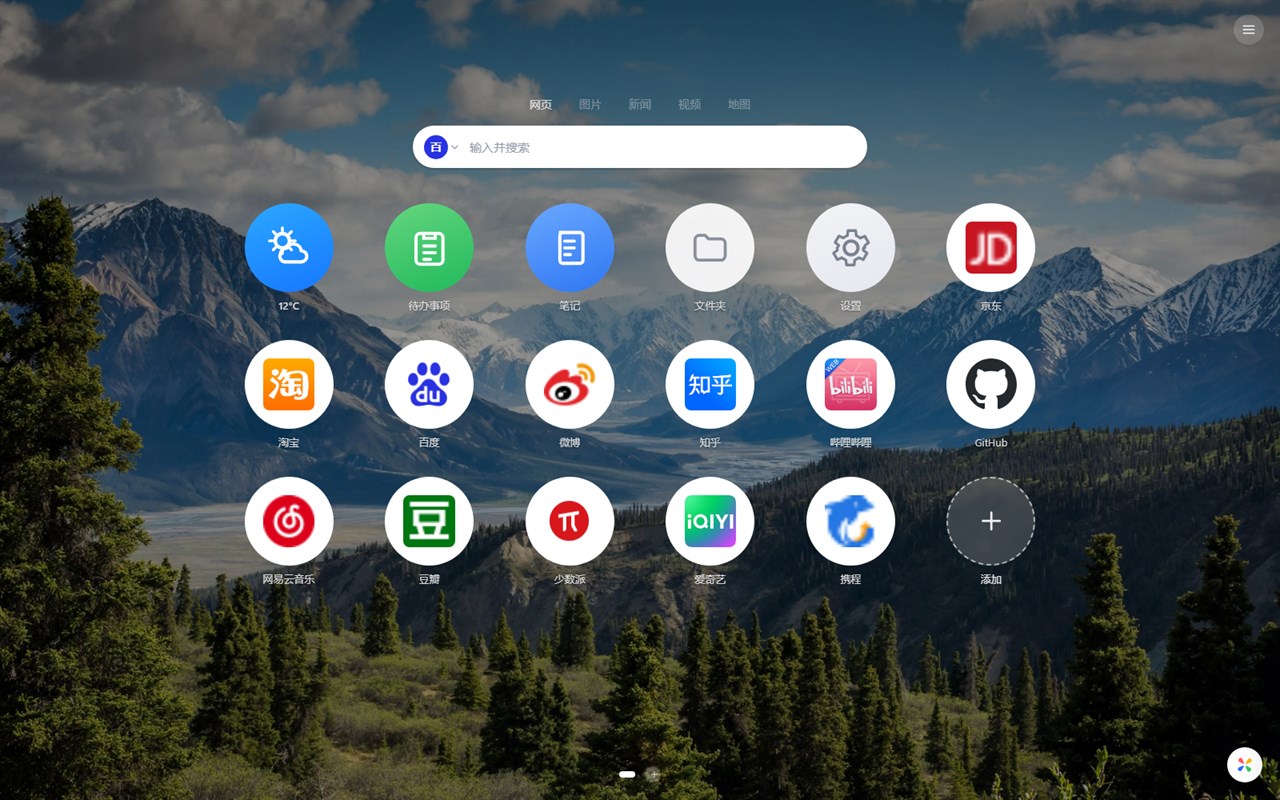
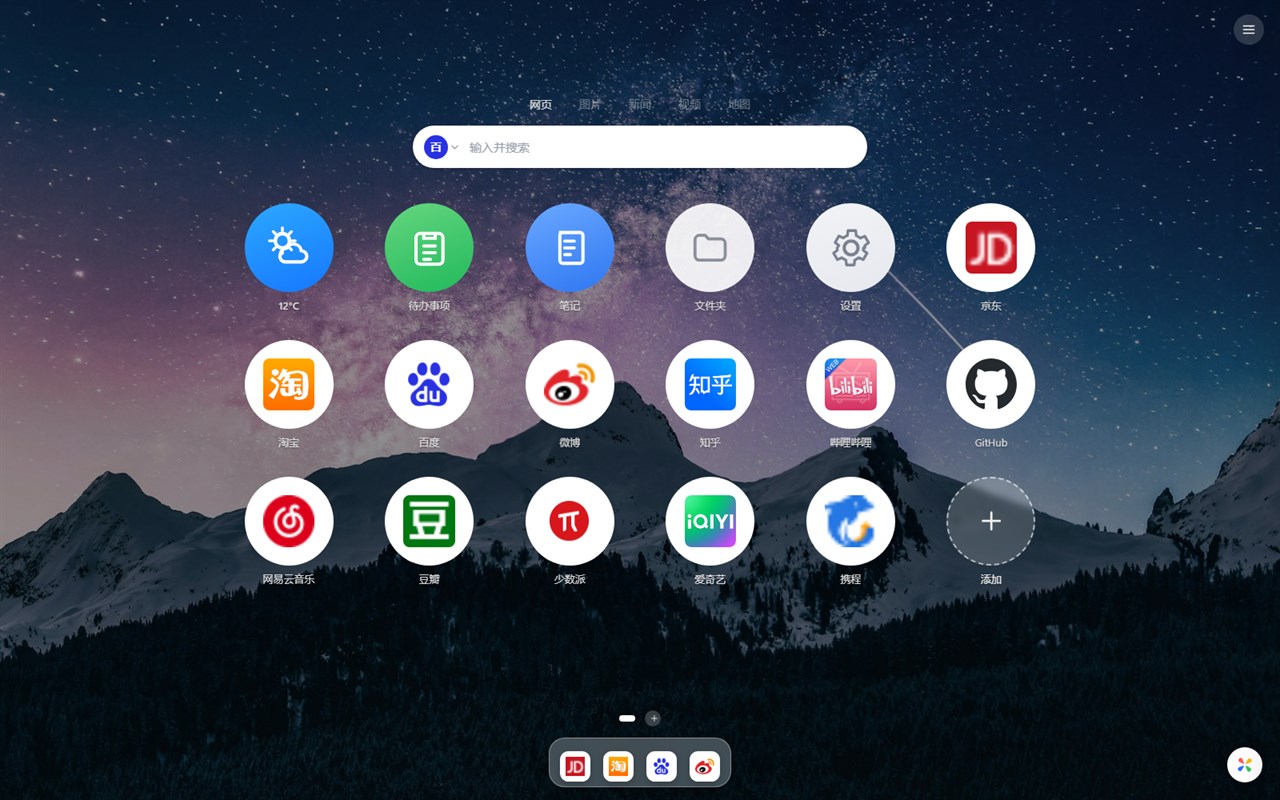
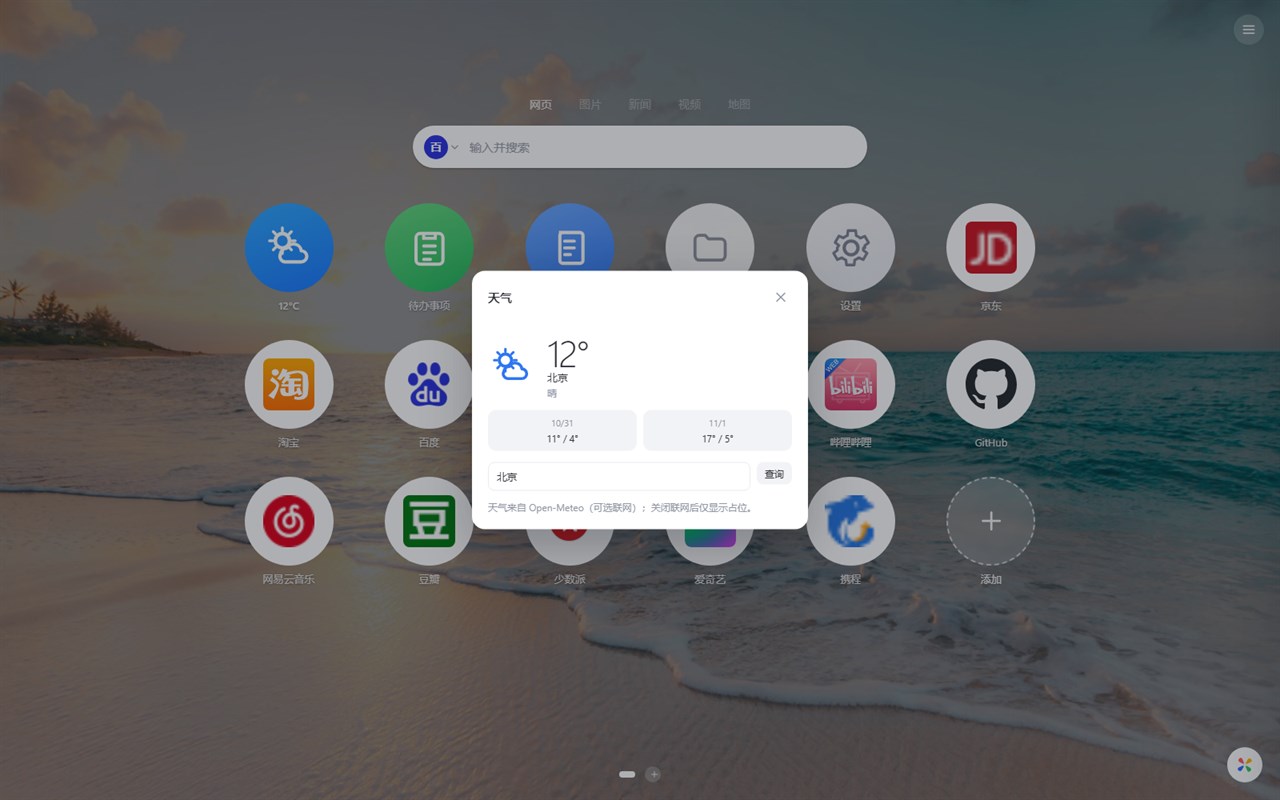
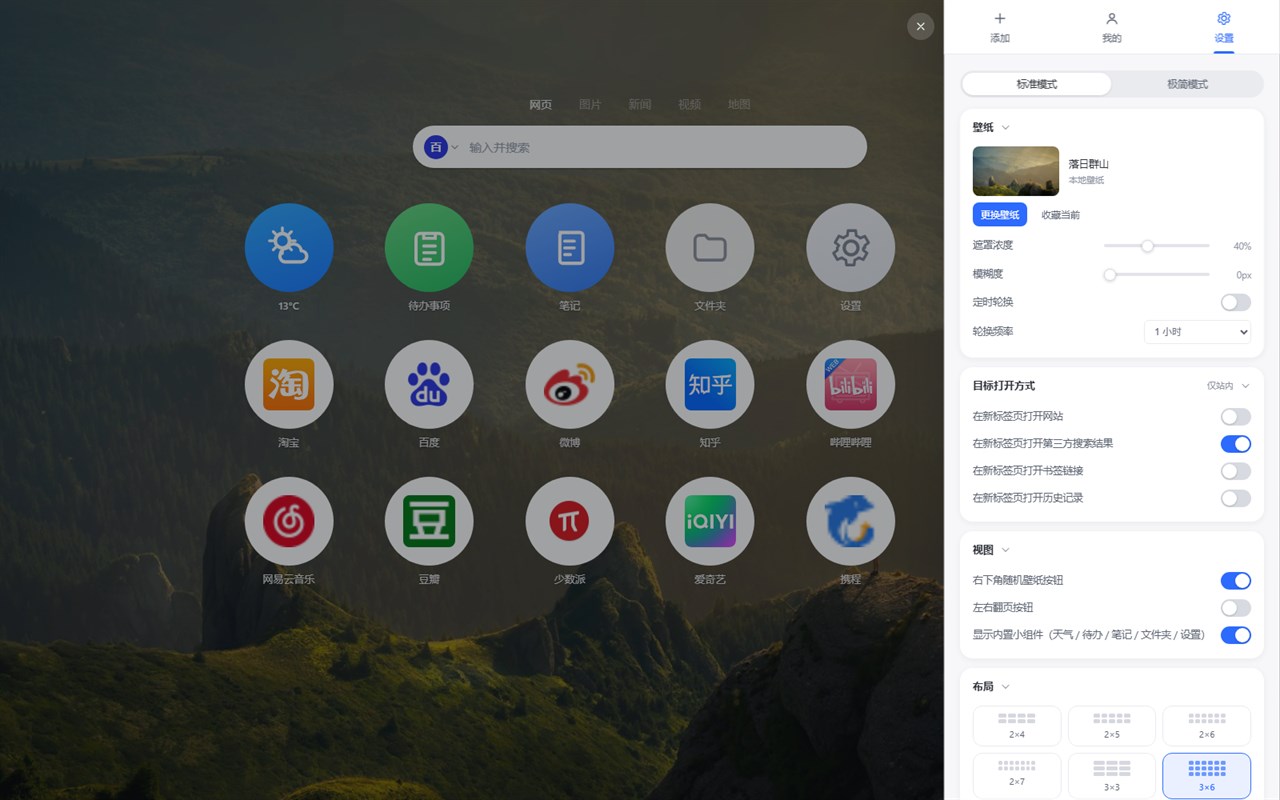
TAB STUDIO — Infinity 风格新标签页:真实网站图标、高清壁纸库、3×6 大图标网格、macOS 风格 Dock、文件夹、多分页、待办/笔记/天气小组件与本地备份。
截图
简介
TAB STUDIO is a local-first, account-free New Tab extension that gathers your favorite websites, search, wallpapers and lightweight widgets on one clean new tab page.
Sites & grid
- A 3x6 large round-icon grid with drag-to-reorder, right-click menu and inline editing; about 70 built-in preset sites available in one click.
- Real website favicons: a built-in brand SVG library, online icon sources, local caching and a colored-initial fallback, so broken default icons are avoided.
- Multi-page management with circular dot pagination; create, rename, delete and drag pages; pages overflow automatically to the next page.
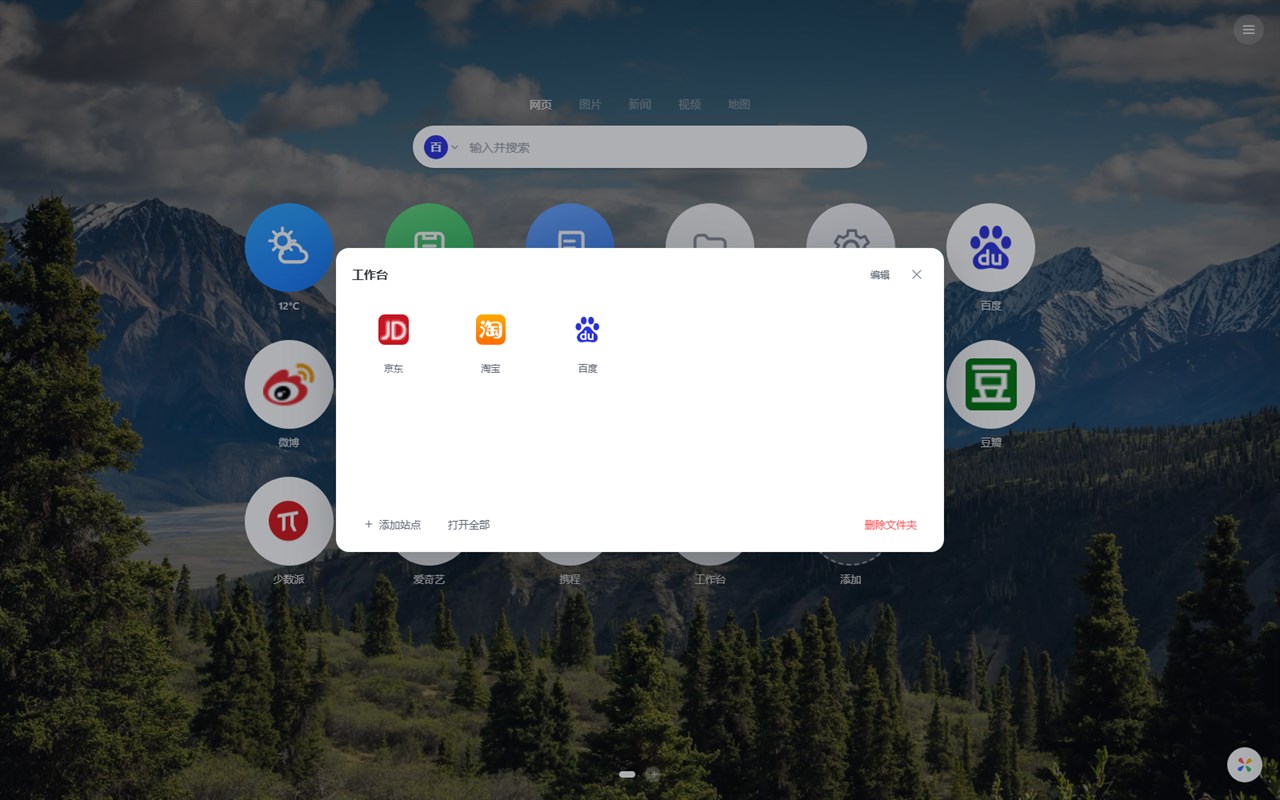
- Folders to group related sites, with internal sorting, open-all and drag in/out.
- A macOS-style bottom Dock: pin frequently used sites, hover zoom with labels, drag to sort, right-click to remove.
Search
- Baidu / Google / Bing / Yahoo across web, images, news, video and maps; optional search suggestions that can be turned off; custom search engines supported.
Wallpapers
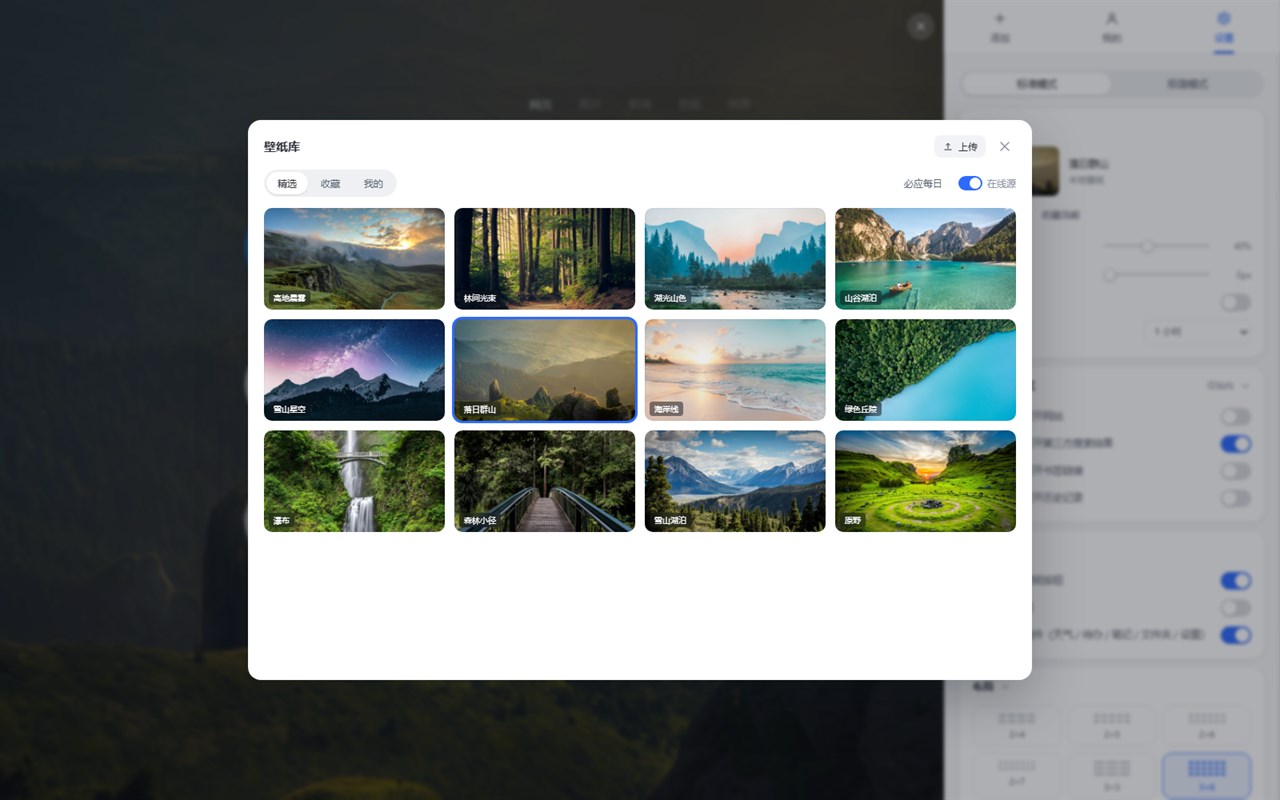
- 12 built-in 1920x1080 photography wallpapers; favorites, random-from-favorites, local upload with compression, optional Bing daily wallpaper, scheduled rotation and per-new-tab rotation.
Widgets
- Weather (Open-Meteo, city lookup, networking optional), to-do list with checkboxes and badges, auto-saved notes, folder overview.
Data & privacy
- Sites, folders, pages, wallpapers, todos and notes are stored in local IndexedDB; settings live in local storage. No account, no upload of personal data to any server.
- Export / import .infinity backup files with atomic import; restore defaults in one click.
- Bookmarks and history are optional permissions requested only when you actively use those entries; denying them does not affect core features.
Other
- Pure Manifest V3, no build step, no background tracking; standard and minimal UI modes; adjustable layout, icon style, overlay blur, font and animations in Settings.
- Source and feedback: https://github.com/compassscout/tab-studio
TAB STUDIO 是做什么的
TAB STUDIO 是一款面向 Edge 的效率工具类扩展,主要用来管住注意力、屏蔽干扰站点、记录时间。官方对它的介绍是:TAB STUDIO — Infinity 风格新标签页:真实网站图标、高清壁纸库、3×6 大图标网格、macOS 风格 Dock、文件夹、多分页、待办/笔记/天气小组件与本地备份。在微软 Edge 加载项商店上,它当前版本 2.1.0,约 1 名用户。
适合什么人用
从功能定位看,TAB STUDIO 更适合想专注工作学习、减少无效刷网页的用户。如果你平时只是偶尔遇到相关需求,用浏览器自带功能也能凑合;但如果这件事每天都发生,装一个专门处理它的扩展通常比手动操作省事得多。
怎么安装 TAB STUDIO
- 打开微软 Edge 加载项商店上的官方页面;
- 点「添加到浏览器」并确认权限提示;
- 装好后在扩展列表里固定图标,方便随时开关。
本站只做索引与介绍,安装包来自官方商店。如果商店页面提示当前地区不可用,说明该扩展未在你所在区域上架。
常见问题
TAB STUDIO 是免费的吗?
TAB STUDIO 在微软 Edge 加载项商店免费提供下载。它是浏览器扩展,装上就能直接用,不需要注册账号。
TAB STUDIO 安全吗?
它只申请了 0 项权限,范围比较克制,没有申请「读取所有网站数据」这种大权限。
TAB STUDIO 支持哪些浏览器?
当前收录的版本来自微软 Edge 加载项商店,适用于 Edge。同一个扩展在其他商店可能有对应版本,但功能与版本号不一定相同。
怎么卸载 TAB STUDIO?
在扩展管理页找到 TAB STUDIO,点移除即可。它在本地保存的设置会一起清掉,不会残留数据。
权限清单 来自 manifest.json 原文
接口权限 3
faviconstoragetabs
接口权限(可选) 2
bookmarkshistory