
Tab Manager by Workona EN
Workona · EEdge MV3
The world’s best tab manager
截图


简介
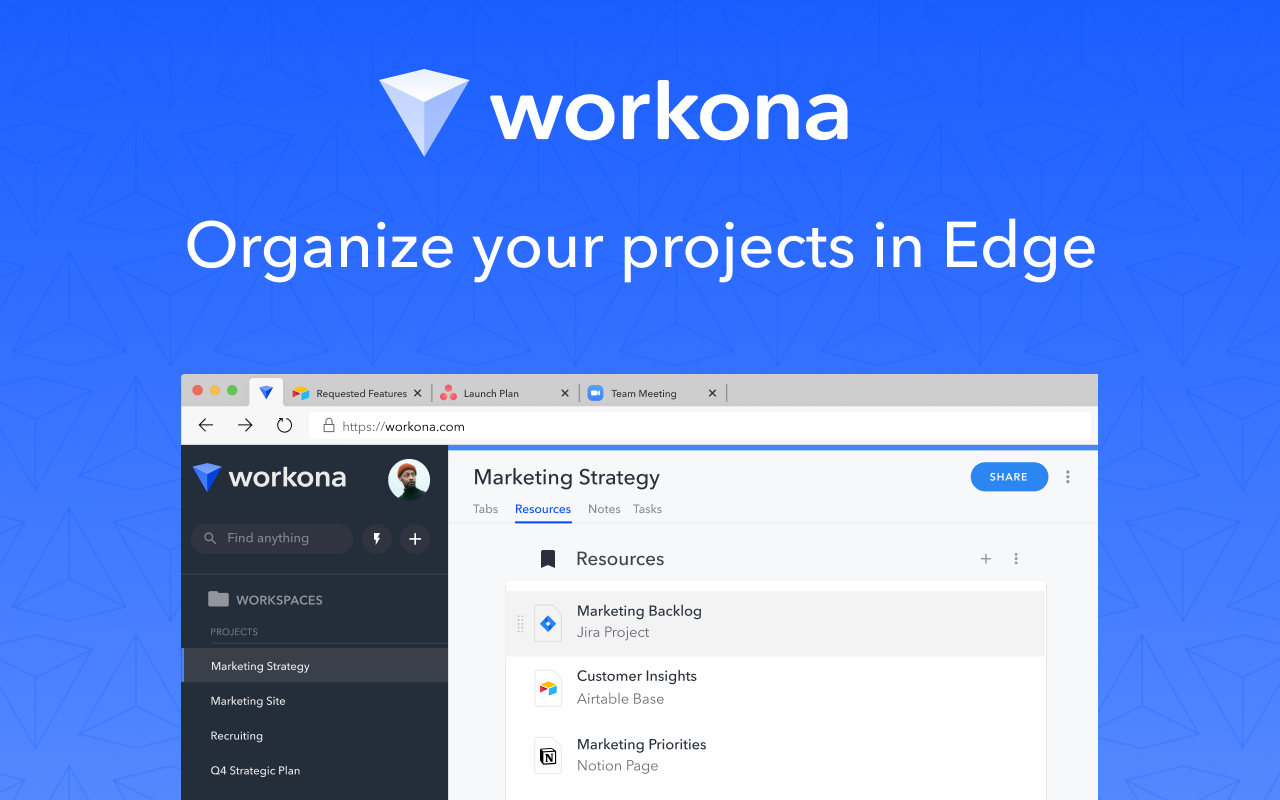
The Workona Spaces & Tab Manager helps you get your work under control and finally feel organized. Use it to manage tabs, organize projects, and bring together all of your work in the browser. As the world’s best tab manager, Workona lets you switch context instantly so you can focus on your actual work.
Sign up free: https://workona.com/tab-manager/
Does your team work in apps like Google Drive, Slack, Asana, & Notion? Learn why Workona is #1 Market Leader in Unified Workspaces on G2.
Schedule a demo today: https://workona.com/contact-sales/
______________________________________________
Workona has become one of my favorite tools. It's changed the way I work.
– Wade Foster, CEO of Zapier
______________________________________________
FEATURES
Spaces:
Spaces organize your work by project, so it’s easy to stay focused. Within a space, you can keep your current work open as tabs, or save everything for a project as resources.
Tab manager:
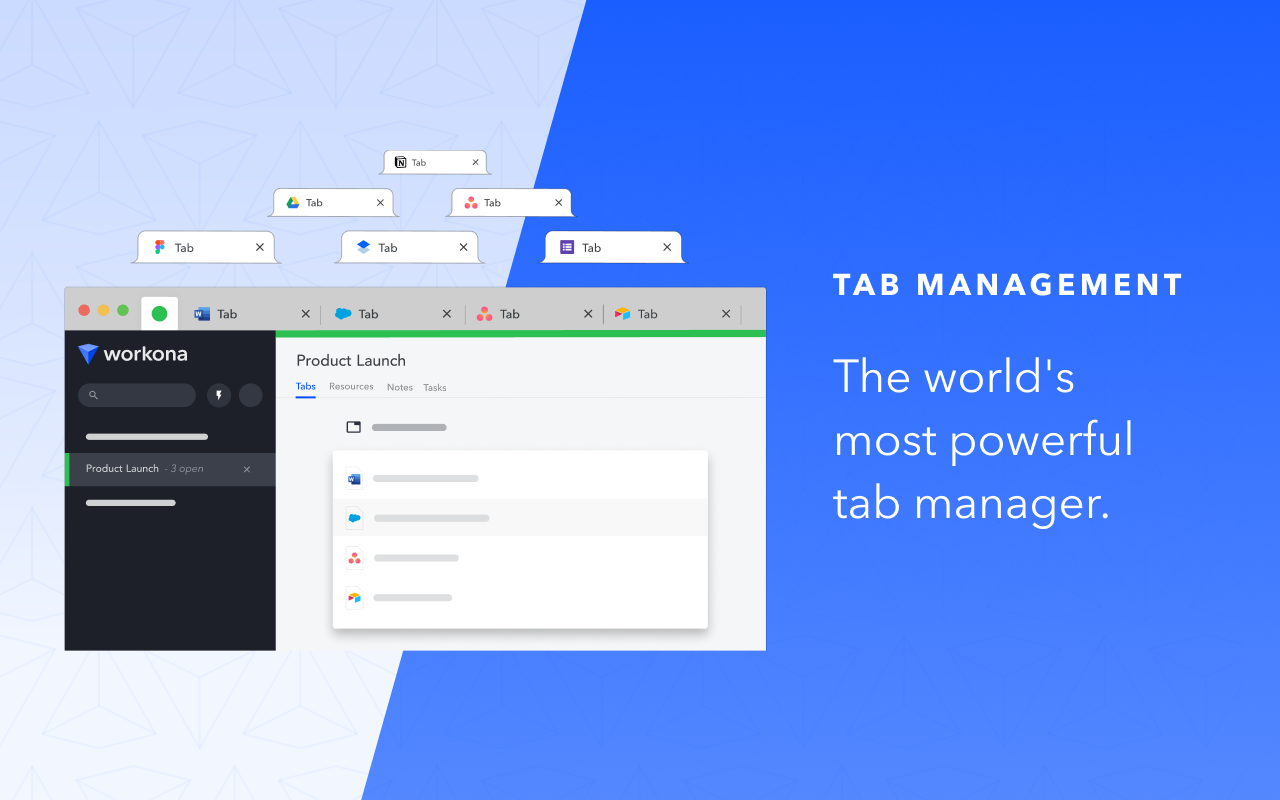
Keep your tabs under control with a tab manager that’s built for working in the cloud. Suspend tabs, rearrange tabs with drag and drop, and rest easy knowing that every tab is automatically saved.
Secure backups:
You never have to worry about losing work, because Workona auto-saves all of your tabs. In case of a browser crash or other emergency, you can easily restore your tabs to get you back on track.
Suspend tabs:
Dramatically reduce memory usage and keep your computer running faster. Our tab suspension helps you open spaces and switch between them almost instantly.
Bookmark tabs:
Bookmark tabs in spaces by adding them as resources. You can also choose to save an entire window as a space.
Tab groups:
Spaces let you group tabs to make context switching easier. To streamline recurring processes, you can open all tabs or close all tabs in a resource section with just one click.
Search tabs:
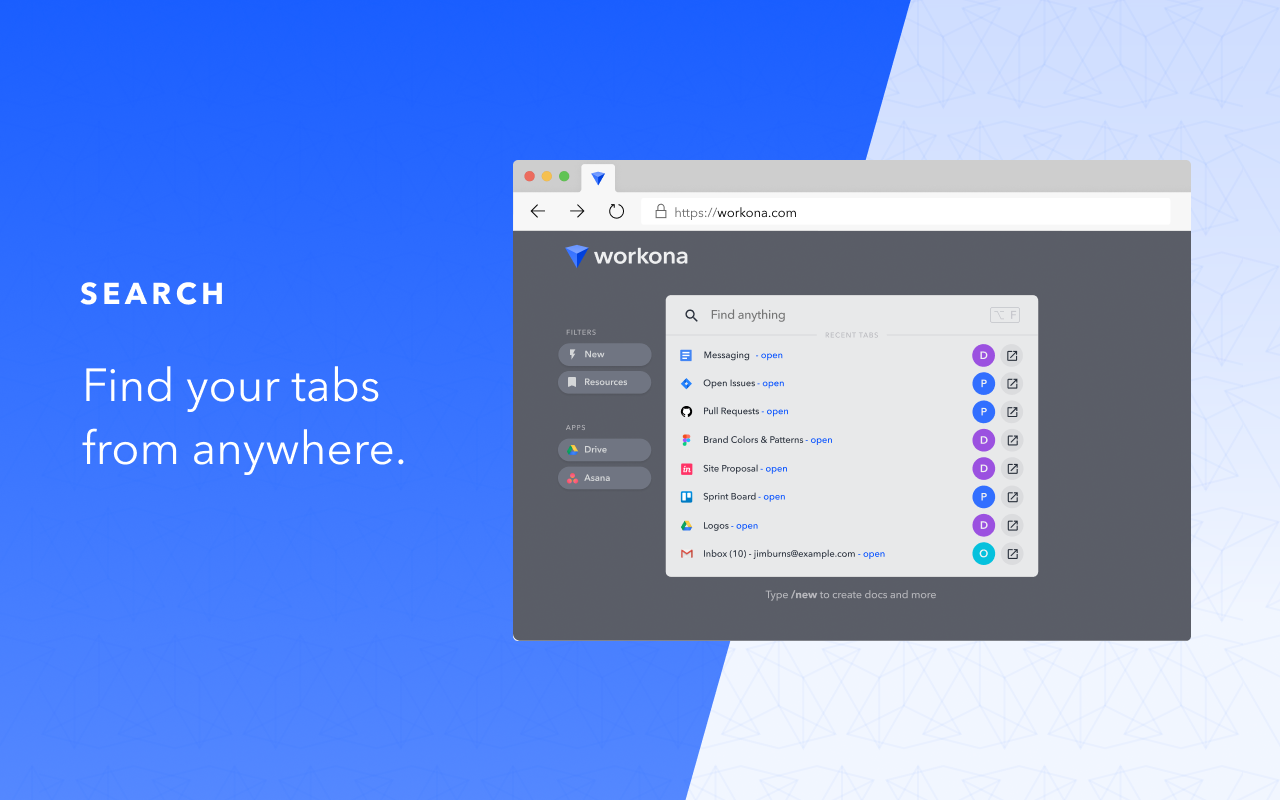
Our powerful search helps you find your tabs and docs faster. Search all open tabs—or previously open tabs—at a moment’s notice. Plus, filter your search by cloud app to narrow down the results.
Sync tabs:
Sync your tabs between computers to keep your work organized, no matter how many devices you use or where they are.
PRIVACY & SECURITY
We believe that great software shouldn't come at a cost to privacy. We securely store your spaces in the cloud so you can keep your work backed up and accessible from anywhere you need it. Your data belongs to you and we store it for the sole purpose of providing value to you.
Workona is SOC 2 Type II compliant, has annual 3rd-party penetration tests performed, and uses enterprise-grade 256-bit AES encryption and Transport Layer Security (HTTPS) to prevent unauthorized access to your Workona data.
If you ever have questions about Workona’s security practices or your data, or if you're interested in us completing a security questionnaire for internal approval, reach out to us at security@workona.com.
SUPPORT
Feel free to contact support at support@workona.com and we'll reply as soon as possible.
MORE INFORMATION
By installing the Workona Tab Manager extension, you agree to Workona’s Terms of Service (workona.com/policies/terms) and Privacy Policy (workona.com/policies/privacy).
Tab Manager by Workona 是做什么的
Tab Manager by Workona 是一款面向 Edge 的效率工具类扩展,主要用来管住注意力、屏蔽干扰站点、记录时间。官方对它的介绍是:The world’s best tab manager在微软 Edge 加载项商店上,它当前版本 3.1.33,评分 4.4(102 人评价),约 34,954 名用户。
适合什么人用
从功能定位看,Tab Manager by Workona 更适合想专注工作学习、减少无效刷网页的用户。如果你平时只是偶尔遇到相关需求,用浏览器自带功能也能凑合;但如果这件事每天都发生,装一个专门处理它的扩展通常比手动操作省事得多。
怎么安装 Tab Manager by Workona
- 打开微软 Edge 加载项商店上的官方页面;
- 点「添加到浏览器」并确认权限提示;
- 装好后在扩展列表里固定图标,方便随时开关。
本站只做索引与介绍,安装包来自官方商店。如果商店页面提示当前地区不可用,说明该扩展未在你所在区域上架。
常见问题
Tab Manager by Workona 是免费的吗?
Tab Manager by Workona 在微软 Edge 加载项商店免费提供下载。它是浏览器扩展,装上就能直接用,不需要注册账号。
Tab Manager by Workona 安全吗?
它只申请了 0 项权限,范围比较克制,没有申请「读取所有网站数据」这种大权限。
Tab Manager by Workona 支持哪些浏览器?
当前收录的版本来自微软 Edge 加载项商店,适用于 Edge。同一个扩展在其他商店可能有对应版本,但功能与版本号不一定相同。
怎么卸载 Tab Manager by Workona?
在扩展管理页找到 Tab Manager by Workona,点移除即可。它在本地保存的设置会一起清掉,不会残留数据。
权限清单 来自 manifest.json 原文
接口权限 5
contextMenushistorystoragetabsunlimitedStorage
接口权限(可选) 2
system.memorytabGroups