Synology Download Station by R22E EN
r22e Studio · EEdge MV3
Manage Synology Download Station: add links, magnets and torrents, track progress, and control NAS downloads.
截图
简介
Control Synology Download Station from Microsoft Edge.
R22E Station puts your NAS downloads within reach without switching to DSM every time. Add links, magnets, torrents, and NZB files; monitor progress and manage tasks from the popup or side panel.
► Add downloads in seconds
Paste a file URL or magnet link, upload a torrent or NZB file, send a link from the right-click menu, or collect download links from the current page.
► Keep track of your tasks
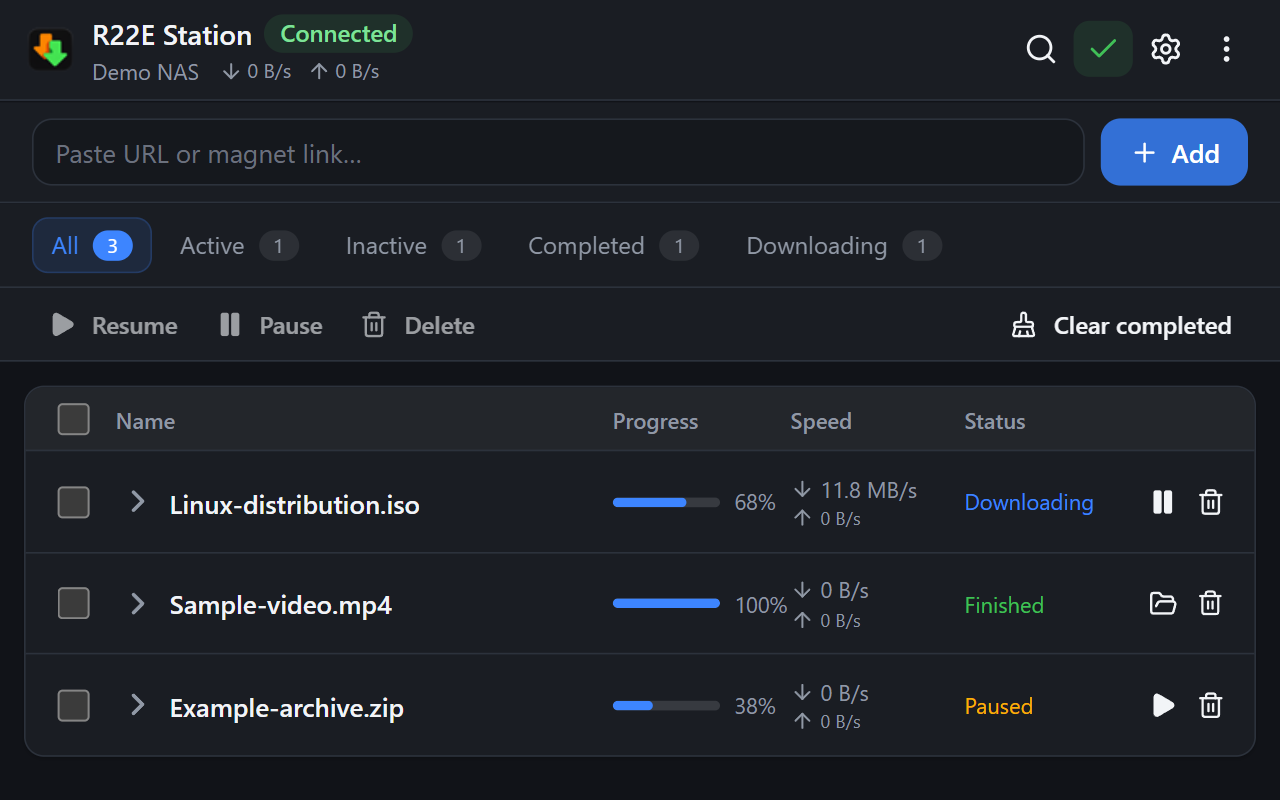
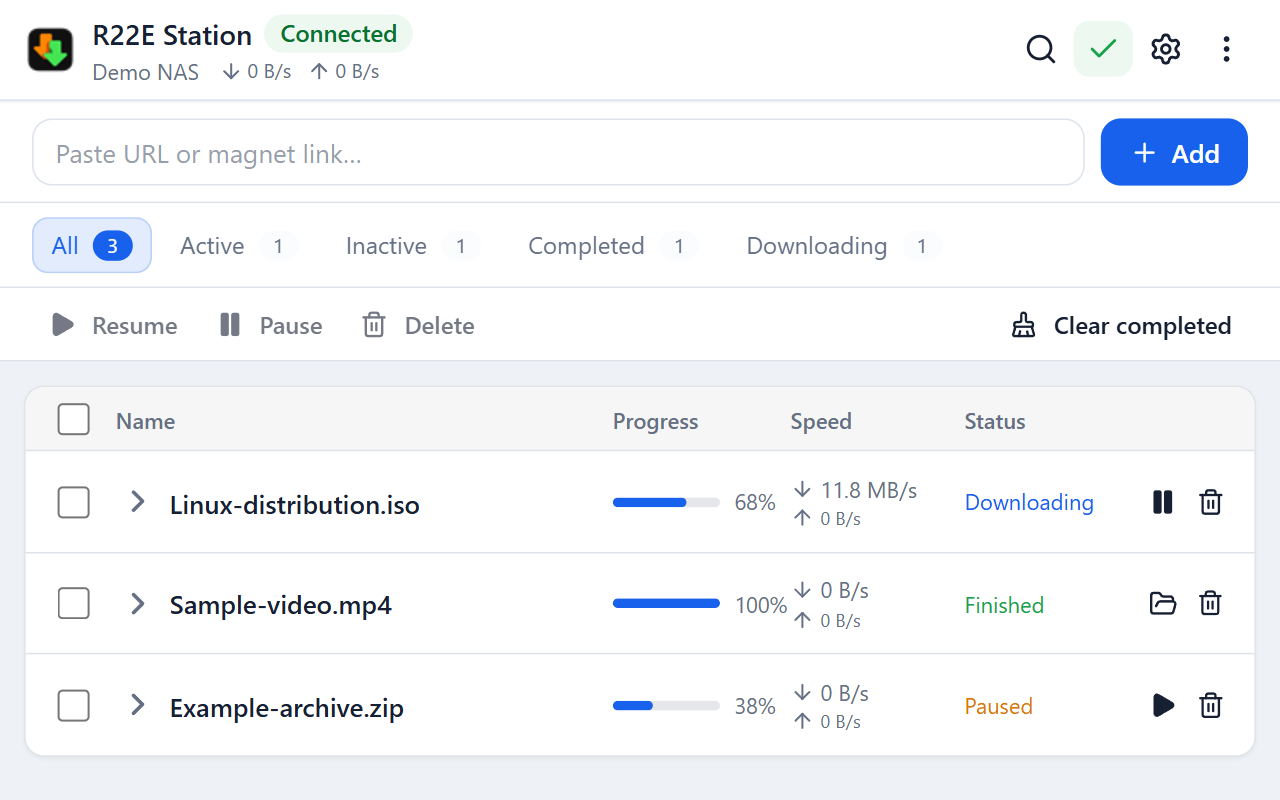
See progress, transfer speeds, and status. Filter by activity or completion, expand details, and pause, resume, or remove tasks.
► Choose where downloads go
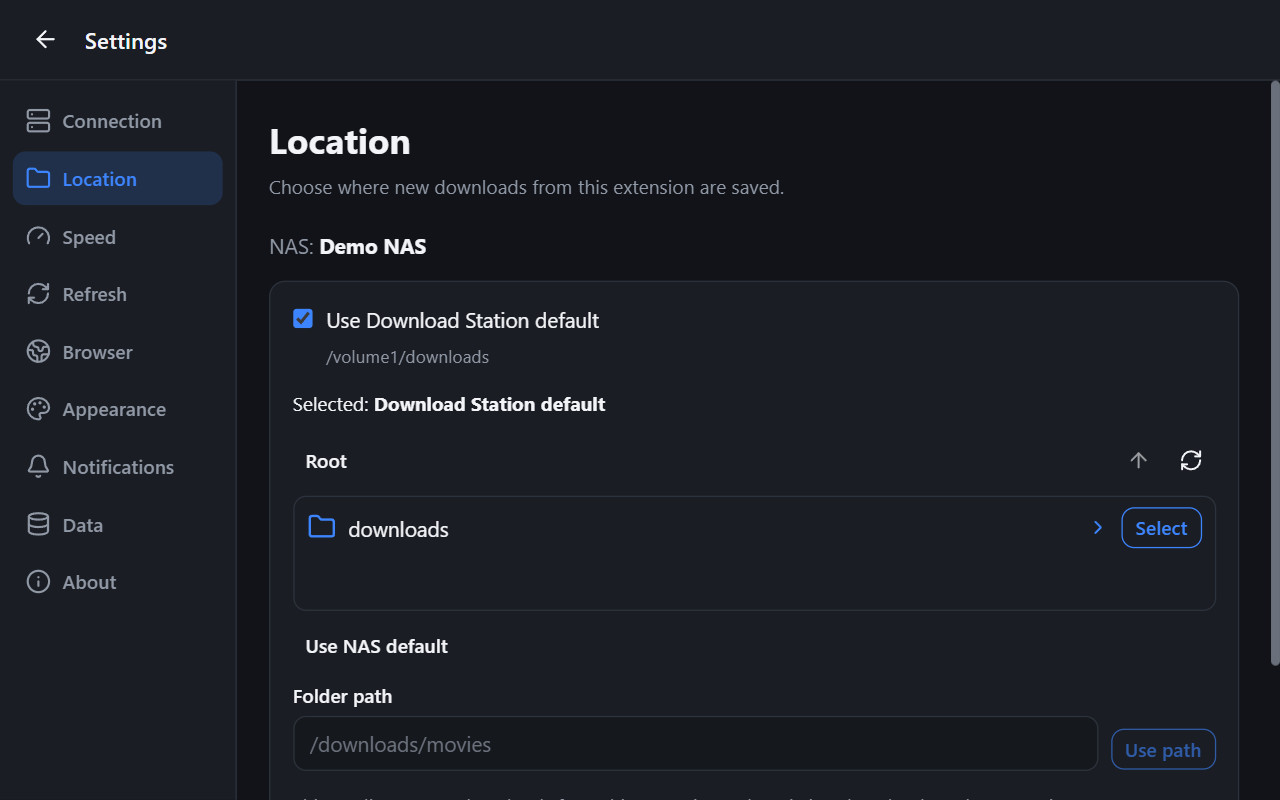
Use your NAS's Download Station destination by default, or choose a folder for each NAS profile. Browse folders or override the location for an individual download.
► Manage transfer limits
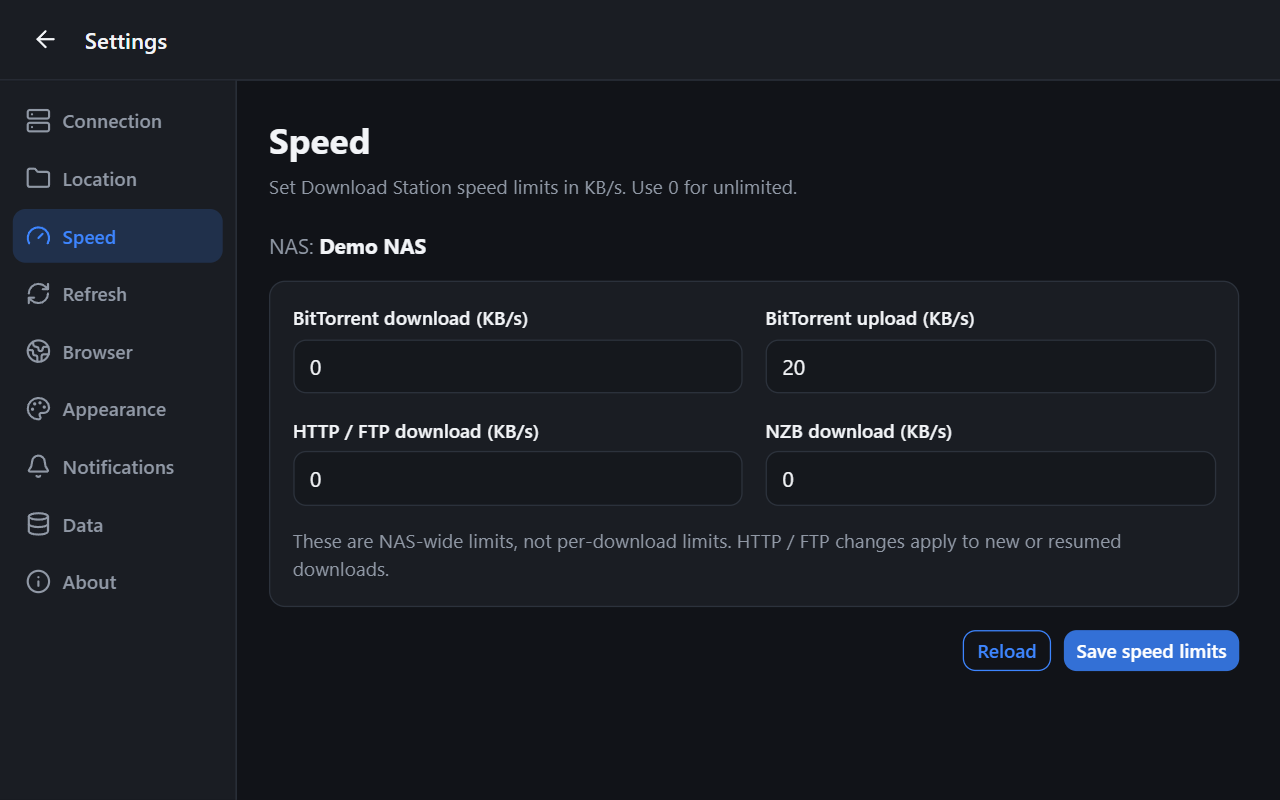
Set supported Download Station upload and download speed limits. These NAS-wide settings require a manager account; 0 means unlimited.
► Make it your own
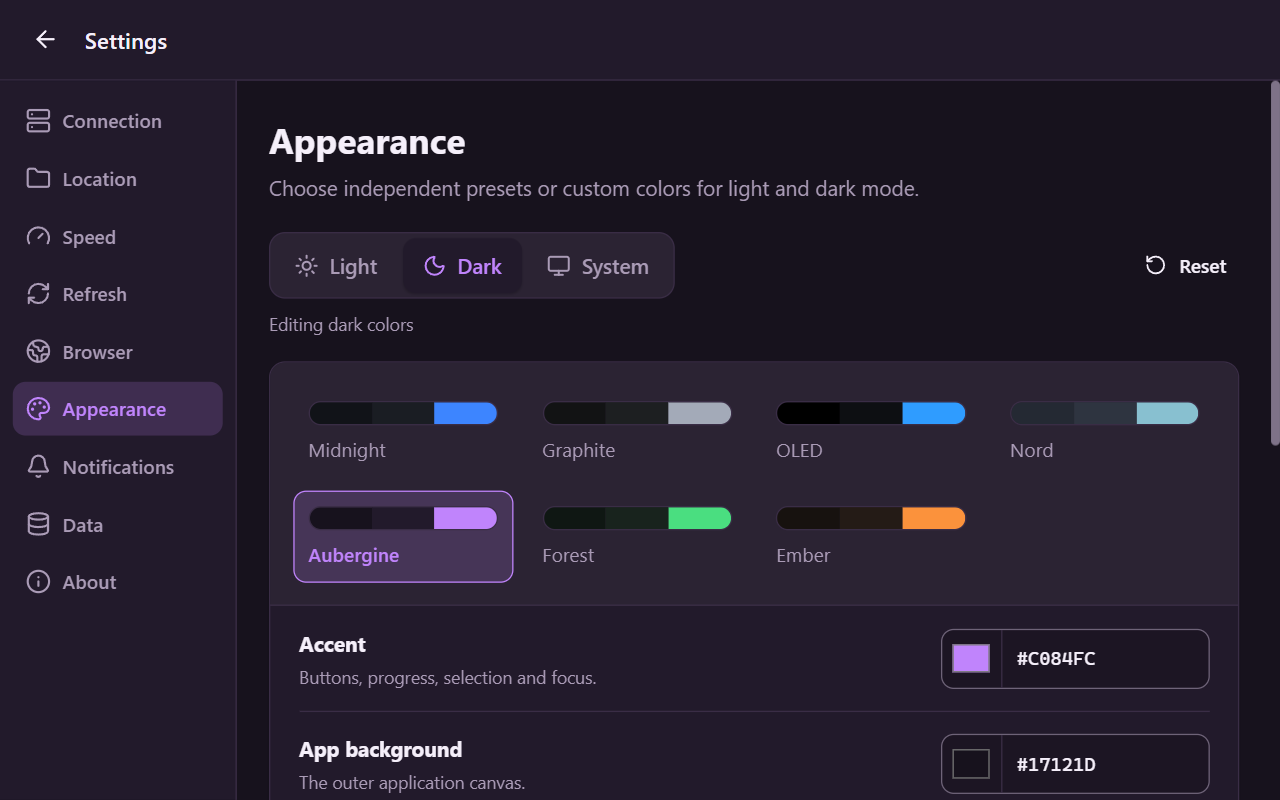
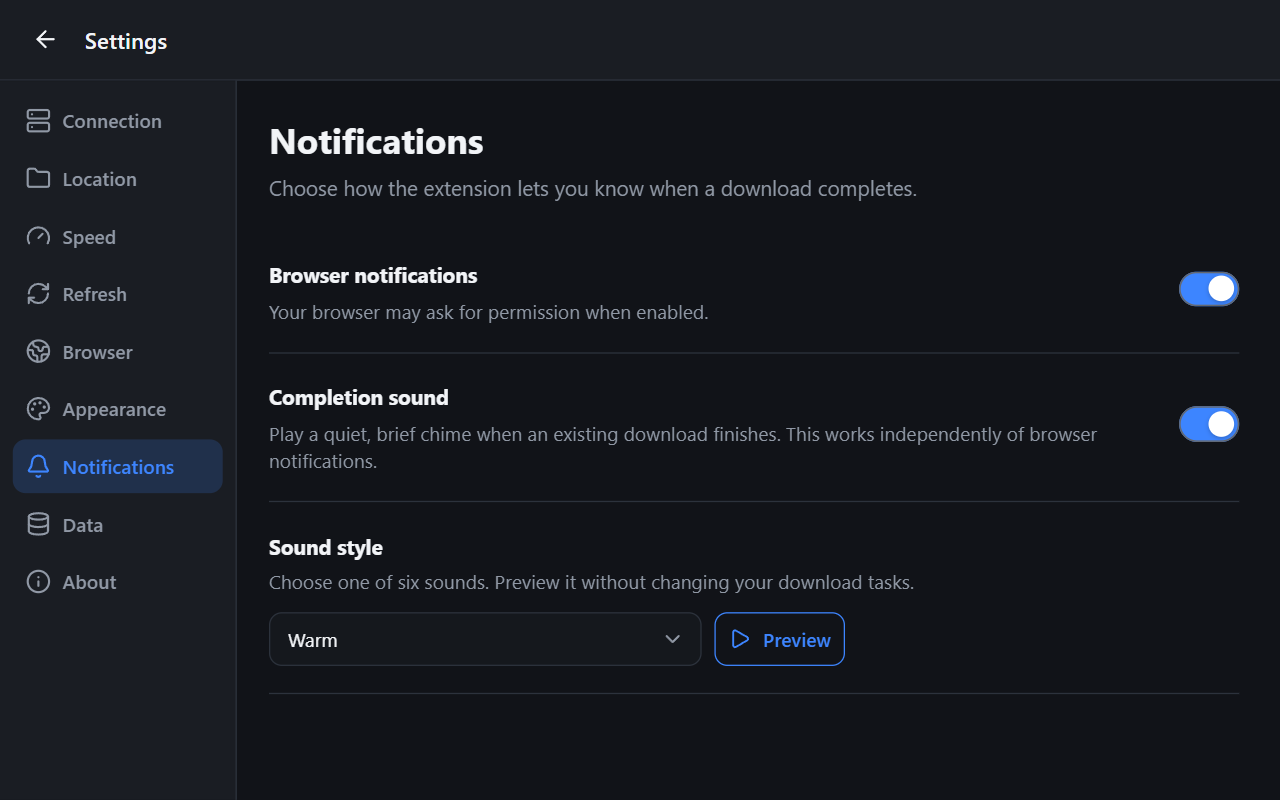
Choose light or dark mode, customize the accent color, and enable optional completion notifications and sounds.
► Connect to your own NAS
Use Local HTTPS with a certificate your browser trusts. Local HTTP is available on trusted networks, but is not encrypted. Ports 5000 and 5001 are defaults; enter a custom port in the NAS address, by appending :8080 to an HTTP address or :8443 to an HTTPS address. Experimental QuickConnect-ID support allows direct connections only; relay is not supported.
► Your NAS, your account
No R22E account is required. Saving a NAS password is optional; it stays in this browser's local extension storage without extension-level encryption.
WHAT'S NEW IN 0.1.9
• Clearer custom-port guidance in connection setup.
• Fixed explicitly entered HTTP port 80 and HTTPS port 443 being replaced by the default DSM ports.
GETTING STARTED
A compatible Synology NAS, Download Station, and your own NAS account are required. Open the extension, choose Add NAS, enter your DSM address, and connect.
HELP & SOURCE CODE
Website: https://r22e.com/plugins/r22e-station
Support: https://r22e.com/contact
Source and full changelog: https://github.com/r22ehq/Synology-Download-Station-by-R22E
This independent, open-source extension is not affiliated with or endorsed by Synology.
Synology Download Station by R22E 是做什么的
Synology Download Station by R22E 是一款面向 Edge 的效率工具类扩展,主要用来管住注意力、屏蔽干扰站点、记录时间。官方对它的介绍是:Manage Synology Download Station: add links, magnets and torrents, track progress, and control NAS downloads.在微软 Edge 加载项商店上,它当前版本 0.1.9,评分 1(1 人评价),约 35 名用户。
适合什么人用
从功能定位看,Synology Download Station by R22E 更适合想专注工作学习、减少无效刷网页的用户。如果你平时只是偶尔遇到相关需求,用浏览器自带功能也能凑合;但如果这件事每天都发生,装一个专门处理它的扩展通常比手动操作省事得多。
怎么安装 Synology Download Station by R22E
- 打开微软 Edge 加载项商店上的官方页面;
- 点「添加到浏览器」并确认权限提示;
- 装好后在扩展列表里固定图标,方便随时开关。
本站只做索引与介绍,安装包来自官方商店。如果商店页面提示当前地区不可用,说明该扩展未在你所在区域上架。
常见问题
Synology Download Station by R22E 是免费的吗?
Synology Download Station by R22E 在微软 Edge 加载项商店免费提供下载。它是浏览器扩展,装上就能直接用,不需要注册账号。
Synology Download Station by R22E 安全吗?
它只申请了 0 项权限,范围比较克制,没有申请「读取所有网站数据」这种大权限。
Synology Download Station by R22E 支持哪些浏览器?
当前收录的版本来自微软 Edge 加载项商店,适用于 Edge。同一个扩展在其他商店可能有对应版本,但功能与版本号不一定相同。
怎么卸载 Synology Download Station by R22E?
在扩展管理页找到 Synology Download Station by R22E,点移除即可。它在本地保存的设置会一起清掉,不会残留数据。
权限清单 来自 manifest.json 原文
接口权限 7
activeTabalarmscontextMenusoffscreenscriptingsidePanelstorage
接口权限(可选) 1
notifications