
Style Engine – Custom CSS & JavaScript EN
Glitchid · EEdge MV3
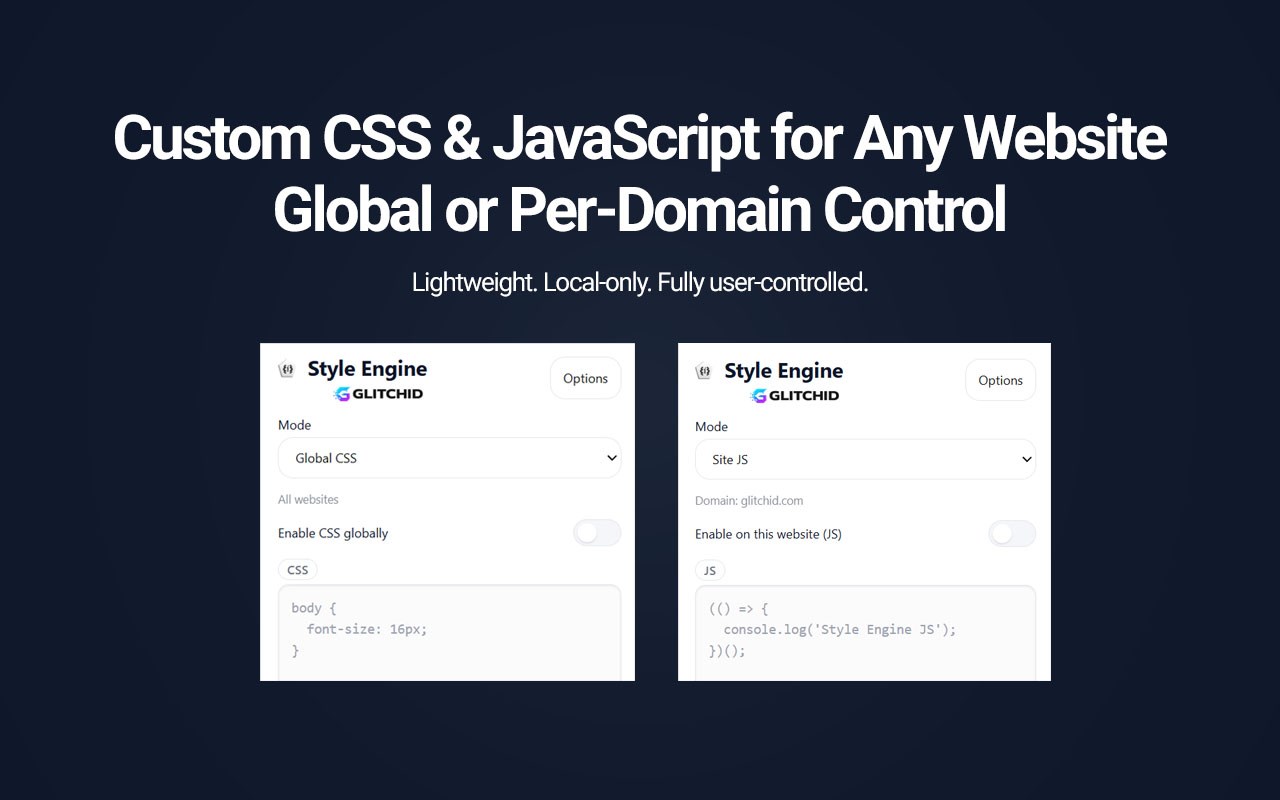
Apply custom CSS and JavaScript globally or per domain. Local-only, lightweight, and fully user-controlled.
截图
简介
Style Engine lets you apply your own CSS and JavaScript to websites, either globally or for individual domains.
It is designed for developers, designers, power users, and anyone who wants more control over how websites look and behave without modifying server-side code.
Create simple visual tweaks, remove unwanted interface elements, adjust typography and spacing, test CSS ideas, or run your own JavaScript snippets directly in the browser.
KEY FEATURES
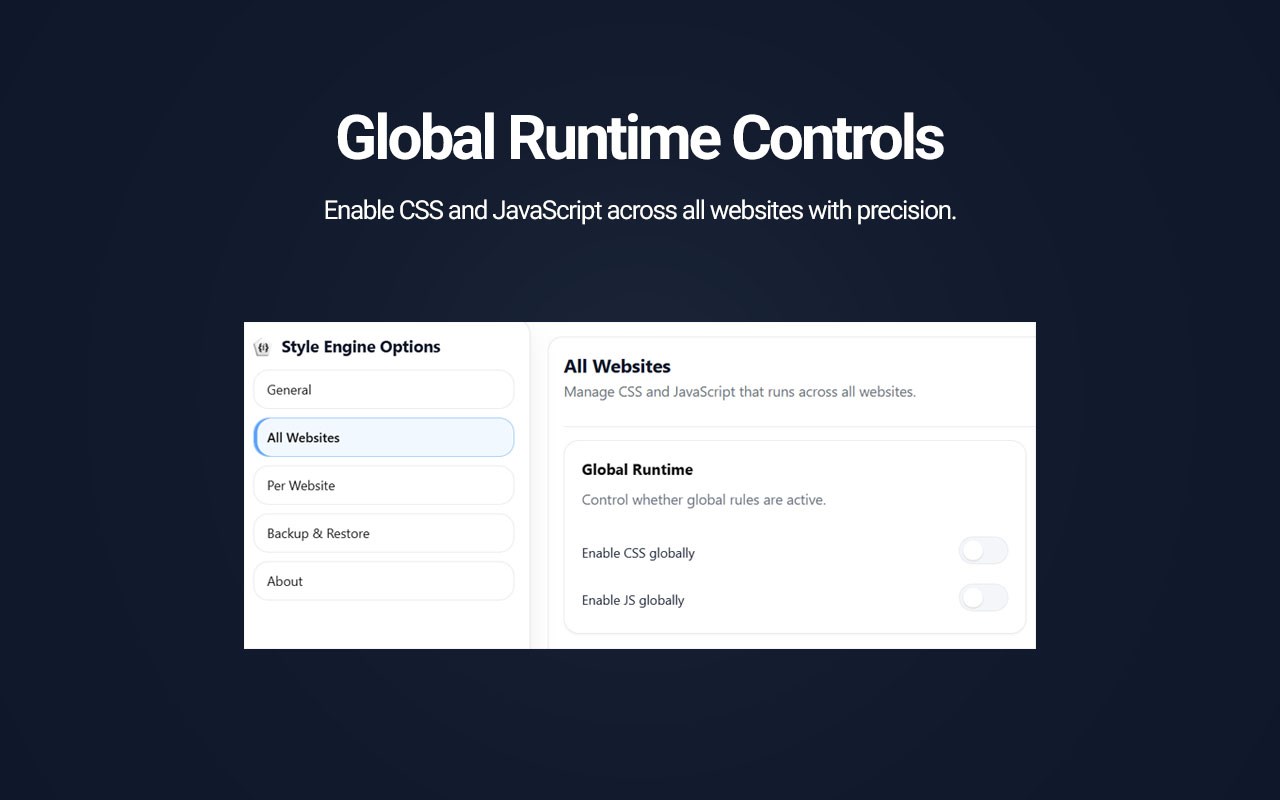
Global rules
Apply CSS or JavaScript across all supported websites. Global CSS and Global JavaScript can be enabled independently.
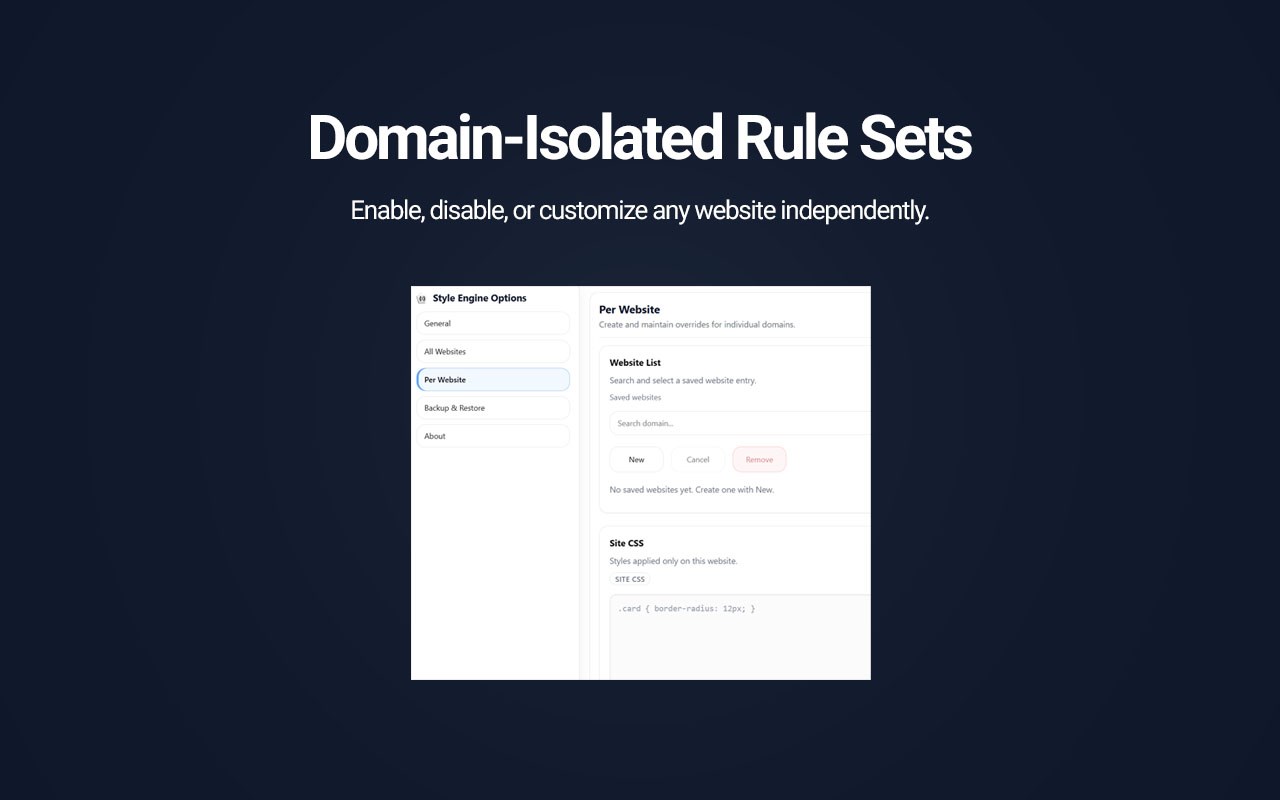
Per-website rules
Create isolated CSS and JavaScript rules for individual domains. Each site can have its own code and independent CSS/JS enable controls.
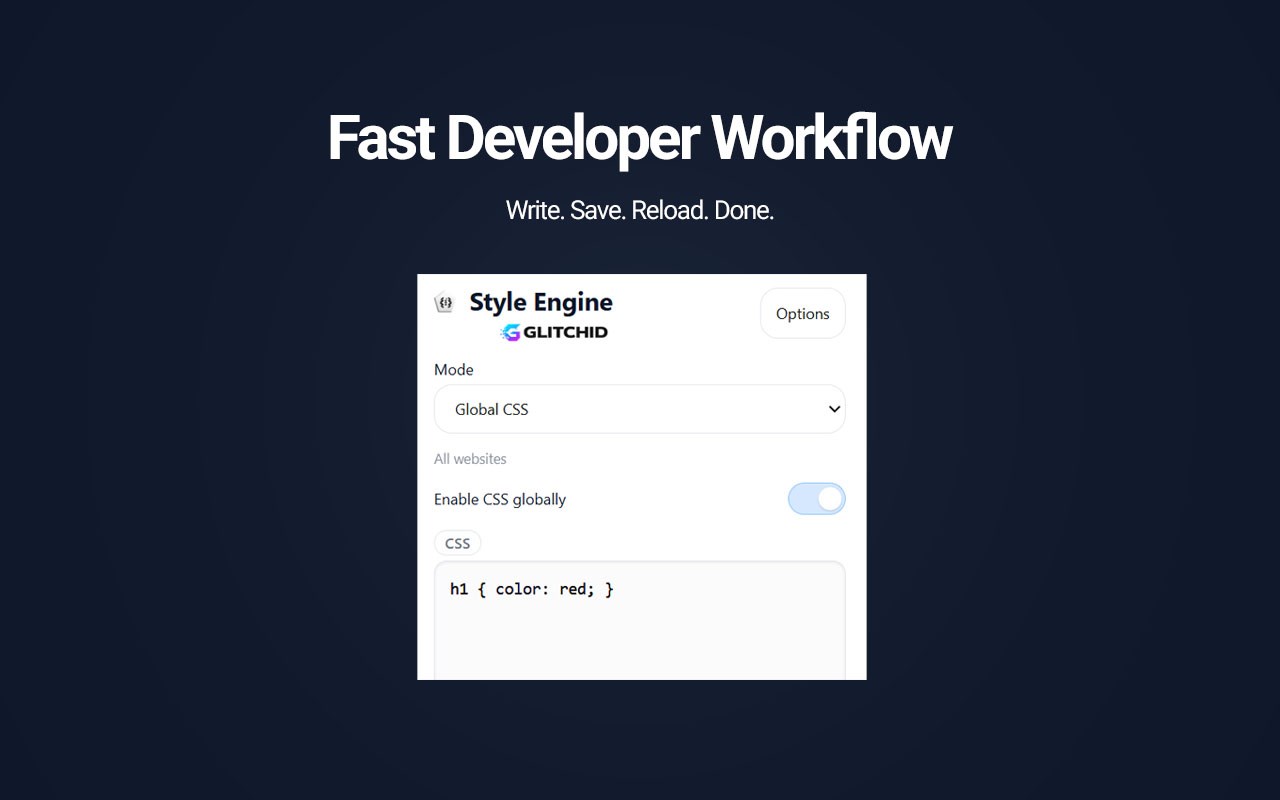
Live CSS updates
CSS changes can be previewed directly on the active page while editing.
Optional live JavaScript preview
JavaScript can be previewed while editing in the popup. Live JavaScript preview can be disabled from Settings.
JavaScript effect cleanup
When supported live JavaScript changes are replaced or disabled, Style Engine can clean up common DOM, style, event listener, and timer effects without requiring a page reload.
SPA navigation support
CSS remains available across modern single-page application navigation. Optional JavaScript rerun behavior for SPA navigation can be enabled in Settings.
Automatic saving
Editor changes can be saved automatically while you work. Automatic saving can also be disabled if you prefer manual Save controls.
Global and site-specific management
Manage saved websites, edit existing rules, create new site rules, or remove rules from a dedicated Settings interface.
Backup and Restore
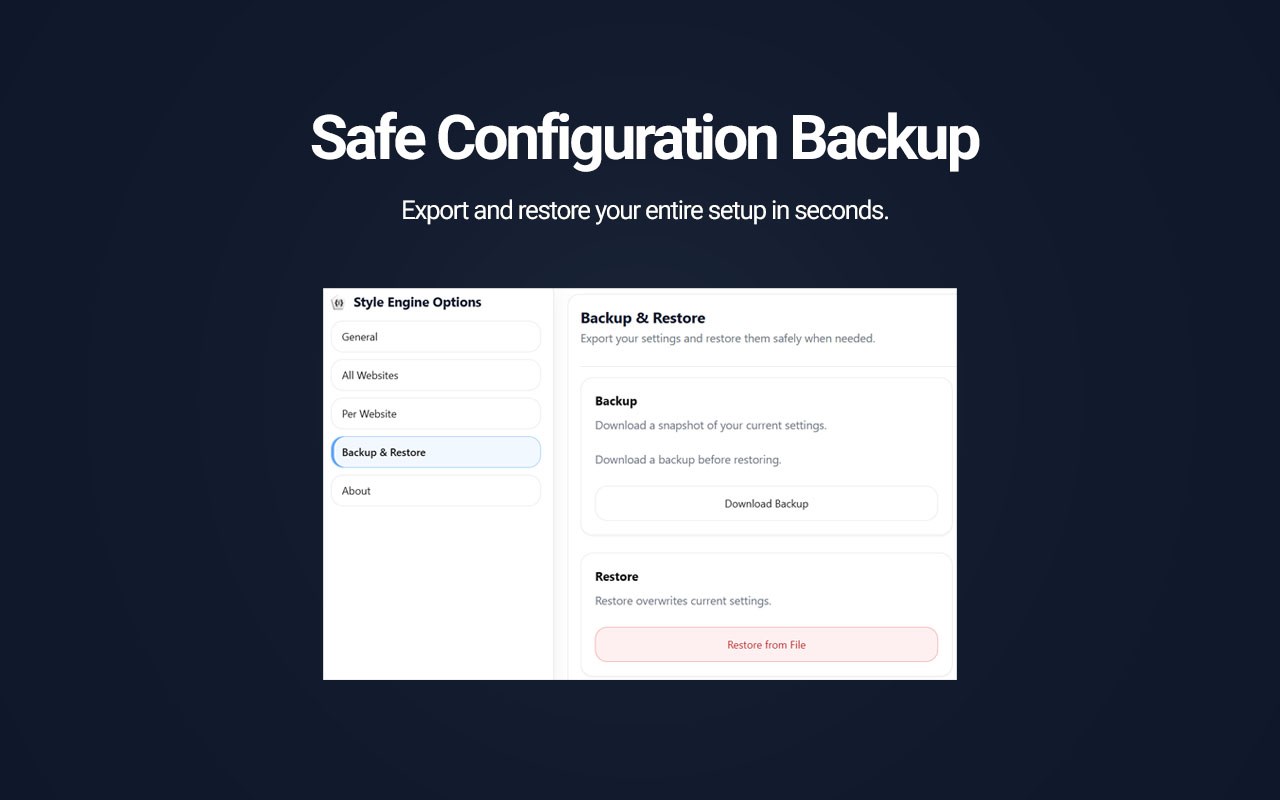
Export your complete Style Engine configuration to a local JSON backup and restore it when needed.
Light and dark themes
Use the system theme automatically or select a light or dark interface manually.
Flexible feedback
Choose between desktop notifications, inline messages, or silent operation for action feedback.
Multilingual interface
Style Engine currently supports:
English
German
Spanish
French
Italian
Dutch
Polish
Portuguese
Russian
Turkish
COMMON USE CASES
• Create custom dark or light styles for websites.
• Hide banners, promotional areas, sticky elements, or other unwanted interface components.
• Adjust fonts, colors, spacing, and page layout.
• Add accessibility-oriented visual adjustments.
• Create debugging or development overlays.
• Run small JavaScript snippets for repetitive browser-side tasks.
• Maintain different customizations for different websites.
• Apply common CSS or JavaScript rules globally.
PRIVACY AND CONTROL
No tracking
Style Engine does not collect browsing history, analytics, or usage telemetry.
Local storage
Your settings, CSS, JavaScript, and website rules are stored locally in your browser.
No browser sync storage
Style Engine does not upload or synchronize your saved rules through browser sync storage.
No remote code
Style Engine does not download or execute JavaScript from remote CDNs or external code sources.
User-controlled code
The extension executes code entered by you into Style Engine.
Website permissions are requested when needed
Site access is requested when you enable functionality that requires access to a website. Global rules may require broader optional website permission.
Your rules remain under your control and can be enabled, disabled, edited, exported, restored, or removed at any time.
LINKS
Website:
https://glitchid.com/products/style-engine/
Documentation:
https://glitchid.com/products/style-engine/documentation/
Privacy Policy:
https://glitchid.com/privacy/style-engine-privacy/
Terms:
https://glitchid.com/terms/style-engine-terms/
Support:
support@glitchid.com
Publisher:
Glitchid
Style Engine – Custom CSS & JavaScript 是做什么的
Style Engine – Custom CSS & JavaScript 是一款面向 Edge 的实用工具类扩展,主要用来解决浏览器里某类具体的小问题。官方对它的介绍是:Apply custom CSS and JavaScript globally or per domain. Local-only, lightweight, and fully user-controlled.在微软 Edge 加载项商店上,它当前版本 1.3.0,评分 3(2 人评价),约 117 名用户。
适合什么人用
从功能定位看,Style Engine – Custom CSS & JavaScript 更适合想补上浏览器原生缺失功能的用户。如果你平时只是偶尔遇到相关需求,用浏览器自带功能也能凑合;但如果这件事每天都发生,装一个专门处理它的扩展通常比手动操作省事得多。
怎么安装 Style Engine – Custom CSS & JavaScript
- 打开微软 Edge 加载项商店上的官方页面;
- 点「添加到浏览器」并确认权限提示;
- 装好后在扩展列表里固定图标,方便随时开关。
本站只做索引与介绍,安装包来自官方商店。如果商店页面提示当前地区不可用,说明该扩展未在你所在区域上架。
常见问题
Style Engine – Custom CSS & JavaScript 是免费的吗?
Style Engine – Custom CSS & JavaScript 在微软 Edge 加载项商店免费提供下载。它是浏览器扩展,装上就能直接用,不需要注册账号。
Style Engine – Custom CSS & JavaScript 安全吗?
它只申请了 0 项权限,范围比较克制,没有申请「读取所有网站数据」这种大权限。
Style Engine – Custom CSS & JavaScript 支持哪些浏览器?
当前收录的版本来自微软 Edge 加载项商店,适用于 Edge。同一个扩展在其他商店可能有对应版本,但功能与版本号不一定相同。
怎么卸载 Style Engine – Custom CSS & JavaScript?
在扩展管理页找到 Style Engine – Custom CSS & JavaScript,点移除即可。它在本地保存的设置会一起清掉,不会残留数据。
权限清单 来自 manifest.json 原文
接口权限 4
activeTabnotificationsscriptingstorage