
Speechify — Text to Speech EN
Speechify · Edge MV3
Read aloud any Google Doc, PDF, webpage, or book with text to speech (TTS). Natural sounding voices in 60+ languages & 1,000 voices.
<all_urls>),意味着它可以读取你在任意站点的页面内容,包括已登录的页面。这是许多扩展正常工作的必要条件,但也值得你确认来源可信。
截图
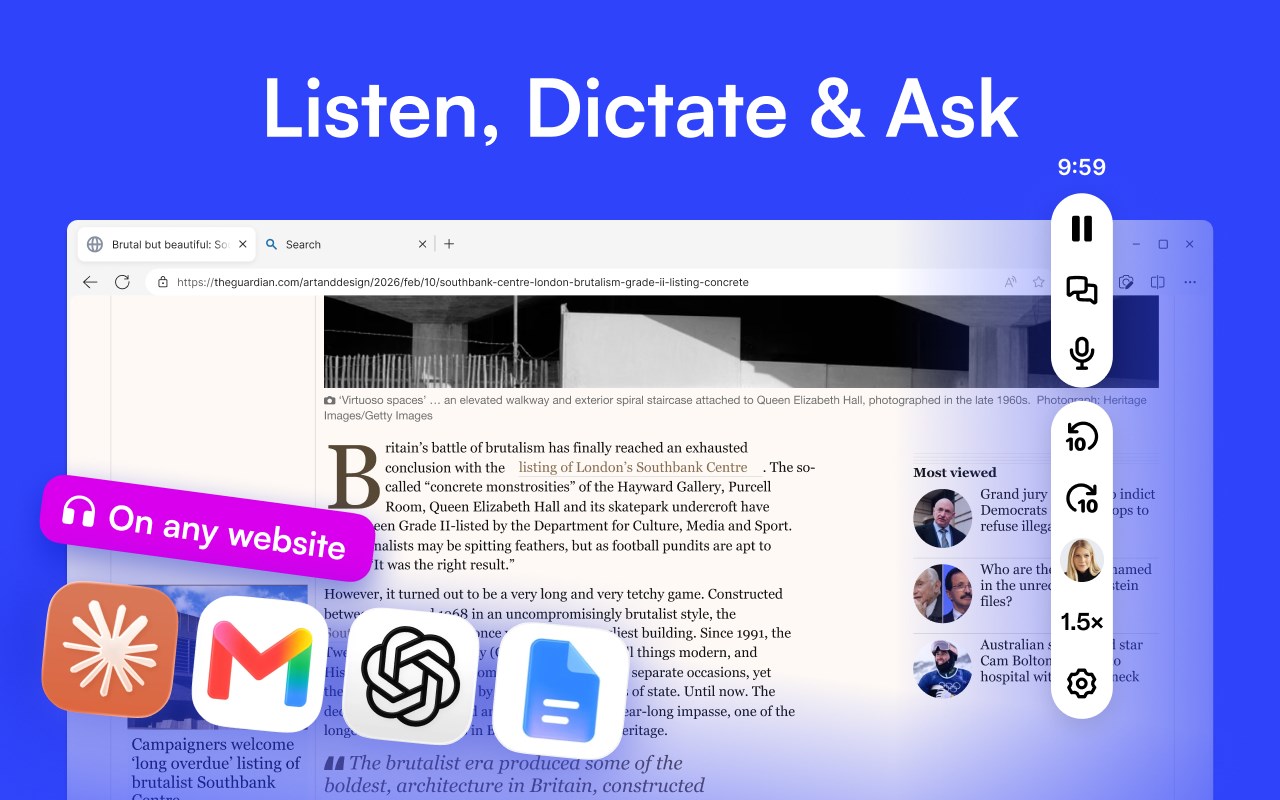
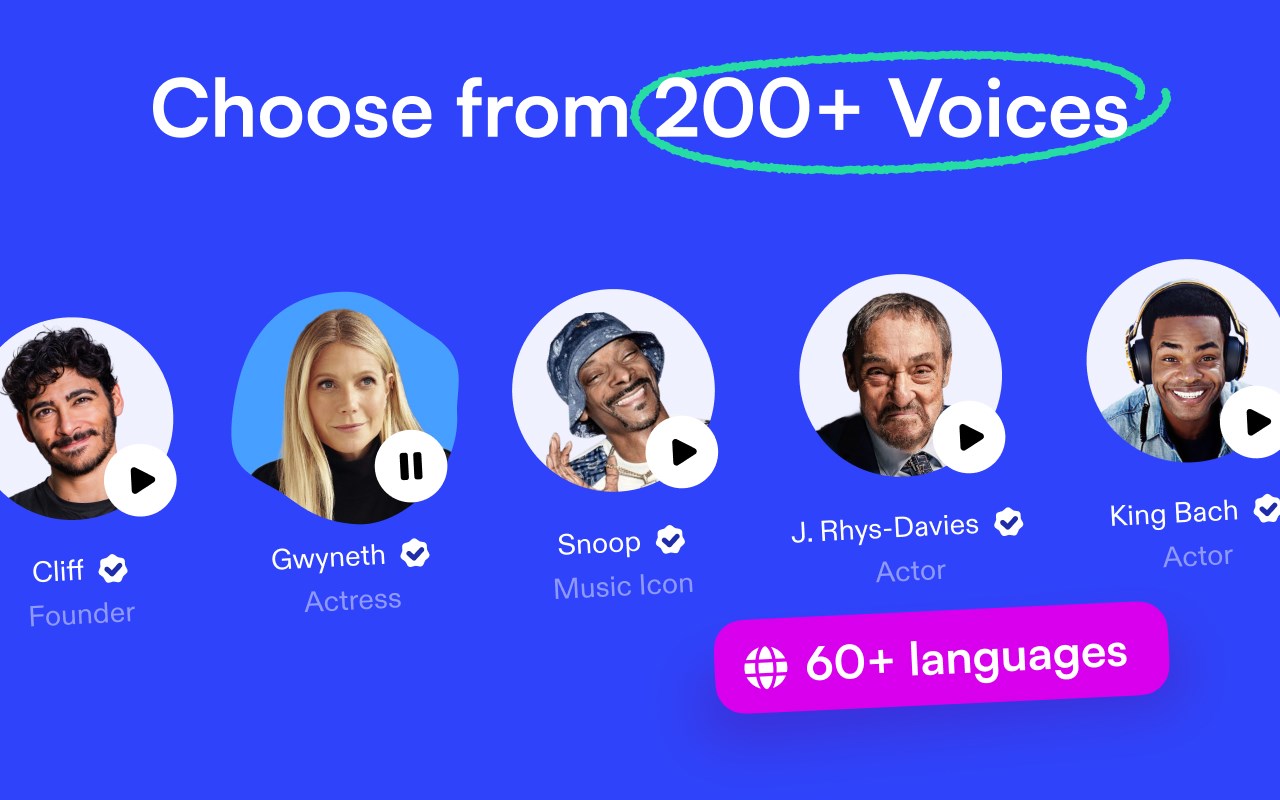
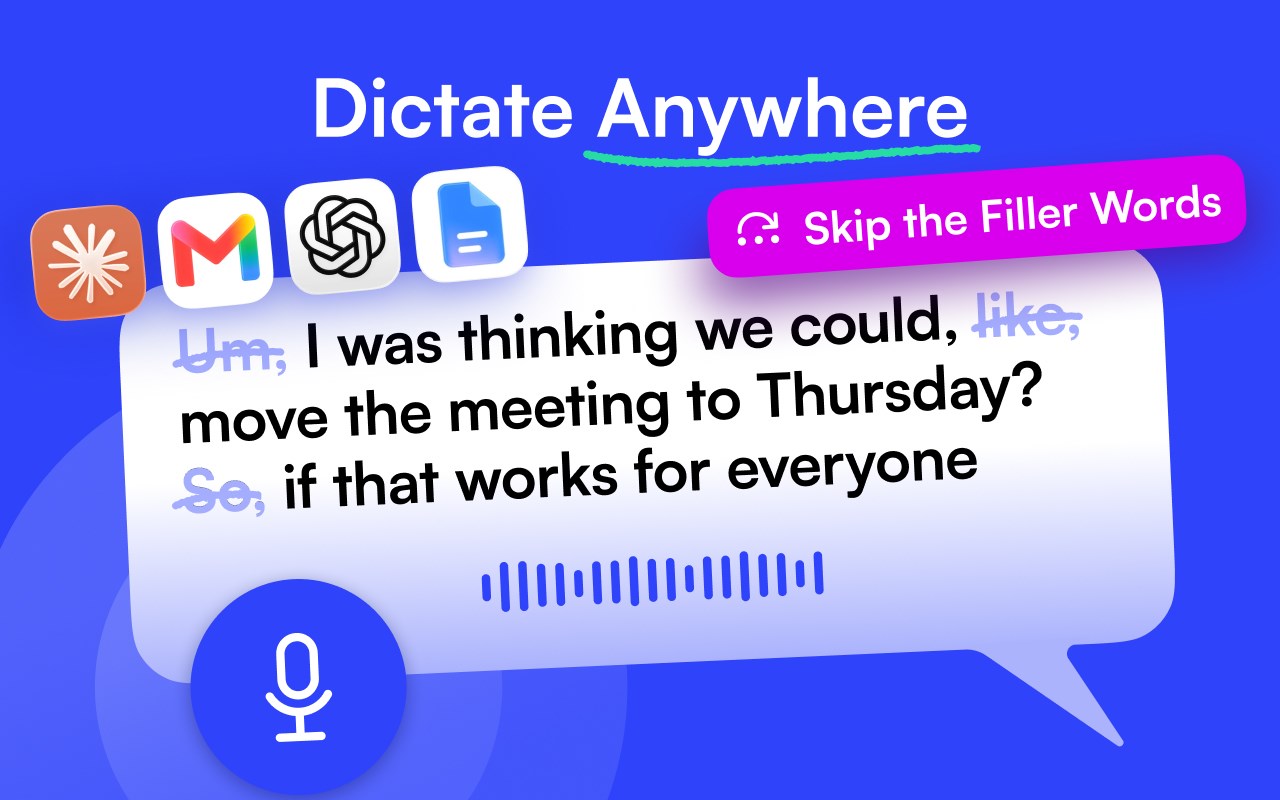
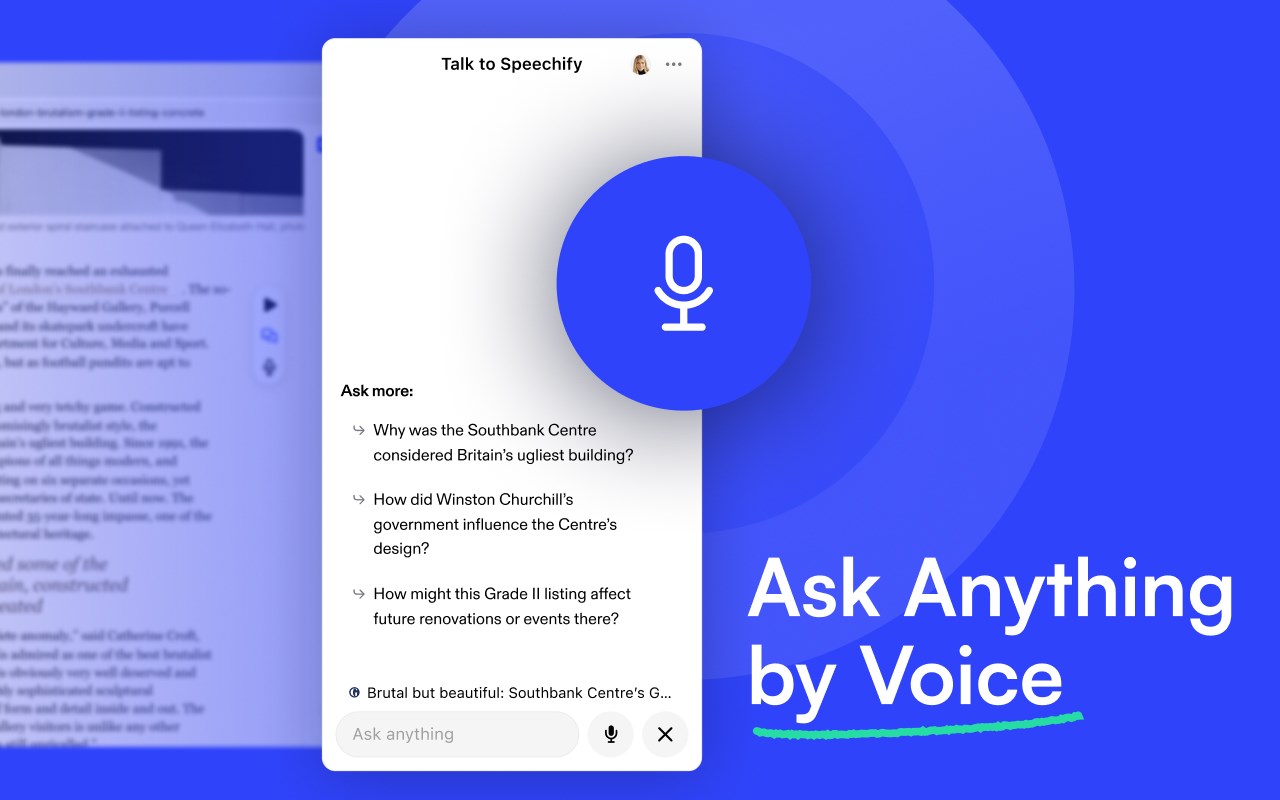
简介
Text to speech from Speechify lets you listen to docs, articles, PDFs, email, and other formats — anything you read. It’s one of the fastest growing voice generator extensions in the Edge store.
Our speech synthesis TTS technology is trusted by millions of happy users who listen in various languages and accents in the most natural-sounding speech. Our users have listened to 6.5 billion words.
== Speechify text to speech features ==
➤ Listen at any speed
Read up to 4.5x faster — 900 words per minute. Our high-quality AI voices can read 4.5x faster than the average reading speed so that you can learn even more in less time. While it isn’t easy to listen to 900 words per minute, we won’t stop you from achieving your full potential.
➤ Listen on desktop or mobile devices.
Anything you’ve saved to your Speechify library instantly syncs across devices so that you can listen to anything, anywhere, anytime. Saved artifacts are synced to the cloud and accessible across all your devices. Make sure to install our mobile app on your Android or iOS devices.
➤ Human-like voices
Our voices sound more fluid and human-like than any other AI reader, so you can understand and remember more.
➤ Screenshot image to audio
Found an image with text on it? Take a pic and have Speechify read it out loud to you. You can easily take a screenshot and sync it to your cloud with one click.
➤ Floating widget
The floating widget is always accessible when you need it. Move it around, dock it, or completely hide it.
➤ Other features
• Active highlighting to help you easily read along.
• Inline player seamlessly integrates into all your websites for easy and quick access.
• One subscription and easily sync across all your devices.
== How Speechify works ==
• Speechify scans your active tab in your browser and, in real time, converts the content to a most human-sounding voice.
• Works beautifully with Gmail, Google docs, Word docs, PDFs, Twitter, Wikipedia entries, blogs, news publications, and every web page you visit. It’s perfect for school, work, e-learning, learning a second language, and casual reading.
• You can take a picture of any text and import it into the app to read aloud.
With over 130+ voices to choose from across various languages, you can find the perfect one you love. Some voices are very recognizable. Mr. President, for instance, or even the officially licensed Gwyneth Paltrow voice, is one of our users’ favorites.
== Use cases ==
Speechify was first built to serve a single purpose: to help with dyslexia. But the use case for our app with the best-sounding voices exploded. If you love to read, need to read, or struggle with reading, Speechify is for you.
➤ Students at any grade level
Read faster and retain much more. Listen to your notes or textbook and follow along while stimulating auditory and visual senses.
➤ People with disabilities
Speechify was created by Cliff Weitzman, who struggled with dyslexia. It helped him excel at his studies.
➤ People struggling with vision issues or injuries that prevent them from reading
Other disabilities such as dry eyes, migraines, TBIs, or any illness that's a barrier to reading. Our mission has been constant – remove barriers to reading.
➤ Professionals like lawyers & doctors
Professions that require extensive reading, such as lawyers, doctors, editors, and such, can read important case files quickly and become more familiar with their work in shorter amounts of time.
➤ Storytime
Parents can use text to speech to read their children’s favorite books at home or on those long car rides. You don’t have to turn on an iPad or a movie to entertain your kids. They can listen to their favorite stories over and over again. Reading has proven to have significant results in early childhood development. Let them read.
➤ Productivity hackers
Save time with speed reading everything. No more lengthy emails. Use Speechify to automate your life. Speechify works great on Notion and other productivity tools.
➤ People who love podcasts
Reading your favorite blog, news article, or a lengthy PDF, but it’s time to work out? No problem. Simply press play, and Speechify will convert your article into speech.
➤ Avid readers
Those working in Google Docs. Efficiently read and share audio versions from within the docs for review.
== What's included ==
== Free Plan includes ==
➤ Convert any text into audio.
➤ Screenshot and convert text into audio.
➤ Limited 1,500 natural-sounding HD words.
➤ Limited to 3 PDF uploads.
➤ Unlimited listening with on-device voices.
== Premium Plan includes ==
➤ Everything included in the Free Plan
➤ 50+ premium and natural-sounding HD voices.
➤ Faster listening speed (1.1x and above).
➤ Unlimited PDF uploads.
➤ Automatically skip headers, footers, and citations.
➤ No ads.
Note: We offer a free trial of our premium features for 3 days, after which users will be asked to upgrade to a premium plan.
Speechify — Text to Speech 是做什么的
Speechify — Text to Speech 是一款面向 Edge 的实用工具类扩展,主要用来解决浏览器里某类具体的小问题。官方对它的介绍是:Read aloud any Google Doc, PDF, webpage, or book with text to speech (TTS). Natural sounding voices in 60+ languages & 1,000 voices.在微软 Edge 加载项商店上,它当前版本 14.14.0,评分 4.4(245 人评价),约 70,276 名用户。
适合什么人用
从功能定位看,Speechify — Text to Speech 更适合想补上浏览器原生缺失功能的用户。如果你平时只是偶尔遇到相关需求,用浏览器自带功能也能凑合;但如果这件事每天都发生,装一个专门处理它的扩展通常比手动操作省事得多。需要注意的是它作用于所有网站,装上后建议先观察一两天,确认不影响常用站点的正常使用。
怎么安装 Speechify — Text to Speech
- 打开微软 Edge 加载项商店上的官方页面;
- 点「添加到浏览器」并确认权限提示;
- 装好后在扩展列表里固定图标,方便随时开关。
本站只做索引与介绍,安装包来自官方商店。如果商店页面提示当前地区不可用,说明该扩展未在你所在区域上架。
常见问题
Speechify — Text to Speech 是免费的吗?
Speechify — Text to Speech 在微软 Edge 加载项商店免费提供下载。它是浏览器扩展,装上就能直接用,不需要注册账号。
Speechify — Text to Speech 安全吗?
它只申请了 0 项权限,范围比较克制,没有申请「读取所有网站数据」这种大权限。
Speechify — Text to Speech 支持哪些浏览器?
当前收录的版本来自微软 Edge 加载项商店,适用于 Edge。同一个扩展在其他商店可能有对应版本,但功能与版本号不一定相同。
怎么卸载 Speechify — Text to Speech?
在扩展管理页找到 Speechify — Text to Speech,点移除即可。它在本地保存的设置会一起清掉,不会残留数据。
权限清单 来自 manifest.json 原文
站点访问(可选) 1
<all_urls>
接口权限 11
alarmscontextMenusoffscreenscriptingsidePanelstoragesystem.cpusystem.memorytabCapturetabsunlimitedStorage