
Spassword EN
spassword · EEdge MV3
Zero-knowledge password manager: autofill, password generator, 2FA (TOTP), passkeys, CSV import, and free multi-device sync.
<all_urls>),意味着它可以读取你在任意站点的页面内容,包括已登录的页面。这是许多扩展正常工作的必要条件,但也值得你确认来源可信。
截图
简介
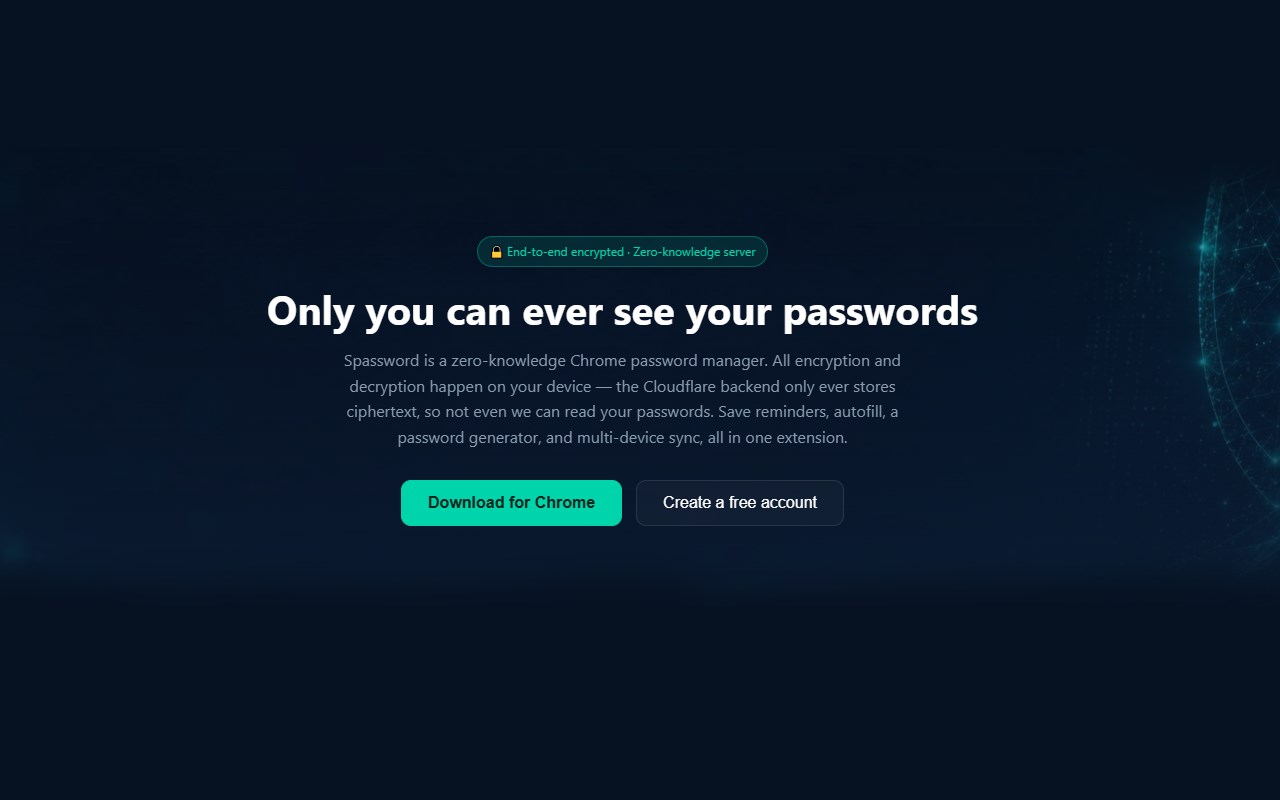
Spassword is a free, zero-knowledge password manager for Chrome and Edge, with a companion web vault you can use with or without installing the extension.
WHAT "ZERO-KNOWLEDGE" MEANS
Your master password never leaves your device, and it is never sent to our servers — not even in encrypted form. Everything is encrypted and decrypted locally in your browser using AES-256-GCM, with your encryption key derived from your master password via Argon2id (a memory-hard key derivation function) and HKDF. Our Cloudflare-based backend only ever stores ciphertext plus an authentication verifier. If our database were ever breached, there would be no readable passwords to leak — because we never had them in the first place. If you forget your master password, we cannot recover it for you either; that is the tradeoff of a true zero-knowledge design, and we tell you this upfront rather than after the fact.
CORE FEATURES
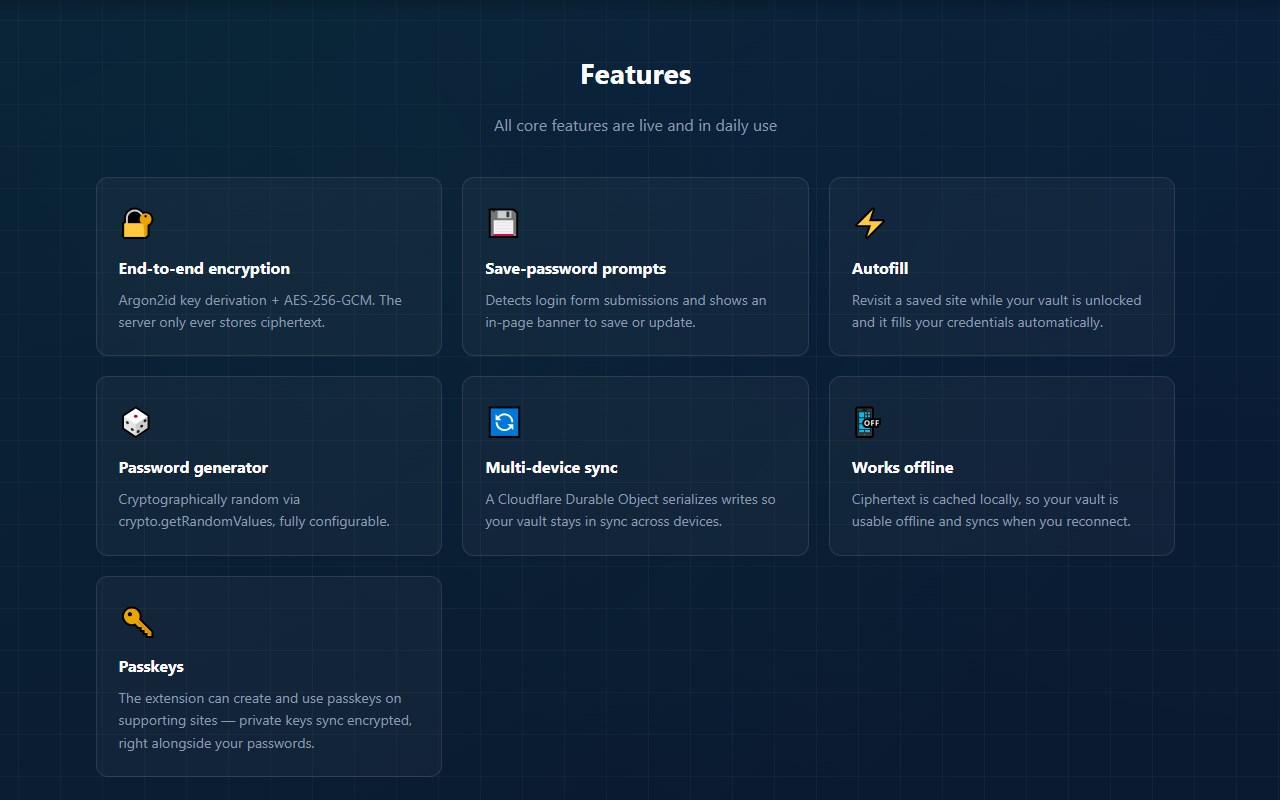
Save & autofill: Spassword detects login forms as you submit them and offers to save the credentials; on sites you've already saved, it can autofill your username and password automatically.
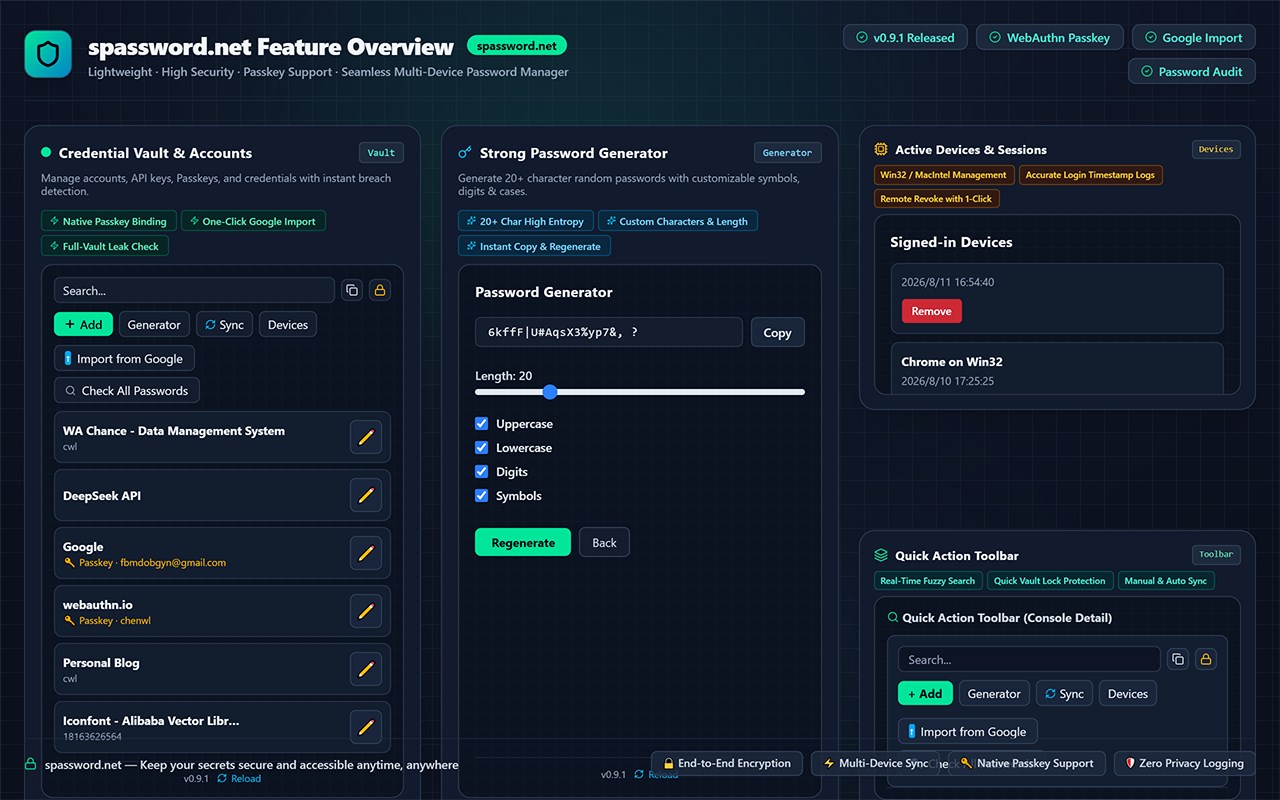
Built-in password generator: create strong, random passwords with one click, right from the save/edit screen.
Two-factor authentication (TOTP) built in: store and view live, auto-refreshing 6-digit 2FA codes alongside a saved login, or as a standalone 2FA-only entry — no separate authenticator app required.
Passkey (WebAuthn) support: on sites that support passkeys, Spassword can act as a software authenticator — creating and using standard WebAuthn passkeys the same way a hardware key or your OS's built-in authenticator would. Passkeys are encrypted and synced across your devices exactly like passwords and 2FA secrets. Every passkey creation or sign-in shows an on-page confirmation you have to approve first — nothing happens silently.
Import from Chrome/Google: bulk-import passwords from a CSV file exported via Chrome's own password manager, instead of adding them one by one.
Password breach checking: check any saved password against known data breaches with one click, or run a one-click scan across your entire vault. This uses a k-anonymity design (the same approach behind Have I Been Pwned's password API): your password is hashed locally on your device, and only the first 10 characters of that hash are ever sent over the network — the full password, and even the full hash, never leaves your browser.
Multi-device sync: install the extension on multiple computers and sign in with the same account to keep your vault in sync. Sync happens automatically in the background; only encrypted data ever touches the network.
Standalone window mode: since the browser automatically closes the extension popup whenever it loses focus, Spassword can also open in its own persistent window — useful when you need to switch tabs mid-edit to copy a real username or password. An in-progress entry is also auto-saved as a draft so it's never lost even if the popup does close unexpectedly.
Web vault, no extension required: sign in at spassword.net to view, add, edit, and search your passwords from any browser, on any device.
Works entirely client-side: all cryptographic operations (key derivation, encryption, decryption, hashing) happen locally in your browser via WebAssembly and the Web Crypto API. Nothing is computed on our servers.
WHY WE BUILT THIS
Most "free" password managers make money by limiting device sync, gating basic features behind a paywall, or being vague about what they can technically see about your data. Spassword's core promise is architectural, not a marketing claim: because of how the encryption is designed, we could not read your passwords even if we wanted to, and even if legally compelled to hand over our database. Multi-device sync is free, not a premium upsell.
HONEST ABOUT LIMITATIONS
We believe transparency matters more than marketing. Spassword has not yet undergone a formal third-party security audit — we're a small, independent project, and we say so plainly on our security page rather than implying otherwise. Passkey support is a software-only authenticator, not an OS-level platform authenticator, and does not yet support conditional UI. We plan to pursue an audit as the project grows. Read our full write-up at spassword.net/security.html before trusting us with your passwords.
We do not sell or share your data with third parties, and we do not use your data for advertising.
PRICING
Spassword is free to use, including multi-device sync. We're an independent, self-funded project.
SUPPORT & CONTACT
Questions, bug reports, or security concerns: security@spassword.net. Full privacy policy and terms of service are available at spassword.net/privacy.html and spassword.net/terms.html.
Spassword 是做什么的
Spassword 是一款面向 Edge 的实用工具类扩展,主要用来解决浏览器里某类具体的小问题。官方对它的介绍是:Zero-knowledge password manager: autofill, password generator, 2FA (TOTP), passkeys, CSV import, and free multi-device sync.在微软 Edge 加载项商店上,它当前版本 0.19.5。
适合什么人用
从功能定位看,Spassword 更适合想补上浏览器原生缺失功能的用户。如果你平时只是偶尔遇到相关需求,用浏览器自带功能也能凑合;但如果这件事每天都发生,装一个专门处理它的扩展通常比手动操作省事得多。需要注意的是它作用于所有网站,装上后建议先观察一两天,确认不影响常用站点的正常使用。
怎么安装 Spassword
- 打开微软 Edge 加载项商店上的官方页面;
- 点「添加到浏览器」并确认权限提示;
- 装好后在扩展列表里固定图标,方便随时开关。
本站只做索引与介绍,安装包来自官方商店。如果商店页面提示当前地区不可用,说明该扩展未在你所在区域上架。
常见问题
Spassword 是免费的吗?
Spassword 在微软 Edge 加载项商店免费提供下载。它是浏览器扩展,装上就能直接用,不需要注册账号。
Spassword 安全吗?
它只申请了 0 项权限,范围比较克制,没有申请「读取所有网站数据」这种大权限。
Spassword 支持哪些浏览器?
当前收录的版本来自微软 Edge 加载项商店,适用于 Edge。同一个扩展在其他商店可能有对应版本,但功能与版本号不一定相同。
怎么卸载 Spassword?
在扩展管理页找到 Spassword,点移除即可。它在本地保存的设置会一起清掉,不会残留数据。
权限清单 来自 manifest.json 原文
站点访问(可选) 2
http://*/*https://*/*
接口权限 2
alarmsstorage