
SparkVault Webpage Element Blocker EN
ProductivityMaster X-Ultra · EEdge MV3
Block annoying webpage elements per site with persistent, themeable controls and per-site history.
截图


简介
SparkVault Webpage Element Blocker: Effortless Control over Webpage Distractions
SparkVault Webpage Element Blocker is an advanced browser extension designed to give users complete control over their web browsing experience by effectively managing and eliminating unwanted webpage elements. In today’s digital world, websites often contain numerous banners, pop-ups, sidebars, and other distracting components that clutter the browsing environment and interrupt focus. SparkVault provides a clean, customizable, and persistent way to block, hide, or restore these elements on a site-by-site basis, transforming your online experience into a distraction-free zone.
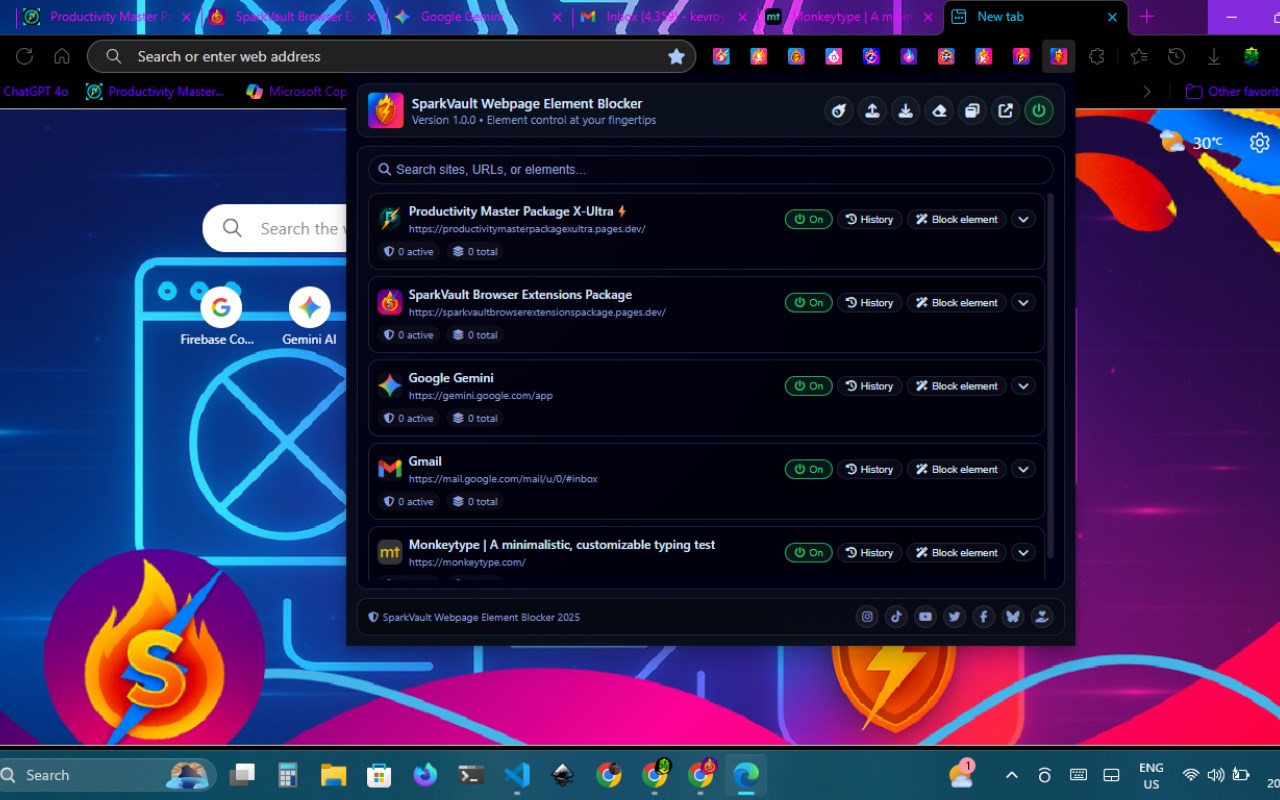
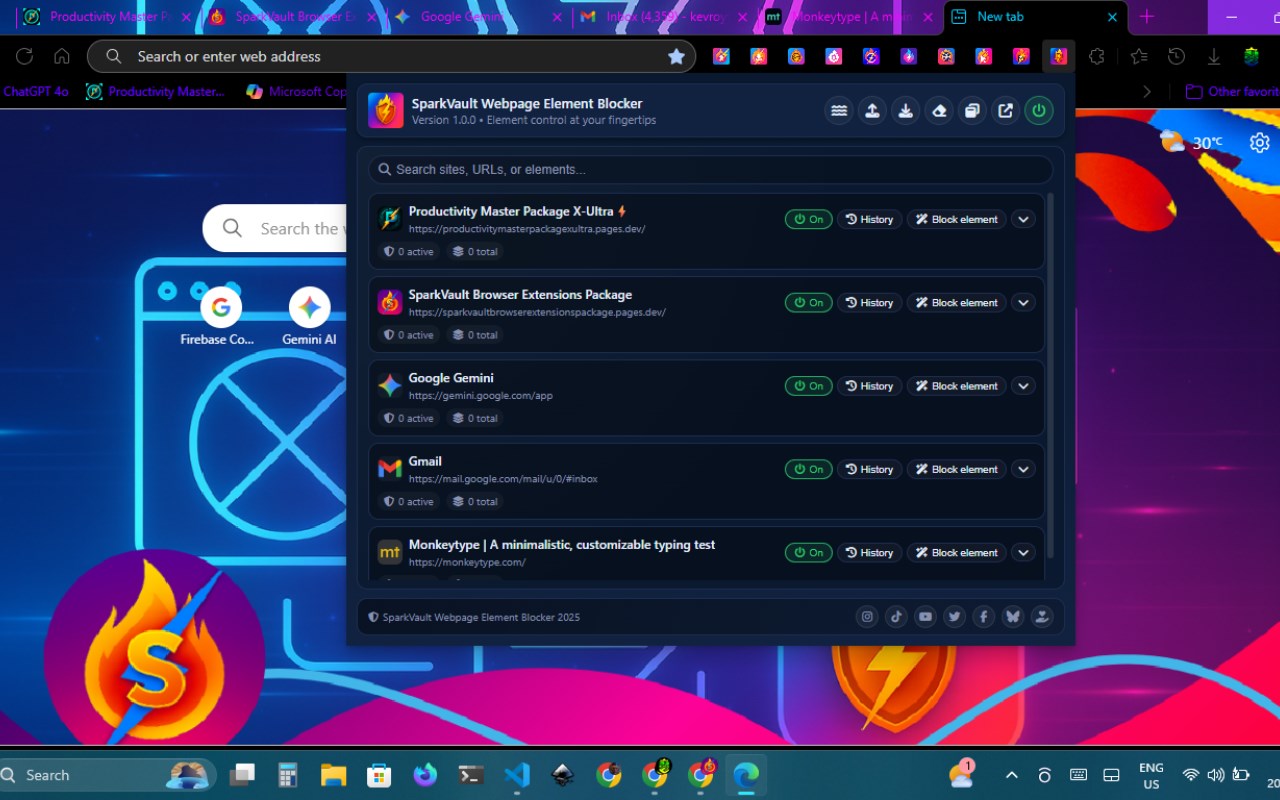
This extension utilizes persistent, per-site element blocking technology, meaning that once you choose to block a specific element on any website, SparkVault remembers your preference and automatically applies it every time you revisit that site. This ensures a consistent and personalized browsing experience without the need to repeatedly block the same items. The interface is thoughtfully designed with theming options that allow you to work in a visually appealing environment that suits your personal taste. Whether you prefer a bold neon look or a calming frost palette, SparkVault's visually stunning dashboard offers customizable themes that enhance usability and accessibility.
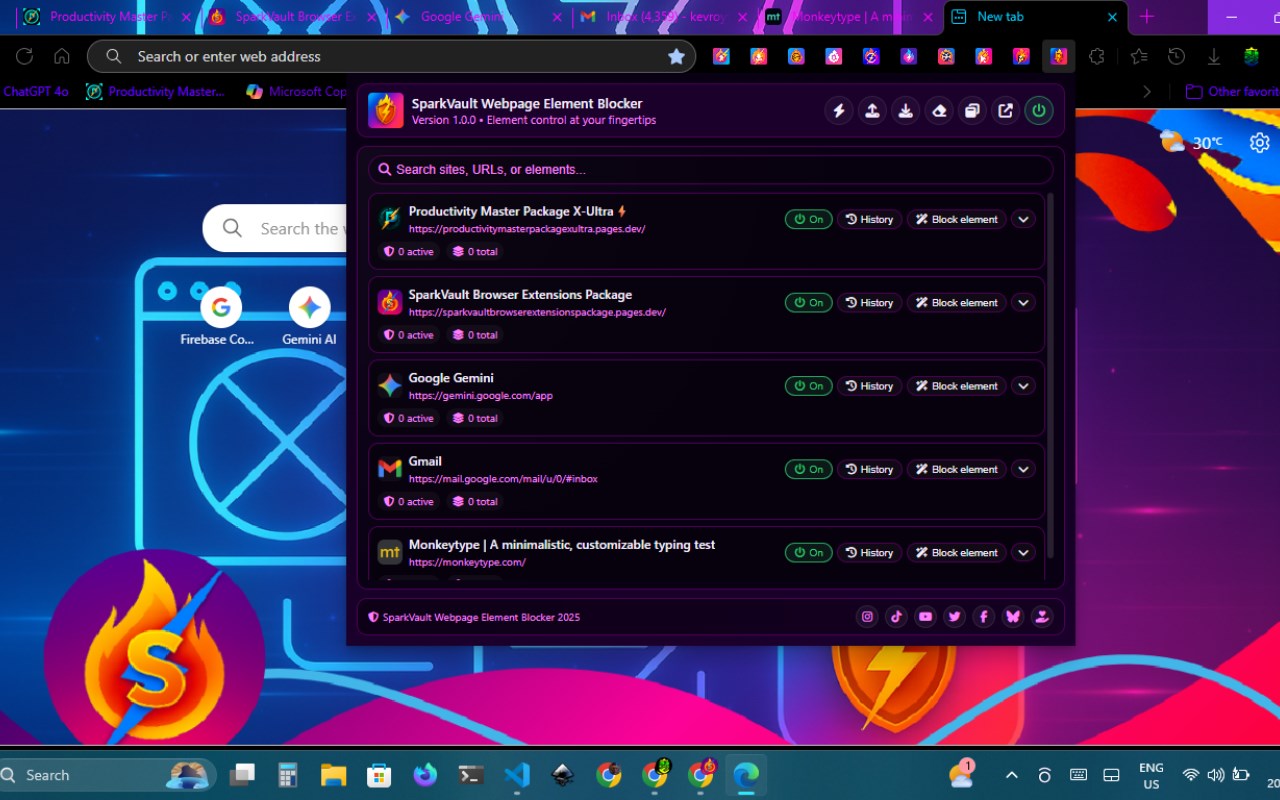
Interacting with the extension is straightforward and intuitive. Activate the selection mode in the extension popup and simply hover over and highlight elements directly on any webpage. Once you click to select an element, SparkVault instantly hides it from view and keeps track of this change for future visits to the same domain. The extension maintains a detailed per-site history for all blocked elements, enabling users to review their actions, restore mistakenly blocked items, or permanently delete unwanted entries. This historical data management makes it easy to control and refine your content preferences over time.
Storage of blocked element data is handled intelligently by SparkVault with a soft limit system that warns you before reaching browsers’s storage quota. This proactive management prevents data loss and ensures your customizations are retained smoothly without interruption. Users have multiple access points for managing their blocked elements: a convenient popup for quick actions, and a full-featured, responsive dashboard available either in a separate browser tab or window. Icons designed with FontAwesome provide crisp, clear visual cues, making navigation and management effortless.
SparkVault prioritizes user privacy and security. It operates entirely on the client side without sending your browsing data or personal information to any external servers. All blocking preferences are stored locally within the browser’s storage system specific to the site context. The extension requires only minimal permissions to function—mainly browsers’s storage and tabs permissions—to enable efficient operation and storage of your site-specific settings.
Whether you are a power user seeking fine-tuned control over website layouts or a casual browser needing to suppress intrusive content on news portals, social media platforms, or educational sites, SparkVault Webpage Element Blocker empowers everyone with the ability to tailor web pages exactly to their liking. Its blend of robust functionality, intuitive controls, privacy-first design, and beautiful aesthetics make it an indispensable tool for improving your web browsing comfort and productivity.
Key Features:
- Intuitive per-site element selection and blocking directly on any webpage with a user-friendly picker.
- Persistent blocking with comprehensive history for each site, enabling review, restoration, or permanent deletion of blocked elements.
- Rich, visually attractive dashboard featuring over 15 customizable, user-selectable themes to match your style.
- Real-time preview functionality allowing instant visual feedback as you hover over elements to block.
- Smart storage management that monitors and warns when approaching browsers’s storage limits.
- Multiple user access modes including popup, dedicated dashboard tab, or standalone window for managing blocked elements.
- Privacy-focused operation with no collection or transmission of personal or browsing data; all data remains stored locally on your device.
How It Works:
1. Install SparkVault Webpage Element Blocker from the browsers Web Store.
2. Click the extension icon to open its popup and activate blocking mode for the current site.
3. Use the interactive webpage picker to highlight and select any unwanted element you wish to block.
4. Upon selection, SparkVault immediately hides the chosen element and stores your preference for consistent future application.
5. Access the dashboard via a tab or window to inspect your blocked elements history, and restore or delete entries as needed.
6. Personalize the dashboard’s look by selecting from a wide array of vibrant themes through the theme manager.
7. The extension autonomously manages storage space and alerts you before limits are exceeded, allowing smooth ongoing use.
Privacy: - No personal data collected. All blocking settings are stored locally; no browsing history or private information leaves your device.
SparkVault Webpage Element Blocker 是做什么的
SparkVault Webpage Element Blocker 是一款面向 Edge 的效率工具类扩展,主要用来管住注意力、屏蔽干扰站点、记录时间。官方对它的介绍是:Block annoying webpage elements per site with persistent, themeable controls and per-site history.在微软 Edge 加载项商店上,它当前版本 1.0.0,约 23 名用户。
适合什么人用
从功能定位看,SparkVault Webpage Element Blocker 更适合想专注工作学习、减少无效刷网页的用户。如果你平时只是偶尔遇到相关需求,用浏览器自带功能也能凑合;但如果这件事每天都发生,装一个专门处理它的扩展通常比手动操作省事得多。
怎么安装 SparkVault Webpage Element Blocker
- 打开微软 Edge 加载项商店上的官方页面;
- 点「添加到浏览器」并确认权限提示;
- 装好后在扩展列表里固定图标,方便随时开关。
本站只做索引与介绍,安装包来自官方商店。如果商店页面提示当前地区不可用,说明该扩展未在你所在区域上架。
常见问题
SparkVault Webpage Element Blocker 是免费的吗?
SparkVault Webpage Element Blocker 在微软 Edge 加载项商店免费提供下载。它是浏览器扩展,装上就能直接用,不需要注册账号。
SparkVault Webpage Element Blocker 安全吗?
它只申请了 0 项权限,范围比较克制,没有申请「读取所有网站数据」这种大权限。
SparkVault Webpage Element Blocker 支持哪些浏览器?
当前收录的版本来自微软 Edge 加载项商店,适用于 Edge。同一个扩展在其他商店可能有对应版本,但功能与版本号不一定相同。
怎么卸载 SparkVault Webpage Element Blocker?
在扩展管理页找到 SparkVault Webpage Element Blocker,点移除即可。它在本地保存的设置会一起清掉,不会残留数据。
权限清单 来自 manifest.json 原文
接口权限 2
storagetabs