
SparkVault NextGEN Website Blocker EN
SparkVault Browser Extensions Package · EEdge MV3
Forge a distraction‑free web with precision blocking magic.
<all_urls>),意味着它可以读取你在任意站点的页面内容,包括已登录的页面。这是许多扩展正常工作的必要条件,但也值得你确认来源可信。
截图


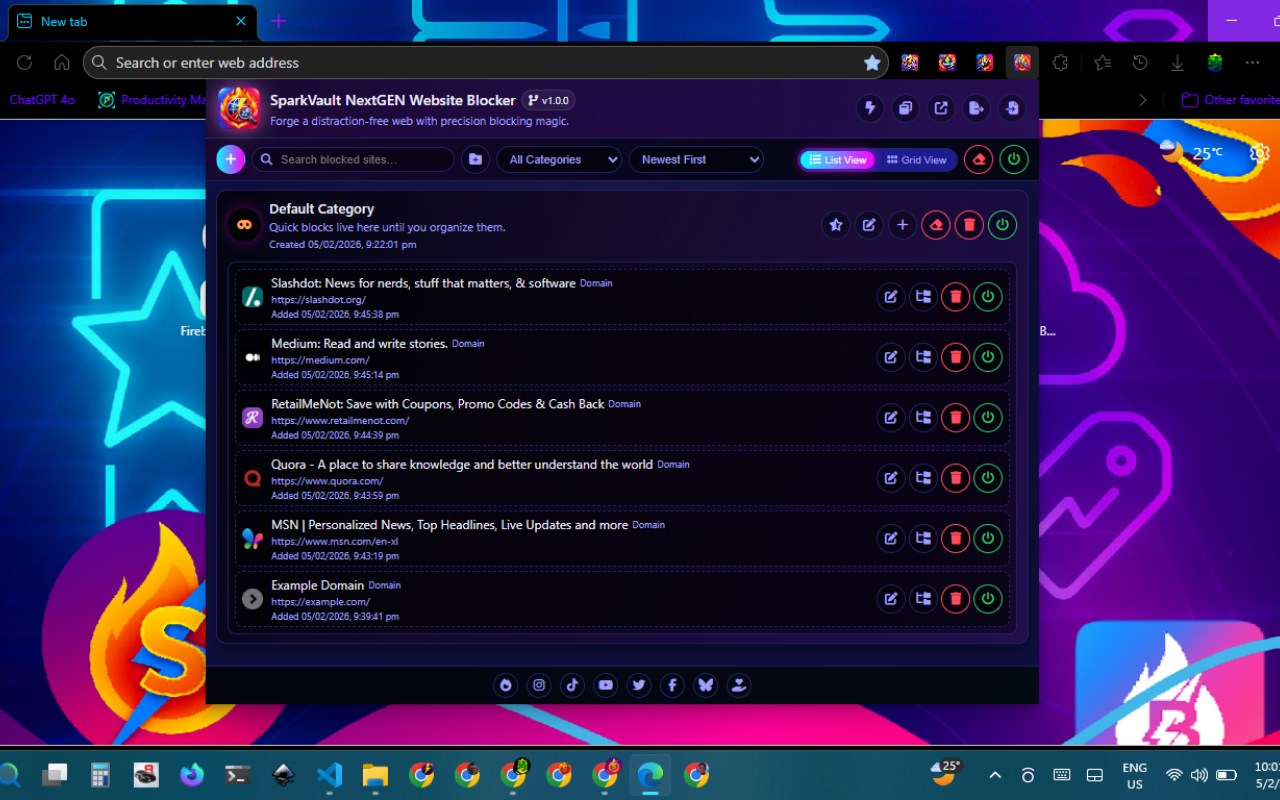
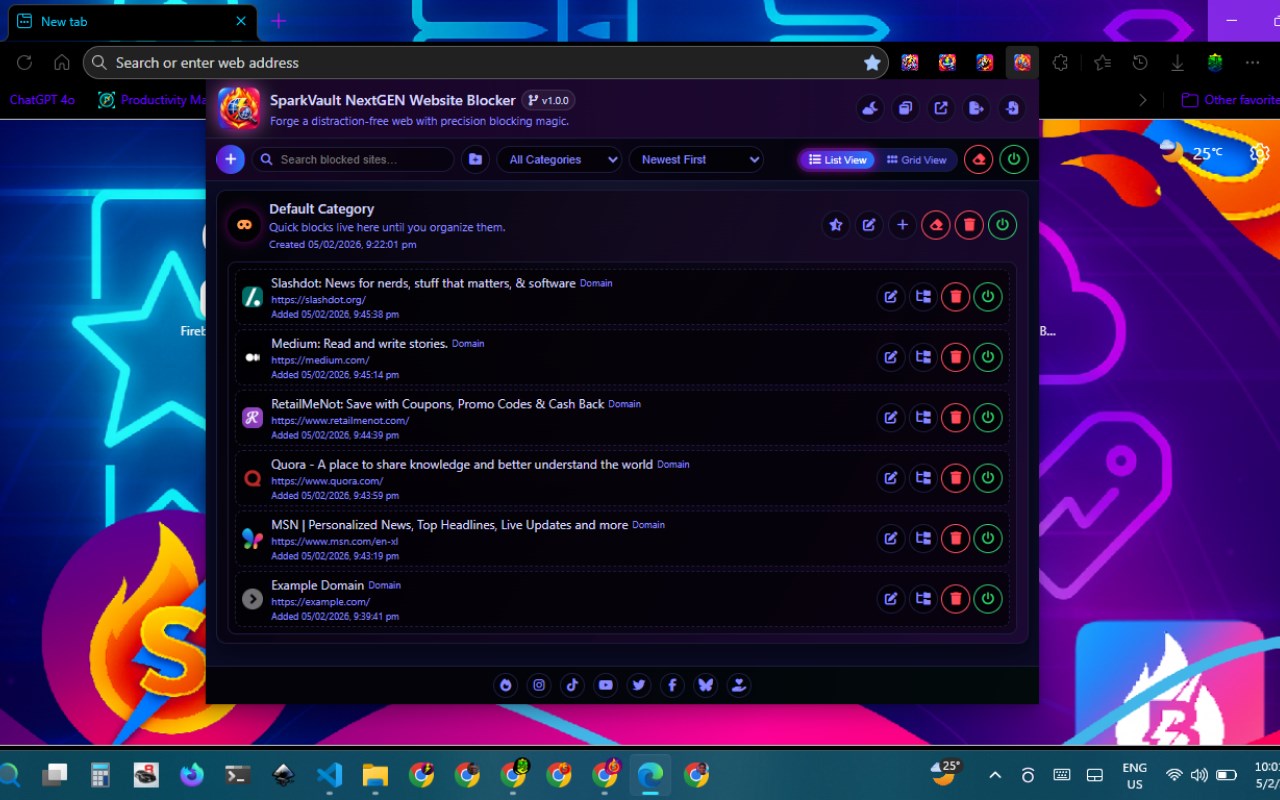
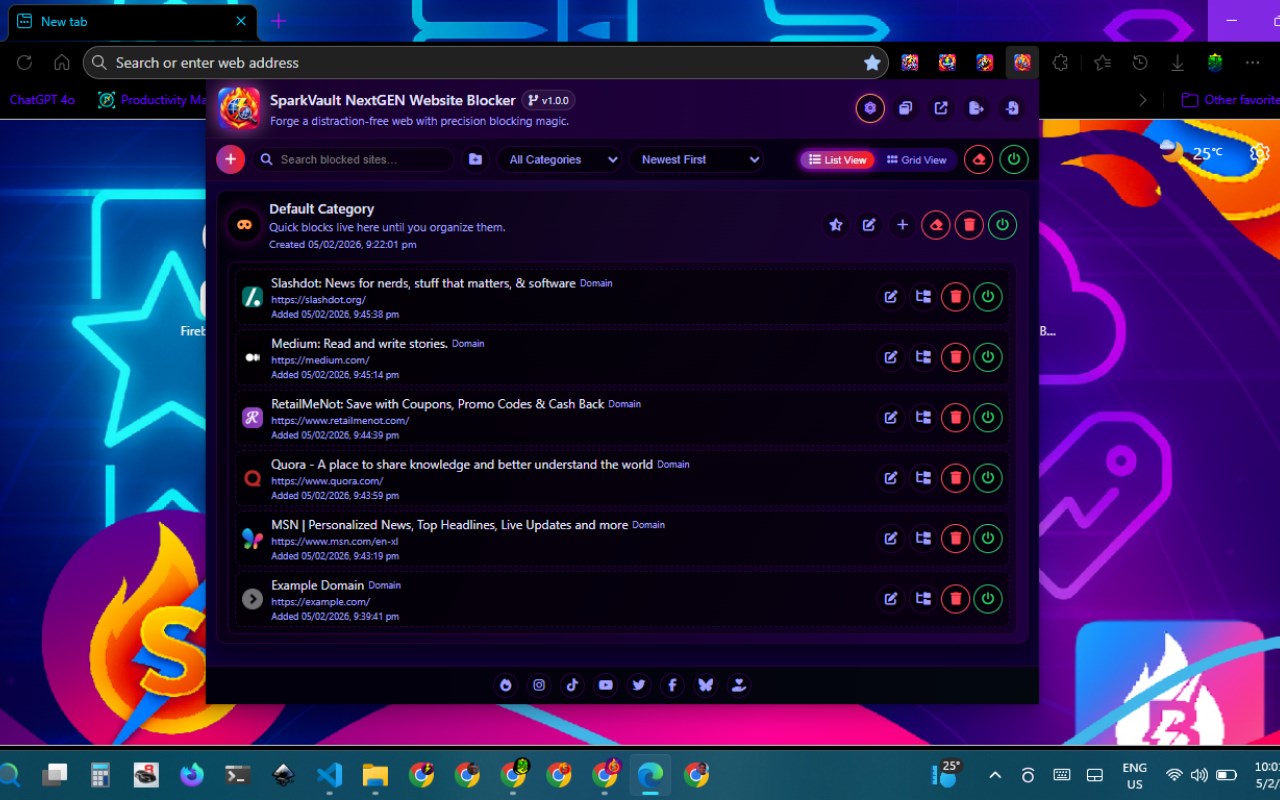
简介
SparkVault NextGEN Website Blocker is an advanced browser extension designed to help users regain control over their online activities by effectively blocking distracting or unwanted websites with high precision and a customizable experience. Tailored for professionals, students, parents, and anyone seeking to set disciplined boundaries during their web browsing sessions, SparkVault offers a powerful blend of site and category blocking combined with an engaging, visually appealing dashboard and real-time controls.
With SparkVault, users can build a personalized “block vault” organized into custom productivity categories such as “Social Media,” “Streaming,” “Shopping,” and more. This allows blocking either specific webpages or entire domains, assigning each to named categories for easy management. Enabling or disabling these blocks is just a click away via a polished, animated popup dashboard that facilitates direct editing of sites and categories. Additional functionality includes importing and exporting settings, making configuration migration both smooth and efficient. Users can also select from a wide array of attractive visual themes, aligning the extension’s look to their workflow’s mood and aesthetic preferences.
When attempting to access a blocked website, users are redirected to an aesthetically designed notification screen that clearly informs them that access has been restricted according to their customized settings. The blocking mechanism operates proactively at the very start of each page load, ensuring that distracting content is intercepted instantly, significantly reducing exposure time and temptation.
The extension leverages local browser storage to organize sites and categories, keeping user preferences private and persistent across browsing sessions. It incorporates comprehensive fine-tuning options, including a global toggle for enabling or disabling all blocking features, multiple methods for adding sites to blocklists, and customizable category indicators such as colors and icons for immediate recognition. The dashboard’s interface is modern, responsive, and intuitive, seamlessly combining productivity-focused controls with enjoyable user interface elements for a fun yet efficient user experience.
A major highlight of SparkVault is its extensive theme customization, offering over a dozen distinct color schemes—such as “Enchanted Midnight,” “Arcane Glow Neon,” and “Rosepetal Charm Pink”—to uplift user mood and personalize the interface. Users can choose to open the dashboard either as a popup or in a new browser tab, providing versatile management options for reviewing and organizing blocked sites and categories.
Ideal for those striving to maintain focus during work or studies, for parents seeking to filter content for children, or anyone desiring more deliberate control over their web use, SparkVault is a user-friendly yet powerful tool. It requires no complex setup or learning curve and activates its blocking features immediately, making it an outstanding choice for enhancing modern online productivity.
Key Features:
- Block websites and specific pages by domain or URL with straightforward one-click controls.
- Organize blocked sites into customizable productivity categories featuring icon and color selection.
- Enable or disable global blocking mode for flexible, timed internet access.
- Rapid, start-of-load website interception to minimize exposure to distractions.
- Immersive, animated popup dashboard providing responsive controls, summaries, and batch management.
- Import and export settings, categories, and site lists for easy backup and sharing.
- Dynamic theme customization with more than a dozen unique visual moods to fit your environment.
- Stylish and customizable block notification pages to sustain user engagement.
How It Works:
1. Install SparkVault NextGEN Website Blocker from the browser’s extension marketplace.
2. Access the dashboard via the extension icon to open the management interface.
3. Add domains or specific URLs to blocklists, grouping them into custom categories such as “Social” or “News.”
4. Toggle global blocking on or off, or manage categories and individual sites separately.
5. Switch between different dashboard UI themes instantly for a personalized browsing environment.
6. Attempted visits to blocked sites redirect you to an elegant, informative notification page.
7. Export or import your blocklists and categories to transfer or share your custom configurations.
Privacy: - No personal data collected. SparkVault strictly stores blocking rules and categories within local browser storage and does not transmit or collect any personal browsing information. Please refer to our privacy policy for further details.
SparkVault NextGEN Website Blocker 是做什么的
SparkVault NextGEN Website Blocker 是一款面向 Edge 的效率工具类扩展,主要用来管住注意力、屏蔽干扰站点、记录时间。官方对它的介绍是:Forge a distraction‑free web with precision blocking magic.在微软 Edge 加载项商店上,它当前版本 1.0.1,评分 5(1 人评价),约 6 名用户。
适合什么人用
从功能定位看,SparkVault NextGEN Website Blocker 更适合想专注工作学习、减少无效刷网页的用户。如果你平时只是偶尔遇到相关需求,用浏览器自带功能也能凑合;但如果这件事每天都发生,装一个专门处理它的扩展通常比手动操作省事得多。需要注意的是它作用于所有网站,装上后建议先观察一两天,确认不影响常用站点的正常使用。
怎么安装 SparkVault NextGEN Website Blocker
- 打开微软 Edge 加载项商店上的官方页面;
- 点「添加到浏览器」并确认权限提示;
- 装好后在扩展列表里固定图标,方便随时开关。
本站只做索引与介绍,安装包来自官方商店。如果商店页面提示当前地区不可用,说明该扩展未在你所在区域上架。
常见问题
SparkVault NextGEN Website Blocker 是免费的吗?
SparkVault NextGEN Website Blocker 在微软 Edge 加载项商店免费提供下载。它是浏览器扩展,装上就能直接用,不需要注册账号。
SparkVault NextGEN Website Blocker 安全吗?
它只申请了 0 项权限,范围比较克制,没有申请「读取所有网站数据」这种大权限。
SparkVault NextGEN Website Blocker 支持哪些浏览器?
当前收录的版本来自微软 Edge 加载项商店,适用于 Edge。同一个扩展在其他商店可能有对应版本,但功能与版本号不一定相同。
怎么卸载 SparkVault NextGEN Website Blocker?
在扩展管理页找到 SparkVault NextGEN Website Blocker,点移除即可。它在本地保存的设置会一起清掉,不会残留数据。
权限清单 来自 manifest.json 原文
站点访问(可选) 1
<all_urls>
接口权限 2
storagetabs