
SparkVault NextGEN History Manager EN
SparkVault Browser Extensions Package · EEdge MV3
Next-generation history manager with powerful search, views, and theming.
截图


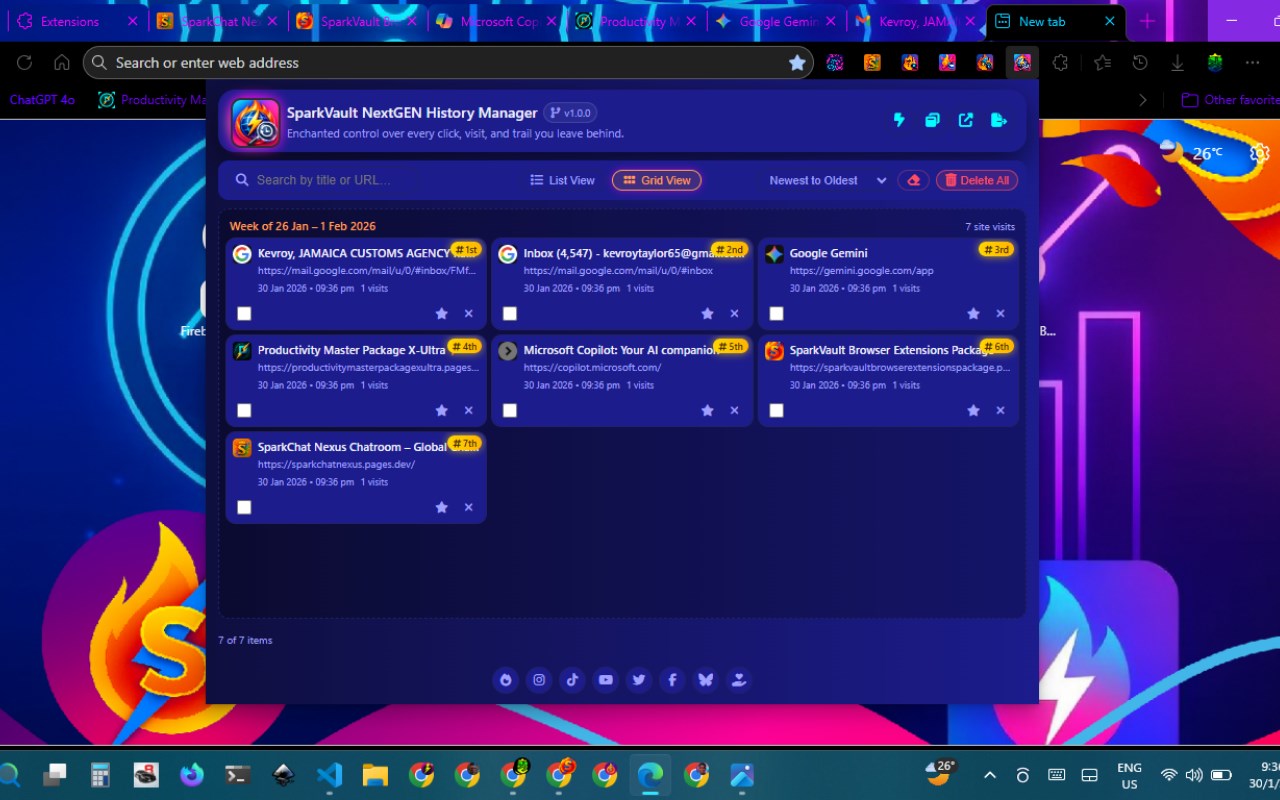
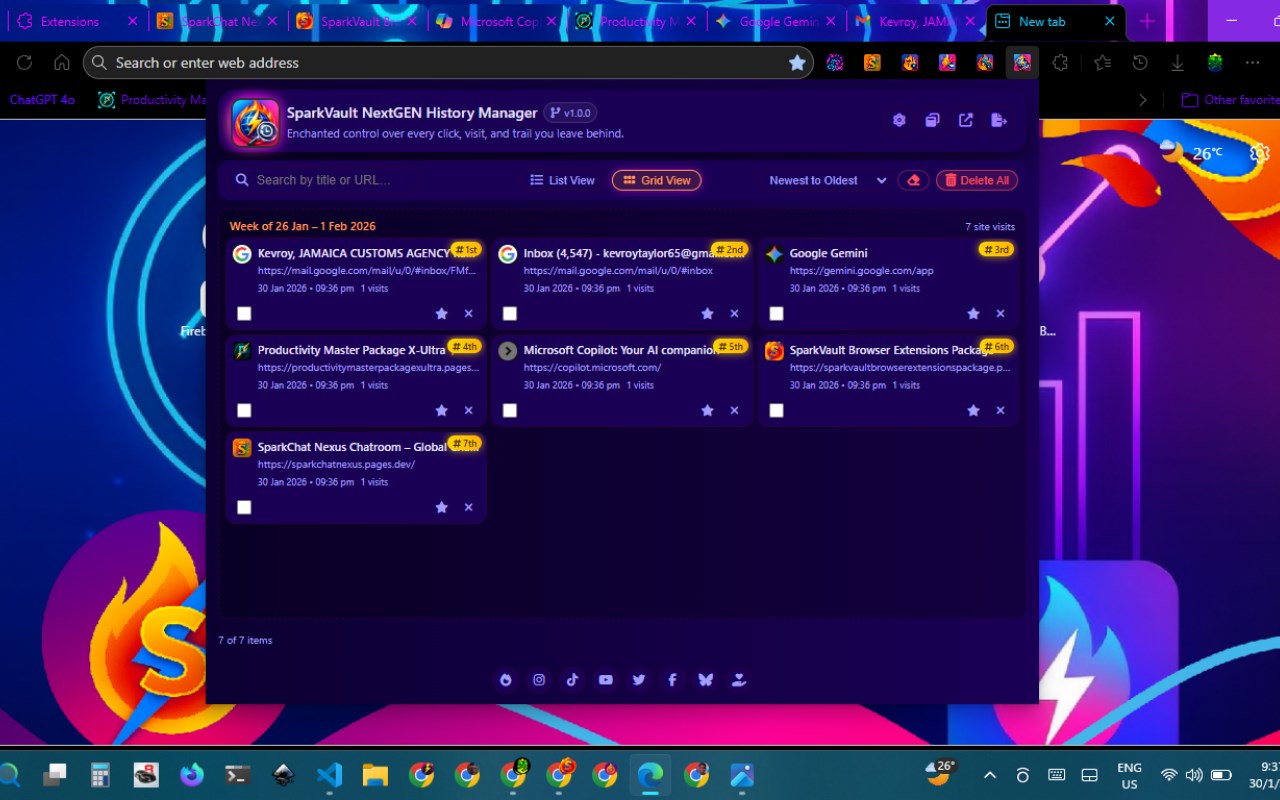
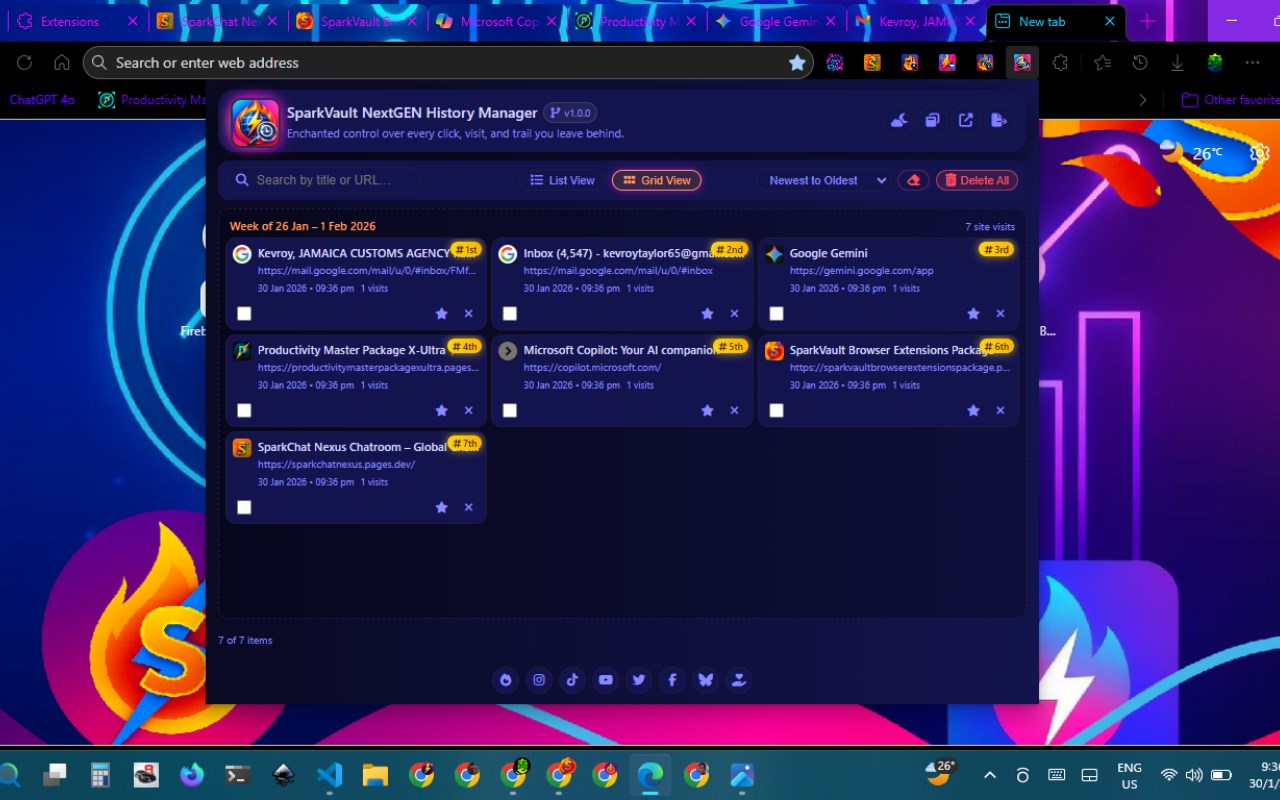
简介
SparkVault NextGEN History Manager is a cutting-edge browser extension designed to transform your browsing history and bookmark management experience. It offers a next-generation interface that enhances how you access, organize, and interact with your web activity. By integrating deeply with your browser’s History and Bookmarks APIs, SparkVault consolidates your browsing data into a sleek, app-like dashboard that is both powerful and intuitive. This extension is tailored for everyone—from casual internet users to power browsers—who want more control and clarity in managing their digital life.
The core of SparkVault lies in its sophisticated multi-panel layout which replaces the default popup history view. It features an intelligent search box capable of filtering entries by keywords, domains, or dates instantly, making it easier to locate previously visited pages quickly. The history list is enhanced with grouping and pagination controls, allowing you to view your visits sorted by site, week, or any customized criteria, thereby revealing patterns and trends in your browsing habits. Alongside this, an integrated bookmarks modal streamlines the creation, editing, and organization of your bookmarks without leaving the dashboard. The built-in theming engine offers seamless toggling between dark and light modes to accommodate personal preferences and reduce eye strain during extended browsing sessions.
Each element in SparkVault’s design emphasizes ease of use: whether it's launching the manager as a maximized popup or dedicated tab, managing bookmarks in batches, or visually identifying sites through fast favicon and domain extraction technology, every feature works cohesively to boost your browsing efficacy. The timeline and group views give you visual insight into your web activity over time, making SparkVault not only a management tool but also an analytical companion for your internet usage. Importantly, SparkVault values user privacy and operates entirely locally—no personal data is collected or transmitted, ensuring your browsing history and bookmarks remain completely secure on your device.
Key Features:
- Advanced History Search: Rapidly locate history entries by keywords, domains, or specific dates with real-time filtering for pinpoint accuracy.
- Timeline and Group Views: Visualize browsing history grouped intelligently by sites, weeks, or personalized conditions to track your online activity seamlessly.
- Integrated Bookmarks Modal: Easily create, edit, and organize bookmarks through a sophisticated modal interface embedded within the history dashboard.
- Dark and Light Themes: Instantly switch between aesthetically pleasing dark and light modes, enhancing usability according to your environment or preference.
- Maximized Dashboard Popup: Choose between a compact popup or a full-featured, maximized window or tab for a comprehensive browsing history analysis experience.
- Pagination and Smart Navigation: Efficiently browse through extensive history lists with fast pagination, smart date grouping, and contextual jump links to speed up navigation.
- Bookmark Enrichment: Customize bookmark titles, organize bookmarks into folders, and perform batch edits, all accessible directly on the dashboard.
- Fast Favicon and Domain Extraction: Display recognizable site icons alongside entries for better visual grouping and quick identification of visited sites.
How It Works:
1. Install SparkVault NextGEN History Manager from your browser’s extension store.
2. Click the extension icon to open the dashboard popup or opt for the shortcut key to launch it in a maximized window.
3. Use the smart search bar to input keywords, filter by domain, or choose a date range to find your desired history entries.
4. Manage your bookmarks directly from the dashboard by accessing the bookmarks modal, where you can add titles, organize, or batch edit bookmarks.
5. Switch themes between light and dark modes instantly via the theme toggle feature for a comfortable viewing experience.
6. Open the dashboard in a full browser tab when you need an in-depth review or extensive management of your browsing history and bookmarks.
7. Navigate through your history using grouping and pagination to efficiently explore your web visits by different periods or custom criteria.
Privacy: - No personal data collected. SparkVault operates entirely locally and does not transmit or store your browsing data externally, ensuring your history and bookmarks remain fully private on your device.
SparkVault NextGEN History Manager 是做什么的
SparkVault NextGEN History Manager 是一款面向 Edge 的效率工具类扩展,主要用来管住注意力、屏蔽干扰站点、记录时间。官方对它的介绍是:Next-generation history manager with powerful search, views, and theming.在微软 Edge 加载项商店上,它当前版本 1.0.1,约 2 名用户。
适合什么人用
从功能定位看,SparkVault NextGEN History Manager 更适合想专注工作学习、减少无效刷网页的用户。如果你平时只是偶尔遇到相关需求,用浏览器自带功能也能凑合;但如果这件事每天都发生,装一个专门处理它的扩展通常比手动操作省事得多。
怎么安装 SparkVault NextGEN History Manager
- 打开微软 Edge 加载项商店上的官方页面;
- 点「添加到浏览器」并确认权限提示;
- 装好后在扩展列表里固定图标,方便随时开关。
本站只做索引与介绍,安装包来自官方商店。如果商店页面提示当前地区不可用,说明该扩展未在你所在区域上架。
常见问题
SparkVault NextGEN History Manager 是免费的吗?
SparkVault NextGEN History Manager 在微软 Edge 加载项商店免费提供下载。它是浏览器扩展,装上就能直接用,不需要注册账号。
SparkVault NextGEN History Manager 安全吗?
它只申请了 0 项权限,范围比较克制,没有申请「读取所有网站数据」这种大权限。
SparkVault NextGEN History Manager 支持哪些浏览器?
当前收录的版本来自微软 Edge 加载项商店,适用于 Edge。同一个扩展在其他商店可能有对应版本,但功能与版本号不一定相同。
怎么卸载 SparkVault NextGEN History Manager?
在扩展管理页找到 SparkVault NextGEN History Manager,点移除即可。它在本地保存的设置会一起清掉,不会残留数据。
权限清单 来自 manifest.json 原文
接口权限 2
bookmarkshistory