SnapText Pro — Screenshot to Text (OCR) EN
WebEdit & PDF Wizard · EEdge MV3
Instantly extract text from any screenshot, image, or screen region. Free AI-powered OCR with Tesseract, translation, and AI chat.
<all_urls>),意味着它可以读取你在任意站点的页面内容,包括已登录的页面。这是许多扩展正常工作的必要条件,但也值得你确认来源可信。
截图
简介
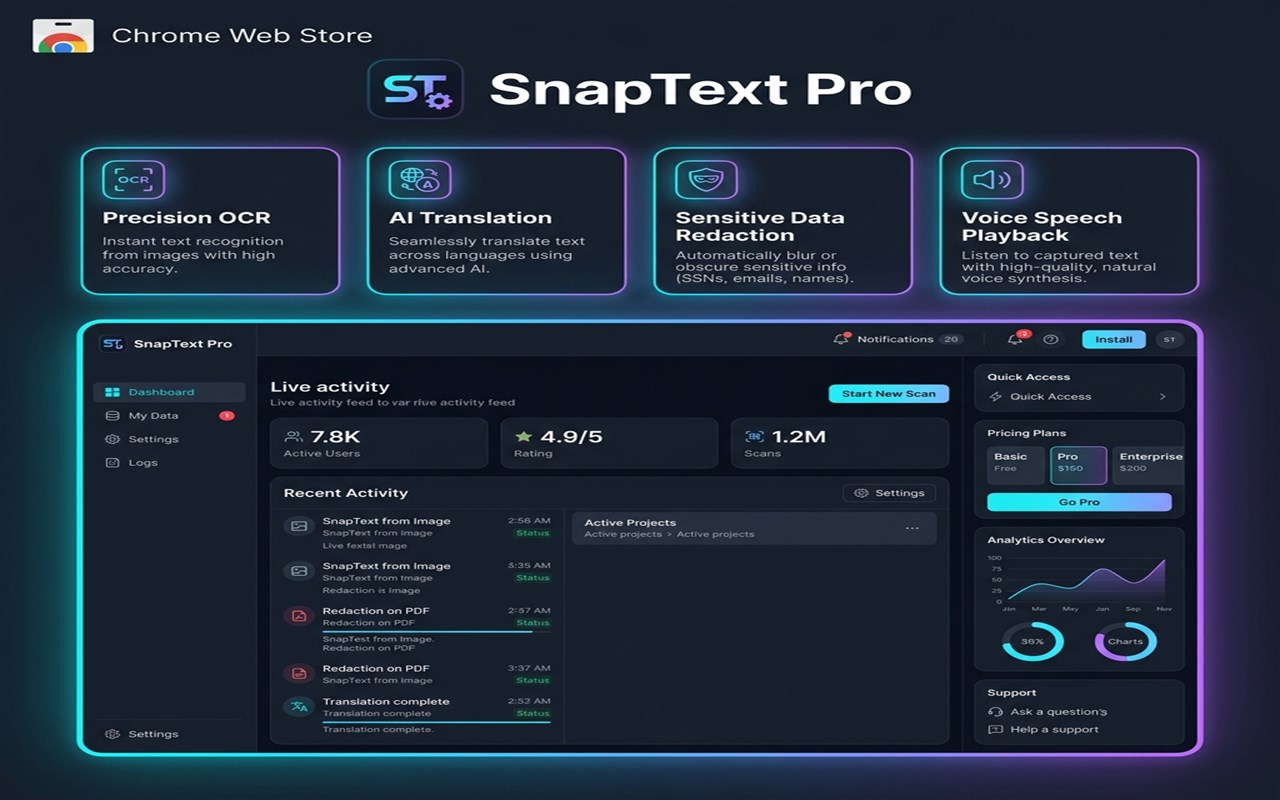
Welcome to SnapText Pro — the ultimate, productivity-boosting sidebar companion for screen text extraction, instant translation, smart redaction, and AI-powered help!
Whether you are a developer copying captured code, a student reading online slides, a reader scanning locked PDFs, or a professional extracting charts, SnapText Pro is the fastest, safest, and most powerful extension on Microsoft Edge.
SnapText Pro integrates seamlessly with your Edge Sidebar, giving you a persistent, resizeable workspace right next to your active tabs.
---
CORE FEATURES:
1. PRECISION SCREEN CAPTURE & OCR
Capture full tabs, drag-and-crop custom screen areas, upload local images/PDFs, or paste images directly from your clipboard! Text is parsed in milliseconds with peak accuracy.
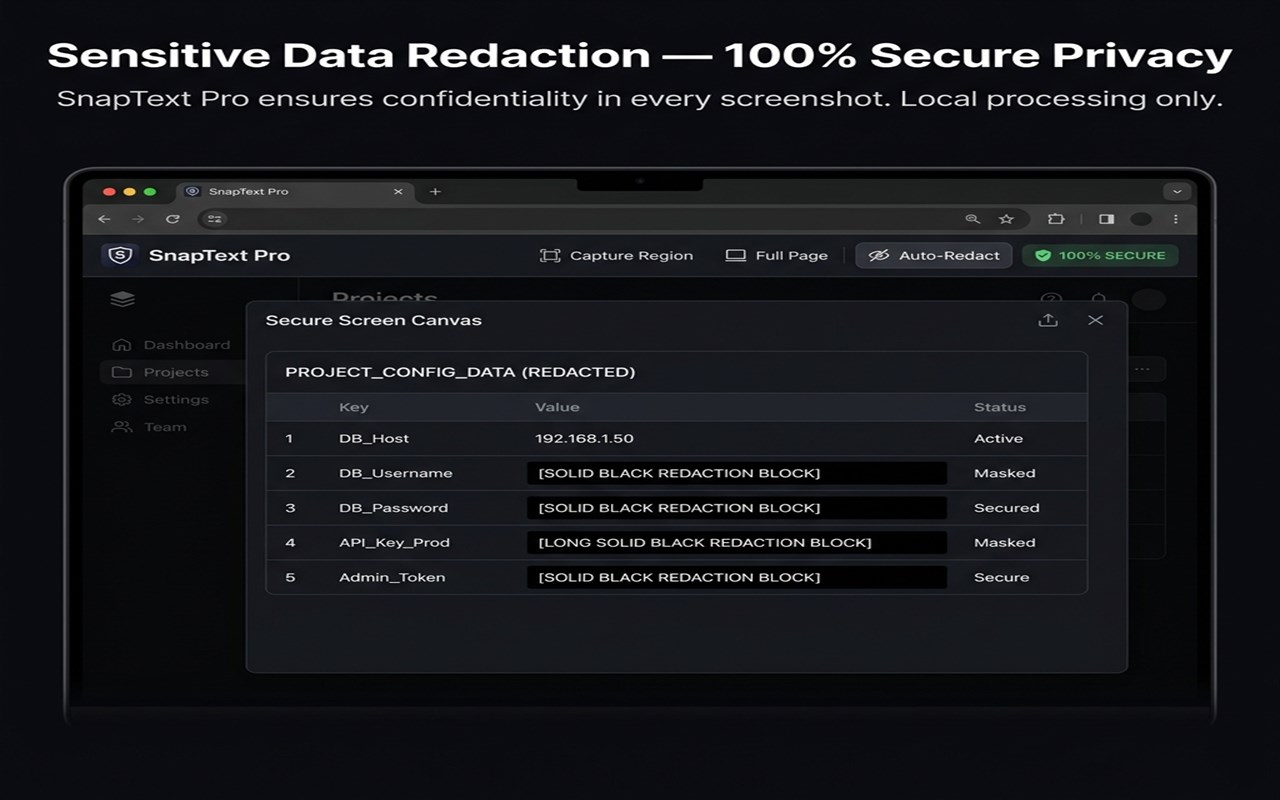
2. SENSITIVE DATA REDACTION (MASKING BRUSH)
Protect your privacy. Paint black redaction blocks directly over passwords, API keys, emails, or personal details before processing. What gets masked never gets read!
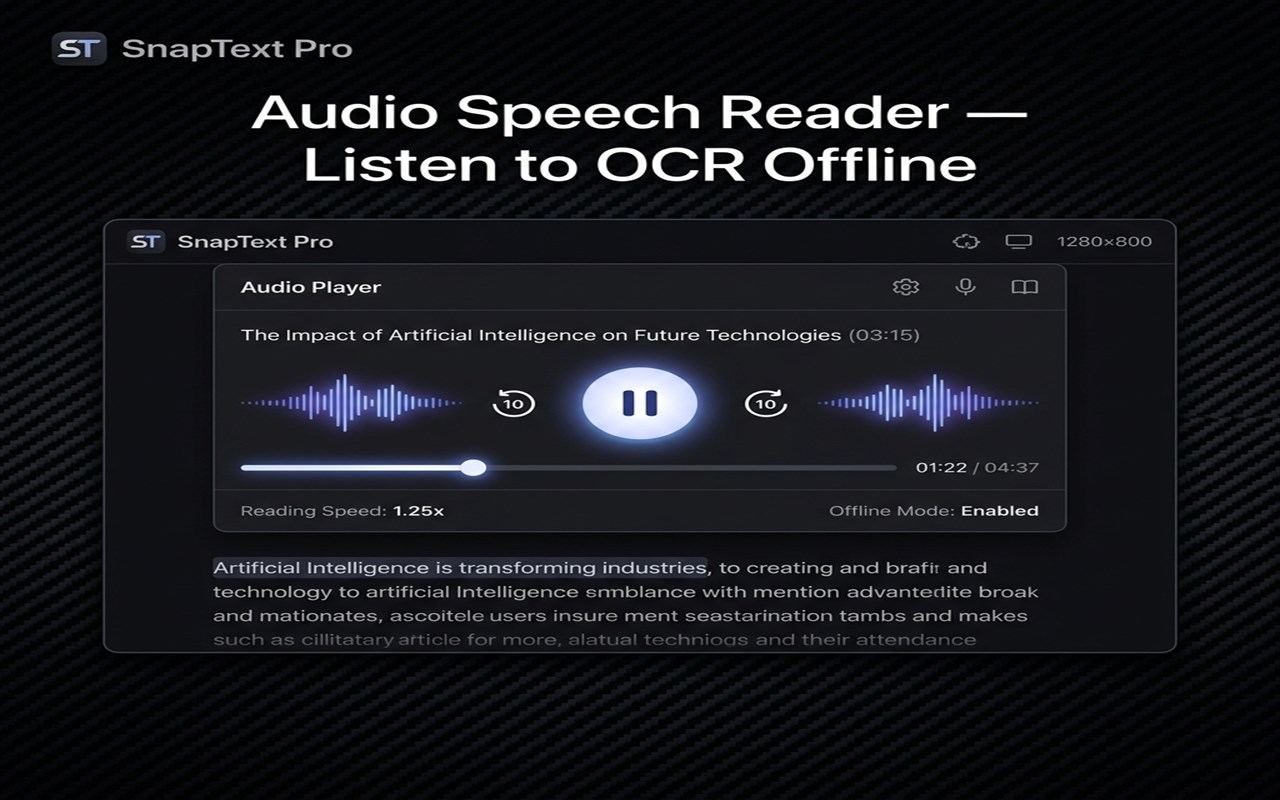
3. INSTANT AUDIO VOICE READER (TTS)
Listen to your text on the go! Click the "Listen" button in the action panel to read text aloud using Edge's high-quality speech engine. Pause, resume, or stop playback offline at any time.
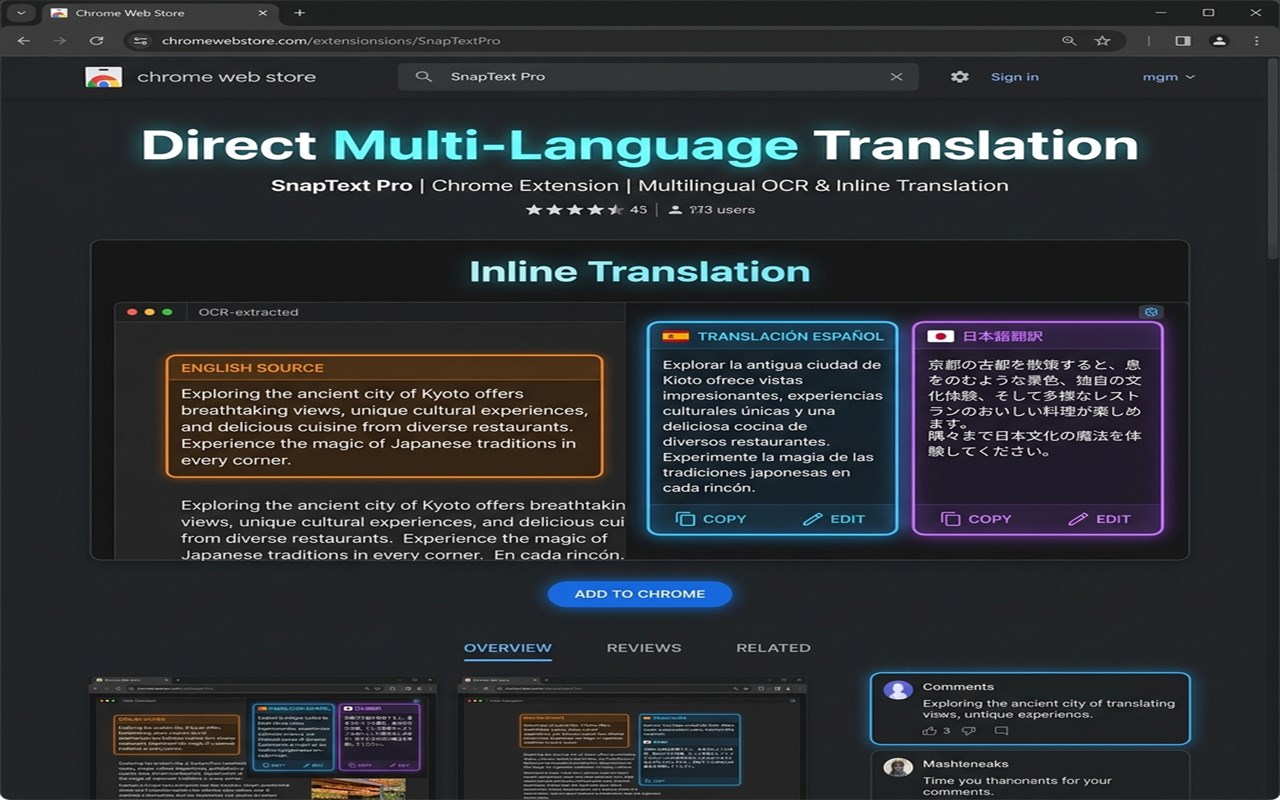
4. DIRECT INLINE TRANSLATION PANEL
Translate scanned books, foreign manga, or foreign documents directly in your sidebar to Spanish, French, German, Japanese, Chinese, Hindi, Arabic, Italian, Portuguese, or Russian.
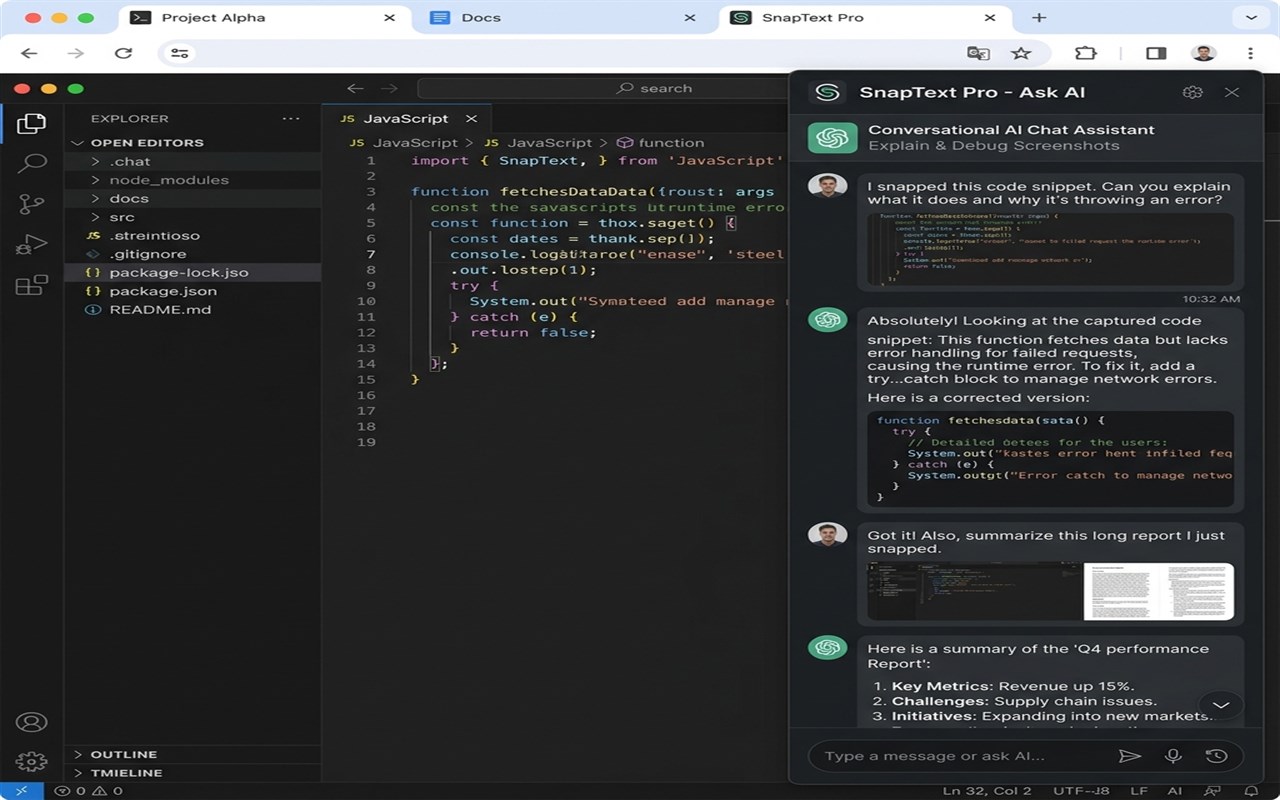
5. CONTEXT-AWARE "ASK AI" ASSISTANT
Got a complex math equation, a dense graph, or a block of code? Chat directly with the built-in AI! Ask it to "Explain this code", "Summarize this data", or "Draft a reply to this screenshot"—fully powered by an instant, free-to-use LLM.
6. SMART QR CODE & BARCODE DECODER
SnapText Pro automatically decodes QR codes or barcodes in any screenshot. A clean link-ribbon slides down, allowing you to copy the code or click "Open" to launch websites instantly.
7. ONE-CLICK EXPORTERS
Export your texts, translations, or AI answers instantly: copy to clipboard, save as Plain Text (.txt), Markdown (.md), HTML, JSON, or open directly in Notion or Obsidian.
8. LOCAL HISTORY & STATS DASHBOARD
Track scan count, character totals, and past captures in a fully secure, searchable local database that never leaves your machine.
---
PRIVATE BY DESIGN:
• All OCR processing and QR decoding happen 100% locally on your computer.
• No data is collected, logged, or uploaded.
• Works perfectly offline!
SnapText Pro — Screenshot to Text (OCR) 是做什么的
SnapText Pro — Screenshot to Text (OCR) 是一款面向 Edge 的实用工具类扩展,主要用来解决浏览器里某类具体的小问题。官方对它的介绍是:Instantly extract text from any screenshot, image, or screen region. Free AI-powered OCR with Tesseract, translation, and AI chat.在微软 Edge 加载项商店上,它当前版本 1.0.0,约 158 名用户。
适合什么人用
从功能定位看,SnapText Pro — Screenshot to Text (OCR) 更适合想补上浏览器原生缺失功能的用户。如果你平时只是偶尔遇到相关需求,用浏览器自带功能也能凑合;但如果这件事每天都发生,装一个专门处理它的扩展通常比手动操作省事得多。需要注意的是它作用于所有网站,装上后建议先观察一两天,确认不影响常用站点的正常使用。
怎么安装 SnapText Pro — Screenshot to Text (OCR)
- 打开微软 Edge 加载项商店上的官方页面;
- 点「添加到浏览器」并确认权限提示;
- 装好后在扩展列表里固定图标,方便随时开关。
本站只做索引与介绍,安装包来自官方商店。如果商店页面提示当前地区不可用,说明该扩展未在你所在区域上架。
常见问题
SnapText Pro — Screenshot to Text (OCR) 是免费的吗?
SnapText Pro — Screenshot to Text (OCR) 在微软 Edge 加载项商店免费提供下载。它是浏览器扩展,装上就能直接用,不需要注册账号。
SnapText Pro — Screenshot to Text (OCR) 安全吗?
它只申请了 0 项权限,范围比较克制,没有申请「读取所有网站数据」这种大权限。
SnapText Pro — Screenshot to Text (OCR) 支持哪些浏览器?
当前收录的版本来自微软 Edge 加载项商店,适用于 Edge。同一个扩展在其他商店可能有对应版本,但功能与版本号不一定相同。
怎么卸载 SnapText Pro — Screenshot to Text (OCR)?
在扩展管理页找到 SnapText Pro — Screenshot to Text (OCR),点移除即可。它在本地保存的设置会一起清掉,不会残留数据。
权限清单 来自 manifest.json 原文
站点访问(可选) 1
<all_urls>
接口权限 8
activeTabclipboardReadcontextMenusnotificationsoffscreenscriptingsidePanelstorage