
Smart Calendars AI EN
Smart Calendars AI · EEdge MV3
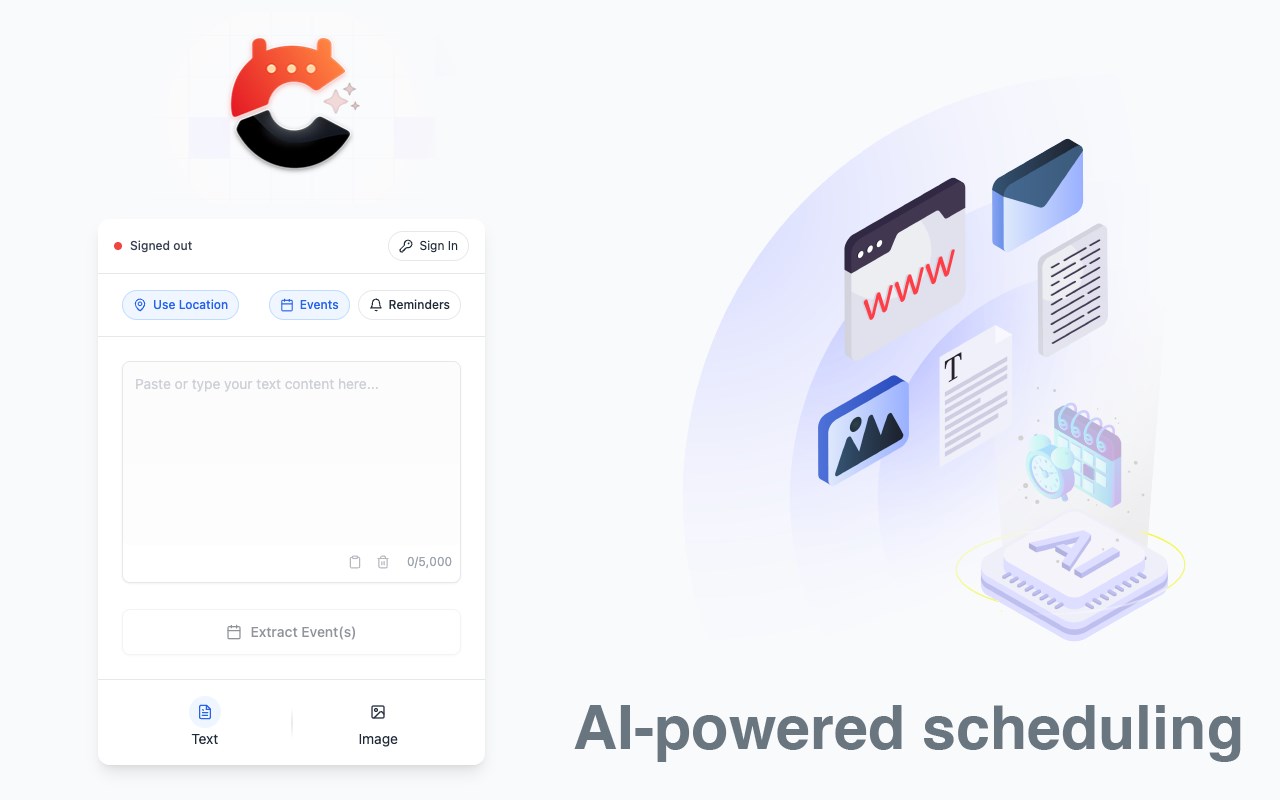
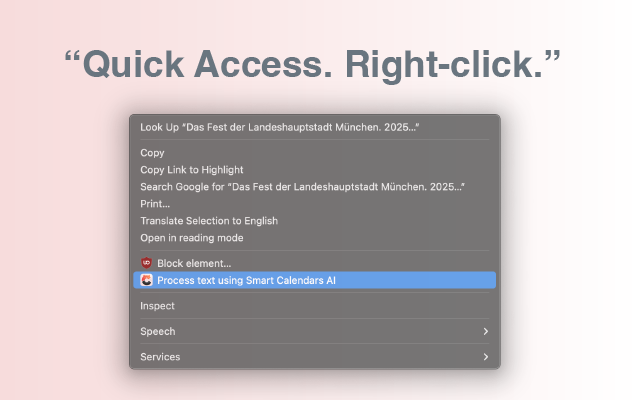
Extract calendar events from any text or images on the web. Right-click to process with Smart Calendars AI.
截图
简介
Transform text, images, and web content into fully organized calendar events or reminders with Smart Calendars AI — the Edge extension that saves you hours of manual entry. One click – and let AI do the rest.
✨ Key Features:
⚡ How It Works:
1. Select Content: Highlight text or right-click on any image containing event information
2. Process Instantly: Choose "Process with Smart Calendars AI" from the context menu
3. Review & Edit: Smart AI extracts events with dates, times, locations, and descriptions
4. Export Anywhere: Add to your favorite calendar app or share with others via link
🎯 Perfect For:
- Professionals: Convert meeting invites, emails, and event announcements into calendar items effortlessly.
- Students & Educators: Capture deadlines, exam dates, and academic events directly from online resources.
- Event Organizers: Process flyers, posts, and promotional images into structured events.
- Personal Use: Never miss birthdays, appointments, or social gatherings again.
🔒 Privacy & Security First:
- Zero Data Storage: We don’t keep your content — everything is processed temporarily.
- Secure & Encrypted: End-to-end HTTPS communication
- Minimal Permissions: Only what’s needed for core functionality.
- No Tracking: No ads, analytics, or third-party data sharing.
💡 Why Choose Smart Calendars AI?
- Save hours every week by automating event creation.
- Never miss important events hidden in emails, posts, or documents.
- Works seamlessly on any website or web app.
- Professional-grade AI accuracy with a simple, intuitive interface.
- Compatible with Google, Outlook, Apple Calendar, and more.
Install Smart Calendars AI today and experience the future of effortless calendar management! Enjoy 3 free usages per month — upgrade anytime for unlimited access.
# Website
https://www.smartcalendars.ai
# Support URL
https://smartcalendars.ai/en/faq
# Privacy Policy URL
https://smartcalendars.ai/en/privacy
Smart Calendars AI 是做什么的
Smart Calendars AI 是一款面向 Edge 的效率工具类扩展,主要用来管住注意力、屏蔽干扰站点、记录时间。官方对它的介绍是:Extract calendar events from any text or images on the web. Right-click to process with Smart Calendars AI.在微软 Edge 加载项商店上,它当前版本 1.1.0,约 19 名用户。
适合什么人用
从功能定位看,Smart Calendars AI 更适合想专注工作学习、减少无效刷网页的用户。如果你平时只是偶尔遇到相关需求,用浏览器自带功能也能凑合;但如果这件事每天都发生,装一个专门处理它的扩展通常比手动操作省事得多。
怎么安装 Smart Calendars AI
- 打开微软 Edge 加载项商店上的官方页面;
- 点「添加到浏览器」并确认权限提示;
- 装好后在扩展列表里固定图标,方便随时开关。
本站只做索引与介绍,安装包来自官方商店。如果商店页面提示当前地区不可用,说明该扩展未在你所在区域上架。
常见问题
Smart Calendars AI 是免费的吗?
Smart Calendars AI 在微软 Edge 加载项商店免费提供下载。它是浏览器扩展,装上就能直接用,不需要注册账号。
Smart Calendars AI 安全吗?
它只申请了 0 项权限,范围比较克制,没有申请「读取所有网站数据」这种大权限。
Smart Calendars AI 支持哪些浏览器?
当前收录的版本来自微软 Edge 加载项商店,适用于 Edge。同一个扩展在其他商店可能有对应版本,但功能与版本号不一定相同。
怎么卸载 Smart Calendars AI?
在扩展管理页找到 Smart Calendars AI,点移除即可。它在本地保存的设置会一起清掉,不会残留数据。
权限清单 来自 manifest.json 原文
接口权限 5
activeTabcontextMenusscriptingstoragetabs