
Simple Select to Translate
Simple Select Text To Translate · EEdge MV3
只需选择要翻译的文本并将其发送到 Google 翻译。
<all_urls>),意味着它可以读取你在任意站点的页面内容,包括已登录的页面。这是许多扩展正常工作的必要条件,但也值得你确认来源可信。
截图
简介
厌倦了频繁切换标签页、复制粘贴文本才能快速翻译?“简易选择翻译”彻底革新您的工作流程,让您随时随地都能使用强大的谷歌翻译功能。
翻译成英语、谷歌翻译英语、翻译成印地语、翻译成中文、翻译成日语
这款扩展程序专为学生、专业人士、研究人员以及所有阅读多语言内容的用户而设计。它是翻译所选文本最简洁、最快速、最直观的方式。告别浪费时间,简化您的浏览体验!
---
✨ 主要功能 ✨
🚀 页面内即时翻译气泡:亮点功能!只需选择任意文本,旁边就会出现一个便捷的小图标。点击图标,即可在优雅的弹出气泡中立即获得翻译结果,无需离开当前页面。流畅、快速、高效。
⚡️ 强大且可自定义的右键菜单:更喜欢传统方式?
* 翻译选定内容:右键单击选定的文本,即可在新标签页或单独的、可调整大小的弹出窗口中立即打开翻译。您可以在选项中选择最适合您的方式!
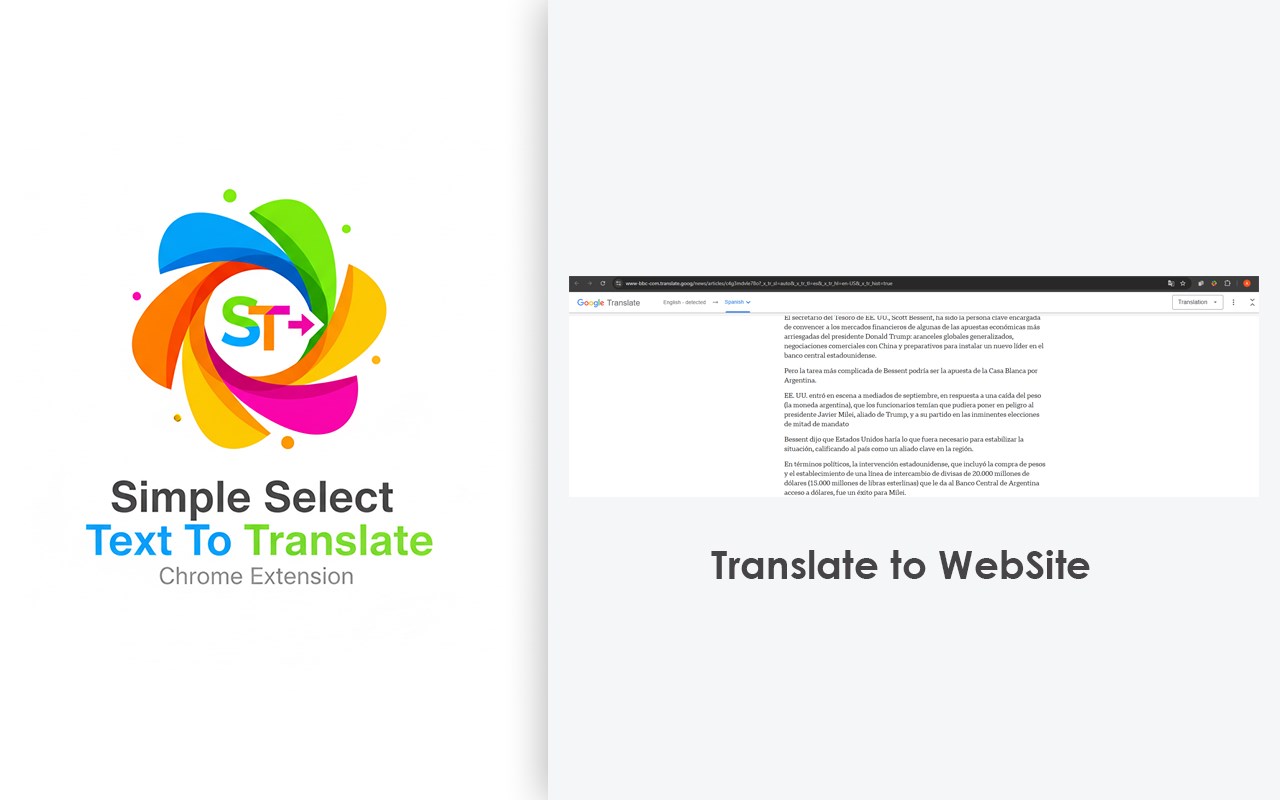
* 翻译整页:需要理解整篇文章?只需右键单击页面上的任意位置,然后选择“翻译此页面”,即可在新标签页中打开由 Google 翻译提供的完整翻译版本。
⚙️ 高度可定制且用户友好:
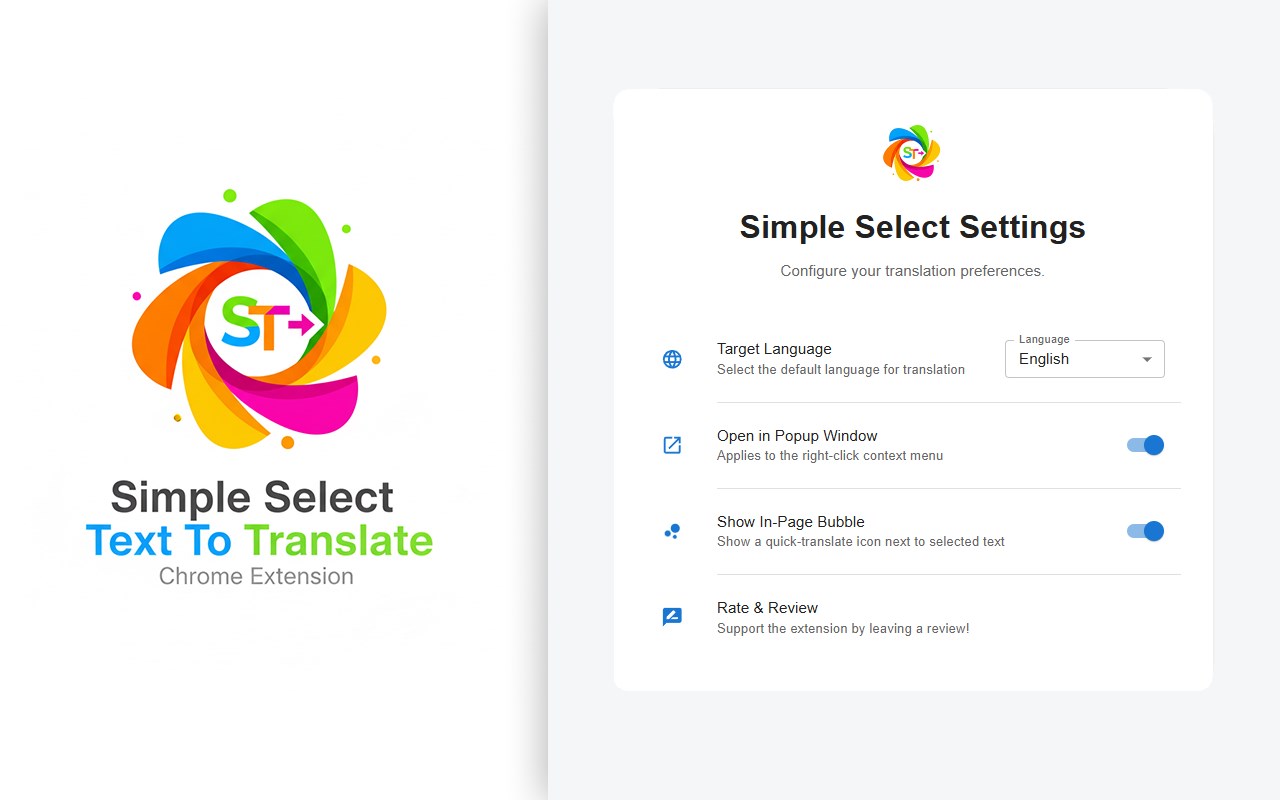
* 一切尽在掌控:在简洁现代的选项页面中,您可以轻松切换页面内翻译气泡的开启或关闭。
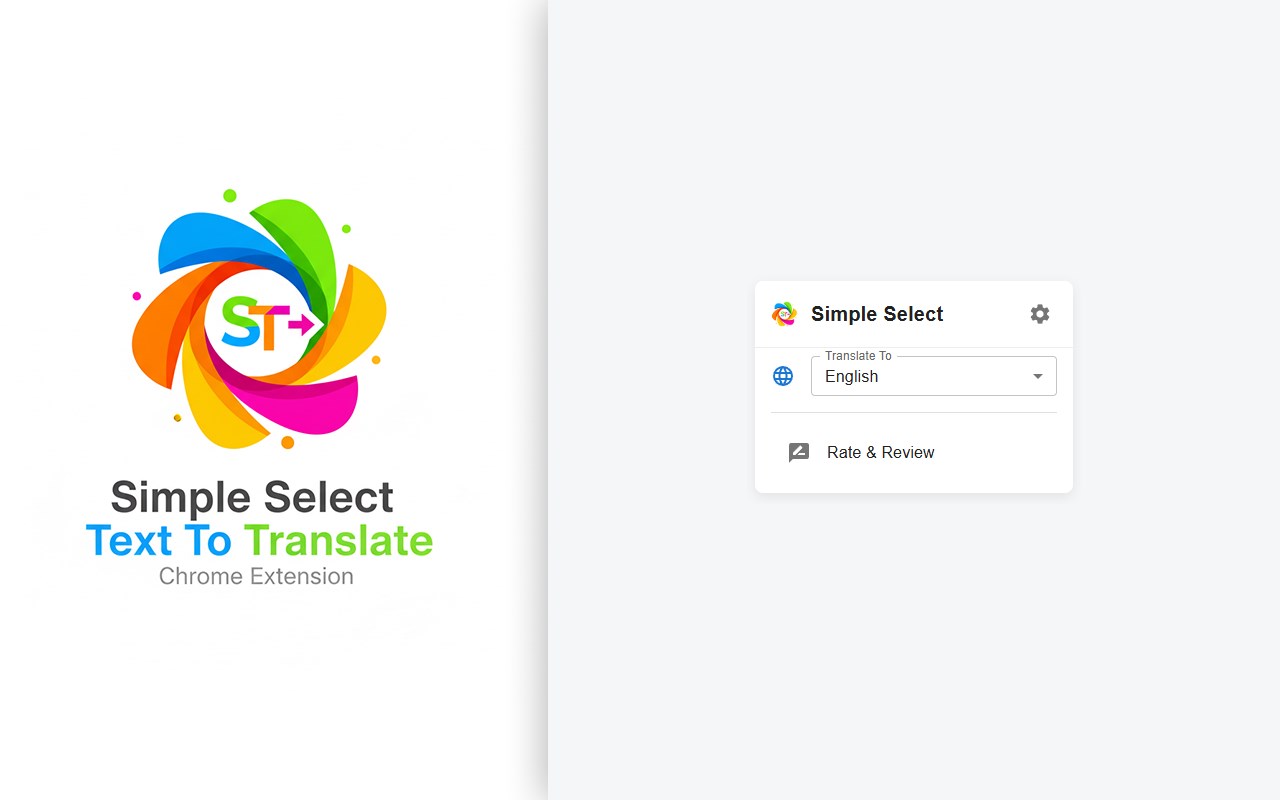
* 选择目标语言:只需设置一次默认翻译语言,扩展程序就会记住它,并在以后的所有翻译中使用。
* 弹出窗口或新标签页:您可以选择右键菜单打开的是简洁的弹出窗口还是全新的标签页。
✨ 简洁、现代:
没有杂乱的界面,没有广告,没有不必要的功能。只有一款快速、美观、高效的翻译工具,与您的浏览器完美集成。
---
使用方法:
1. 选择文本:选中网页上的任意文本。
2. 选择翻译方式:
* 点击选中文本旁边的翻译图标,即可立即进行页面内翻译。
* 或者,右键点击选中的文本,选择“使用 Google 翻译”。
3. 获取翻译!就是这么简单。
别让语言成为障碍。立即安装 Simple Select to Translate,体验更智能、更快捷的多语言网页浏览方式!
---
隐私至上:
您的隐私是我们的首要任务。此扩展程序不会追踪您的活动或存储任何个人数据。所有设置均保存在您的本地计算机上,不会存储在其他任何地方。
Tired of constantly switching tabs, copying, and pasting text just to get a quick translation? Simple Select to Translate revolutionizes your workflow by bringing the power of Google Translate directly to you, wherever you are on the web.
translate to english, google translate english,translate to hindi, translate to china, translate to chinese, translate to japan
This extension is designed for students, professionals, researchers, and anyone who reads content in multiple languages. It's the cleanest, fastest, and most intuitive way to translate selected text. Stop wasting time and streamline your browsing experience!
---
✨ Key Features ✨
🚀 Instant In-Page Translation Bubble: The star of the show! Simply select any text, and a small, convenient icon will appear right next to it. Click the icon, and get your translation instantly in an elegant popover bubble without ever leaving the page. It's seamless, fast, and incredibly efficient.
⚡️ Powerful & Customizable Right-Click Menu: Prefer the classic approach?
* Translate Selection: Right-click your selected text to instantly open the translation in a new tab or a separate, resizable popup window. You decide what works best for you in the options!
* Translate Full Page: Need to understand an entire article? Just right-click anywhere on the page and select "Translate this page" to open a fully translated version in a new tab, powered by Google Translate.
⚙️ Highly Customizable & User-Friendly:
* You Are in Control: Easily toggle the in-page translation bubble on or off from the modern and clean options page.
* Choose Your Target Language: Set your default translation language once, and the extension will remember it for all future translations.
* Popup or New Tab: Decide whether the right-click menu opens a compact popup window or a full new tab.
✨ Clean, Simple & Modern:
No clutter, no ads, no unnecessary features. Just a fast, beautiful, and efficient translation tool that integrates perfectly with your browser.
---
How to Use:
1. Select Text: Highlight any text on a webpage.
2. Choose Your Method:
* Click the small translation icon that appears next to your selection for an instant in-page
translation.
* OR, right-click the selected text and choose "Translate with Google".
3. Get Your Translation! It's that simple.
Stop letting language be a barrier. Install Simple Select to Translate today and experience a smarter, faster way to browse the multilingual web!
---
Privacy First:
Your privacy is a top priority. This extension does not track you or store any of your personal data. All your settings are saved locally on your computer, and nowhere else.
translate to english, google translate english,translate to hindi, translate to china, translate to chinese, translate to japan
Simple Select to Translate 是做什么的
Simple Select to Translate 是一款面向 Edge 的效率工具类扩展,主要用来管住注意力、屏蔽干扰站点、记录时间。官方对它的介绍是:只需选择要翻译的文本并将其发送到 Google 翻译。在微软 Edge 加载项商店上,它当前版本 0.0.6,约 69 名用户。
适合什么人用
从功能定位看,Simple Select to Translate 更适合想专注工作学习、减少无效刷网页的用户。如果你平时只是偶尔遇到相关需求,用浏览器自带功能也能凑合;但如果这件事每天都发生,装一个专门处理它的扩展通常比手动操作省事得多。需要注意的是它作用于所有网站,装上后建议先观察一两天,确认不影响常用站点的正常使用。
怎么安装 Simple Select to Translate
- 打开微软 Edge 加载项商店上的官方页面;
- 点「添加到浏览器」并确认权限提示;
- 装好后在扩展列表里固定图标,方便随时开关。
本站只做索引与介绍,安装包来自官方商店。如果商店页面提示当前地区不可用,说明该扩展未在你所在区域上架。
常见问题
Simple Select to Translate 是免费的吗?
Simple Select to Translate 在微软 Edge 加载项商店免费提供下载。它是浏览器扩展,装上就能直接用,不需要注册账号。
Simple Select to Translate 安全吗?
它只申请了 0 项权限,范围比较克制,没有申请「读取所有网站数据」这种大权限。
Simple Select to Translate 支持哪些浏览器?
当前收录的版本来自微软 Edge 加载项商店,适用于 Edge。同一个扩展在其他商店可能有对应版本,但功能与版本号不一定相同。
怎么卸载 Simple Select to Translate?
在扩展管理页找到 Simple Select to Translate,点移除即可。它在本地保存的设置会一起清掉,不会残留数据。
权限清单 来自 manifest.json 原文
站点访问(可选) 1
*://*/*
接口权限 2
contextMenusstorage