
Shumway SEO Toolkit EN
Brian Shumway · EEdge MV3
Fast, private on-page SEO data, exports, schema, links, images, and SERP previews for working SEOs.
<all_urls>),意味着它可以读取你在任意站点的页面内容,包括已登录的页面。这是许多扩展正常工作的必要条件,但也值得你确认来源可信。
截图


简介
Shumway SEO Toolkit is a local-first Edge extension for page-level SEO inspection. It gives SEOs, product managers, content teams, and developers one structured workspace for reviewing the current page without accounts, analytics, tracking pixels, background crawling, or recurring data collection.
Open the toolkit on any page to inspect metadata, indexability signals, HTTP responses and redirects, Web Vitals, headings, links, images, structured data, robots rules, social metadata, styles, accessibility, SERP previews, and SEO tools.
Most analysis runs locally in Microsoft Edge. Web Vitals can optionally request Google CrUX field data and PageSpeed Insights lab diagnostics for the current URL. Responses are cached locally and can be refreshed whenever you choose.
All exports are generated locally. Save CSV, TSV, JSON, Markdown, TXT, spreadsheet, page-copy, HTTP trace, image ZIP, accessibility JSON, robots, schema, Web Vitals, or SERP preview files.
FEATURES
OVERVIEW
Review the URL, canonical, robots directives, X-Robots-Tag, title, description, language, H1, HTTP status codes, response headers, discovery signals, source-vs-rendered differences, and prioritized review items.
WEB VITALS
Capture local Core Web Vitals, compare desktop and mobile CrUX field data, explore paired history charts, distinguish URL-level data from sitewide fallback data, and run PageSpeed Insights lab diagnostics.
HTTP AND REDIRECTS
Inspect status codes, response headers, server redirects, JavaScript redirects, meta-refresh redirects, and final-response details. View status badges in the Edge toolbar, then copy or download individual hops or complete traces.
LINK CHECKING
Check large batches of URLs on demand. Review exact status codes, redirects, final destinations, retry controls, rate-limit feedback, inline status badges, filters, persistent results, and link-status exports.
HEADINGS AND LINKS
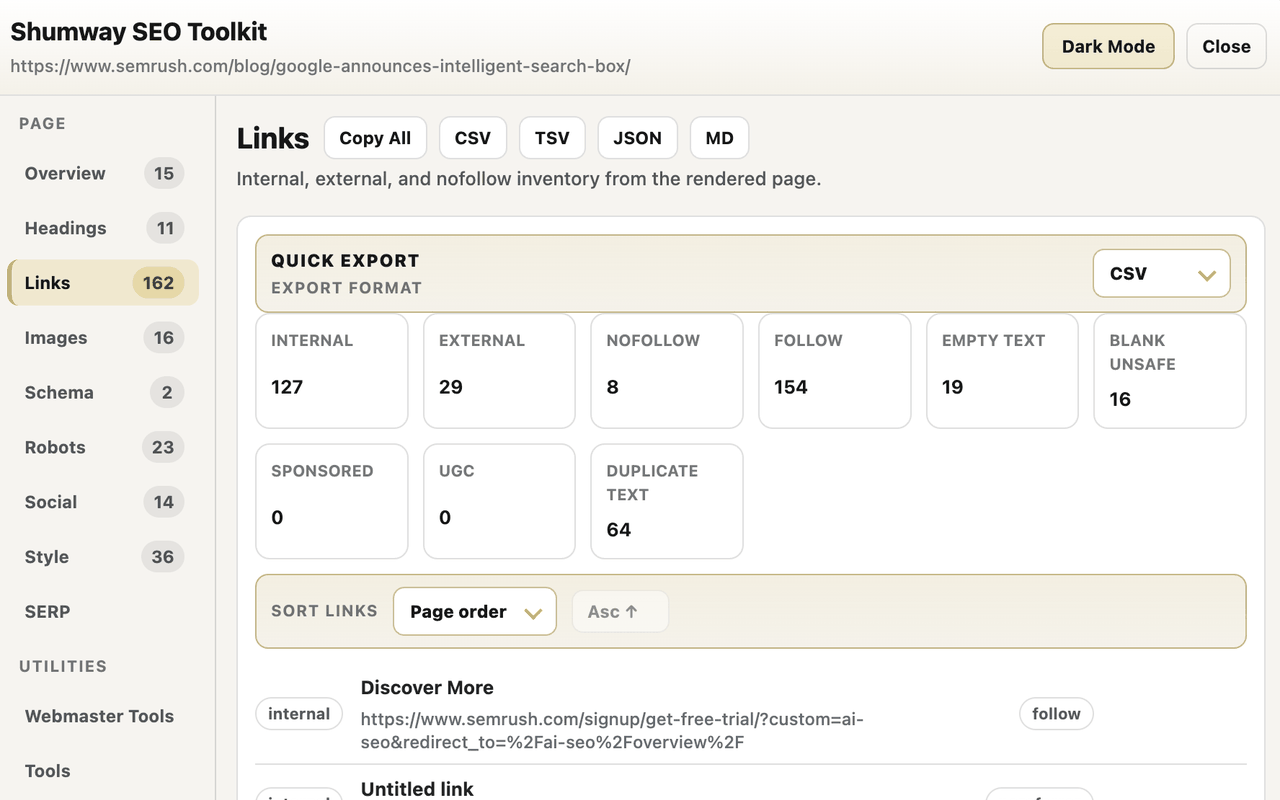
Review heading outlines, internal and external links, anchor text, rel attributes, empty anchors, and duplicate anchors. Filter, sort, select, copy, and export results.
IMAGES
Inspect images, alt-text coverage, lazy loading, missing dimensions, duplicate sources, and previews. Copy URLs, export selected rows, or download available page images as a ZIP.
STRUCTURED DATA
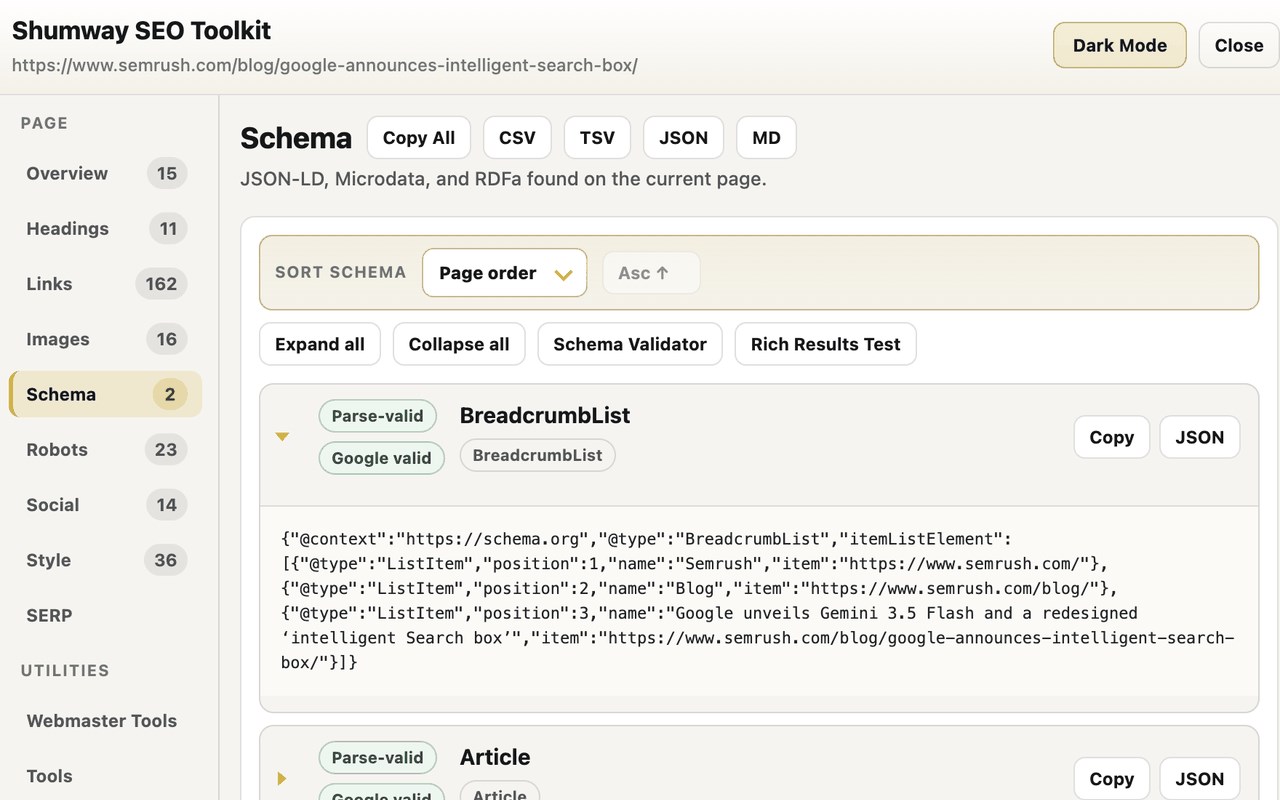
Detect JSON-LD, Microdata, and RDFa. Review parse status, Google rich-result guidance, warnings and errors, highlighted source lines, filters, sorting, and formatted JSON exports.
ROBOTS TOOLS
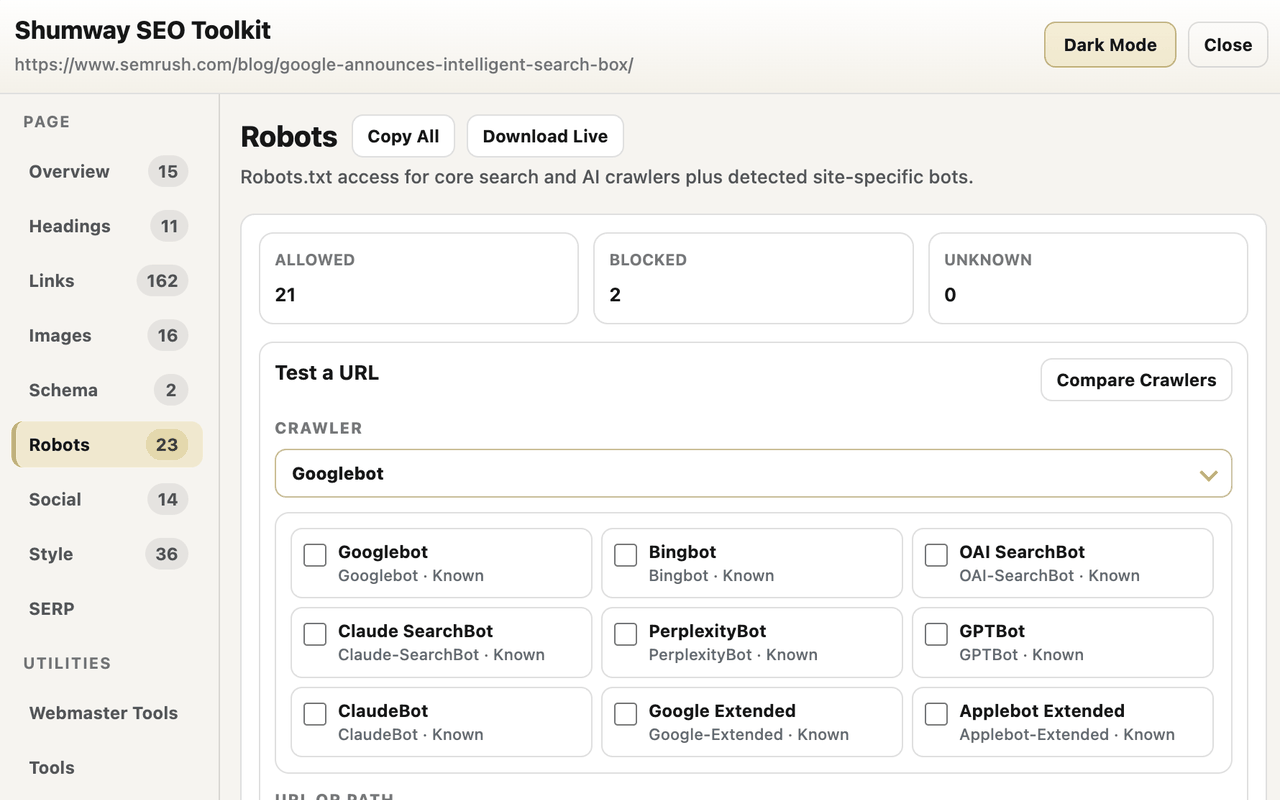
View live robots.txt, test any URL or path, compare Core, Detected, AI Search, AI Training, AI User Retrieval, and Other crawler groups, add a custom user agent, inspect matched and ignored rules, edit a local draft, and download results.
SERP PREVIEWS
Edit desktop and mobile Google-style previews, add compact rich-result modules, and download PNG or WebP images.
ACCESSIBILITY AND COLOR
Review rendered landmarks, headings, controls, images, and detected issues. Filter and sort results, expand details, copy locators, export JSON, and enable a colorblind-friendlier palette with non-color indicators.
SOCIAL AND STYLE
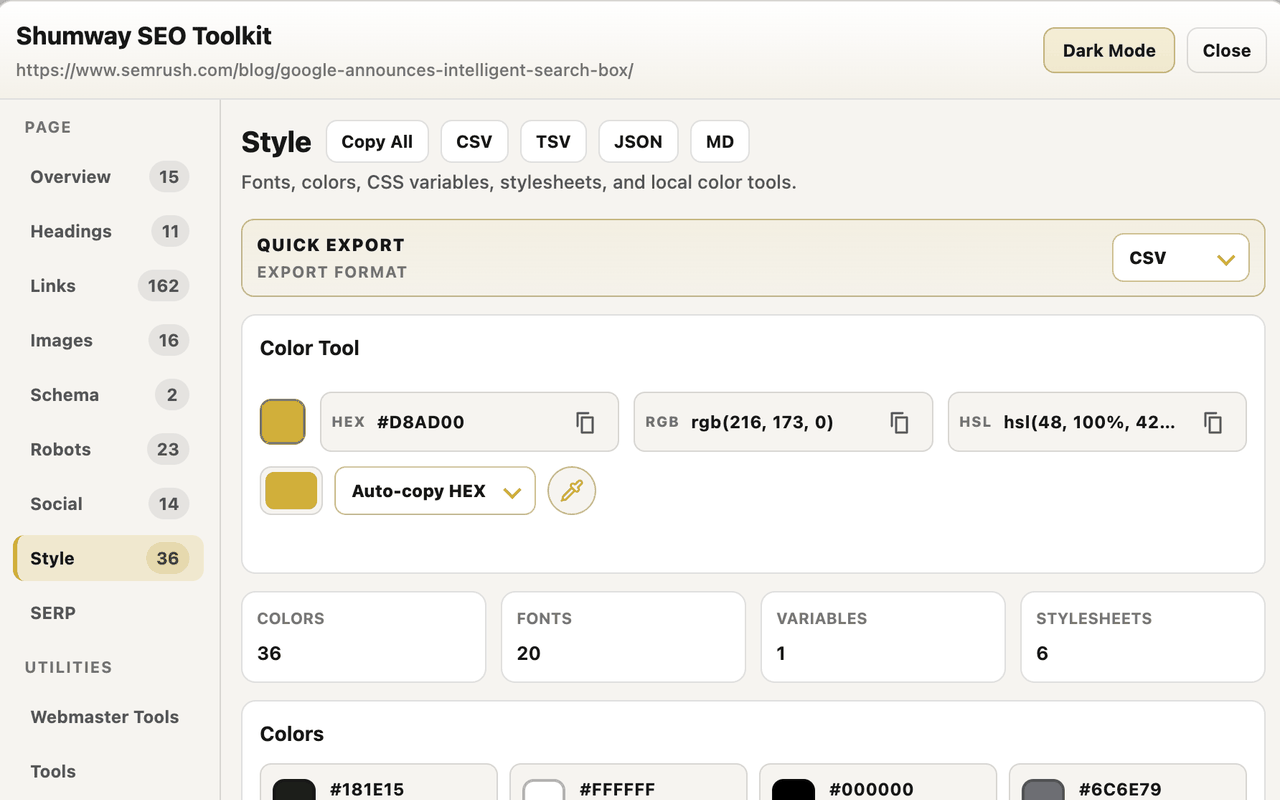
Inspect Open Graph and X/Twitter metadata, fonts, CSS variables, page colors, stylesheets, and local color tools.
JAVASCRIPT TESTING
Toggle JavaScript for the current site, reload the page, and compare how the page changes.
WEBMASTER AND SEO TOOLS
Open Search Console, Bing Webmaster Tools, PageSpeed Insights, Lighthouse, DebugBear, GTmetrix, backlink and rank tools, Archive.org, validators, and site or image searches.
EXPORTS
Download focused reports for issues, metadata, technical and discovery signals, HTTP traces, Web Vitals, headings, links, images, schema, robots, social metadata, styles, SERP previews, accessibility, page copy, or a full audit.
PRIVACY
Core page inspection runs locally against the active Edge tab. Shumway SEO Toolkit does not collect, sell, or transmit page-audit data to Shumway or Swifthog servers.
Web Vitals can send the current page URL to Google’s Chrome UX Report and PageSpeed Insights APIs. External tools open only when you click them.
WHAT’S NEW IN 0.1.8
Added on-demand link checking with exact HTTP statuses, redirect results, final destinations, retry controls, rate-limit feedback, inline badges, filters, persistent sessions, and exports.
Added source-linked schema diagnostics, improved robots crawler filtering and breadcrumb validation, clearer accessibility-tree locations, better issue locators, and branded settings for HTTP status capture, PageSpeed auto-run, and Web Vitals cache management.
Shumway SEO Toolkit 是做什么的
Shumway SEO Toolkit 是一款面向 Edge 的实用工具类扩展,主要用来解决浏览器里某类具体的小问题。官方对它的介绍是:Fast, private on-page SEO data, exports, schema, links, images, and SERP previews for working SEOs.在微软 Edge 加载项商店上,它当前版本 0.1.9.3,约 2 名用户。
适合什么人用
从功能定位看,Shumway SEO Toolkit 更适合想补上浏览器原生缺失功能的用户。如果你平时只是偶尔遇到相关需求,用浏览器自带功能也能凑合;但如果这件事每天都发生,装一个专门处理它的扩展通常比手动操作省事得多。需要注意的是它作用于所有网站,装上后建议先观察一两天,确认不影响常用站点的正常使用。
怎么安装 Shumway SEO Toolkit
- 打开微软 Edge 加载项商店上的官方页面;
- 点「添加到浏览器」并确认权限提示;
- 装好后在扩展列表里固定图标,方便随时开关。
本站只做索引与介绍,安装包来自官方商店。如果商店页面提示当前地区不可用,说明该扩展未在你所在区域上架。
常见问题
Shumway SEO Toolkit 是免费的吗?
Shumway SEO Toolkit 在微软 Edge 加载项商店免费提供下载。它是浏览器扩展,装上就能直接用,不需要注册账号。
Shumway SEO Toolkit 安全吗?
它只申请了 0 项权限,范围比较克制,没有申请「读取所有网站数据」这种大权限。
Shumway SEO Toolkit 支持哪些浏览器?
当前收录的版本来自微软 Edge 加载项商店,适用于 Edge。同一个扩展在其他商店可能有对应版本,但功能与版本号不一定相同。
怎么卸载 Shumway SEO Toolkit?
在扩展管理页找到 Shumway SEO Toolkit,点移除即可。它在本地保存的设置会一起清掉,不会残留数据。
权限清单 来自 manifest.json 原文
站点访问(可选) 2
http://*/*https://*/*
接口权限 8
activeTabcontentSettingscontextMenusdownloadsscriptingstoragewebNavigationwebRequest