
Shieldra – Smart Ad & Privacy Blocker EN
Iclick Solutions Inc · EEdge MV3
Ad blocker, YouTube ad blocker, popup blocker & privacy protection. Blocks ads, trackers, phishing & malware. Fast and free.
<all_urls>),意味着它可以读取你在任意站点的页面内容,包括已登录的页面。这是许多扩展正常工作的必要条件,但也值得你确认来源可信。
截图


简介
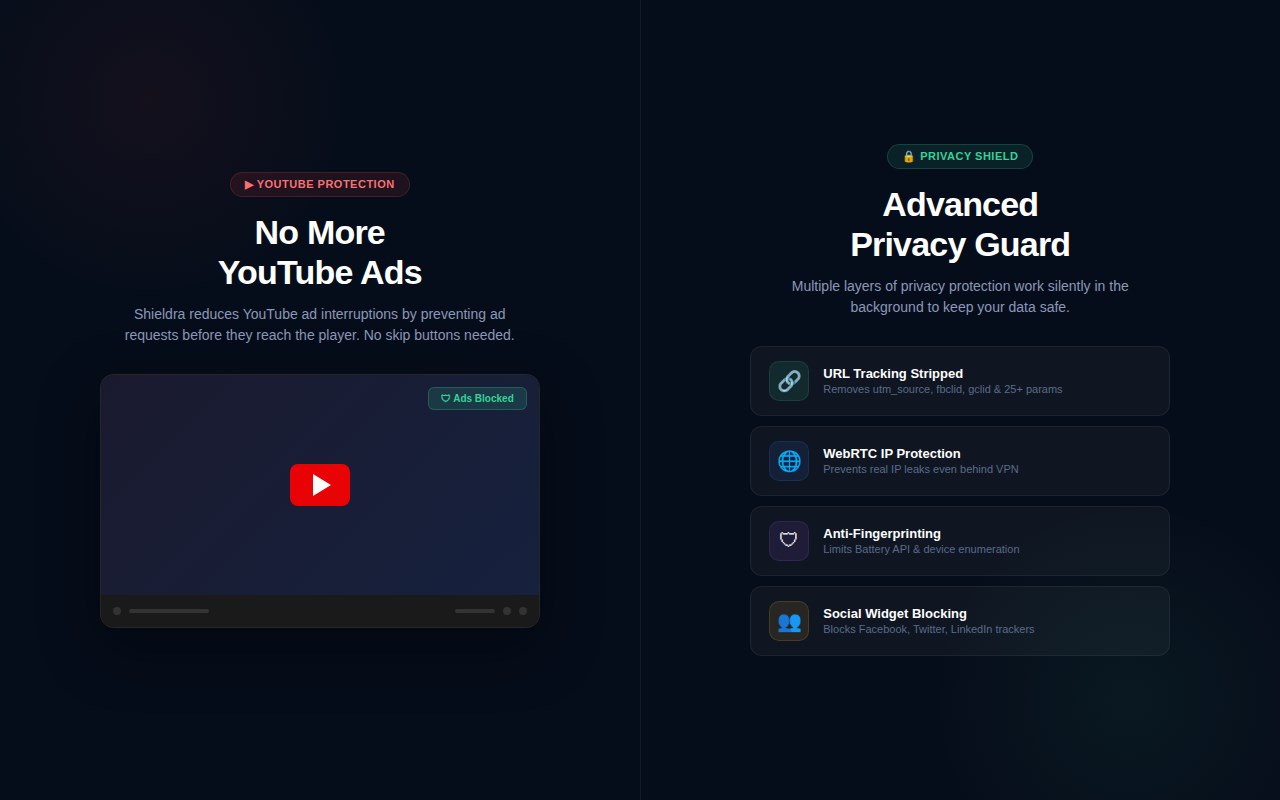
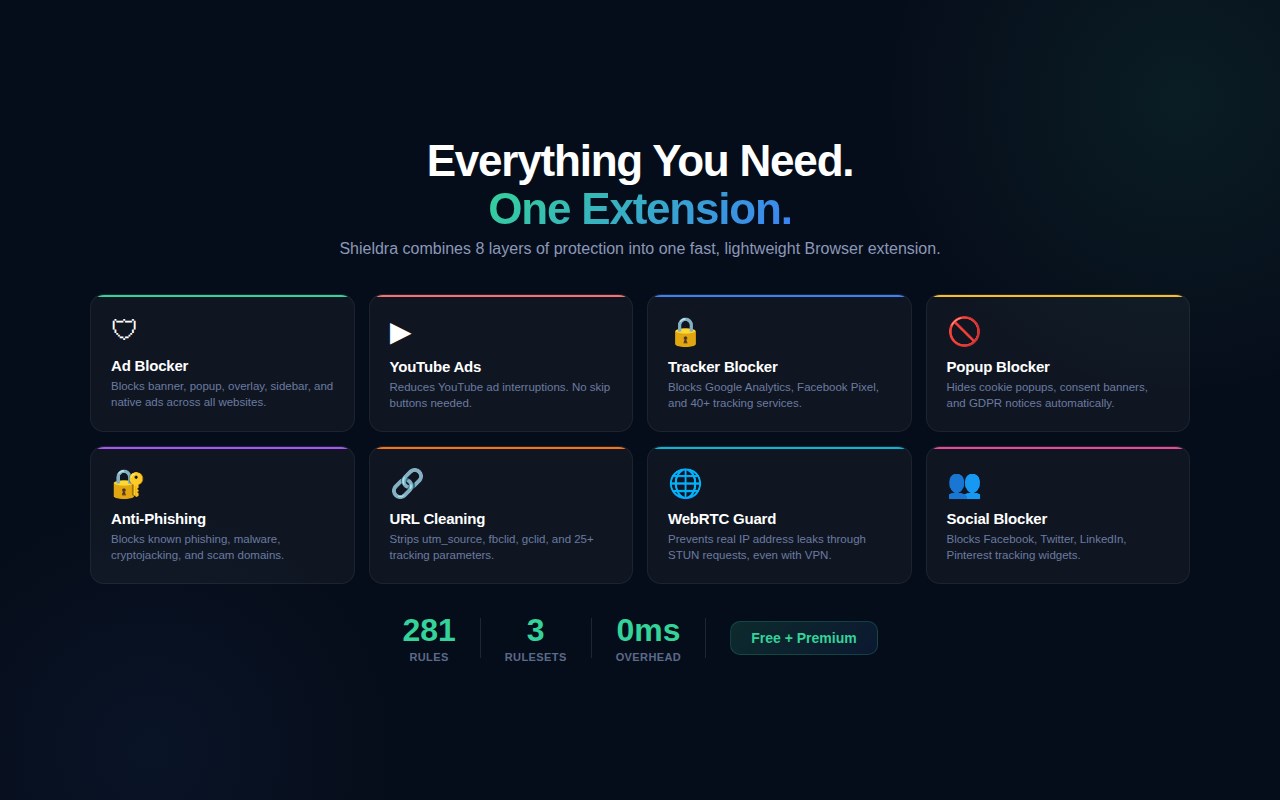
Shieldra is a smart ad and privacy helper that uses the browser’s built-in rules system to block many common ad and tracking requests, hide ad elements on pages, reduce cookie and consent popups, and give you clear per-site control over when protection is active.
What Shieldra does
• Blocks many ad and tracker network requests using a built-in list of rules covering major ad networks, analytics services, tracking pixels, and content recommendation widgets.
• Hides common ad containers, banner ads, and sponsored content on pages using cosmetic filtering, so blocked ad placeholders do not leave empty gaps.
• Shows how many requests were blocked on the current site and in total.
• Displays a Protection Level meter in the popup indicating your current coverage.
• Lets you disable protection for the current site with a single switch, without turning the whole extension off.
• Lets you manually block any domain from the popup — type a domain, click Block, and all requests to that domain (including page navigation) are blocked immediately. You can remove blocked domains at any time.
• Hides or reduces many cookie and consent popups (including common consent frameworks and generic cookie banners).
• Supports light and dark themes, which can be toggled from the popup header.
• Provides quick links to contact support or open an internal “Threat history” page from the Actions tab.
• Opens a welcome page on first install introducing all features.
Per-site control and statistics
• The main view shows whether Shieldra is ACTIVE or OFF for the current site.
• “Blocked (this tab)” shows the number of blocked network requests for the current tab.
• “Total blocked” shows the cumulative number of blocked network requests across all sites.
• “Site total” shows how many requests have been blocked on that particular domain over time.
• A protection streak counter shows how many days Shieldra has been active.
• You can turn Shieldra off just for the current site; when disabled, blocking stops and counters remain at 0 for that site.
• The toolbar badge shows a checkmark when protection is active, or the blocked count when requests have been blocked.
Manual domain blocking
• From the Actions tab, you can type any domain (for example, ads.example.com) and block it manually.
• Manually blocked domains are listed below the input, and each can be removed with a single click.
• These custom block rules persist across browser sessions and block all resource types, including page navigation.
Notifications and engagement
• Shieldra may send occasional notifications to keep you informed about your protection status.
• Milestone notifications appear when you reach blocking milestones (for example, 1,000 or 10,000 requests blocked).
• A weekly summary notification can show how many requests were blocked in the past week.
• On banking and shopping websites, Shieldra may display a notification suggesting you upgrade to Premium for automatic incognito protection on those sites.
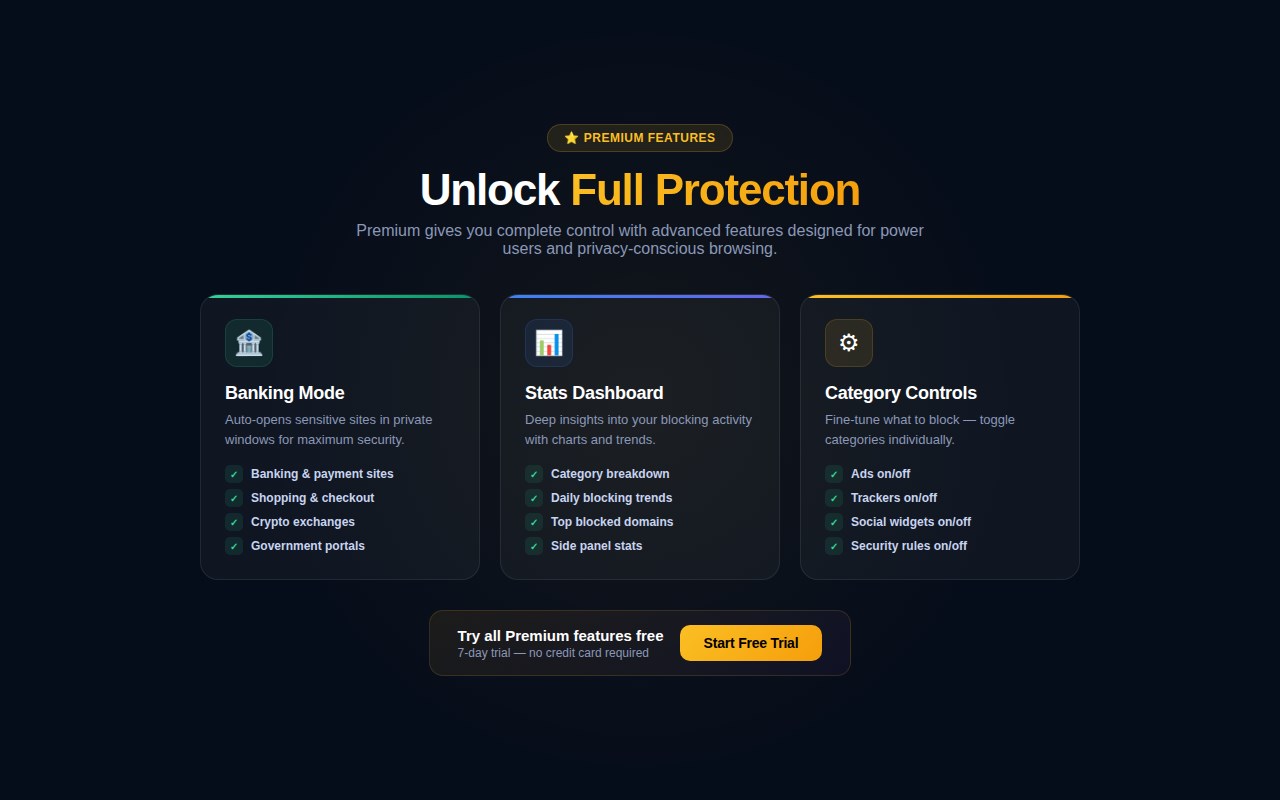
Optional Premium – Banking / Shopping Mode
Shieldra includes an optional Premium feature called Banking / Shopping Mode:
• When Premium is active and Banking / Shopping Mode is turned ON in the popup, Shieldra detects banking, payment, and checkout websites using a curated list of known domains plus checkout-path detection.
• On these sites, Shieldra shows a notification with two options: “Always open in incognito” (saves your preference and opens the site in an incognito window automatically in the future) or “Never ask for this site” (saves your preference and stops notifications for that domain).
• Saved site preferences are displayed in the popup and can be reset at any time.
• Premium is activated by entering a license key inside the extension popup; the key is securely validated with the Shieldra licensing server.
• The Protection Level meter reflects enhanced coverage for Premium users.
Important notes
• “Blocked” counters refer to blocked network requests (ads, trackers, and similar). Cosmetic hiding of visible ad elements is not included in request totals.
• Shieldra blocks ads on most websites but does not block video ads that stream from the same servers as regular video content. Overlay ads, banner ads, sidebar ads, and companion ads are hidden where possible.
• Incognito windows reduce how data is stored locally in your browser, but they do not make you anonymous to websites, network administrators, or internet providers.
• Blocking behavior may vary depending on the site and browser version.
• Per-tab statistics reset when a tab is closed. Total blocked counts persist across browser sessions.
Shieldra is designed to provide transparent ad and tracker blocking with manual domain control, cosmetic filtering, protection tracking, light and dark themes, and an optional incognito workflow for banking and shopping sites, while operating within the browser’s built-in privacy and security model.
Shieldra – Smart Ad & Privacy Blocker 是做什么的
Shieldra – Smart Ad & Privacy Blocker 是一款面向 Edge 的效率工具类扩展,主要用来管住注意力、屏蔽干扰站点、记录时间。官方对它的介绍是:Ad blocker, YouTube ad blocker, popup blocker & privacy protection. Blocks ads, trackers, phishing & malware. Fast and free.在微软 Edge 加载项商店上,它当前版本 1.2.0,评分 5(2 人评价),约 22 名用户。
适合什么人用
从功能定位看,Shieldra – Smart Ad & Privacy Blocker 更适合想专注工作学习、减少无效刷网页的用户。如果你平时只是偶尔遇到相关需求,用浏览器自带功能也能凑合;但如果这件事每天都发生,装一个专门处理它的扩展通常比手动操作省事得多。需要注意的是它作用于所有网站,装上后建议先观察一两天,确认不影响常用站点的正常使用。
怎么安装 Shieldra – Smart Ad & Privacy Blocker
- 打开微软 Edge 加载项商店上的官方页面;
- 点「添加到浏览器」并确认权限提示;
- 装好后在扩展列表里固定图标,方便随时开关。
本站只做索引与介绍,安装包来自官方商店。如果商店页面提示当前地区不可用,说明该扩展未在你所在区域上架。
常见问题
Shieldra – Smart Ad & Privacy Blocker 是免费的吗?
Shieldra – Smart Ad & Privacy Blocker 在微软 Edge 加载项商店免费提供下载。它是浏览器扩展,装上就能直接用,不需要注册账号。
Shieldra – Smart Ad & Privacy Blocker 安全吗?
它只申请了 0 项权限,范围比较克制,没有申请「读取所有网站数据」这种大权限。
Shieldra – Smart Ad & Privacy Blocker 支持哪些浏览器?
当前收录的版本来自微软 Edge 加载项商店,适用于 Edge。同一个扩展在其他商店可能有对应版本,但功能与版本号不一定相同。
怎么卸载 Shieldra – Smart Ad & Privacy Blocker?
在扩展管理页找到 Shieldra – Smart Ad & Privacy Blocker,点移除即可。它在本地保存的设置会一起清掉,不会残留数据。
权限清单 来自 manifest.json 原文
站点访问(可选) 1
<all_urls>
接口权限 8
contextMenusdeclarativeNetRequestdeclarativeNetRequestWithHostAccessnotificationssidePanelstoragetabswebRequest