
Select & Search - Capture Screen and Search Instantly EN
4vidit · EEdge MV3
Select any area on screen and instantly search it across 40+ engines.
截图




简介
Select & Search – The Ultimate Visual Search Tool
🔍 Search what you see. Instantly. 🤌🏻
Ever spotted a product in a video, a logo in a presentation, a pattern in a design, or a detail inside a locked-down image and wished you could search for it right away?
Traditional reverse-image search only works on standalone, clickable images. It breaks the moment you want to search inside a YouTube frame, a Zoom call, a PDF, a Figma canvas, or a protected image.
Select & Search fixes that by turning your cursor into a visual search superpower.
With a quick drag over any area of your screen, Select & Search captures exactly what you’re looking at and sends it straight to the search engine of your choice—no screenshots, no saving files, no manual uploads.
➽ What Select & Search Can Do
» Search anything you can see If it’s visible on your screen, you can search it:
video frames, UI elements, infographics, product shots, memes, text inside images, and non-clickable elements on any webpage.
» One gesture, full workflow Click the extension icon or use the shortcut (Ctrl+Shift+S on Windows, Cmd+Shift+S on Mac), drag a box, release—and your results open in a new tab. No extra steps.
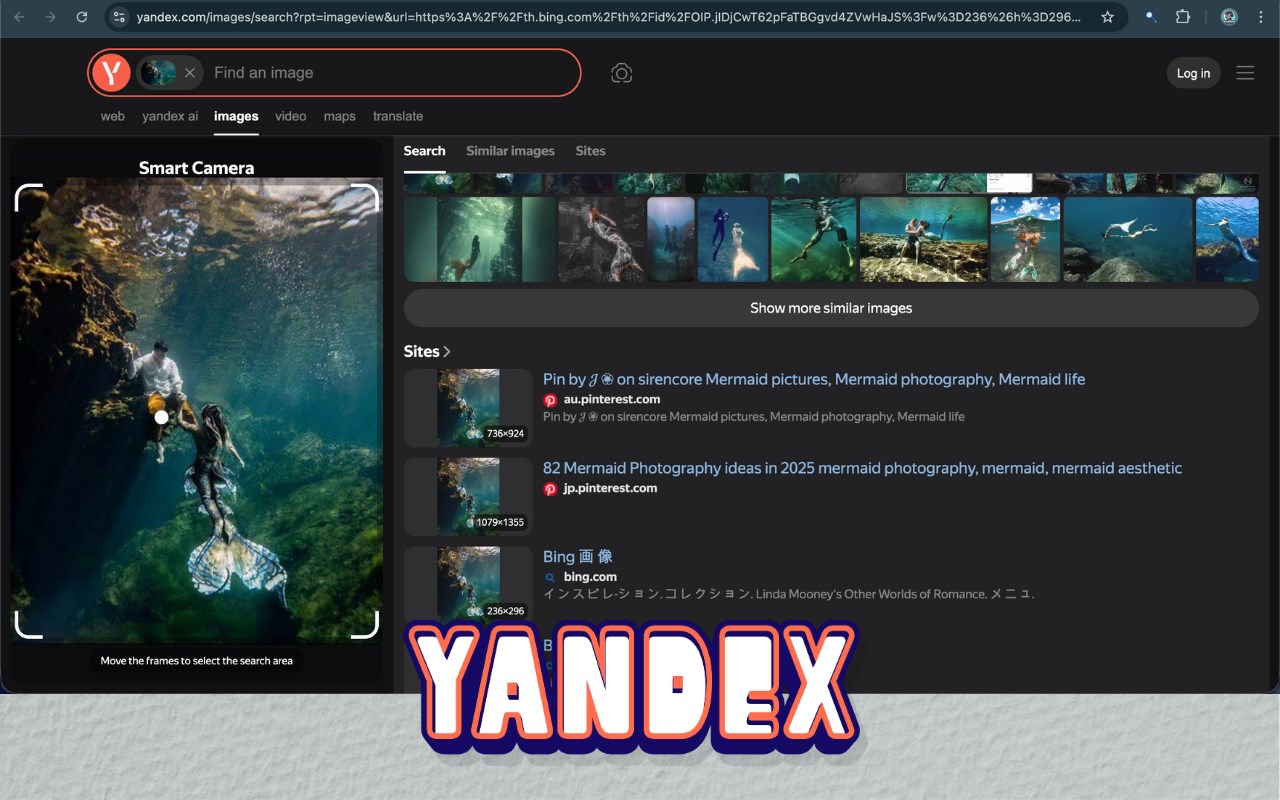
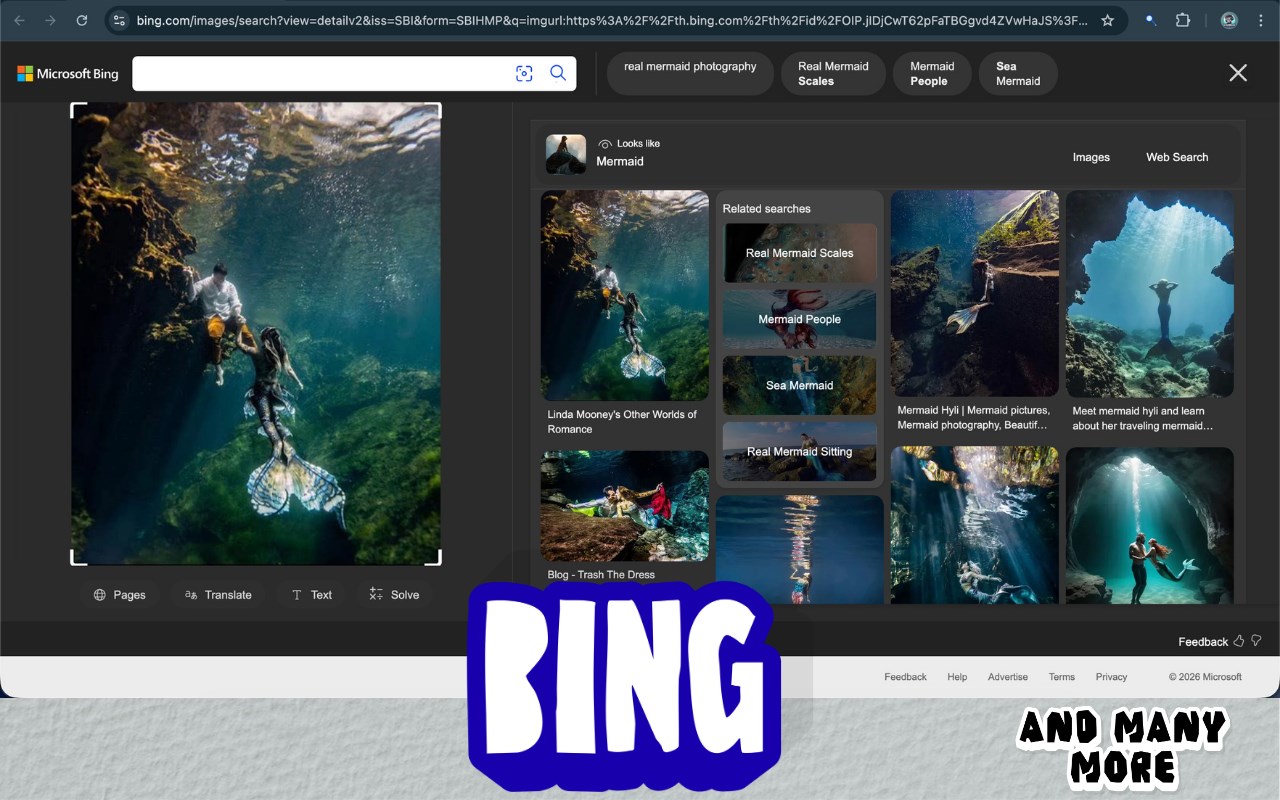
» Choose from 40+ search engines Go beyond a single engine. Pick the best tool for the job with an A–Z engine picker, complete with logos and categories like:
● Popular: Google Images, Google Lens, Bing Images, Yandex
● Stock & Creative: Getty Images, iStock, Shutterstock, Adobe Stock, Dreamstime, Alamy, Freepik, Unsplash, Icons8, VCG, Pond5, Pixta, 123RF, Stocksy
● Shopping & Product: Taobao, Alibaba (1688), IKEA, Shein, Wildberries, Lykdat, Qihoo, Pinterest
● Legal & IP: EUIPO eSearch, TMview, WIPO BrandDB, Madrid Monitor, AU/NZ/JP trademark & design databases, Vienna Assistant
● Art, Anime & Niche: IQDB, Ascii2d, RepostSleuth, Lexica, Lenso, Kagi, PimEyes, Sogou
You’re always one click away from switching engines via a clean, visual engine selection dialog.
» “Search images on this page” picker Don’t want to crop the screen? Open the built-in image picker, browse all images detected on the current page, and search any of them in one click.
» Smart recent history Your last searches are saved locally as thumbnails inside the popup, so you can revisit a result without re-selecting or re-uploading.
» Fits naturally into your browsing Right-click anywhere to start a selection, or right-click directly on an image to search it instantly. Use the popup buttons, keyboard shortcuts, or context menu—whatever feels fastest for you.
➽ Perfect For -
» Online shoppers: Find the exact product (or cheaper alternatives) from videos, feeds, and posts.
» Designers & creatives: Track down stock sources, similar visuals, fonts, or reference material instantly.
» Researchers, journalists & students: Verify sources of viral images, find originals, or locate higher-res copies of charts and diagrams.
» Brand & IP teams: Quickly check trademarks, logos, and designs across multiple official databases in one flow.
» Curious explorers: Identify landmarks, artwork, buildings, or anything you see while browsing.
➽ Privacy First
Your browsing is your business. Select & Search is built with privacy in mind:
» No personal data collection.
» No sale or resale of your browsing data.
» Searches are performed either locally or directly with the engines you choose.
You stay in control of what you search and where it goes.
➽ How to Use
1. Click the extension icon or press Ctrl+Shift+S (Windows) / Cmd+Shift+S (Mac) .
2. Drag to draw a box around whatever you want to search.
3. Release to instantly open results in a new tab using your selected search engine.
4. Optionally, right-click an image or use the “Search images on this page” picker for quick, image-only searches.
Stop just looking at what’s on your screen. Start searching it.
Add Select & Search to Edge today and experience the web visually.
Select & Search - Capture Screen and Search Instantly 是做什么的
Select & Search - Capture Screen and Search Instantly 是一款面向 Edge 的搜索增强类扩展,主要用来补充搜索结果、切换搜索引擎、过滤无效结果。官方对它的介绍是:Select any area on screen and instantly search it across 40+ engines.在微软 Edge 加载项商店上,它当前版本 1.0.0 (Visual Screen Search),约 17 名用户。
适合什么人用
从功能定位看,Select & Search - Capture Screen and Search Instantly 更适合每天大量搜索、希望结果更干净准确的用户。如果你平时只是偶尔遇到相关需求,用浏览器自带功能也能凑合;但如果这件事每天都发生,装一个专门处理它的扩展通常比手动操作省事得多。
怎么安装 Select & Search - Capture Screen and Search Instantly
- 打开微软 Edge 加载项商店上的官方页面;
- 点「添加到浏览器」并确认权限提示;
- 装好后在扩展列表里固定图标,方便随时开关。
本站只做索引与介绍,安装包来自官方商店。如果商店页面提示当前地区不可用,说明该扩展未在你所在区域上架。
常见问题
Select & Search - Capture Screen and Search Instantly 是免费的吗?
Select & Search - Capture Screen and Search Instantly 在微软 Edge 加载项商店免费提供下载。它是浏览器扩展,装上就能直接用,不需要注册账号。
Select & Search - Capture Screen and Search Instantly 安全吗?
它只申请了 0 项权限,范围比较克制,没有申请「读取所有网站数据」这种大权限。
Select & Search - Capture Screen and Search Instantly 支持哪些浏览器?
当前收录的版本来自微软 Edge 加载项商店,适用于 Edge。同一个扩展在其他商店可能有对应版本,但功能与版本号不一定相同。
怎么卸载 Select & Search - Capture Screen and Search Instantly?
在扩展管理页找到 Select & Search - Capture Screen and Search Instantly,点移除即可。它在本地保存的设置会一起清掉,不会残留数据。
权限清单 来自 manifest.json 原文
接口权限 9
activeTabclipboardWritecontextMenusdeclarativeNetRequestdesktopCapturescriptingstoragetabsunlimitedStorage