SecurePresent - Employee Privacy Shield EN
SecurePresent · EEdge MV3
Secure screen sharing & recording tool. Features Adblock-style PII masking and PasteGuard to prevent sensitive data leaks in AI.
<all_urls>),意味着它可以读取你在任意站点的页面内容,包括已登录的页面。这是许多扩展正常工作的必要条件,但也值得你确认来源可信。
截图
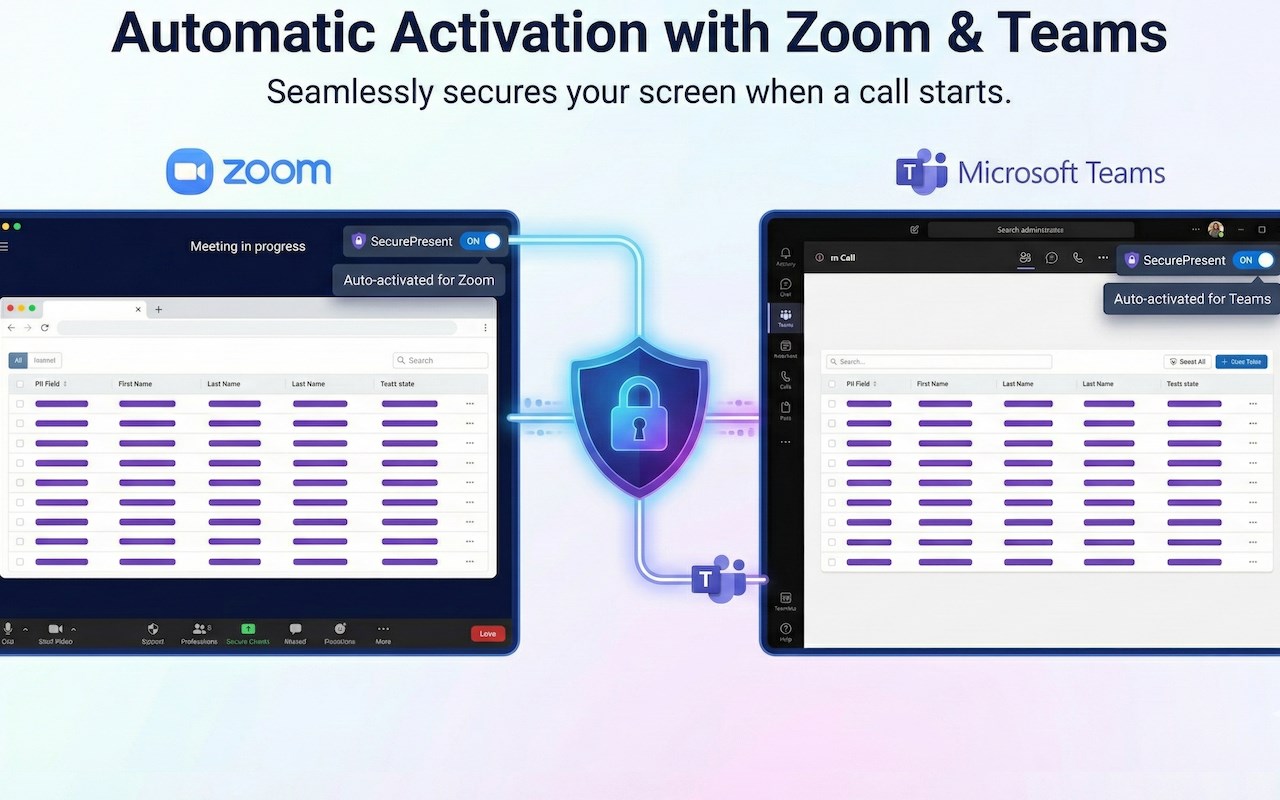

简介
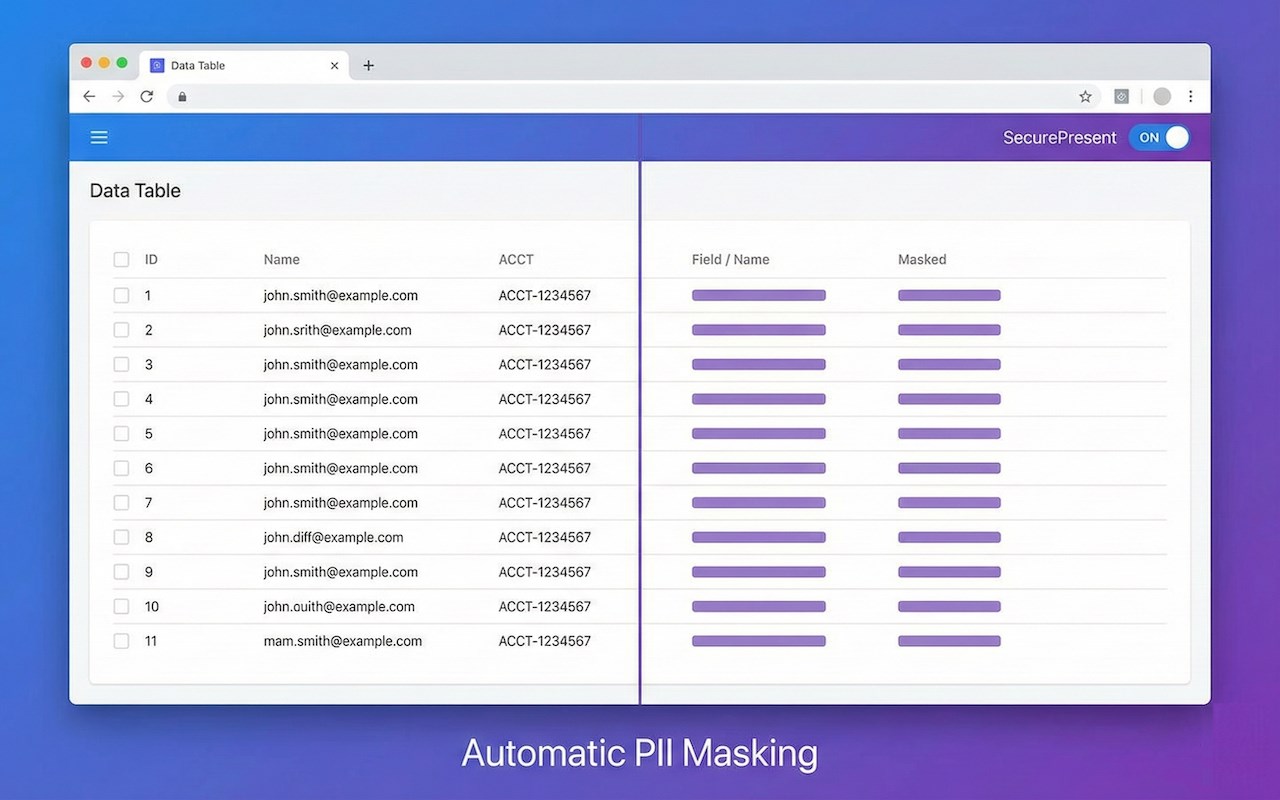
SecurePresent - Employee Privacy Shield is an advanced browser extension meticulously designed for professionals who deal with sensitive data and require robust privacy protection during online collaboration, remote work, and screen sharing sessions. In today’s environment, where screen sharing and live demonstrations are integral to many workflows, accidental exposure of confidential information can occur in seconds. SecurePresent equips employees, sales teams, HR professionals, finance experts, and legal practitioners with an enterprise-grade privacy shield that automatically detects and masks Personally Identifiable Information (PII) in real-time, ensuring that critical data remains confidential without interrupting productivity.
At its core, SecurePresent functions through a sophisticated privacy engine that operates locally in your browser, rigorously scanning web pages as they load to identify and obscure sensitive details such as email addresses, phone numbers (both domestic and international), Social Security Numbers, credit card details, bank account information, and other critical identifiers. This detection resembles the functionality of Adblock-style filters but is specially tailored to PII, instantly masking private data before it can be screen shared, recorded, pasted into chat windows, or inserted into AI interfaces. This ensures a seamless yet secure experience during presentations and online interactions.
Specifically designed for high-stakes workflows, SecurePresent caters to diverse professional scenarios: Sales and Account Executives can confidently demonstrate live environments and real accounts to prospects without the risk of revealing existing client data; HR and Talent Acquisition specialists can share applicant tracking systems (ATS) or candidate profiles without exposing salary information, contact details, or sensitive negotiation notes; Finance and Legal teams can review contracts, banking dashboards, and spreadsheets on calls with confidence, knowing sensitive account numbers and confidential clauses are properly masked. The extension’s special policies for enterprise platforms such as Gmail, Slack, and Salesforce ensure precise recognition and protection of unique data fields within those services.
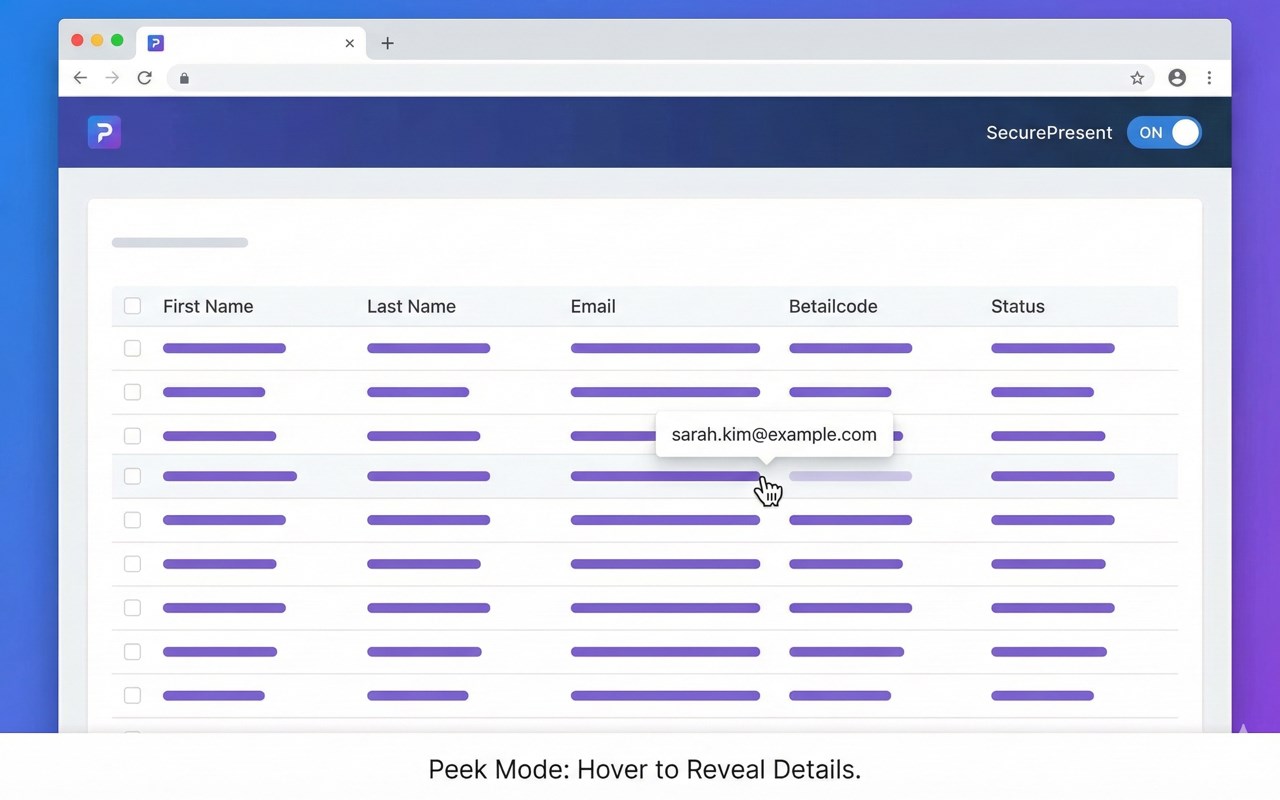
A standout feature called PasteGuard fortifies workflows that involve AI tools and chatbots by intercepting paste commands in real-time and scanning clipboard content. It prevents inadvertent leakage of confidential data such as API keys, database credentials, or PII from being pasted into public AI interfaces (e.g., ChatGPT) or external chat windows, effectively stopping potential data leaks at their source. Additionally, the “Peek Mode” feature allows users to verify masked data privately by holding down the Alt/Option key and hovering over any masked element, temporarily revealing it only to the presenter, ensuring no accidental exposure to the audience.
SecurePresent is also a powerful ally in maintaining professionalism during presentations by automatically blocking distracting advertisements and banners on web pages, allowing audiences to focus solely on the content being shared. Its watermark overlay functionality further enhances security by superimposing contextual watermarks on screens during recording or sharing, visibly signaling protected sessions and discouraging misuse or unauthorized recordings.
The extension offers flexible, centralized configuration options accessible via an intuitive popup menu and a comprehensive options page, where users and administrators can activate the privacy shield, switch between customizable profiles, review masking logs, and adjust settings according to specific workflows or organizational policies. This allows enterprises to deploy standardized masking rules and PasteGuard policies across the organization, ensuring regulatory compliance with standards like GDPR, HIPAA, and SOC 2. Running efficiently across all browser tabs and frames, including modern web applications with dynamic content and multiple embedded views, SecurePresent ensures continuous protection through a dynamic mutation observer that detects and masks newly added or edited content immediately.
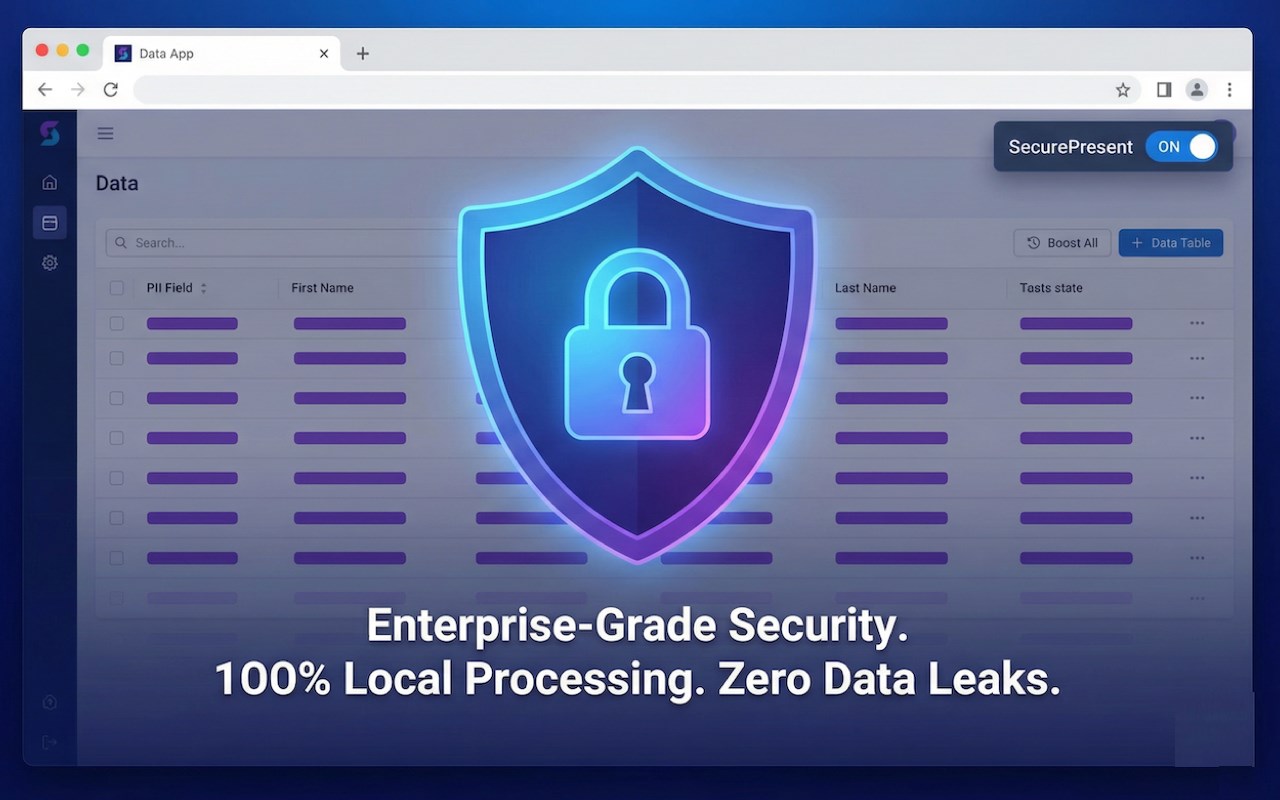
SecurePresent operates on a strict zero-trust architecture, processing all detection and masking locally within the browser with no data leaving the user’s device. This ensures that screen content, clipboard data, browsing history, and PII remain private and secure, as no personal data is collected or transmitted externally.
Key Features:
- Real-time masking of PII including emails, phone numbers (domestic and international), Social Security Numbers, credit card details, and banking information using Adblock-like filtering rules.
- Enterprise-tailored protection for platforms such as Gmail, Slack, and Salesforce, with specialized detection of unique fields and data structures.
- PasteGuard intercepts paste events to scan and mask sensitive data before it can be pasted into AI tools or external chat interfaces, preventing accidental disclosures.
- Customizable profiles and rule sets allow users or administrators to tailor privacy settings per domain, workflow, or use case.
- Contextual watermark overlays for recorded or shared screens to visibly identify protected sessions and discourage misuse.
- Dynamic mutation observer continuously monitors and applies masking to dynamic or newly loaded content, ensuring live chats, feeds, and collaborative documents remain secure.
- User-friendly popup and detailed options page provide quick activation, profile switching, masking log review, and advanced configuration.
- Efficient protection across all browser frames and tabs with context menu controls and persistent personalized settings.
- Distraction-free presentation mode automatically blocks ads and web page clutter for a polished, professional appearance during screen sharing.
How It Works:
1. Install SecurePresent - Employee Privacy Shield from your browser’…
SecurePresent - Employee Privacy Shield 是做什么的
SecurePresent - Employee Privacy Shield 是一款面向 Edge 的效率工具类扩展,主要用来管住注意力、屏蔽干扰站点、记录时间。官方对它的介绍是:Secure screen sharing & recording tool. Features Adblock-style PII masking and PasteGuard to prevent sensitive data leaks in AI.在微软 Edge 加载项商店上,它当前版本 1.2.7。
适合什么人用
从功能定位看,SecurePresent - Employee Privacy Shield 更适合想专注工作学习、减少无效刷网页的用户。如果你平时只是偶尔遇到相关需求,用浏览器自带功能也能凑合;但如果这件事每天都发生,装一个专门处理它的扩展通常比手动操作省事得多。需要注意的是它作用于所有网站,装上后建议先观察一两天,确认不影响常用站点的正常使用。
怎么安装 SecurePresent - Employee Privacy Shield
- 打开微软 Edge 加载项商店上的官方页面;
- 点「添加到浏览器」并确认权限提示;
- 装好后在扩展列表里固定图标,方便随时开关。
本站只做索引与介绍,安装包来自官方商店。如果商店页面提示当前地区不可用,说明该扩展未在你所在区域上架。
常见问题
SecurePresent - Employee Privacy Shield 是免费的吗?
SecurePresent - Employee Privacy Shield 在微软 Edge 加载项商店免费提供下载。它是浏览器扩展,装上就能直接用,不需要注册账号。
SecurePresent - Employee Privacy Shield 安全吗?
它只申请了 0 项权限,范围比较克制,没有申请「读取所有网站数据」这种大权限。
SecurePresent - Employee Privacy Shield 支持哪些浏览器?
当前收录的版本来自微软 Edge 加载项商店,适用于 Edge。同一个扩展在其他商店可能有对应版本,但功能与版本号不一定相同。
怎么卸载 SecurePresent - Employee Privacy Shield?
在扩展管理页找到 SecurePresent - Employee Privacy Shield,点移除即可。它在本地保存的设置会一起清掉,不会残留数据。
权限清单 来自 manifest.json 原文
站点访问(可选) 1
<all_urls>
接口权限 6
activeTabalarmscontextMenusidentitystoragetabs