Secure & Private Password Generator EN
Paolo Ronco · EEdge MV3
Generate secure and customizable passwords quickly and privately.
截图


简介
Generate secure and customizable passwords quickly and privately.
Did You Know? Weak Passwords Can Be Hacked in Seconds!
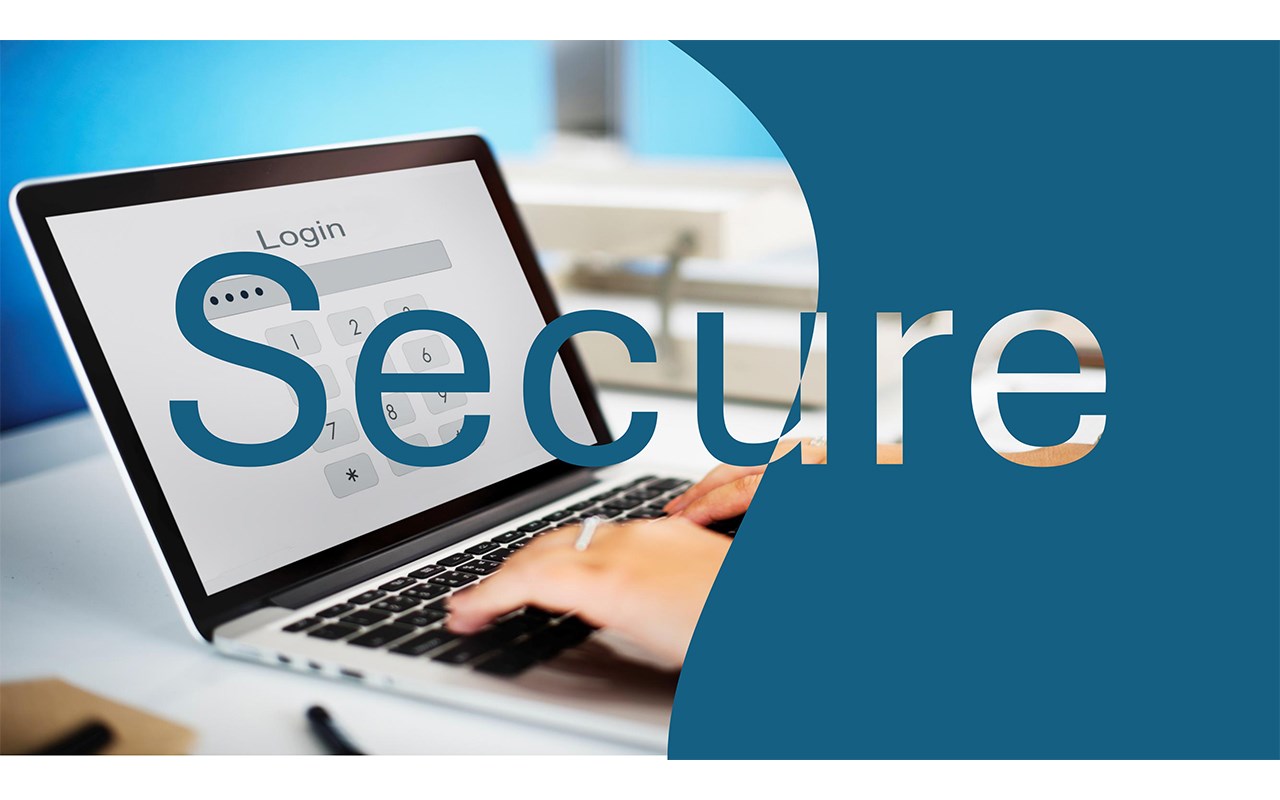
Common passwords like `12345678`, `password`, or `qwerty` are shockingly easy for hackers to crack — often in just a few seconds. These widely used passwords put your online security at serious risk, leaving your accounts vulnerable to attacks.
In a world where cybersecurity threats are on the rise, it’s essential to prioritize your safety online. Generating secure, strong, and unique passwords is the first step in protecting yourself. And that’s exactly where our Password Generator can help!
With one click, you can create robust passwords that stand strong against brute-force attacks and safeguard your valuable information. Let’s make security a priority today — because your data deserves the best protection.
Features at a Glance:
• One-Click Simplicity: No complicated steps, no confusing settings. With just one click, you can generate a strong, random password instantly.
• Customizable Passwords: Personalize your passwords by setting the length and choosing whether to include letters, numbers, and special characters. Tailor your security to your specific needs!
• Avoid Ambiguity: We’ve eliminated the uppercase "O" from the character set to avoid confusion with the number "0." No more guessing which character is which!
• Common Special Characters: Uses only familiar special characters (!?€%$) to ensure compatibility with most websites and systems.
Why Choose Our Password Generator?
• Lightweight & Non-Intrusive: It’s a minimal tool that doesn’t slow down your browser or interfere with your personal Microsoft Edge add-on settings.
• Privacy First: Your data is never sent or shared. This tool works entirely on your device, ensuring maximum security and privacy.
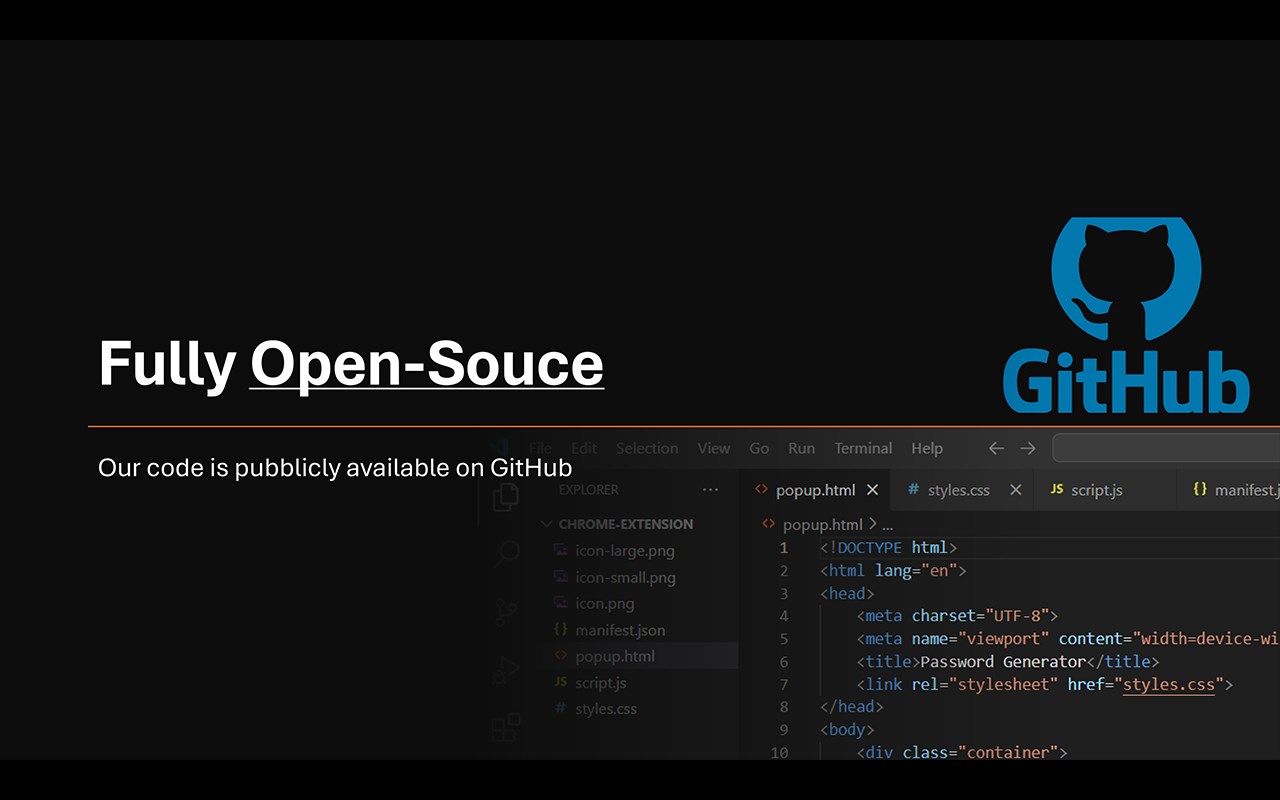
• Completely Open-Source: Transparency matters. Our code is open for review and available on GitHub, so you can trust how the tool works.
• Web-Friendly: Don’t want to use it as a Microsoft Edge add-on? Access it anytime through our web app at password-generator.paoloronco.it.
Perfect for Everyone
Whether you’re a casual user looking for quick password solutions or a professional ensuring top-notch security, this tool is built for you. Its simplicity, combined with robust features, ensures you have a seamless experience every time you generate a password.
Say goodbye to weak passwords and complex tools. Embrace simplicity, security, and speed with our Password Generator. Try it today and take the first step toward better online protection!
Secure & Private Password Generator 是做什么的
Secure & Private Password Generator 是一款面向 Edge 的效率工具类扩展,主要用来管住注意力、屏蔽干扰站点、记录时间。官方对它的介绍是:Generate secure and customizable passwords quickly and privately.在微软 Edge 加载项商店上,它当前版本 1.0,约 1 名用户。
适合什么人用
从功能定位看,Secure & Private Password Generator 更适合想专注工作学习、减少无效刷网页的用户。如果你平时只是偶尔遇到相关需求,用浏览器自带功能也能凑合;但如果这件事每天都发生,装一个专门处理它的扩展通常比手动操作省事得多。
怎么安装 Secure & Private Password Generator
- 打开微软 Edge 加载项商店上的官方页面;
- 点「添加到浏览器」并确认权限提示;
- 装好后在扩展列表里固定图标,方便随时开关。
本站只做索引与介绍,安装包来自官方商店。如果商店页面提示当前地区不可用,说明该扩展未在你所在区域上架。
常见问题
Secure & Private Password Generator 是免费的吗?
Secure & Private Password Generator 在微软 Edge 加载项商店免费提供下载。它是浏览器扩展,装上就能直接用,不需要注册账号。
Secure & Private Password Generator 安全吗?
它只申请了 0 项权限,范围比较克制,没有申请「读取所有网站数据」这种大权限。
Secure & Private Password Generator 支持哪些浏览器?
当前收录的版本来自微软 Edge 加载项商店,适用于 Edge。同一个扩展在其他商店可能有对应版本,但功能与版本号不一定相同。
怎么卸载 Secure & Private Password Generator?
在扩展管理页找到 Secure & Private Password Generator,点移除即可。它在本地保存的设置会一起清掉,不会残留数据。
权限清单 来自 manifest.json 原文
接口权限 2
clipboardReadclipboardWrite