
Screencastify - Screen Video Recorder EN
Screencastify · EEdge MV3
Used by 15M+ people. An easy-to-use screen recorder for your browser. Capture, edit and share videos in seconds.
<all_urls>),意味着它可以读取你在任意站点的页面内容,包括已登录的页面。这是许多扩展正常工作的必要条件,但也值得你确认来源可信。
截图
简介
An easy-to-use screen recorder for Edge. Capture, edit and share videos in seconds.
Screencastify is the simplest free screen recorder and interactive video platform, empowering anyone to become a better communicator by recording, editing, and sharing videos in seconds. Plus, easily turn any video into an assessment by adding Quiz enhancements.
With Screencastify, use simple yet powerful screen recording tools to:
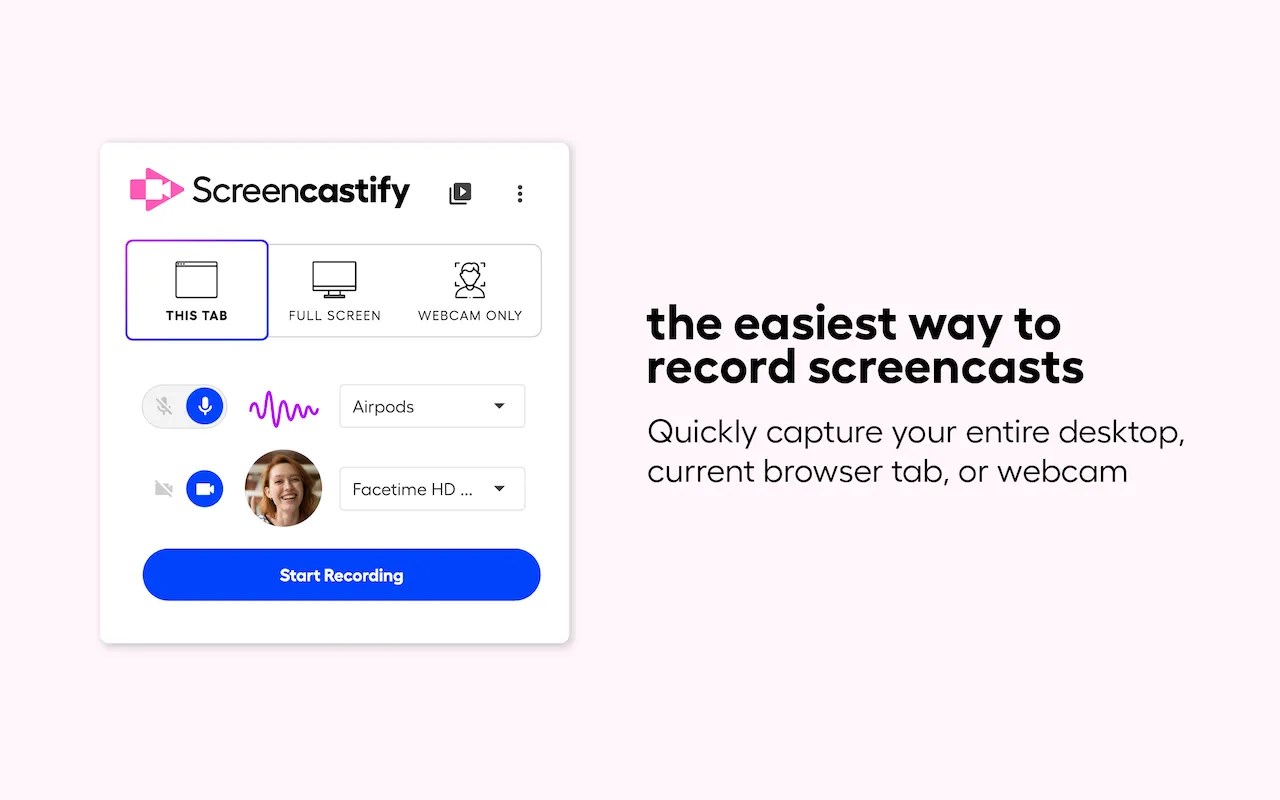
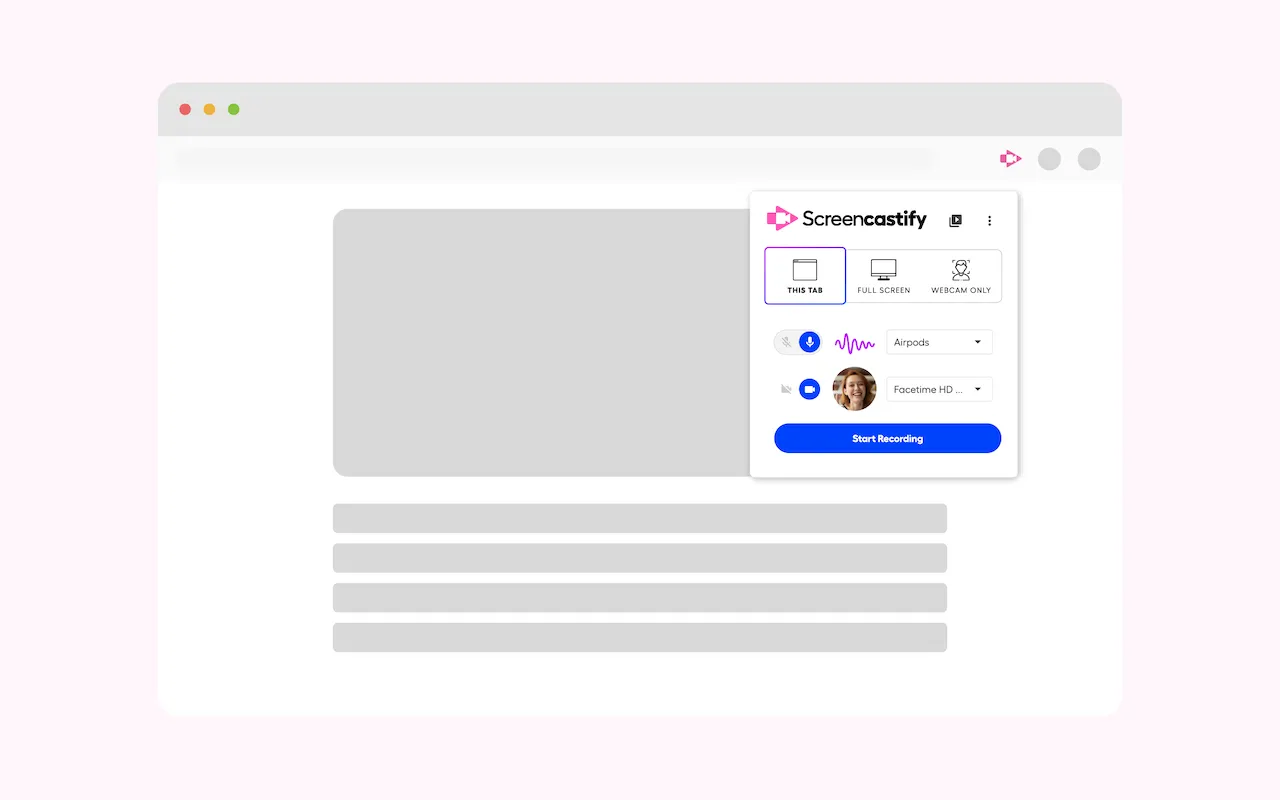
▸ Record your desktop, browser tab, and/or webcam
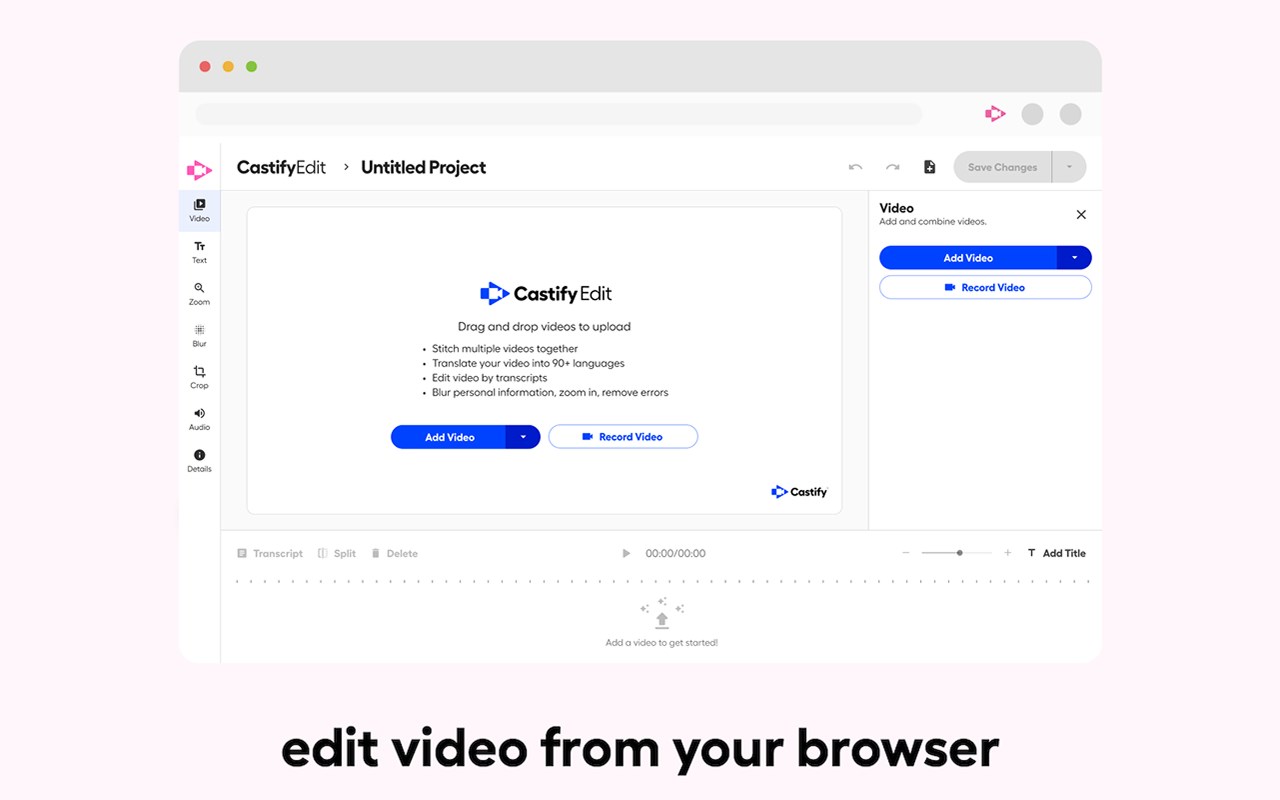
▸ Edit video from your browser
▸ Edit YouTube videos
▸ Translate and add voiceovers on any video in 90+ Languages
▸ Share your video in multiple ways
▸ Add Interactive Questions to videos and see analytics to measure engagement
▸ Request video submissions with Submit
Educators, professionals, and personal creators across the world use Screencastify screen recorder as a simple way to communicate more effectively through video.
🎬 Join a massive community of video creators
✔ Millions of weekly users
✔ Hundreds of millions of videos recorded
✔ Incredibly easy to learn and use
🎥 Create engaging videos with our easy-to-use screen recorder
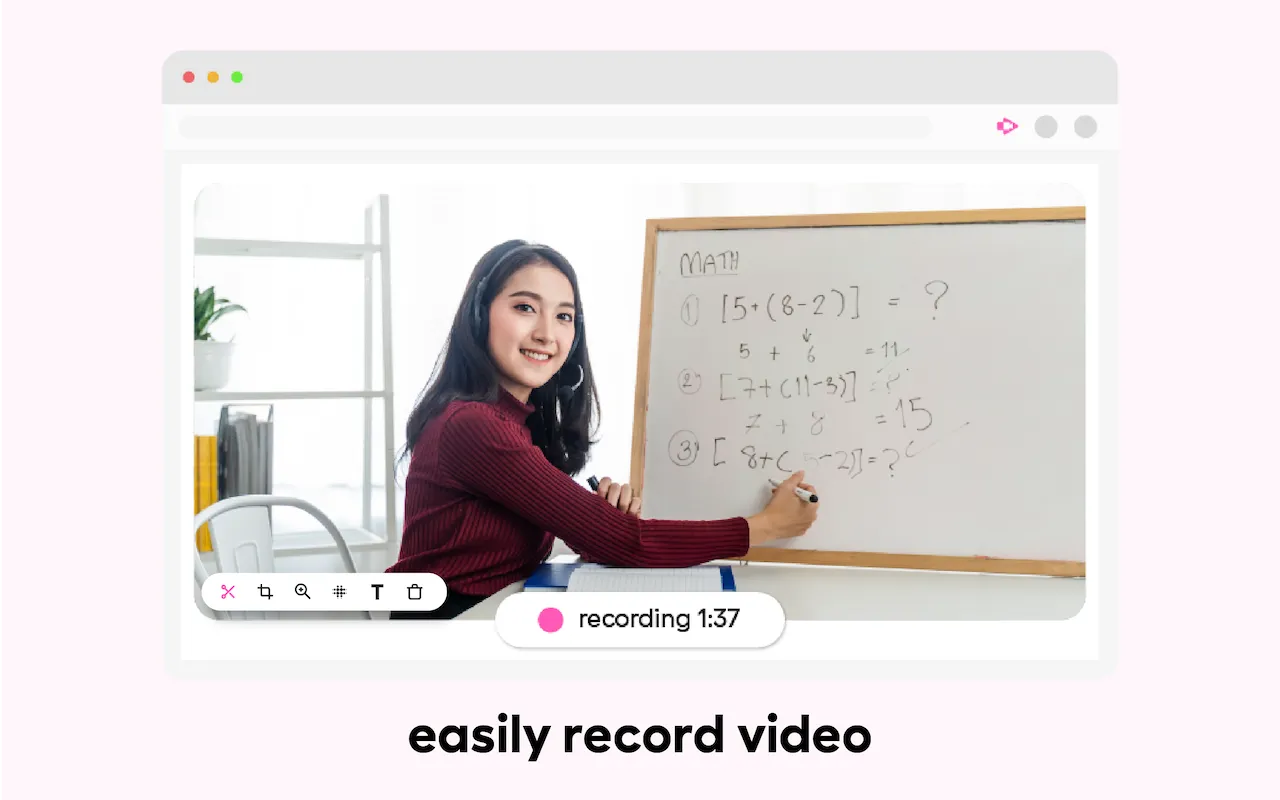
▸ Record your browser tab, desktop, and/or your webcam
▸ Narrate with your microphone’s audio
▸ Embed your webcam into the recording
▸ Annotate in real time to highlight key points
▸ Add captions to make your video more accessible
▸ Add questions to check viewer comprehension
✂️ Simple video editing
▸ Trim the start and end of your videos
▸ Draw on your tab with the pen tool
▸ Merge, crop, and add text to videos
🚀 Share with your audience, wherever they are
▸ Share directly from Screencastify
▸ View and share videos on Google Drive
▸ Share to Google Classroom
▸ Export as MP4, animated GIF, or MP3
▸ See who has viewed your videos
▸ Translate the captions on your video into 50+ languages
👀Available free
▸ Create your first 10 videos free or upgrade for unlimited video creation
▸ Record videos up to 30 minutes for free
-------------------------------------------
How do people use Screencastify to communicate more effectively?
🎓 Education
▸ Create instructional videos to engage your students
▸ Add Interactive Questions to turn videos into assessments
▸ Personalize learning by creating differentiated videos for each level
▸ Embrace flipped classrooms or blended learning with video lessons
▸ Have your students practice foreign languages or public speaking
▸ Empower student video creation with Submit assignments
🏛️ At Work
▸ Eliminate emails or meetings in favor of more effective, async communication
▸ Create performance review videos for coworkers
▸ Share engaging messages with your customers, users, and colleagues
▸ Create training and onboarding videos that captivate your employees
▸ Cancel meetings by sharing video instead
🌍 Everyday creators
▸ With millions of weekly users, we’ve helped creators share countless ideas for videos to life - from professional YouTubers to personal trainers and attorneys to UFO hunters. What are you waiting for? Install Screencastify and inspire the world with your video communication.
-------------------------------------------
📝 Specs:
▸ Screencasts are captured as webm/vp8 files with ogg vorbis audio
▸ Videos can be saved to your local disk as various file types (GIF, MP4, etc), directly to your Google Drive, or you can simply share the link
▸ Screen recording is a CPU intensive task. Older or weaker computers may lag if multiple programs and tabs are open at the same time as a screencast
📨 Info / Contact Us:
▸ Twitter: @Screencastify
▸ Support Docs: https://learn.screencastify.com
▸ Tech Support: support@screencastify.com
Screencastify - Screen Video Recorder 是做什么的
Screencastify - Screen Video Recorder 是一款面向 Edge 的效率工具类扩展,主要用来管住注意力、屏蔽干扰站点、记录时间。官方对它的介绍是:Used by 15M+ people. An easy-to-use screen recorder for your browser. Capture, edit and share videos in seconds.在微软 Edge 加载项商店上,它当前版本 4.24.7 (f61d8b38-1)),评分 2.5(4 人评价),约 39,475 名用户。
适合什么人用
从功能定位看,Screencastify - Screen Video Recorder 更适合想专注工作学习、减少无效刷网页的用户。如果你平时只是偶尔遇到相关需求,用浏览器自带功能也能凑合;但如果这件事每天都发生,装一个专门处理它的扩展通常比手动操作省事得多。需要注意的是它作用于所有网站,装上后建议先观察一两天,确认不影响常用站点的正常使用。
怎么安装 Screencastify - Screen Video Recorder
- 打开微软 Edge 加载项商店上的官方页面;
- 点「添加到浏览器」并确认权限提示;
- 装好后在扩展列表里固定图标,方便随时开关。
本站只做索引与介绍,安装包来自官方商店。如果商店页面提示当前地区不可用,说明该扩展未在你所在区域上架。
常见问题
Screencastify - Screen Video Recorder 是免费的吗?
Screencastify - Screen Video Recorder 在微软 Edge 加载项商店免费提供下载。它是浏览器扩展,装上就能直接用,不需要注册账号。
Screencastify - Screen Video Recorder 安全吗?
它只申请了 0 项权限,范围比较克制,没有申请「读取所有网站数据」这种大权限。
Screencastify - Screen Video Recorder 支持哪些浏览器?
当前收录的版本来自微软 Edge 加载项商店,适用于 Edge。同一个扩展在其他商店可能有对应版本,但功能与版本号不一定相同。
怎么卸载 Screencastify - Screen Video Recorder?
在扩展管理页找到 Screencastify - Screen Video Recorder,点移除即可。它在本地保存的设置会一起清掉,不会残留数据。
权限清单 来自 manifest.json 原文
站点访问(可选) 2
*://*/*<all_urls>
接口权限 12
activeTabalarmsdesktopCapturenotificationsoffscreenscriptingstoragesystem.displaytabCapturetabsunlimitedStoragewebNavigation