
Screen Recorder Pro EN
Screen Recorder Pro · EEdge MV3
Record your screen in high resolution with advanced features. 20-minute free trial, then unlock full features for $4.99.
截图
简介
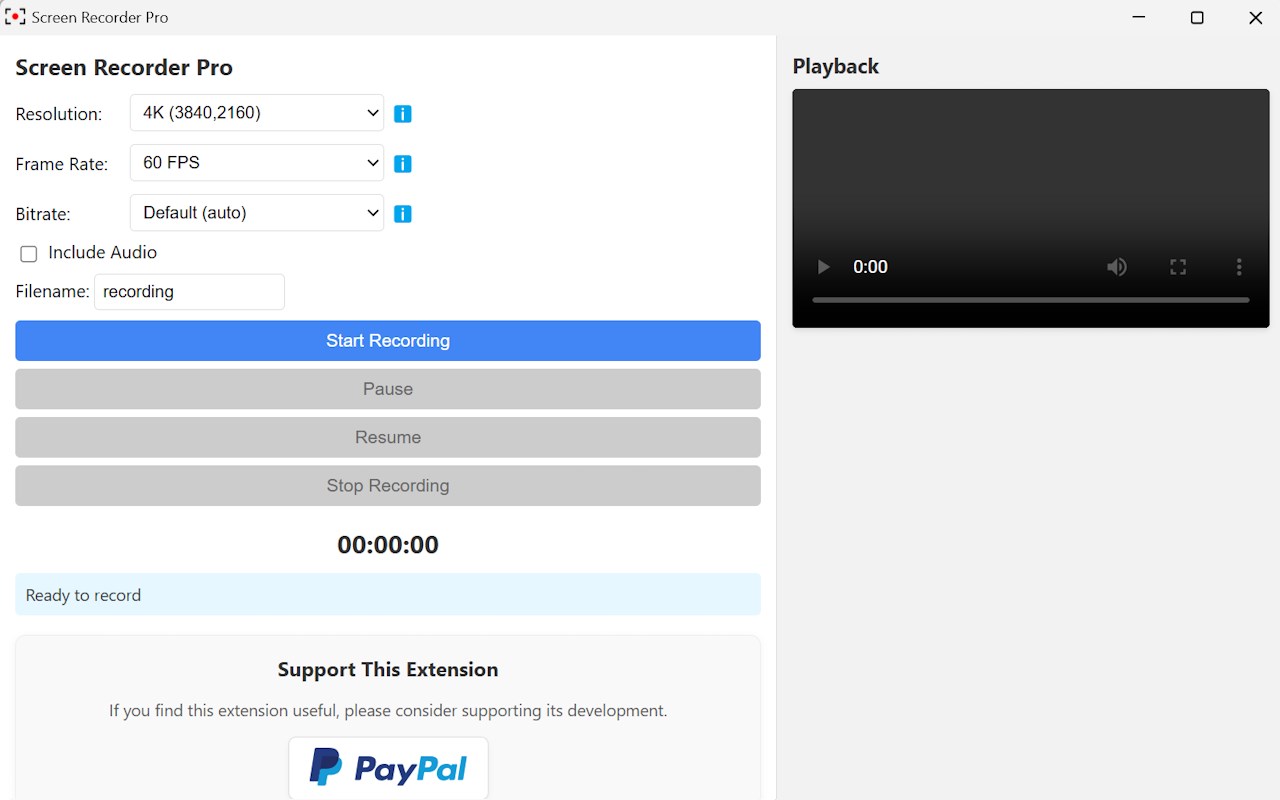
Screen Recorder Pro is a fast, lightweight, and easy-to-use screen recording extension that lets you record your screen, webcam, or both—with crystal-clear audio and professional-level video quality.
🎁 Try All Pro Features FREE for 20 Minutes
✔ Full access to all advanced features for your first 20 minutes
✔ Basic recording features are FREE forever — no expiration
Perfect for online classes, tutorials, presentations, meetings, demos, video creation, and more—all without complicated setup.
🎥 Powerful Screen & Camera Recording Modes
Choose the recording style that fits your needs:
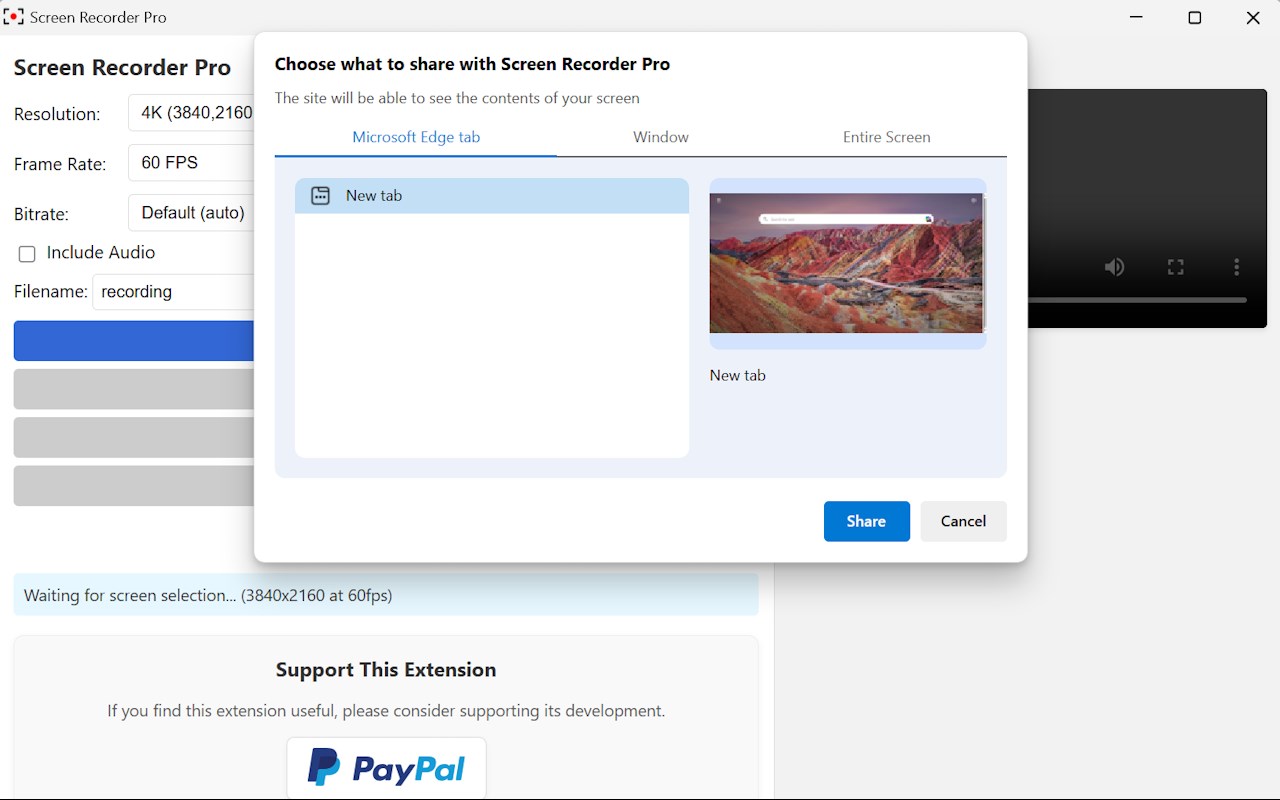
Screen Only – Record your entire screen, a specific window, or a tab
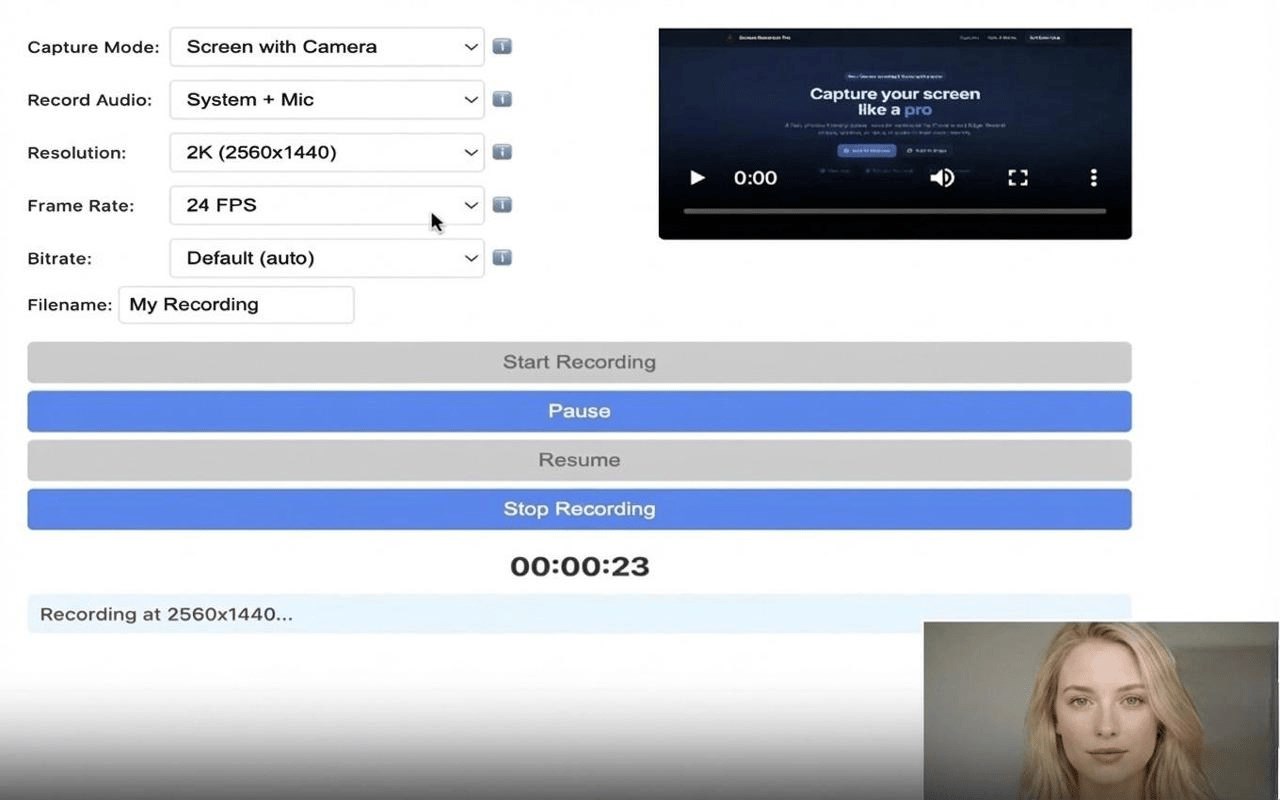
Screen + Camera – Add a webcam overlay for tutorials and presentations
Camera Only – Record high-quality webcam videos instantly
🎧 Flexible Audio Recording Options
Record exactly what you need:
No audio
System sound
Microphone only
System + Microphone (perfect for narration & walkthroughs)
🔊 Enhanced Audio Quality
Enjoy clear, professional sound:
48kHz sample rate for better clarity
Stereo audio (2-channel)
Echo cancellation & noise suppression
Stable volume with no sudden loudness jumps
🎬 Advanced Video Quality Controls
Create professional-quality recordings:
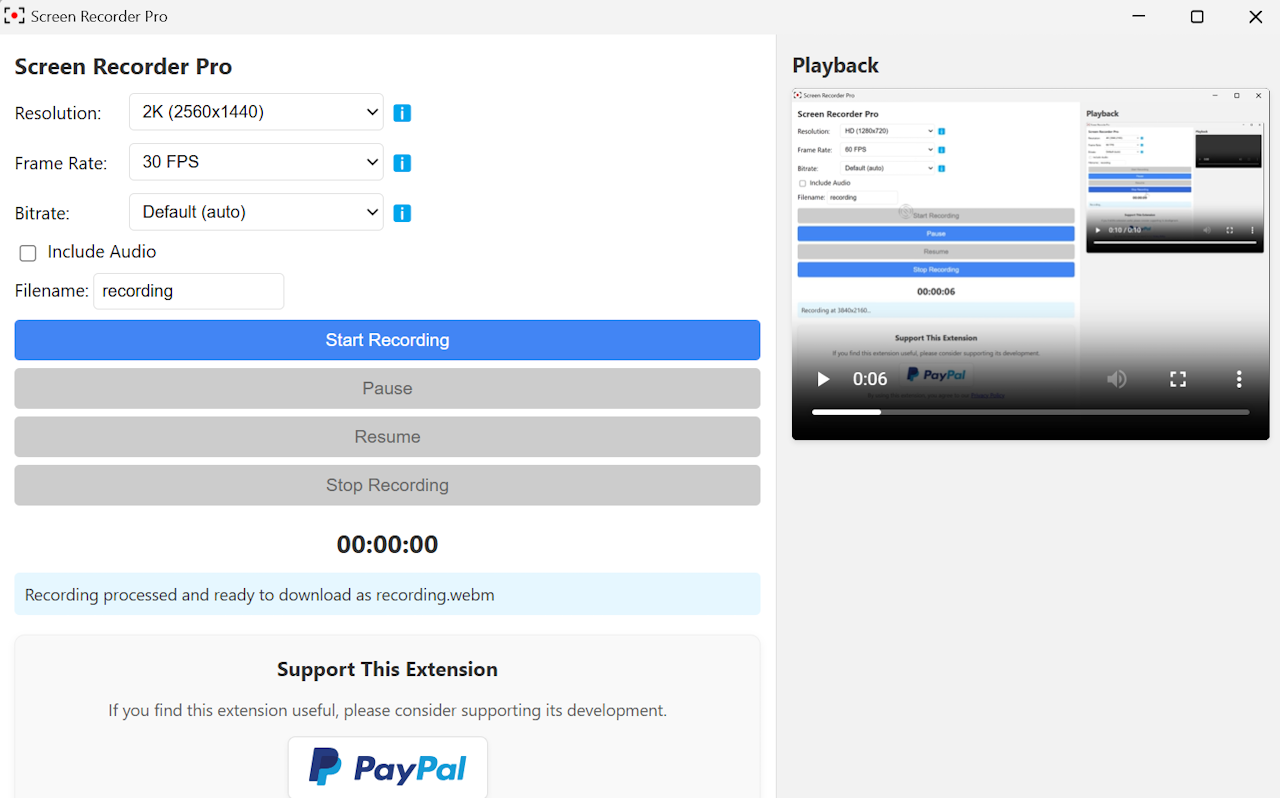
Resolutions from HD up to 4K / 8K (device-dependent)
Smooth frame rates from 24–240 FPS
Optional bitrate control & custom resolutions
🔐 Privacy-First & Secure
Your privacy matters.
✅ All recordings are saved locally on your device
❌ No uploads, no tracking, no cloud storage
You own your videos—always.
💰 Simple & Fair Pricing
🎁 20 minutes FREE with full Pro features
🆓 Basic features are free forever
🔓 One-time upgrade to unlock full functionality
❌ No subscriptions
❌ No monthly fees
❌ No watermarks
❌ No signup required
⭐ Why Users Choose Screen Recorder Pro
✔ Fast & lightweight extension
✔ Beginner-friendly interface
✔ High-quality screen & audio recording
✔ Ideal for teachers, students, professionals & creators
Screen Recorder Pro 是做什么的
Screen Recorder Pro 是一款面向 Edge 的实用工具类扩展,主要用来解决浏览器里某类具体的小问题。官方对它的介绍是:Record your screen in high resolution with advanced features. 20-minute free trial, then unlock full features for $4.99.在微软 Edge 加载项商店上,它当前版本 2.0,评分 5(1 人评价),约 73 名用户。
适合什么人用
从功能定位看,Screen Recorder Pro 更适合想补上浏览器原生缺失功能的用户。如果你平时只是偶尔遇到相关需求,用浏览器自带功能也能凑合;但如果这件事每天都发生,装一个专门处理它的扩展通常比手动操作省事得多。
怎么安装 Screen Recorder Pro
- 打开微软 Edge 加载项商店上的官方页面;
- 点「添加到浏览器」并确认权限提示;
- 装好后在扩展列表里固定图标,方便随时开关。
本站只做索引与介绍,安装包来自官方商店。如果商店页面提示当前地区不可用,说明该扩展未在你所在区域上架。
常见问题
Screen Recorder Pro 是免费的吗?
Screen Recorder Pro 在微软 Edge 加载项商店免费提供下载。它是浏览器扩展,装上就能直接用,不需要注册账号。
Screen Recorder Pro 安全吗?
它只申请了 0 项权限,范围比较克制,没有申请「读取所有网站数据」这种大权限。
Screen Recorder Pro 支持哪些浏览器?
当前收录的版本来自微软 Edge 加载项商店,适用于 Edge。同一个扩展在其他商店可能有对应版本,但功能与版本号不一定相同。
怎么卸载 Screen Recorder Pro?
在扩展管理页找到 Screen Recorder Pro,点移除即可。它在本地保存的设置会一起清掉,不会残留数据。
权限清单 来自 manifest.json 原文
接口权限 4
activeTabdesktopCapturedownloadsstorage
其他商店也有这款
同一款扩展在不同浏览器下的版本,权限与更新节奏可能不同