
Screen Recorder & 3D Video Editor - Recordel EN
QvCloud · EEdge MV3
Free screen recorder and video editor with auto-zoom on click, webcam facecam overlay, mic audio, and 3D camera effects by Recordel.
截图
简介
Record your screen, webcam, and microphone with smooth 3D auto-zoom and export professional demo videos in seconds — 100% in your browser.
Say goodbye to expensive desktop screen recording subscriptions, complex editing timelines, and privacy concerns. Screen Recorder by Recordel is the modern, lightweight in-browser alternative to Screen Studio, Loom, and Camtasia.
Whether you're recording SaaS product demos, coding walkthroughs, customer support bug reports, or video tutorials, create studio-quality videos effortlessly.
━━━━━━━━━━━━━━━━━━━━━━━━━━━━━━━━━━━━━
🌟 KEY HIGHLIGHTS
━━━━━━━━━━━━━━━━━━━━━━━━━━━━━━━━━━━━━
⚡ 1-Click Fast Recording
• Pin to your toolbar and launch recording sessions in under 2 seconds.
• Context-aware: Automatically captures active page titles to name your project.
• Seamless launch without manual URL navigation or complicated setups.
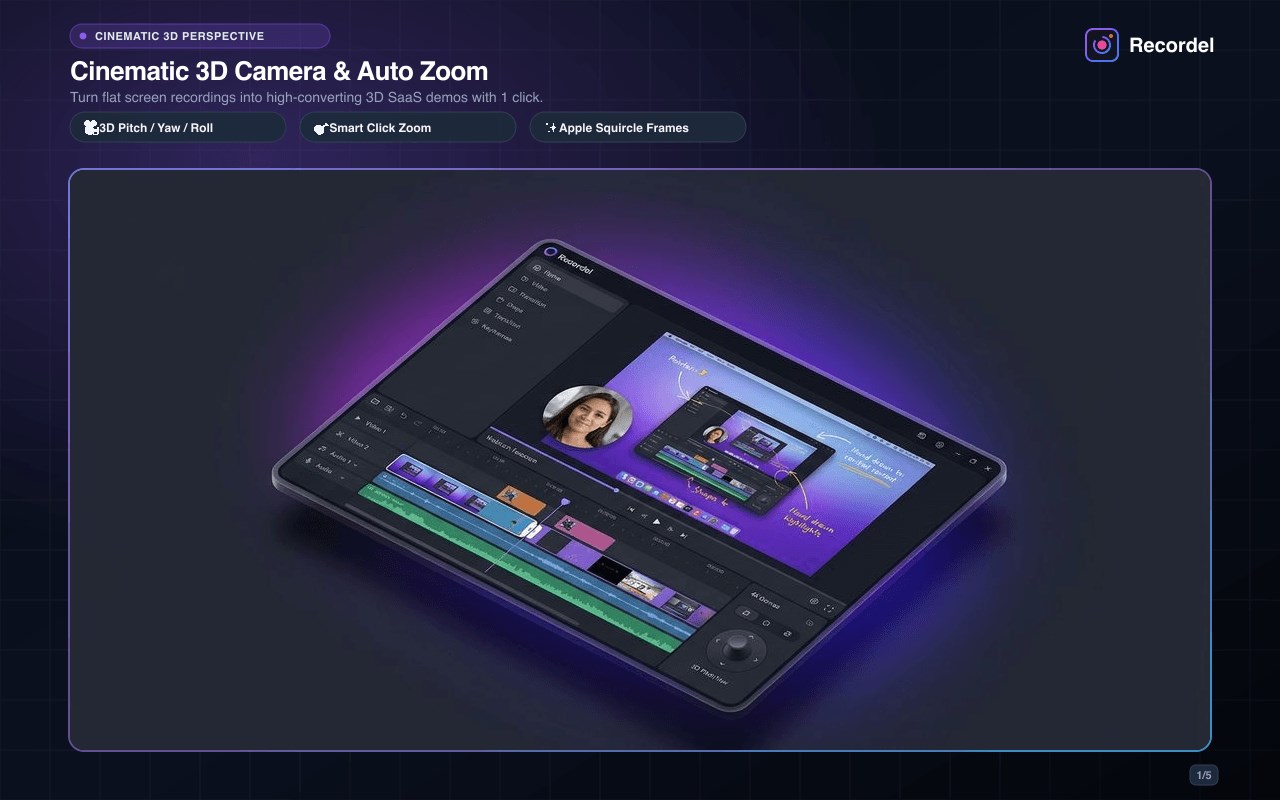
🎬 Cinematic 3D Auto-Zoom
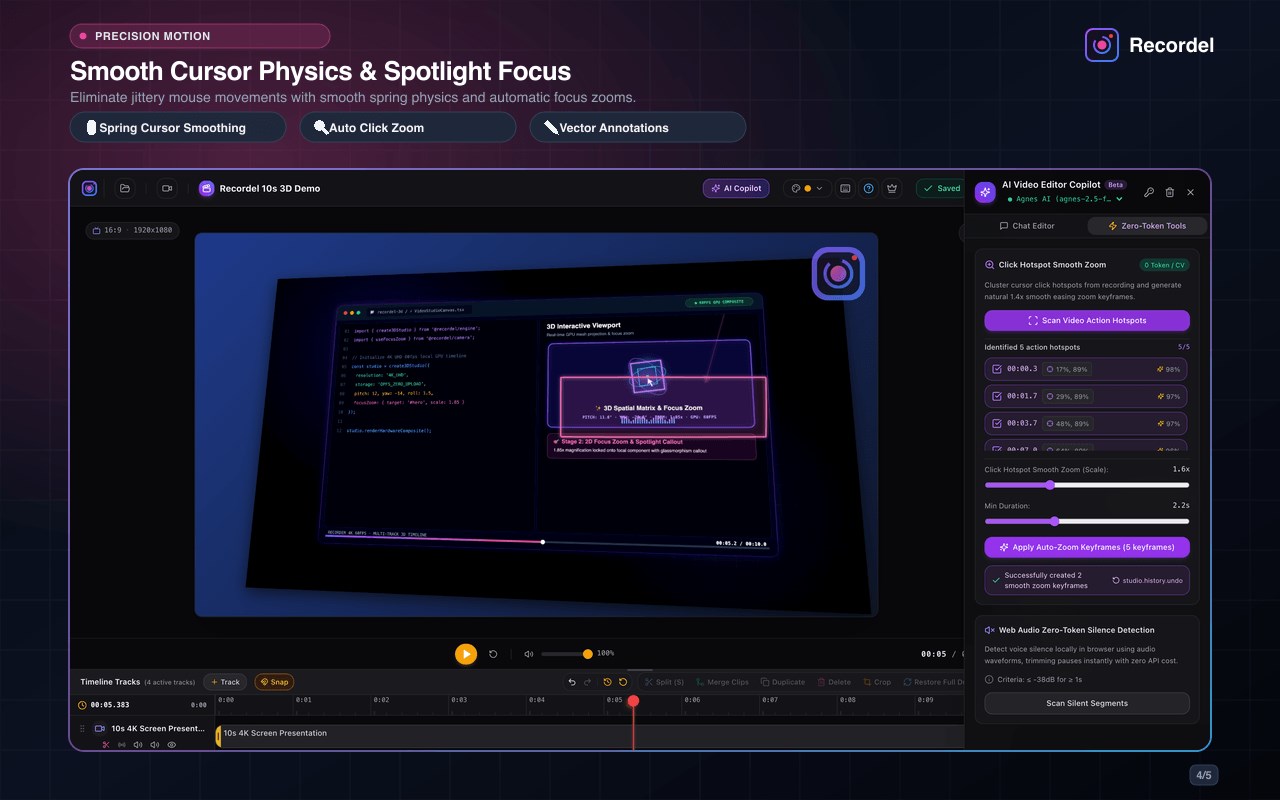
• Automatically zooms in on mouse clicks and interactions for cinematic focus.
• Dynamic 3D tilt, smooth camera perspective shifts, and intelligent cursor tracking.
• Give your demos an Apple-grade, polished presentation style without manual keyframing.
🎙️ Crystal Clear Audio & Webcam
• Record microphone audio, system audio, or both simultaneously.
• Customizable facecam bubble overlay with movable corners.
• Live audio meter and noise discipline before you start rolling.
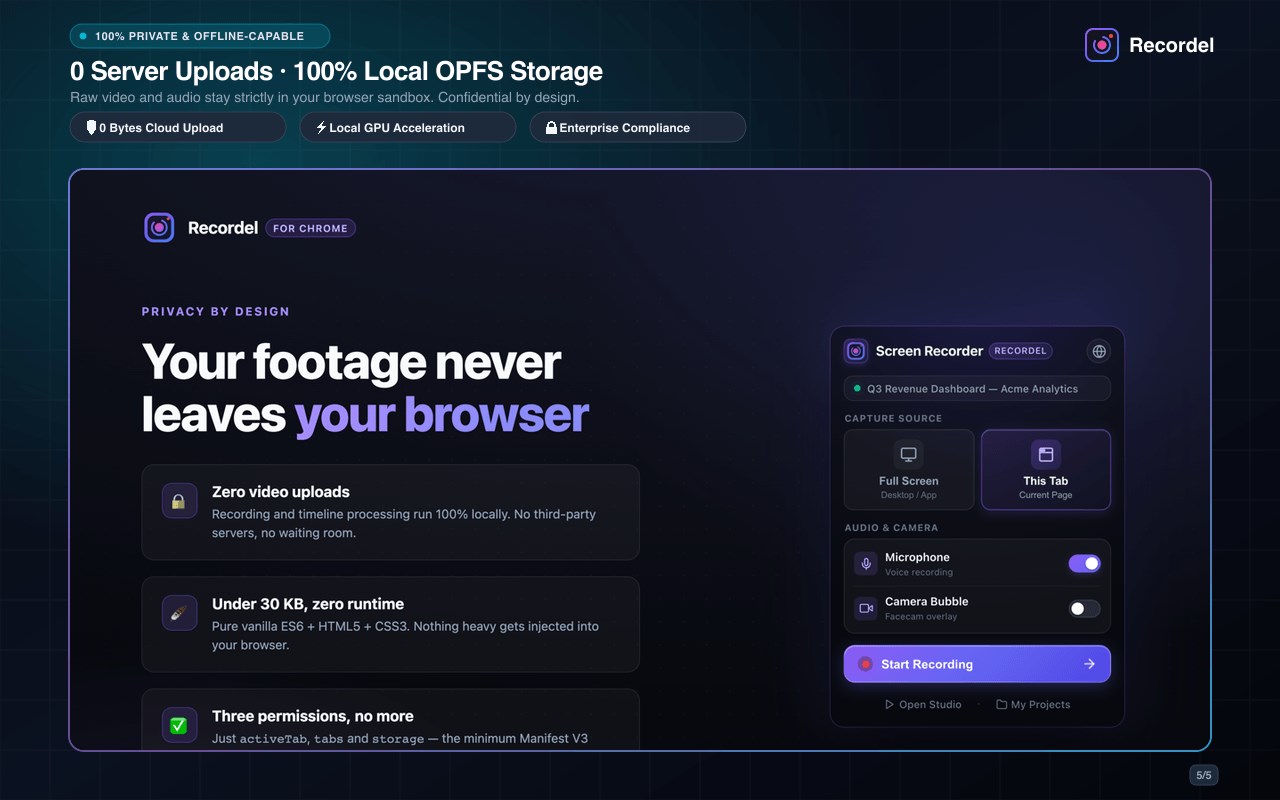
🔒 100% Local & Privacy-First
• Zero video data is uploaded to third-party cloud servers.
• Video encoding and rendering happen entirely in-browser on your local machine.
• GDPR & HIPAA friendly — your confidential data never leaves your device.
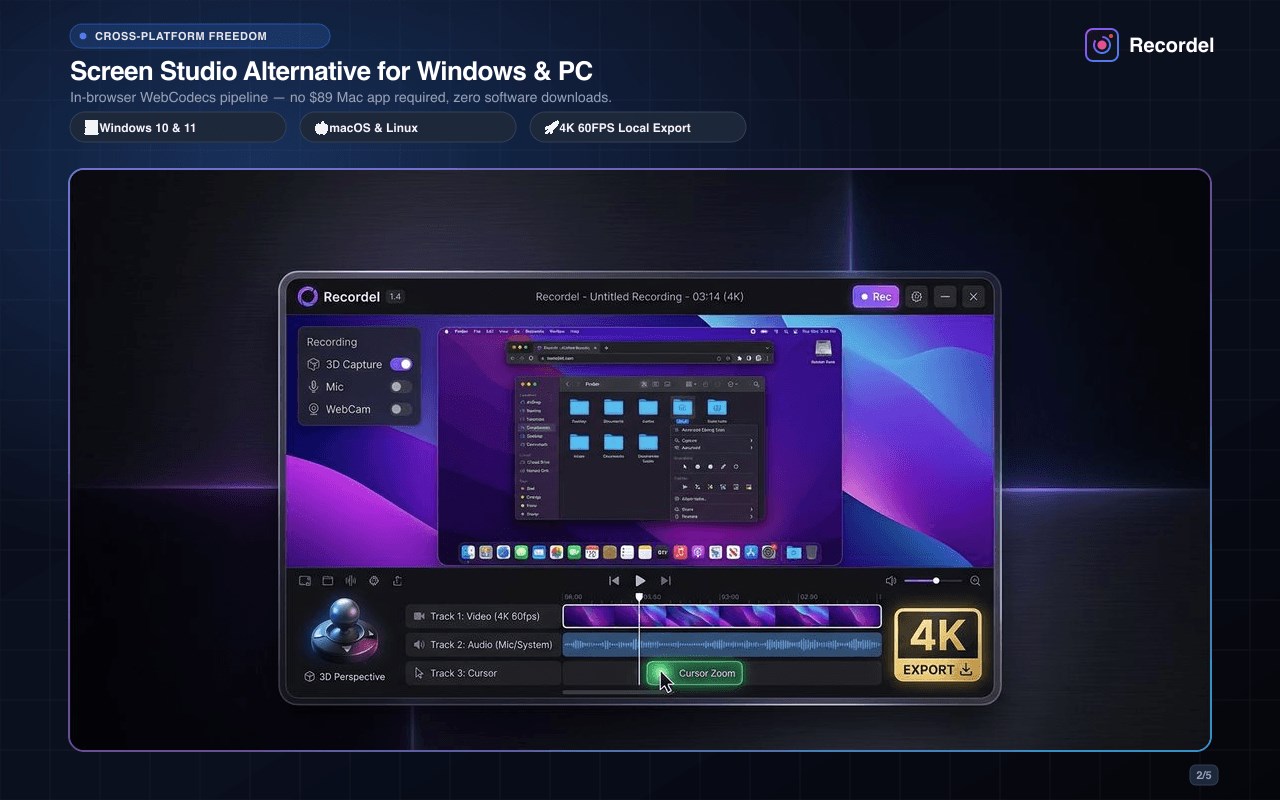
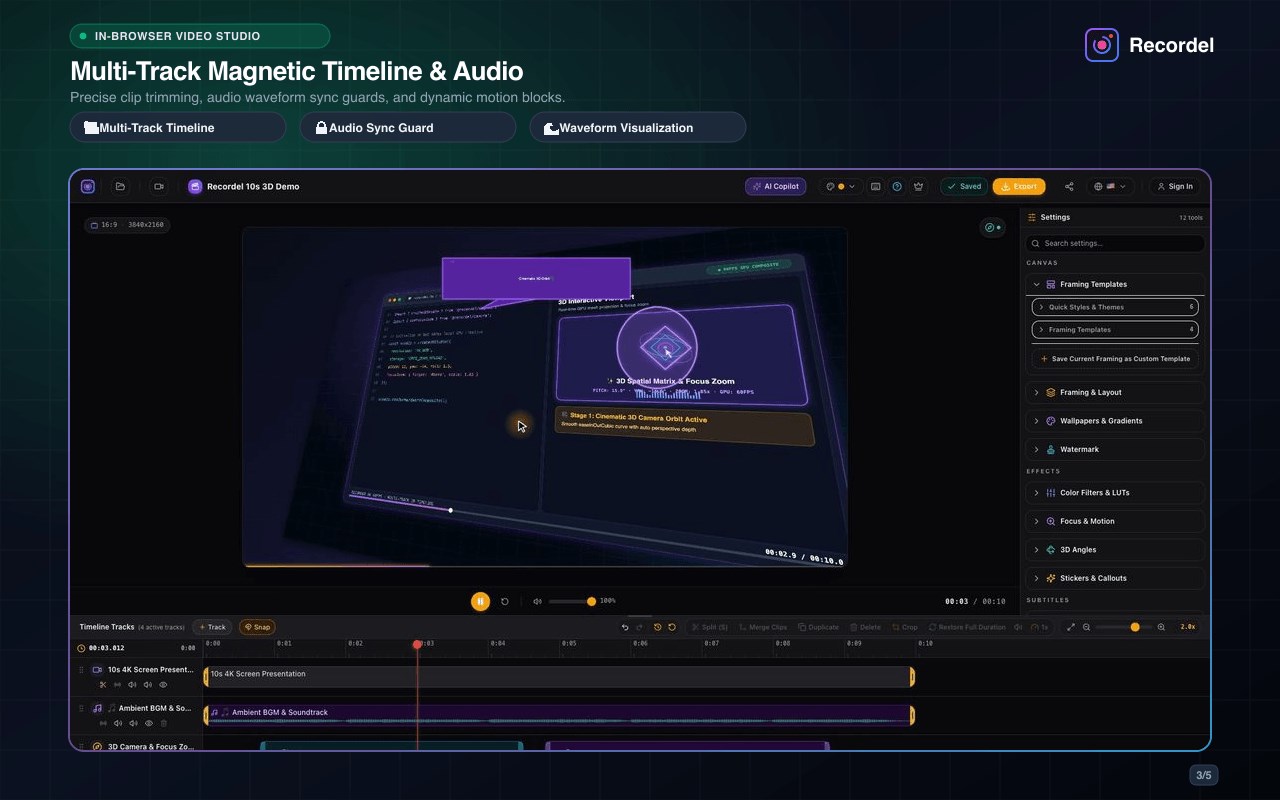
✨ Built-in Timeline Video Editor
• Edit clips directly in browser after recording.
• Trim, cut, re-time clips, change canvas background colors, padding, and drop shadows.
• Export up to 4K resolution at 60 FPS in MP4, WebM, and lightweight animated GIFs.
• No watermarks on exports.
━━━━━━━━━━━━━━━━━━━━━━━━━━━━━━━━━━━━━
👥 WHO IS THIS FOR?
━━━━━━━━━━━━━━━━━━━━━━━━━━━━━━━━━━━━━
• 🚀 Product Managers & Founders: Create engaging product launch demos and feature announcements.
• 💻 Developers & Engineers: Record clean bug reports, pull request demos, and code walkthroughs.
• 🎨 Designers & Creators: Show interactive UI prototypes, Figma flows, and design iterations.
• 📚 Educators & Marketers: Produce onboarding tutorials, knowledge-base videos, and course materials.
━━━━━━━━━━━━━━━━━━━━━━━━━━━━━━━━━━━━━
🚀 HOW TO USE
━━━━━━━━━━━━━━━━━━━━━━━━━━━━━━━━━━━━━
1. Click the extension icon in your browser toolbar.
2. Choose your capture source (Full Screen or Current Tab).
3. Toggle Microphone or Camera Overlay as needed.
4. Click "Start Recording" and select your window.
5. Finish recording to automatically enter the 3D timeline editor to customize, trim, and export!
━━━━━━━━━━━━━━━━━━━━━━━━━━━━━━━━━━━━━
🛡️ PRIVACY POLICY & PERMISSIONS
━━━━━━━━━━━━━━━━━━━━━━━━━━━━━━━━━━━━━
This extension respects your privacy:
• No user tracking, no third-party ads, no external telemetry of your screen contents.
• Requires minimal permissions:
- "activeTab": To identify current webpage title for automatic project naming.
- "tabs": To open the local studio recorder session.
- "storage": To remember your microphone and camera preferences locally.
━━━━━━━━━━━━━━━━━━━━━━━━━━━━━━━━━━━━━
🌐 SUPPORT & COMMUNITY
━━━━━━━━━━━━━━━━━━━━━━━━━━━━━━━━━━━━━
• Website: https://recordel.com
• Web Studio: https://recordel.com/recorder
• Support: support@recordel.com
Screen Recorder & 3D Video Editor - Recordel 是做什么的
Screen Recorder & 3D Video Editor - Recordel 是一款面向 Edge 的效率工具类扩展,主要用来管住注意力、屏蔽干扰站点、记录时间。官方对它的介绍是:Free screen recorder and video editor with auto-zoom on click, webcam facecam overlay, mic audio, and 3D camera effects by Recordel.在微软 Edge 加载项商店上,它当前版本 1.0.0,约 6 名用户。
适合什么人用
从功能定位看,Screen Recorder & 3D Video Editor - Recordel 更适合想专注工作学习、减少无效刷网页的用户。如果你平时只是偶尔遇到相关需求,用浏览器自带功能也能凑合;但如果这件事每天都发生,装一个专门处理它的扩展通常比手动操作省事得多。
怎么安装 Screen Recorder & 3D Video Editor - Recordel
- 打开微软 Edge 加载项商店上的官方页面;
- 点「添加到浏览器」并确认权限提示;
- 装好后在扩展列表里固定图标,方便随时开关。
本站只做索引与介绍,安装包来自官方商店。如果商店页面提示当前地区不可用,说明该扩展未在你所在区域上架。
常见问题
Screen Recorder & 3D Video Editor - Recordel 是免费的吗?
Screen Recorder & 3D Video Editor - Recordel 在微软 Edge 加载项商店免费提供下载。它是浏览器扩展,装上就能直接用,不需要注册账号。
Screen Recorder & 3D Video Editor - Recordel 安全吗?
它只申请了 0 项权限,范围比较克制,没有申请「读取所有网站数据」这种大权限。
Screen Recorder & 3D Video Editor - Recordel 支持哪些浏览器?
当前收录的版本来自微软 Edge 加载项商店,适用于 Edge。同一个扩展在其他商店可能有对应版本,但功能与版本号不一定相同。
怎么卸载 Screen Recorder & 3D Video Editor - Recordel?
在扩展管理页找到 Screen Recorder & 3D Video Editor - Recordel,点移除即可。它在本地保存的设置会一起清掉,不会残留数据。
权限清单 来自 manifest.json 原文
接口权限 2
activeTabstorage