
Save in Folder - Save Files Directly to Any Folder EN
Bhupesh Singh · EEdge MV3
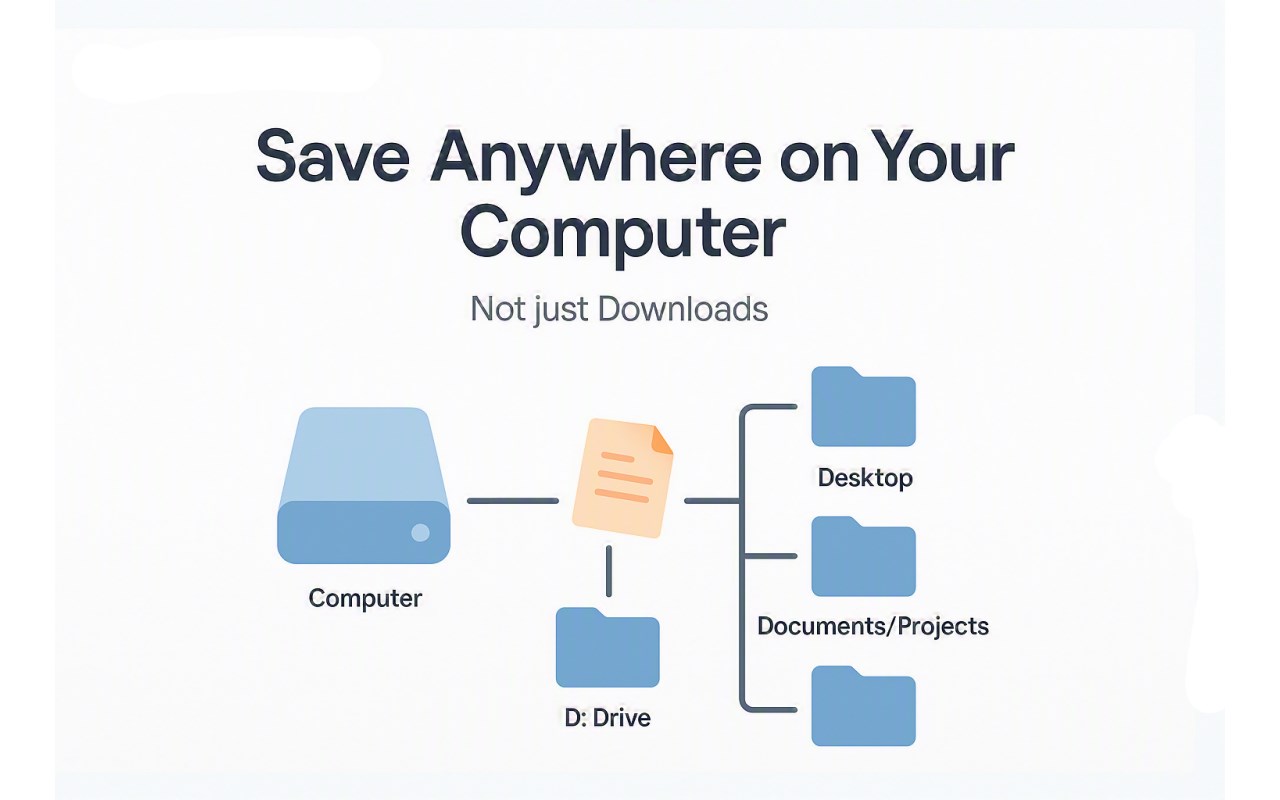
Save images, videos, links, text, audio, and web pages directly to any folder on your computer from the right-click context menu.
<all_urls>),意味着它可以读取你在任意站点的页面内容,包括已登录的页面。这是许多扩展正常工作的必要条件,但也值得你确认来源可信。
截图


简介
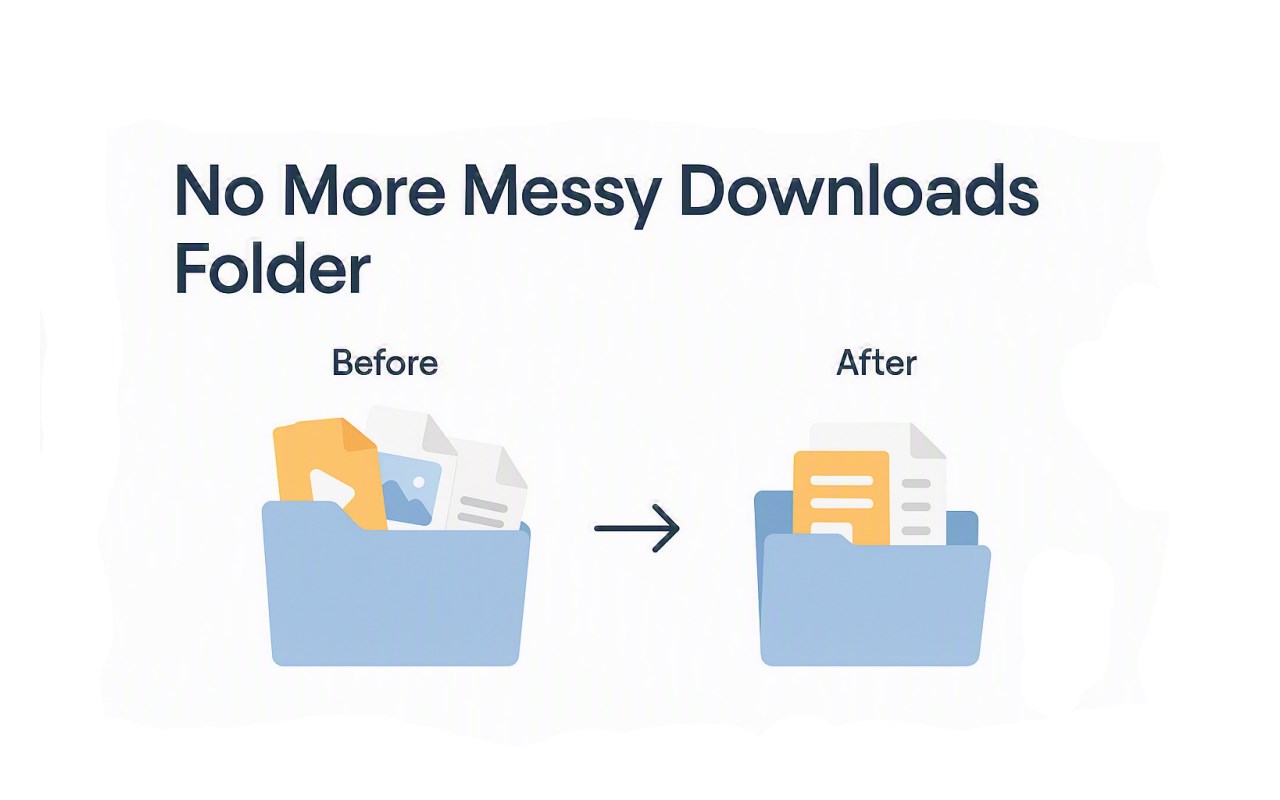
Save in Folder is a powerful and flexible browser extension designed to revolutionize the way you save downloadable content. Unlike conventional download methods that funnel all files into a default Downloads folder, Save in Folder empowers you to save images, videos, audio files, links, selected text, and even entire web pages directly to any folder on your computer through your browser’s right-click context menu. This capability enhances organization, streamlines workflows, and significantly reduces file clutter.
Once installed, Save in Folder seamlessly integrates with your browser’s native download engine and adds intuitive options to the context menu that appears when you right-click on various types of web content. Whether you are a content creator, researcher, designer, or casual browser, saving files becomes an efficient, hassle-free task. You simply choose the destination folder from a list you configured in the extension’s settings, and the file is downloaded immediately with precise control over its naming and storage location.
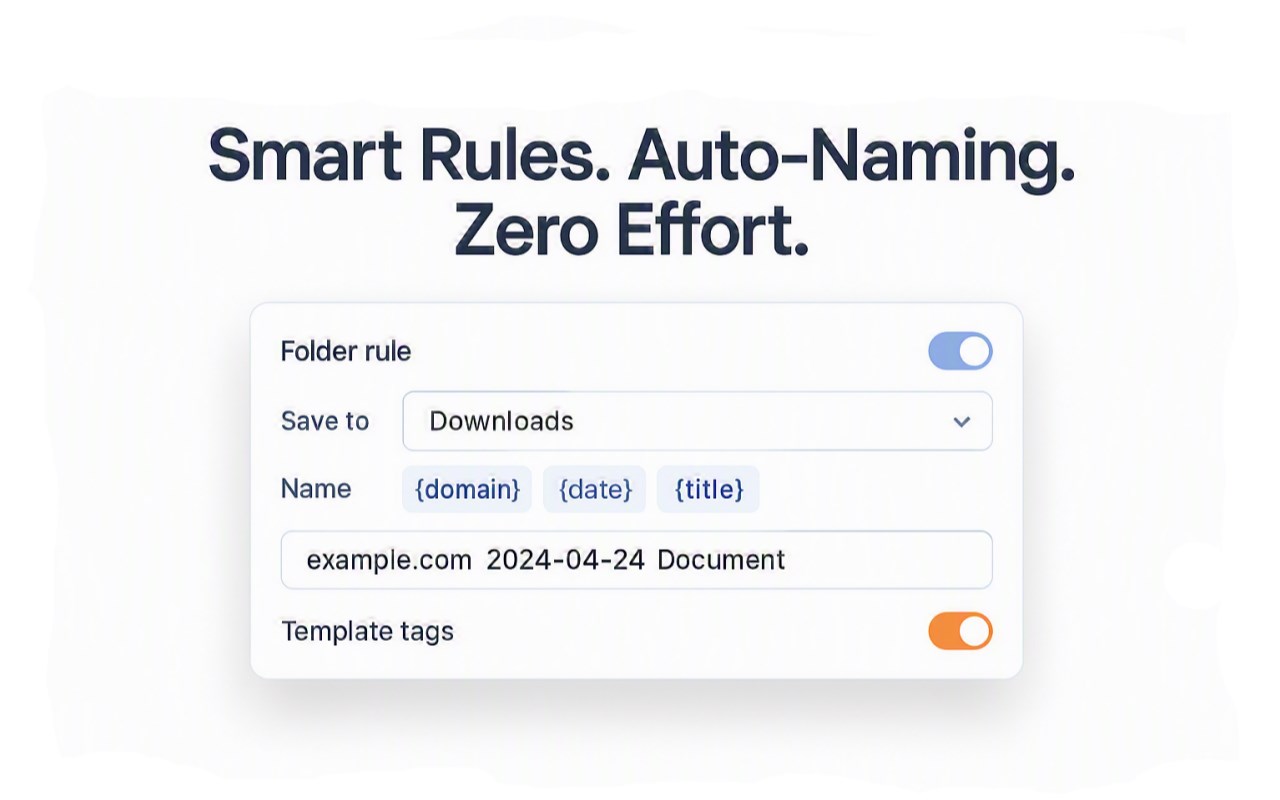
Customization is where Save in Folder truly shines. The extension lets you set up multiple target folders, each with its own tailored rules and templates. These can dictate how files are named using dynamic placeholders like {domain}, {date}, and {title}, how folders are organized, and even whether downloads should be saved as shortcut links instead of full files. This advanced templating allows for incredibly granular file management that adapts to your unique workflow. You can define rules based on file type—images, videos, audio, links, or entire pages—and automate both filename formatting and folder placement.
Beyond organization, Save in Folder provides a comprehensive download history log that records every saved file with details such as the source URL, target folder, and timestamp. This log helps you keep track of your downloads, audit your saved content, and resolve any issues with missing files. It serves as an indispensable tool for users managing large volumes of diverse downloads.
For users who require seamless access across multiple devices, Save in Folder offers an optional synchronization feature (available in the Pro version). This enables you to sync your folder configurations and rules via Browser's sync storage, ensuring your preferences travel with you wherever you use the browser. Additionally, the extension supports import and export of folder rules in JSON format, making it easy to back up or transfer your settings.
From a technical perspective, Save in Folder is crafted for modern browser architectures, complying fully with Manifest V3 requirements. It utilizes asynchronous storage, declarative network requests, and persistent service workers to deliver fast, reliable performance without excessive resource use. All settings and histories are securely stored locally by default, maintaining your privacy unless you opt for sync.
Whether you need to archive research materials, curate media collections, organize project files, or simply keep your downloads orderly and accessible, Save in Folder transforms your browser into a powerful file management hub with unprecedented ease and flexibility.
Key Features:
- Context menu integration lets you save images, videos, audio, links, selected text, and whole web pages directly to any configured folder.
- Custom folder creation with advanced rules and dynamic filename templates including placeholders like {domain}, {date}, and {title}.
- Save files as shortcut links instead of full downloads for efficient storage when appropriate.
- Comprehensive download history log capturing source URLs, destinations, and timestamps for easy tracking and auditing.
- Options to import and export folder rules as JSON for backup or sharing configurations.
- Sync folder rules and preferences across devices via Browser's sync storage.
- Fully compliant with Manifest V3, using service workers and asynchronous storage for efficiency and reliability.
How It Works:
1. Install Save in Folder from the Web Store and grant the necessary permissions.
2. Open the extension’s settings page and add your desired folders, configuring rules and naming templates as needed.
3. While browsing, right-click on any file, media, link, selected text, or page you wish to save.
4. Choose “Save in Folder” from the context menu, then select the target folder or corresponding rule.
5. The file downloads instantly, saved according to your predefined naming and organizational settings.
6. Manage and review your download history anytime via the options page; you can also edit or clear folder settings and rules.
7. Optionally, enable device synchronization to keep your folder structure consistent across all your Browser's installations.
Privacy: - No personal data collected. All configuration settings, folder paths, and download histories are stored locally on your device, ensuring your privacy is preserved. Optional synchronization uses secure Browser's storage mechanisms with your consent.
Save in Folder - Save Files Directly to Any Folder 是做什么的
Save in Folder - Save Files Directly to Any Folder 是一款面向 Edge 的效率工具类扩展,主要用来管住注意力、屏蔽干扰站点、记录时间。官方对它的介绍是:Save images, videos, links, text, audio, and web pages directly to any folder on your computer from the right-click context menu.在微软 Edge 加载项商店上,它当前版本 1.0.1,约 17 名用户。
适合什么人用
从功能定位看,Save in Folder - Save Files Directly to Any Folder 更适合想专注工作学习、减少无效刷网页的用户。如果你平时只是偶尔遇到相关需求,用浏览器自带功能也能凑合;但如果这件事每天都发生,装一个专门处理它的扩展通常比手动操作省事得多。需要注意的是它作用于所有网站,装上后建议先观察一两天,确认不影响常用站点的正常使用。
怎么安装 Save in Folder - Save Files Directly to Any Folder
- 打开微软 Edge 加载项商店上的官方页面;
- 点「添加到浏览器」并确认权限提示;
- 装好后在扩展列表里固定图标,方便随时开关。
本站只做索引与介绍,安装包来自官方商店。如果商店页面提示当前地区不可用,说明该扩展未在你所在区域上架。
常见问题
Save in Folder - Save Files Directly to Any Folder 是免费的吗?
Save in Folder - Save Files Directly to Any Folder 在微软 Edge 加载项商店免费提供下载。它是浏览器扩展,装上就能直接用,不需要注册账号。
Save in Folder - Save Files Directly to Any Folder 安全吗?
它只申请了 0 项权限,范围比较克制,没有申请「读取所有网站数据」这种大权限。
Save in Folder - Save Files Directly to Any Folder 支持哪些浏览器?
当前收录的版本来自微软 Edge 加载项商店,适用于 Edge。同一个扩展在其他商店可能有对应版本,但功能与版本号不一定相同。
怎么卸载 Save in Folder - Save Files Directly to Any Folder?
在扩展管理页找到 Save in Folder - Save Files Directly to Any Folder,点移除即可。它在本地保存的设置会一起清掉,不会残留数据。
权限清单 来自 manifest.json 原文
站点访问(可选) 1
<all_urls>
接口权限 5
contextMenusdeclarativeNetRequestdownloadsnotificationsstorage