
Quillbot: AI Writing Assistant with Humanizer, Paraphraser & AI Detector EN
QuillBot, a Learneo Inc. business · EEdge MV3
Improve your writing - Detect and Humanize AI content, create images, Paraphrase, Check Grammar, AI Chat, and more!
<all_urls>),意味着它可以读取你在任意站点的页面内容,包括已登录的页面。这是许多扩展正常工作的必要条件,但也值得你确认来源可信。
截图
简介
Quillbot for Edge is a multilingual AI writing assistant extension that helps you write clearly, quickly, and with more control, right where you work. This AI writing assistant combines a Grammar Checker, Humanizer, AI Detector, Paraphrasing tool, and AI writing tool to improve your writing in real time. From quick emails to full drafts, Quillbot helps you say what you mean without overthinking it.
➤ How It Works
Install the extension and keep writing like you normally do. Quillbot works in the background, ready when you need it.
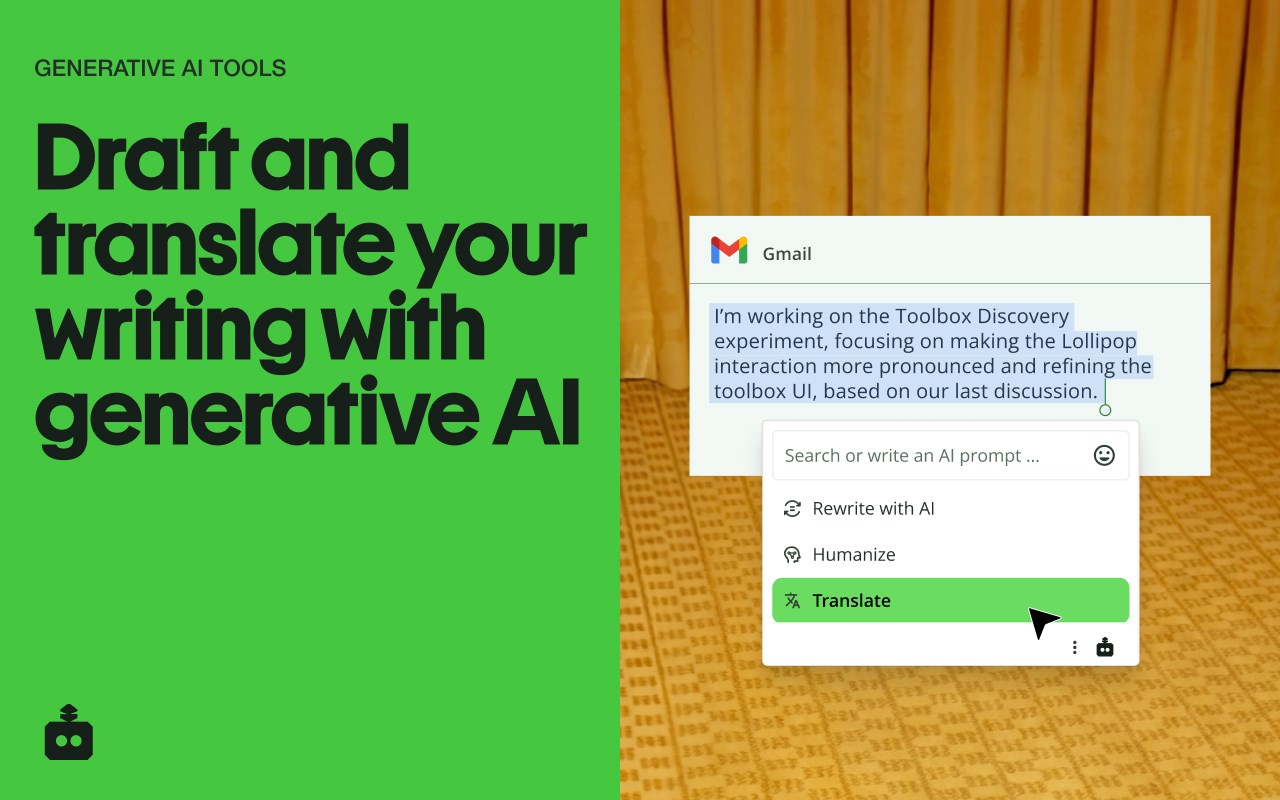
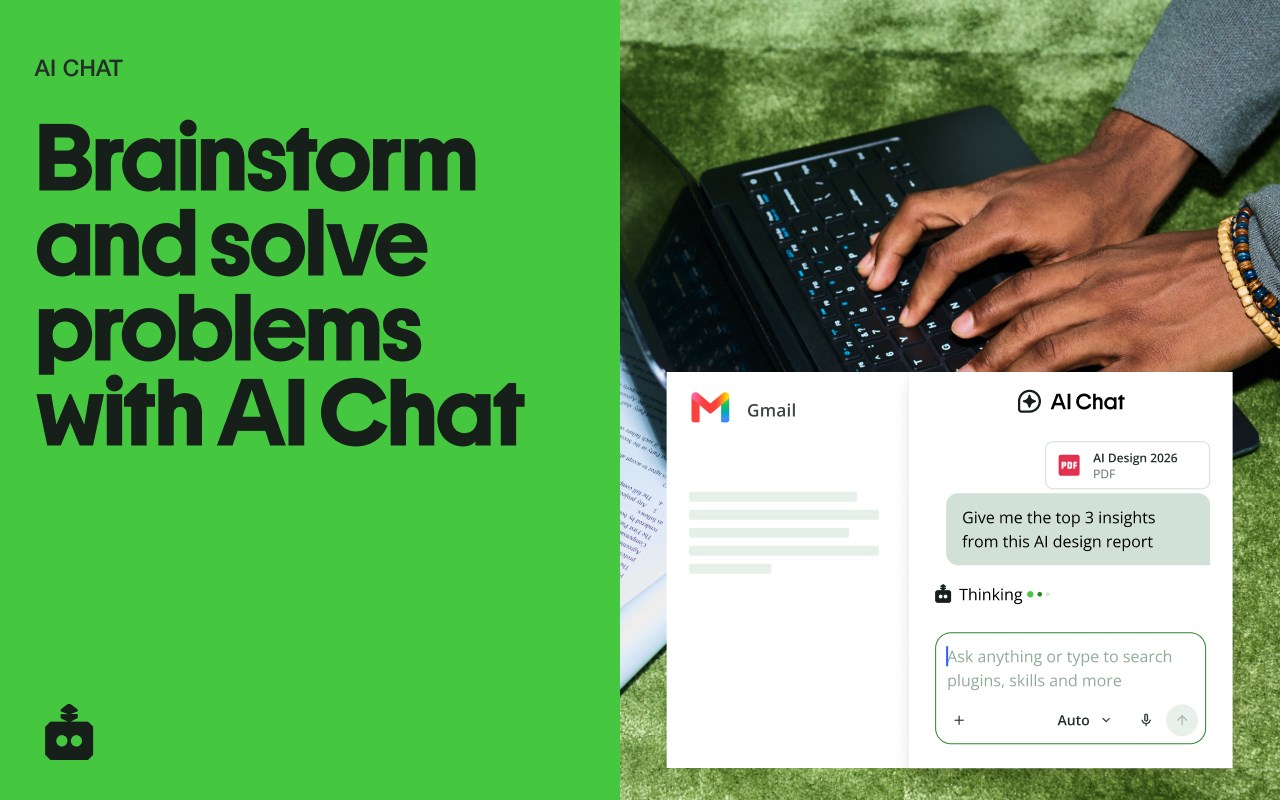
Write in any text field across the web, then highlight text or open the toolbar to get instant suggestions. You can fix grammar, humanize your text, check it for AI flags, use the sentence rewriter to adjust phrasing, or generate new text with the AI text generator. Everything happens in one place, so you don’t have to copy, paste, or switch tabs.
➤ Privacy and Data Safety
Your writing is personal. We treat it that way.
Quillbot processes only what’s needed to provide suggestions and does not sell your data. Our systems are designed with modern security standards in mind, and we continuously improve how we handle and protect user information. You stay in control of what you write and what gets changed.
➤ Key Features
A writing productivity tool that does more than just fix typos; it helps you communicate better.
✓ AI Writing Assistant
Get real-time suggestions as you write. Improve clarity, tighten structure, and keep your ideas moving without stopping to edit.
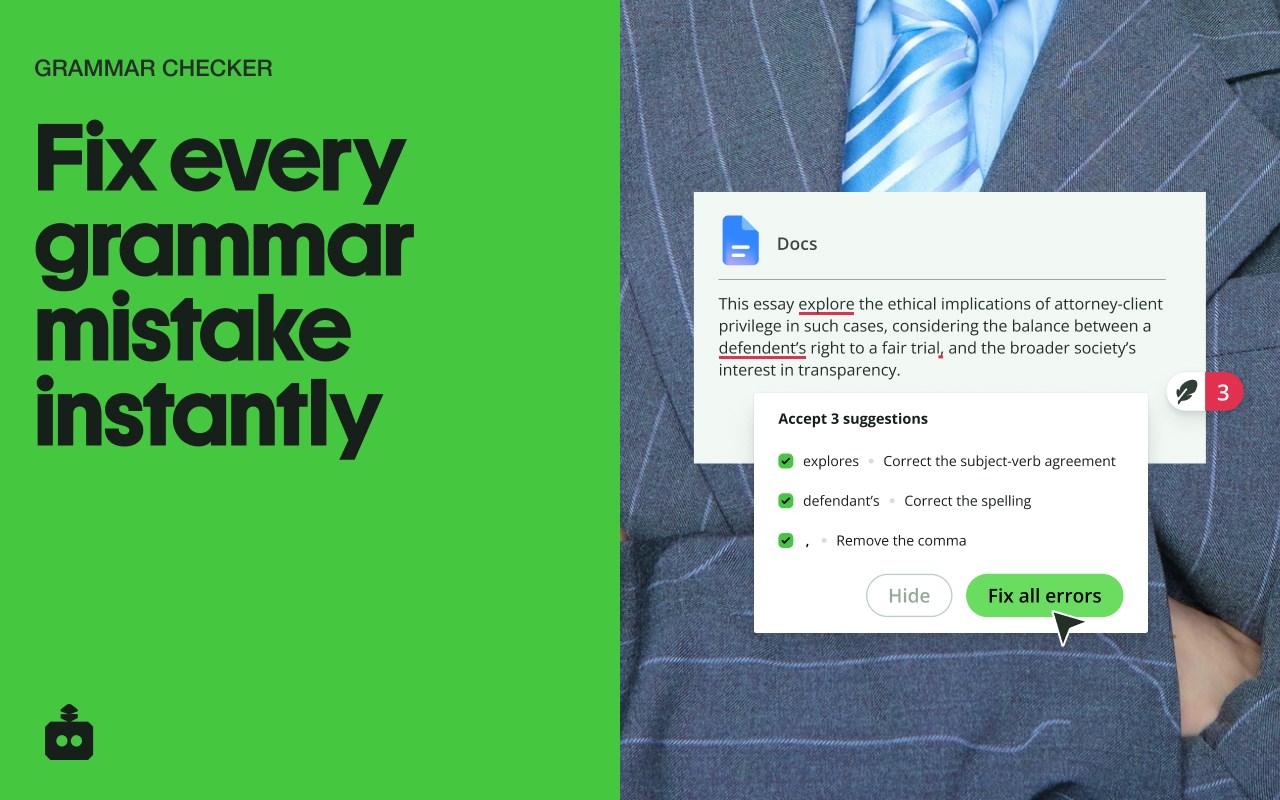
✓ Grammar Checker
Catch grammar, spelling, and punctuation issues instantly. Get clean, readable writing immediately to improve communication.
✓ Paraphraser
Rewrite text to sound clearer, more concise, or more natural. Adjust tone without losing your original meaning.
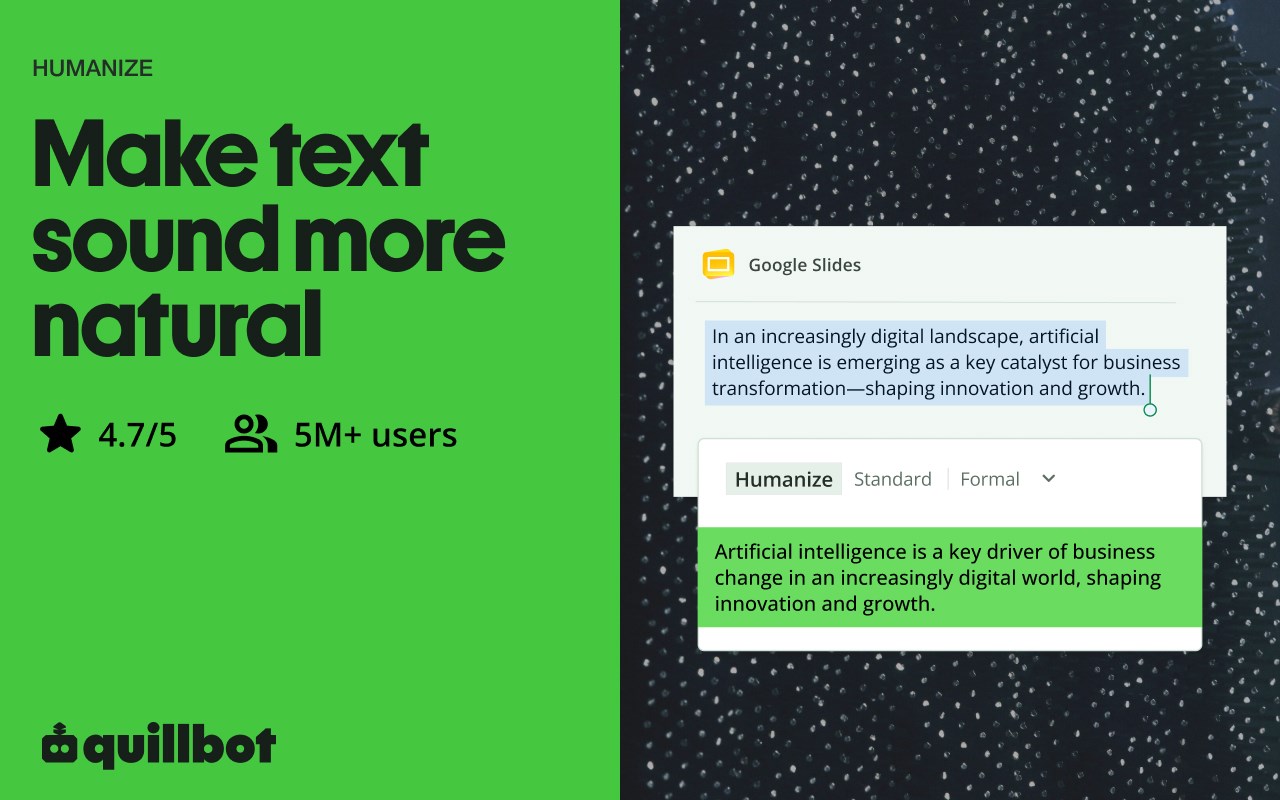
✓ Humanizer
Rephrase text so it sounds more natural and human-generated, rather than created by an LLM.
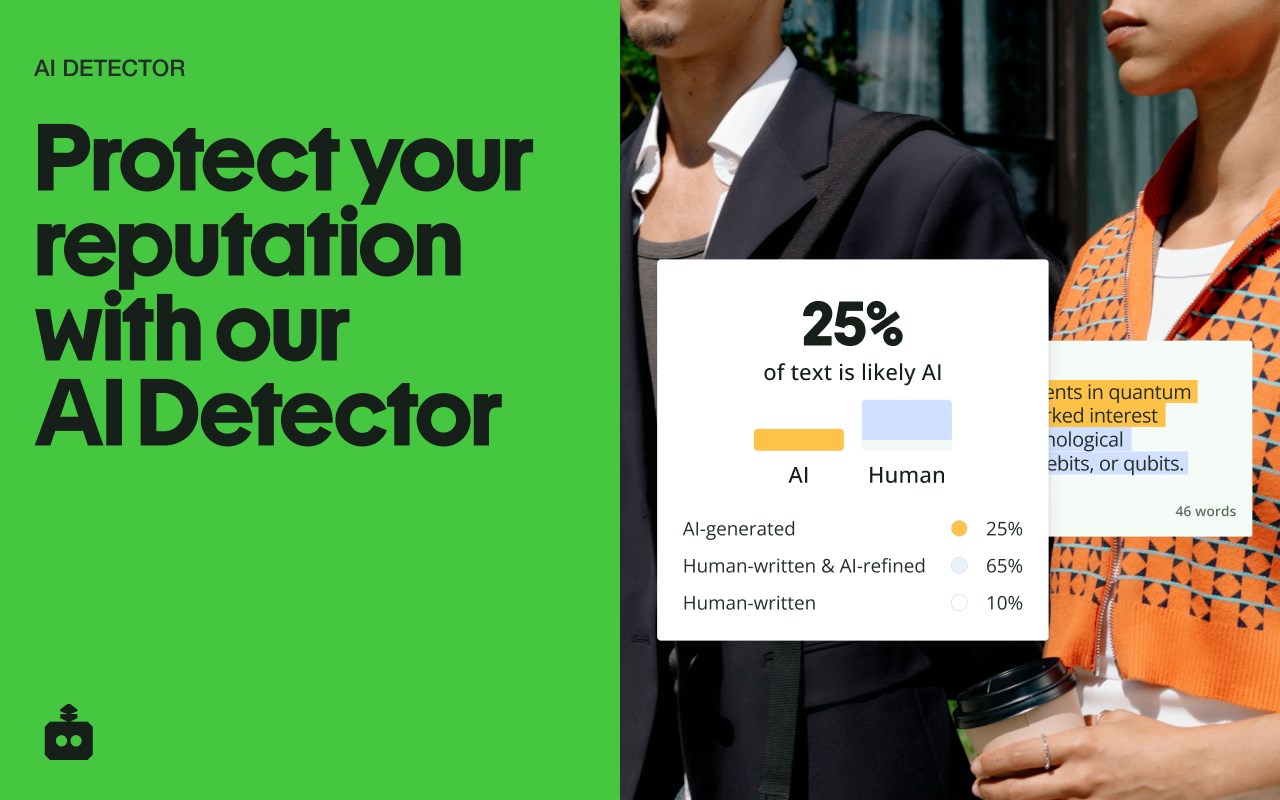
✓ AI Detector
Check for the classic tells of AI-generated text.
✓ Sentence Rewriter
Quickly reshape awkward or unclear sentences into communication that reads smoothly and lands the point.
✓ AI Cursor
Access Quillbot’s AI tools directly where you write. Use the AI Cursor to generate text, refine drafts, and take action without leaving the page.
✓ AI Text Generator
Draft emails, outlines, or full responses in seconds when you need a starting point—or a reset.
✓ Tone and Clarity Suggestions
Understand how your writing comes across. Make it more direct, more polished, or more conversational as needed.
✓ Multilingual Writing Tool
Write and edit across languages, including English, Spanish, French, German, Portuguese, and Dutch.
✓ Translation
Translate text as you write or edit, helping you communicate clearly across languages.
✓ In-Page Editing
Make changes directly in emails, docs, and forms. No switching tabs or breaking your flow.
✓ GIF Insertion
Drop in relevant GIFs directly from the editor to add context or personality to your messages.
✓ AI Image Generation
Create images from prompts without leaving your workflow—useful for quick visuals, drafts, or ideas.
✓ Custom Modes
Tailor writing style to your needs, whether that’s formal, simple, or aligned to your voice.
➤ Use Cases
Quillbot works for anyone who writes—and wants fewer rewrites.
✓ Professionals
Send emails and updates that get to the point faster and don’t need a follow-up to clarify.
✓ Students and Researchers
Turn rough drafts into clear, structured writing without losing your original ideas.
✓ Marketers and Creators
Adjust tone across channels without rewriting everything from scratch.
✓ Multilingual Writers
Write confidently across languages with built-in support and suggestions.
➤ Why Quillbot?
Quillbot focuses on improving your writing—not replacing it.
It works directly where you write, so you don’t lose time switching tools. Suggestions are fast, practical, and easy to apply. You get more than surface-level fixes, with support for tone and clarity when you need it. And with frequent updates—like our recent addition of Humanizer and AI Detector—the extension keeps getting better at helping your writing do its job.
➤ Free vs Premium
Start with the essentials. Upgrade when you want more control.
✓ Free Plan Includes:
• Grammar checker and basic corrections
• Limited paraphrasing tool access
• Core writing suggestions
• Multilingual writing support
✓ Premium Unlocks:
• Full paraphrasing and rewriting capabilities
• Expanded modes for tone and style
• Advanced tone and clarity insights
• More detailed, sentence-level suggestions
➤ Supported Languages
Quillbot supports writing and editing in English, Spanish, French, German, Portuguese, and Dutch, with continued expansion to additional languages over time.
Get Started
Install Quillbot in seconds and start improving your writing immediately.
Write faster. Say it better. Keep your voice intact.
Quillbot: AI Writing Assistant with Humanizer, Paraphraser & AI Detector 是做什么的
Quillbot: AI Writing Assistant with Humanizer, Paraphraser & AI Detector 是一款面向 Edge 的效率工具类扩展,主要用来管住注意力、屏蔽干扰站点、记录时间。官方对它的介绍是:Improve your writing - Detect and Humanize AI content, create images, Paraphrase, Check Grammar, AI Chat, and more!在微软 Edge 加载项商店上,它当前版本 4.119.0,评分 4.5(179 人评价),约 698,202 名用户。
适合什么人用
从功能定位看,Quillbot: AI Writing Assistant with Humanizer, Paraphraser & AI Detector 更适合想专注工作学习、减少无效刷网页的用户。如果你平时只是偶尔遇到相关需求,用浏览器自带功能也能凑合;但如果这件事每天都发生,装一个专门处理它的扩展通常比手动操作省事得多。需要注意的是它作用于所有网站,装上后建议先观察一两天,确认不影响常用站点的正常使用。
怎么安装 Quillbot: AI Writing Assistant with Humanizer, Paraphraser & AI Detector
- 打开微软 Edge 加载项商店上的官方页面;
- 点「添加到浏览器」并确认权限提示;
- 装好后在扩展列表里固定图标,方便随时开关。
本站只做索引与介绍,安装包来自官方商店。如果商店页面提示当前地区不可用,说明该扩展未在你所在区域上架。
常见问题
Quillbot: AI Writing Assistant with Humanizer, Paraphraser & AI Detector 是免费的吗?
Quillbot: AI Writing Assistant with Humanizer, Paraphraser & AI Detector 在微软 Edge 加载项商店免费提供下载。它是浏览器扩展,装上就能直接用,不需要注册账号。
Quillbot: AI Writing Assistant with Humanizer, Paraphraser & AI Detector 安全吗?
它只申请了 0 项权限,范围比较克制,没有申请「读取所有网站数据」这种大权限。
Quillbot: AI Writing Assistant with Humanizer, Paraphraser & AI Detector 支持哪些浏览器?
当前收录的版本来自微软 Edge 加载项商店,适用于 Edge。同一个扩展在其他商店可能有对应版本,但功能与版本号不一定相同。
怎么卸载 Quillbot: AI Writing Assistant with Humanizer, Paraphraser & AI Detector?
在扩展管理页找到 Quillbot: AI Writing Assistant with Humanizer, Paraphraser & AI Detector,点移除即可。它在本地保存的设置会一起清掉,不会残留数据。
权限清单 来自 manifest.json 原文
站点访问(可选) 1
*://*/*
接口权限 8
activeTabalarmscontextMenuscookiesnotificationsscriptingsidePanelstorage