
Quietly: Full Page Screenshot and Blur EN
Quietly Tools · EEdge MV3
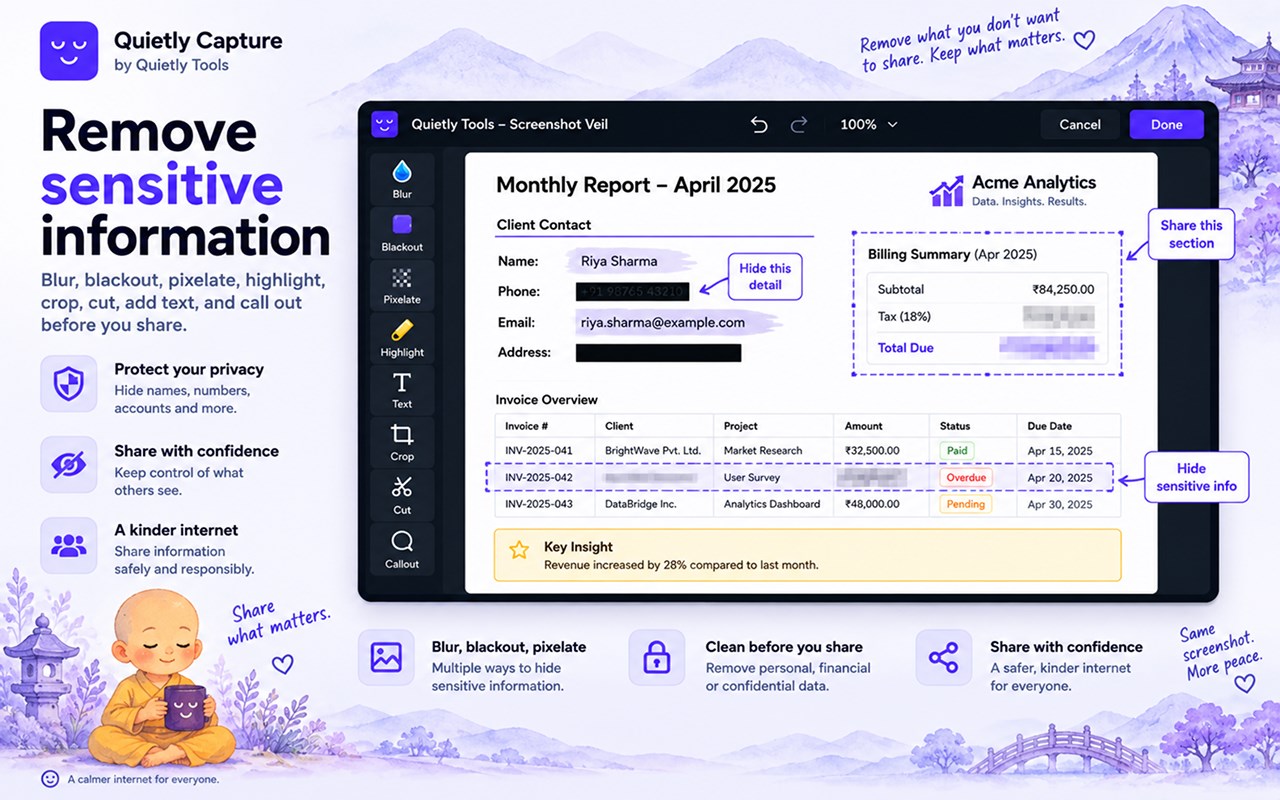
Full page screenshots that work on the dashboards other tools get wrong. Blur or black out anything private before you share.
截图
简介
Most screenshot tools fall apart on exactly the pages you most need to capture. Ask one to photograph Search Console, a trading terminal or a database console and you get back a tall thin column with none of the page's own navigation, a sidebar repeated down the image, or a panel cut off at whatever happened to be on screen.
Quietly Capture is built for those pages.
☑ Full page capture that keeps the page's own header and navigation
☑ Panels with their own scrollbar are captured in full, not just the part on screen
☑ Content inside a framed app is reached, not just the first screenful
☑ Select region, which scrolls the panel you are dragging over
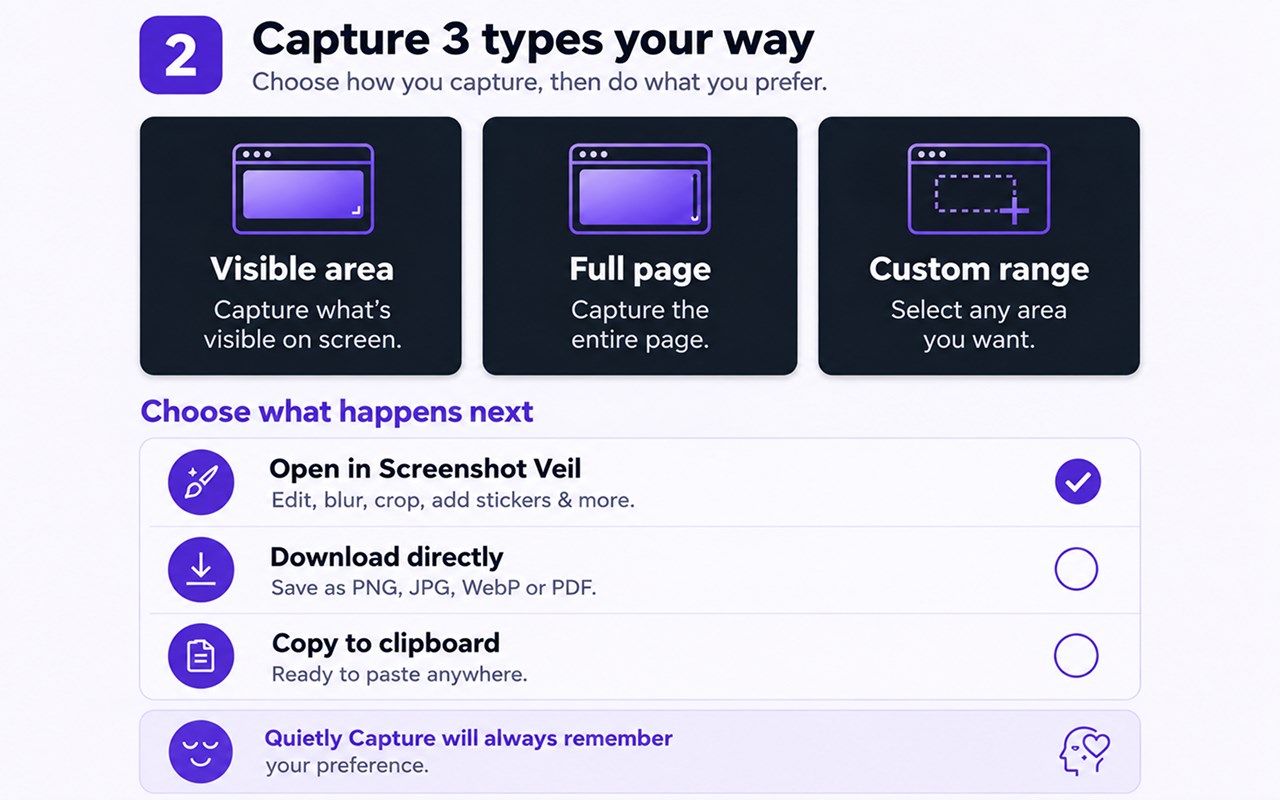
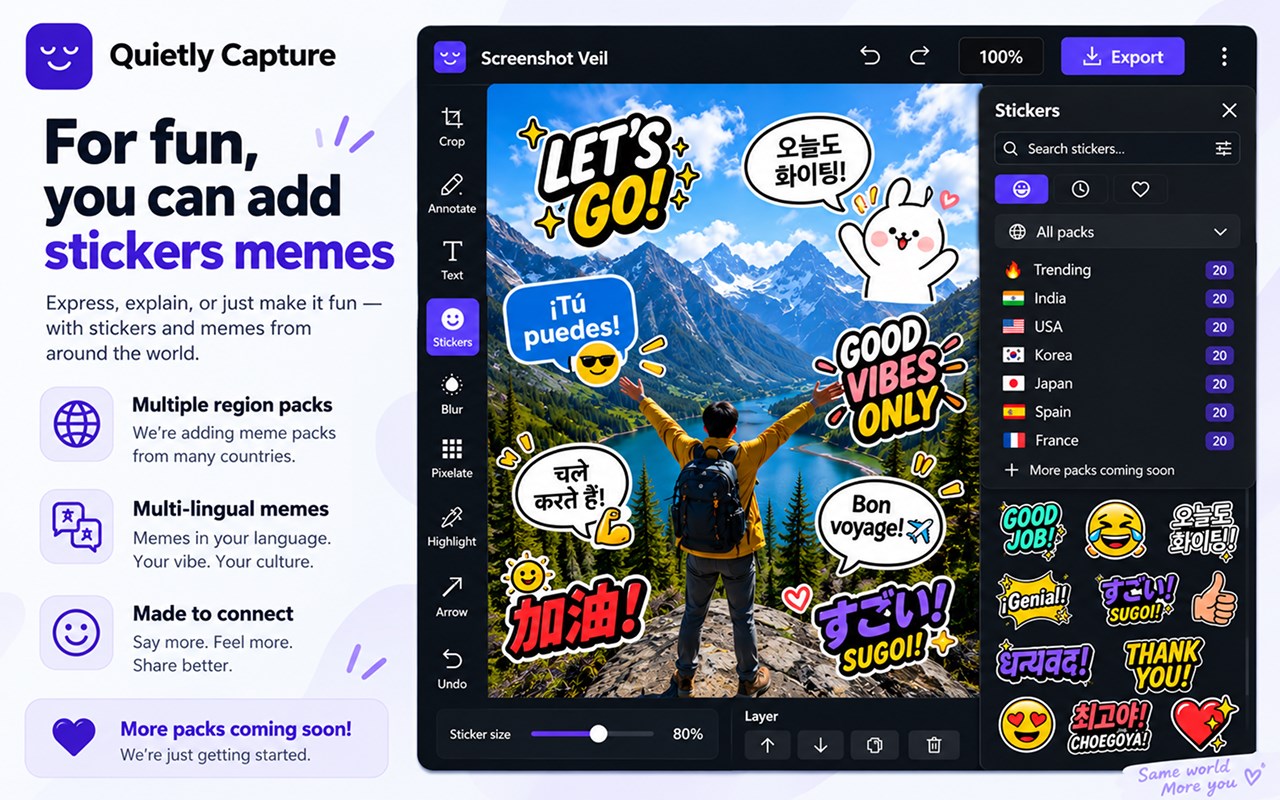
☑ Blur, pixelate, blackout, crop and text, in an editor that opens automatically
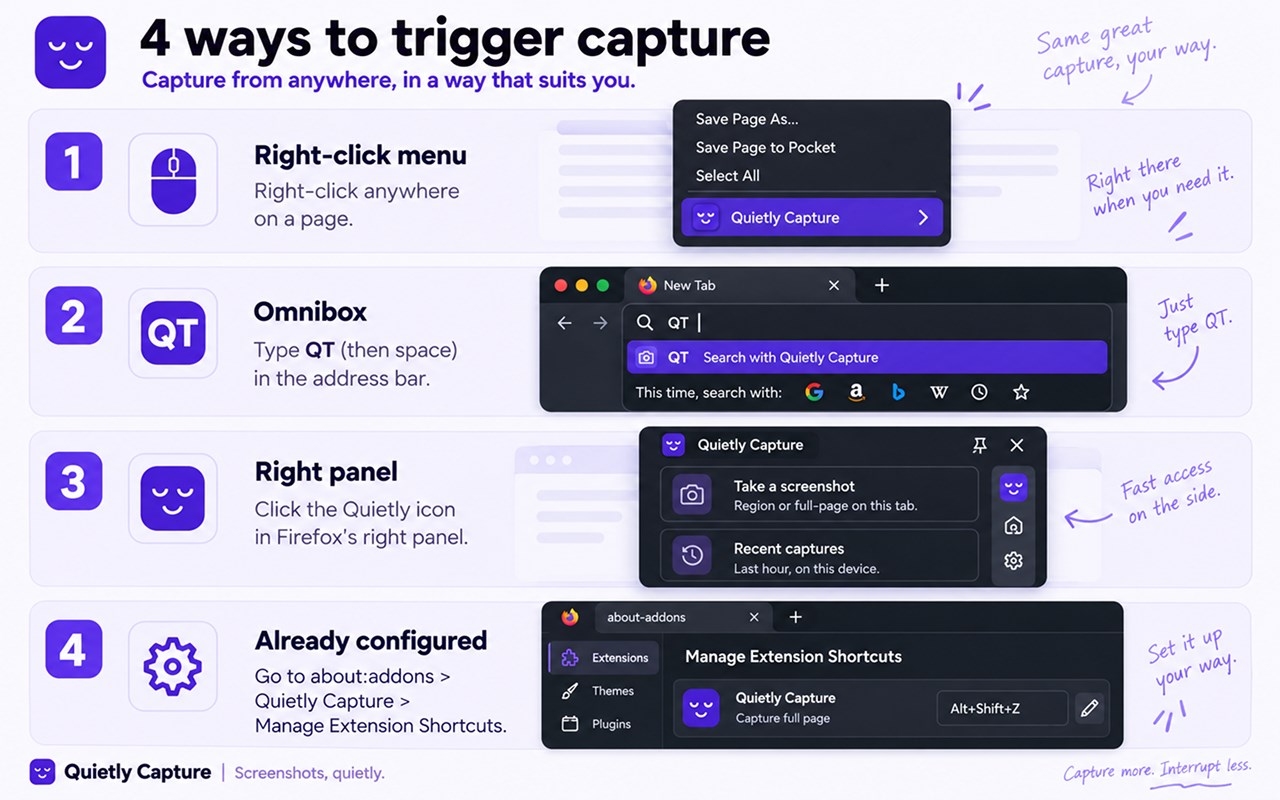
☑ Three ways to start: the toolbar button, right-click, or type qt in the address bar
☑ Switching tabs mid-capture pauses it rather than losing your work
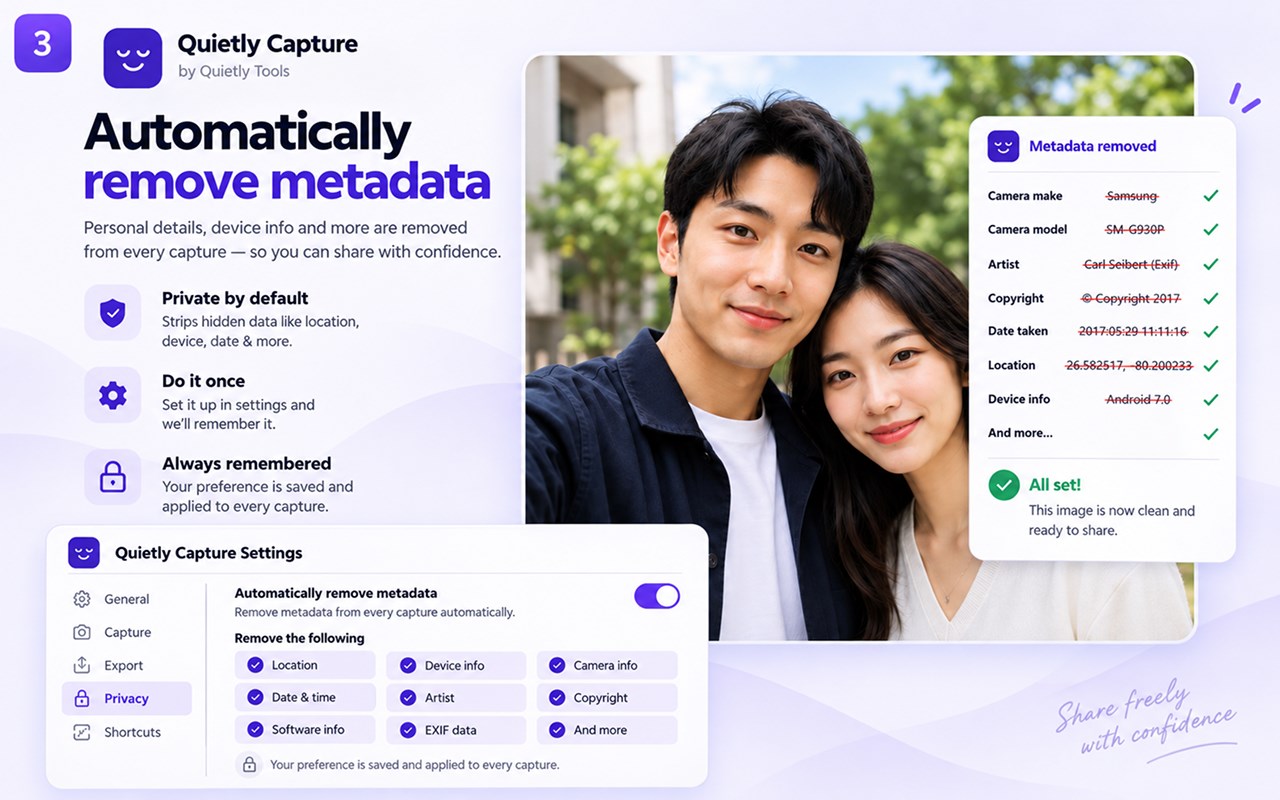
☑ Everything happens on your device
☑ No account, no sign-in
☑ Free
Nothing is uploaded. Captures are stitched in your browser and stay there. There is no analytics, no tracking, and no server that ever receives an image.
Checked by hand on Google Search Console, Bing Webmaster Tools, Supabase, Gmail, Outlook and Sensibull.
Known limits, stated plainly: a page taller than about 30,000 pixels is refused rather than captured badly, and a page that scrolls in more than two independent panels is refused up front, because there is no honest way to lay those side by side.
Quietly: Full Page Screenshot and Blur 是做什么的
Quietly: Full Page Screenshot and Blur 是一款面向 Edge 的效率工具类扩展,主要用来管住注意力、屏蔽干扰站点、记录时间。官方对它的介绍是:Full page screenshots that work on the dashboards other tools get wrong. Blur or black out anything private before you share.在微软 Edge 加载项商店上,它当前版本 0.8.53 panels and navigation cap,评分 5(1 人评价),约 2 名用户。
适合什么人用
从功能定位看,Quietly: Full Page Screenshot and Blur 更适合想专注工作学习、减少无效刷网页的用户。如果你平时只是偶尔遇到相关需求,用浏览器自带功能也能凑合;但如果这件事每天都发生,装一个专门处理它的扩展通常比手动操作省事得多。
怎么安装 Quietly: Full Page Screenshot and Blur
- 打开微软 Edge 加载项商店上的官方页面;
- 点「添加到浏览器」并确认权限提示;
- 装好后在扩展列表里固定图标,方便随时开关。
本站只做索引与介绍,安装包来自官方商店。如果商店页面提示当前地区不可用,说明该扩展未在你所在区域上架。
常见问题
Quietly: Full Page Screenshot and Blur 是免费的吗?
Quietly: Full Page Screenshot and Blur 在微软 Edge 加载项商店免费提供下载。它是浏览器扩展,装上就能直接用,不需要注册账号。
Quietly: Full Page Screenshot and Blur 安全吗?
它只申请了 0 项权限,范围比较克制,没有申请「读取所有网站数据」这种大权限。
Quietly: Full Page Screenshot and Blur 支持哪些浏览器?
当前收录的版本来自微软 Edge 加载项商店,适用于 Edge。同一个扩展在其他商店可能有对应版本,但功能与版本号不一定相同。
怎么卸载 Quietly: Full Page Screenshot and Blur?
在扩展管理页找到 Quietly: Full Page Screenshot and Blur,点移除即可。它在本地保存的设置会一起清掉,不会残留数据。
权限清单 来自 manifest.json 原文
接口权限 9
activeTabclipboardWritecontextMenusnotificationsscriptingsidePanelstoragetabsunlimitedStorage