QuickCast - Screen Recorder EN
QuickCast · EEdge MV3
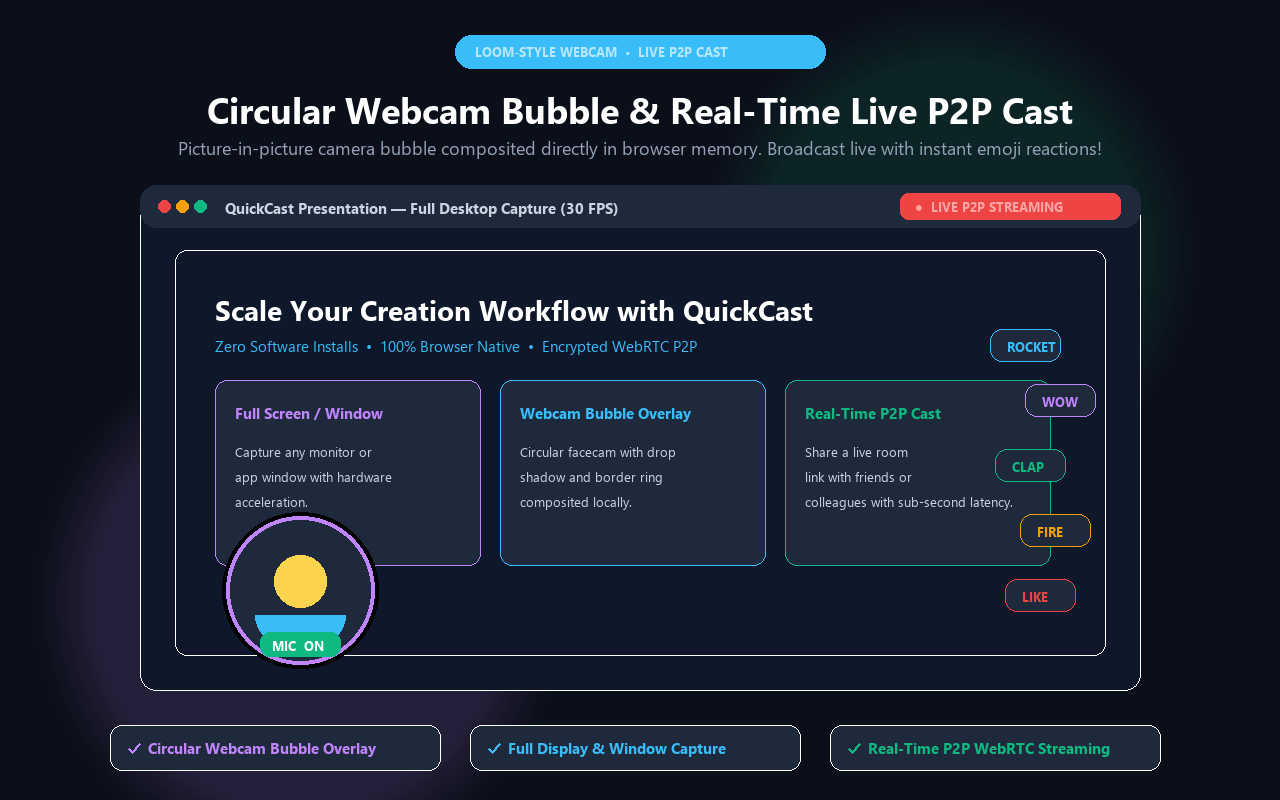
Screen recorder with tab/full-screen capture, circular webcam bubble, pre-flight mic check, telemetry HUD, and 1-click cloud share.
截图
简介
QuickCast is the fastest, privacy-first screen recording and video walkthrough extension for Microsoft Edge. Capture clean browser tabs, application windows, or your full desktop with crystal-clear tab audio, optional microphone commentary, and a circular webcam overlay—then generate instant shareable links or save locally in high-speed MP4.
⚡ WHAT’S NEW IN VERSION 1.5.3:
• Native Tab & System Audio Capture: Record YouTube, Spotify, video conferences, or browser games directly with rich, studio-quality sound.
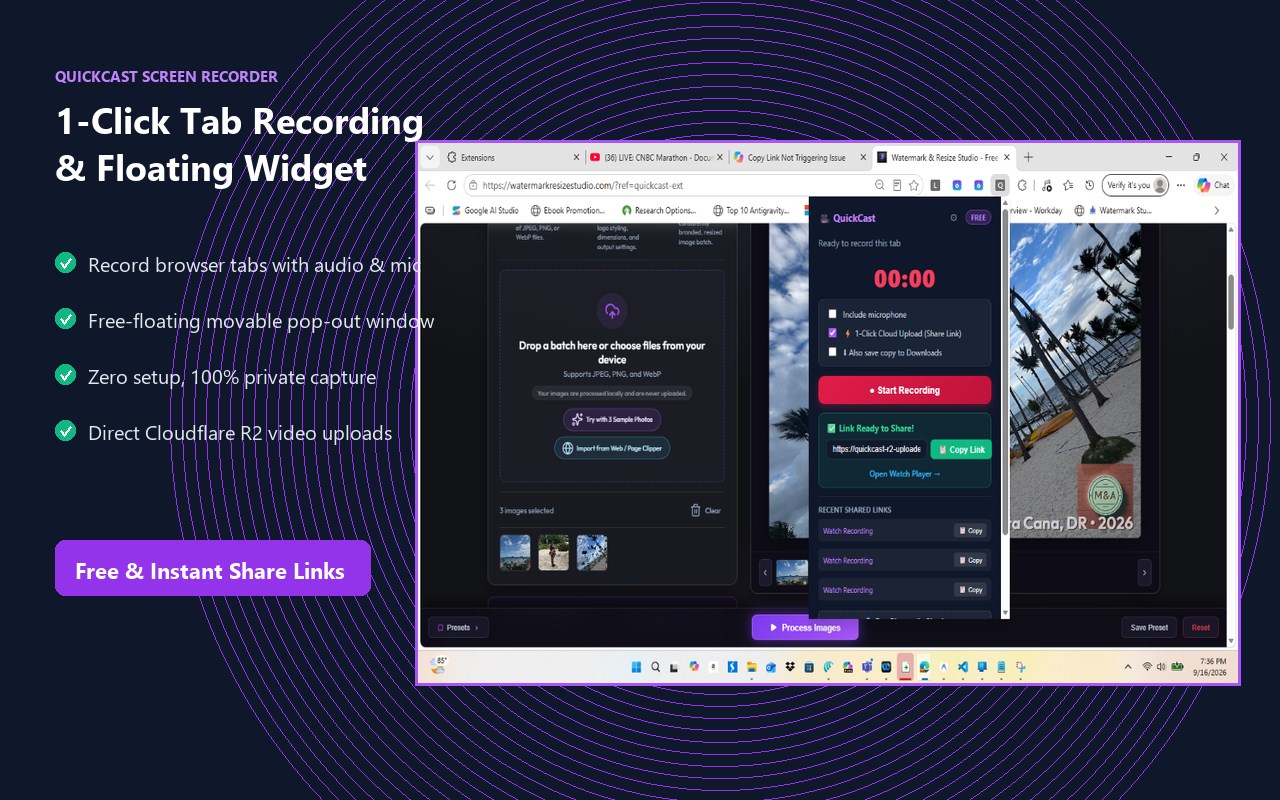
• Auto-Detaching Floating Recorder: Starting a recording automatically detaches QuickCast into a movable floating widget, allowing you to click anywhere, browse web pages, and switch tabs without ever interrupting or stopping your recording.
• Zero-Latency Audio Mixing: Smoothly blends tab audio and microphone voiceover in real-time with zero echo or distortion.
• Mobile-Optimized MP4 Playback: Universal hardware-accelerated playback that renders instantly on Edge, Windows, iOS, and Android devices.
🌟 KEY FEATURES:
• 1-Click Screen & Tab Capture: Record your active browser tab, full desktop monitor, or specific application window with zero complicated setup.
• Floating Widget Controller: Movable on-screen controller with live elapsed timer, pause/resume, and 1-click chapter markers.
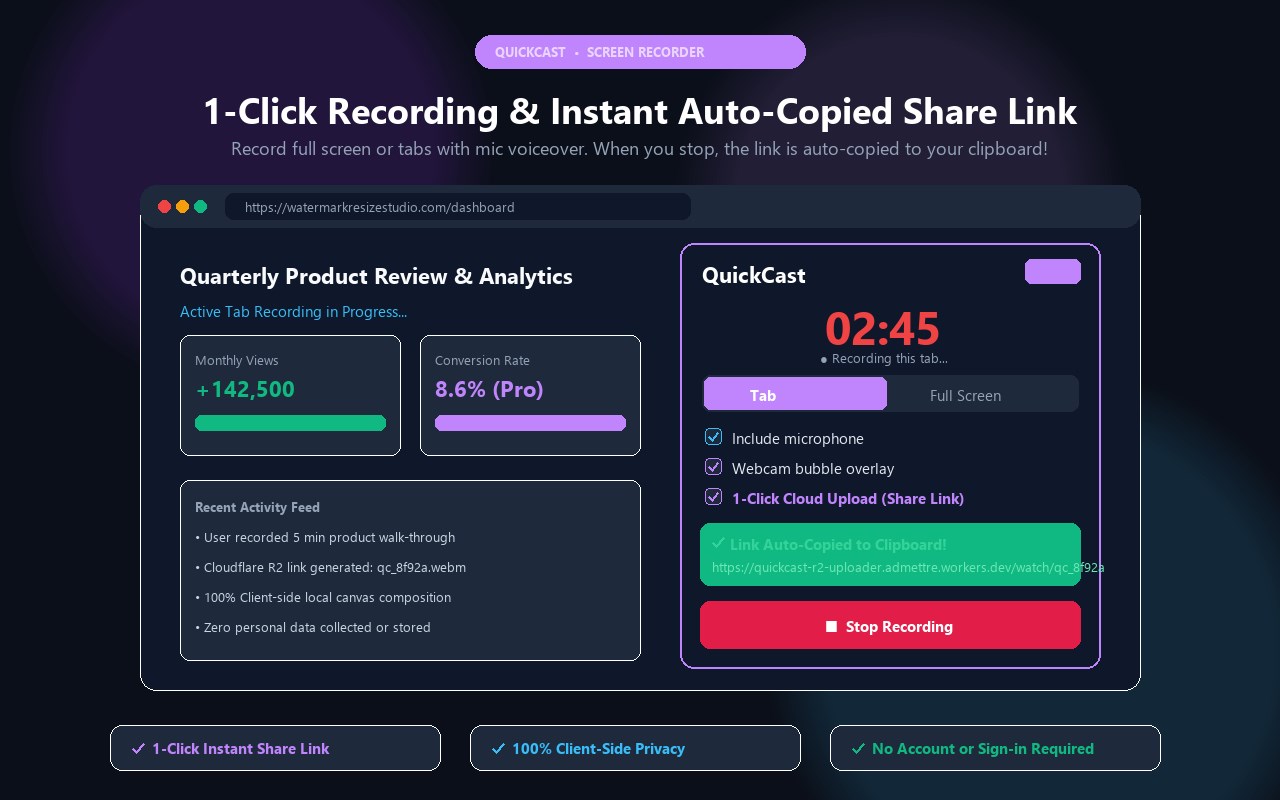
• Circular Webcam Bubble Overlay: Composite your front-facing camera feed directly into any corner of your recording for personal demos and presentations.
• Crystal-Clear Dual Audio: Capture system tab audio and microphone narration simultaneously, with live pre-flight VU meter testing and push-to-talk mic muting.
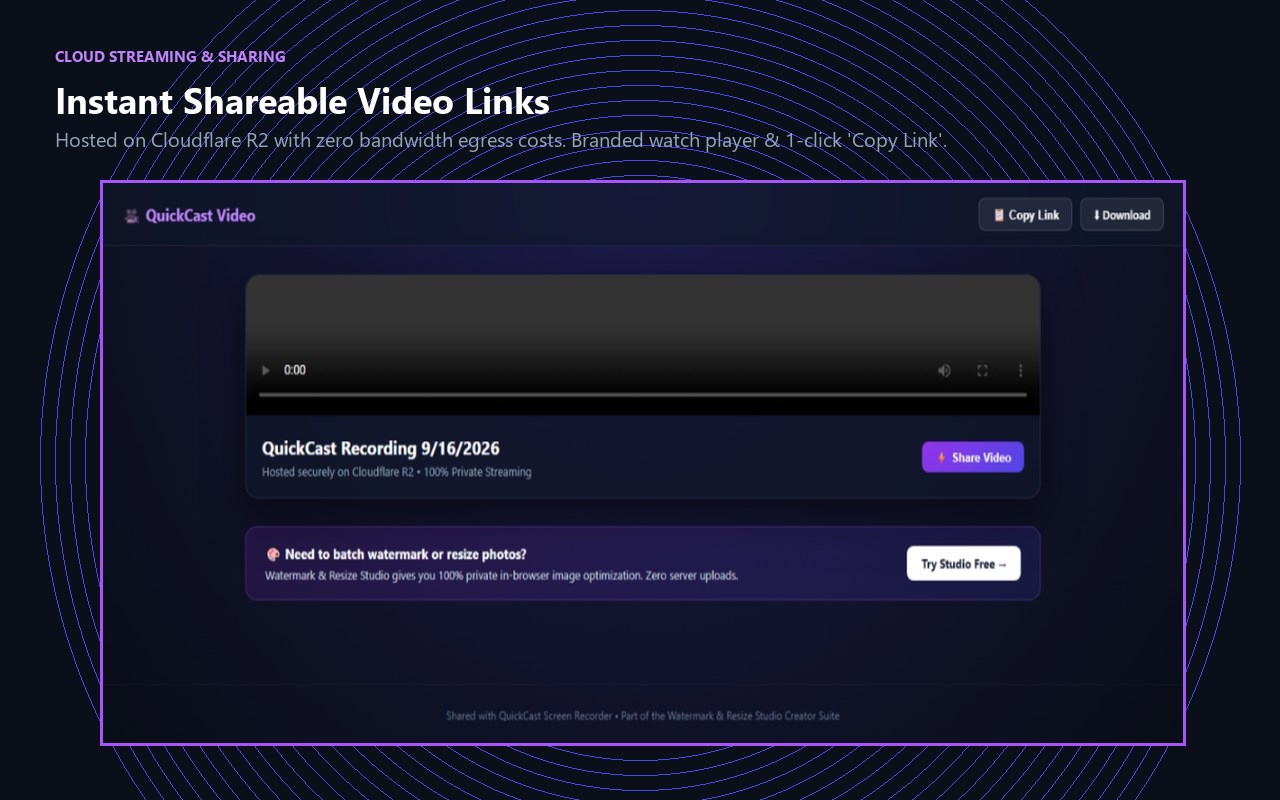
• Instant Cloud Share: Upload directly to private Cloudflare R2 streaming infrastructure with 1 click, or keep files completely local in your Downloads folder.
• Interactive Presentation Overlays: Highlight key points with click ripple rings, cursor spotlights, and modifier hotkey badges (Alt/Ctrl/Shift).
• Instant Screenshot Capture (Alt+S): Grab clean PNG frames from your recording or active screen without third-party tools.
• In-Browser GIF Converter: Export lightweight animated GIFs from your recordings for Slack, GitHub issues, and documentation.
🛡️ 100% PRIVATE & SECURE:
• Zero Third-Party Tracking: QuickCast does not collect, track, or sell your personal browsing history, keystrokes, or network activity.
• Client-Side Processing: Audio and video streams are encoded directly inside your browser memory using native WebRTC and MediaRecorder APIs.
• No Account Required: Start recording and downloading videos immediately without forced account signups.
💼 PERFECT FOR:
• Software Developers & QA Testers: Record bug repros with network HUD and timestamps.
• Remote Teams & Managers: Replace long meetings with 60-second async video walkthroughs.
• Educators & Students: Create step-by-step tutorials, online lessons, and presentations.
• Creators & Designers: Showcase design mockups, portfolios, and product feedback.
🚀 HOW TO USE:
1. Click the QuickCast icon in your Microsoft Edge toolbar.
2. Choose your capture source (Tab or Full Screen) and toggle your mic or webcam.
3. Click "Start Recording", capture your presentation, and instantly download or copy your share link!
QuickCast - Screen Recorder 是做什么的
QuickCast - Screen Recorder 是一款面向 Edge 的效率工具类扩展,主要用来管住注意力、屏蔽干扰站点、记录时间。官方对它的介绍是:Screen recorder with tab/full-screen capture, circular webcam bubble, pre-flight mic check, telemetry HUD, and 1-click cloud share.在微软 Edge 加载项商店上,它当前版本 1.5.3,约 26 名用户。
适合什么人用
从功能定位看,QuickCast - Screen Recorder 更适合想专注工作学习、减少无效刷网页的用户。如果你平时只是偶尔遇到相关需求,用浏览器自带功能也能凑合;但如果这件事每天都发生,装一个专门处理它的扩展通常比手动操作省事得多。
怎么安装 QuickCast - Screen Recorder
- 打开微软 Edge 加载项商店上的官方页面;
- 点「添加到浏览器」并确认权限提示;
- 装好后在扩展列表里固定图标,方便随时开关。
本站只做索引与介绍,安装包来自官方商店。如果商店页面提示当前地区不可用,说明该扩展未在你所在区域上架。
常见问题
QuickCast - Screen Recorder 是免费的吗?
QuickCast - Screen Recorder 在微软 Edge 加载项商店免费提供下载。它是浏览器扩展,装上就能直接用,不需要注册账号。
QuickCast - Screen Recorder 安全吗?
它只申请了 0 项权限,范围比较克制,没有申请「读取所有网站数据」这种大权限。
QuickCast - Screen Recorder 支持哪些浏览器?
当前收录的版本来自微软 Edge 加载项商店,适用于 Edge。同一个扩展在其他商店可能有对应版本,但功能与版本号不一定相同。
怎么卸载 QuickCast - Screen Recorder?
在扩展管理页找到 QuickCast - Screen Recorder,点移除即可。它在本地保存的设置会一起清掉,不会残留数据。
权限清单 来自 manifest.json 原文
接口权限 8
activeTabclipboardWritedesktopCapturedownloadsscriptingstoragetabCapturetabs