
QuantVPN - Smart VPN for Browser EN
QuantVPN · EEdge MV3
Banks work, YouTube flies, ChatGPT available! Smart VPN extension, no signup. 7 days free.
<all_urls>),意味着它可以读取你在任意站点的页面内容,包括已登录的页面。这是许多扩展正常工作的必要条件,但也值得你确认来源可信。
截图
简介
YouTube buffering? ChatGPT blocked? Instagram unavailable?
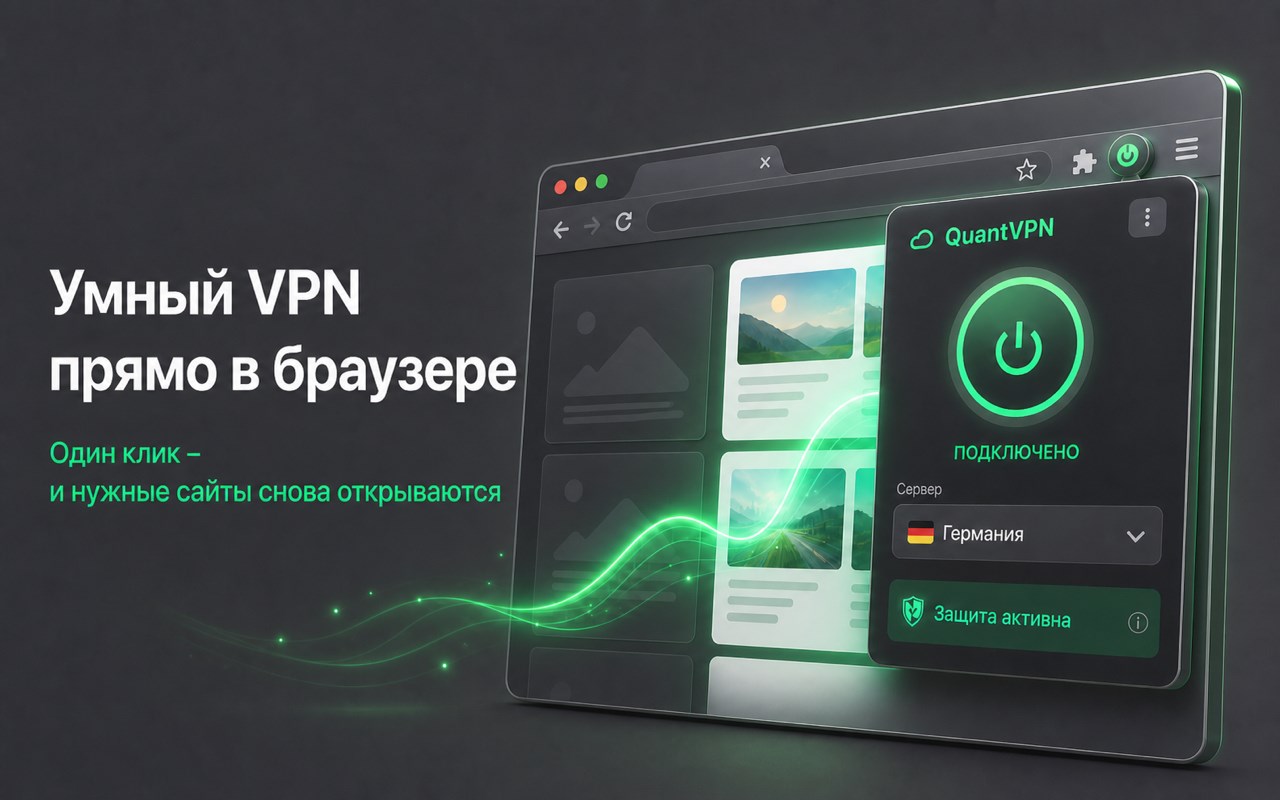
QuantVPN turns on in one click — and you're back online.
🎁 7 DAYS FREE. No card, no payment needed.
⚡ WHAT YOU GET:
• Video at maximum speed - no buffering
• AI tools and international services open normally
• Social networks and messengers work without limits
• Bypass any regional restrictions
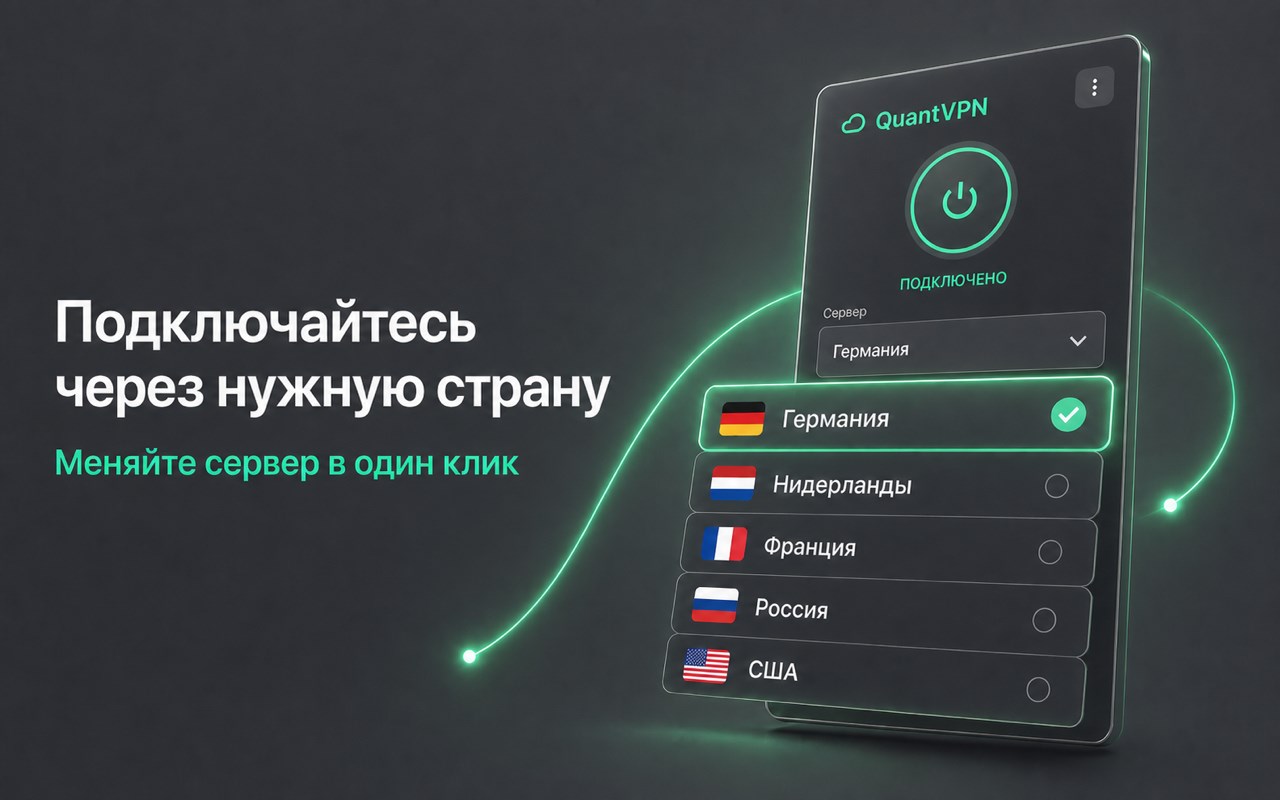
• 6 fast servers: Germany, Finland, Netherlands, USA, Singapore, Russia
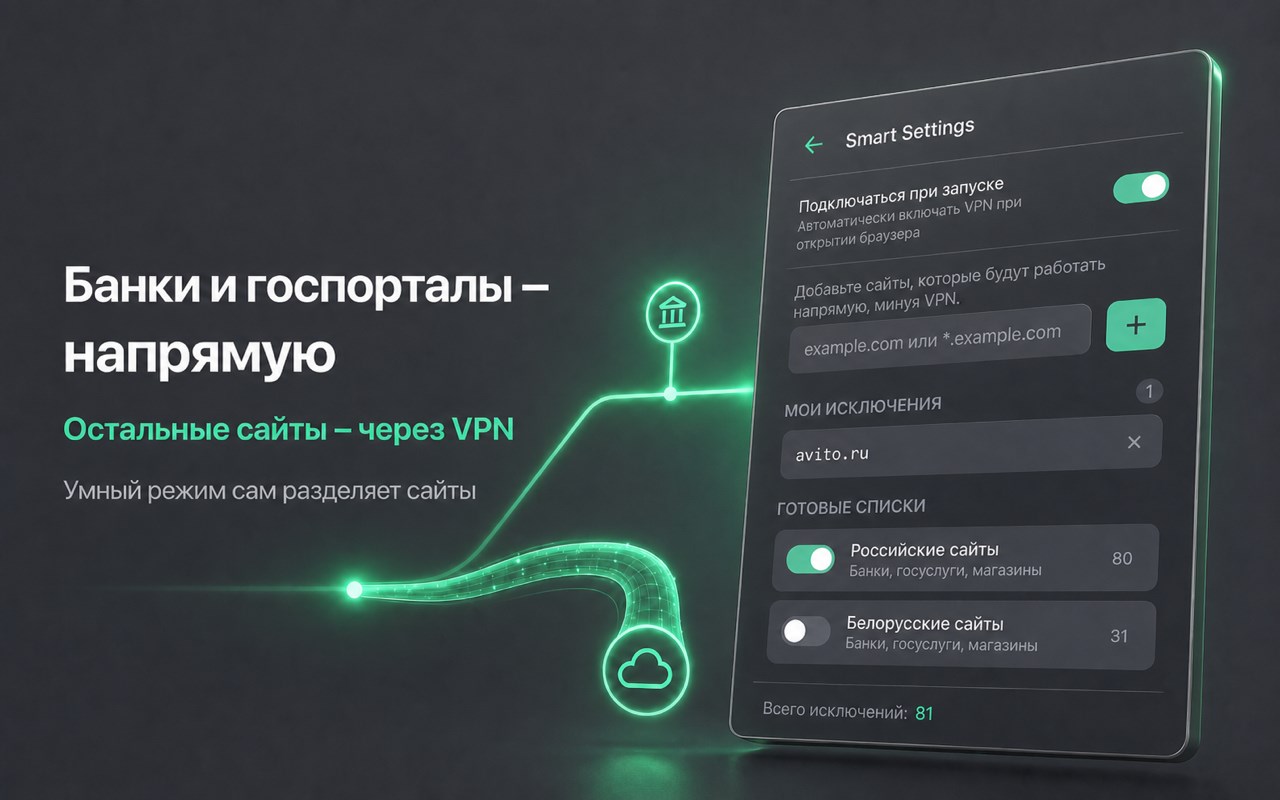
🧠 SMART MODE
VPN only where you need it! Add sites that should work directly:
• Banking websites
• Government services
• Local streaming services
No need to constantly toggle - Smart Mode does it for you.
🎓 HOW TO START:
1. Install the extension
2. Click this link → https://t.me/quantvpn23_bot?start=edge
3. Tap "Get 7 free days" - your code arrives instantly
4. Enter the code in extension - done, VPN turns on with 1 click
🔒 SECURITY:
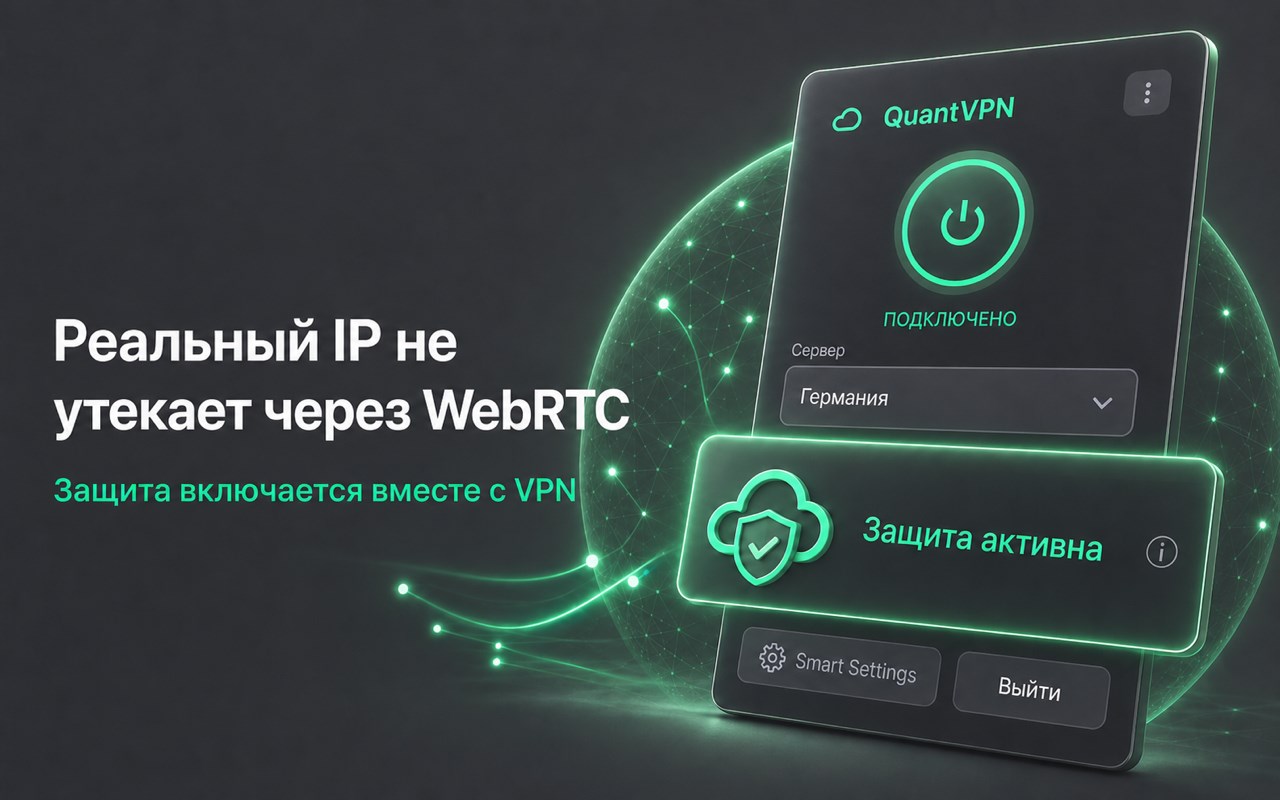
• WebRTC leak protection - your real IP stays hidden
• No logs - we don't track you
• Auto server failover
• Traffic encryption
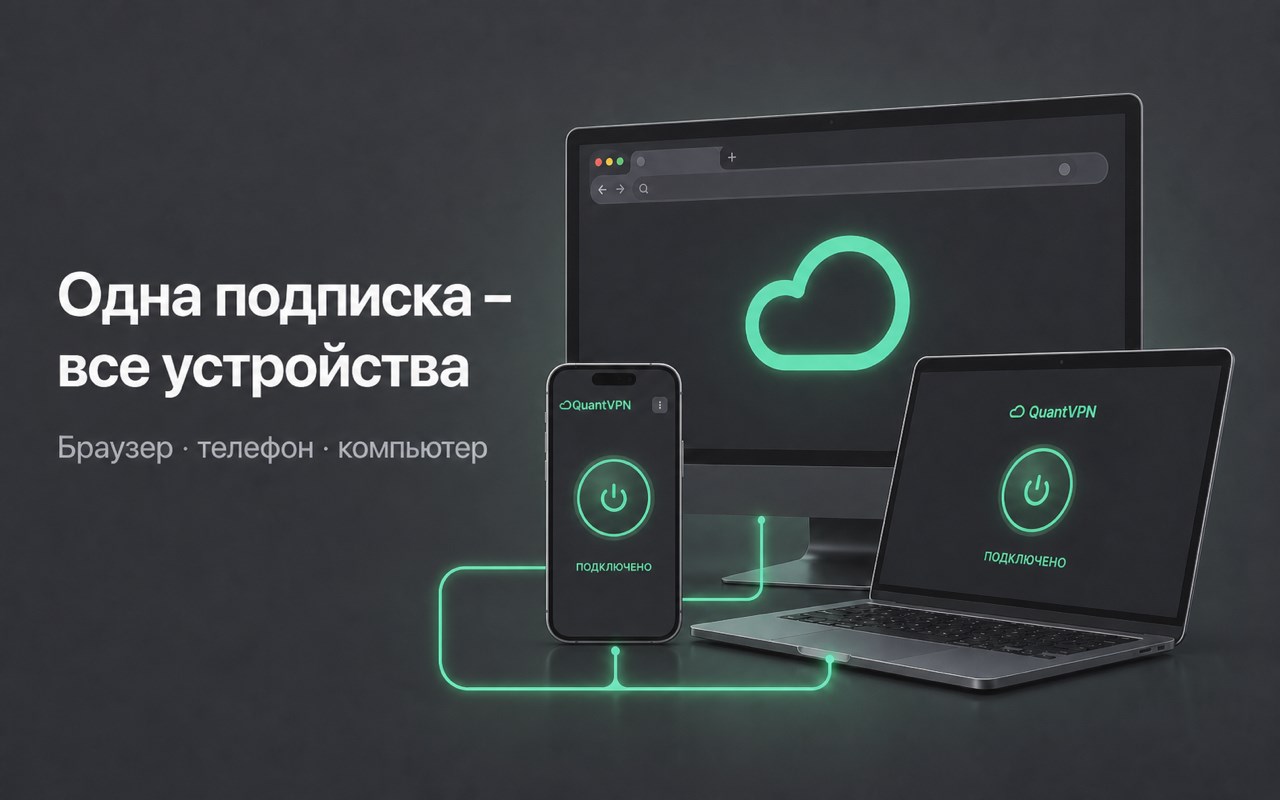
📱 WORKS EVERYWHERE
Install VPN on any device:
• Browser (Chrome, Firefox, Edge, Opera, Yandex)
• Phone (iPhone, Android)
• Computer (Windows, MacOS)
💰 INVITE FRIENDS - GET FREE VPN!
For every friend who buys a subscription - 30 days of free VPN.
SUPPORT:
Telegram: https://t.me/quantvpn23_bot?start=edge
Channel: https://t.me/quant_vpn
Website: quantvpn.app
Email: support@quantvpn.app
QuantVPN - Smart VPN for Browser 是做什么的
QuantVPN - Smart VPN for Browser 是一款面向 Edge 的效率工具类扩展,主要用来管住注意力、屏蔽干扰站点、记录时间。官方对它的介绍是:Banks work, YouTube flies, ChatGPT available! Smart VPN extension, no signup. 7 days free.在微软 Edge 加载项商店上,它当前版本 1.2.7.2,评分 4.5(38 人评价),约 1,718 名用户。
适合什么人用
从功能定位看,QuantVPN - Smart VPN for Browser 更适合想专注工作学习、减少无效刷网页的用户。如果你平时只是偶尔遇到相关需求,用浏览器自带功能也能凑合;但如果这件事每天都发生,装一个专门处理它的扩展通常比手动操作省事得多。需要注意的是它作用于所有网站,装上后建议先观察一两天,确认不影响常用站点的正常使用。
怎么安装 QuantVPN - Smart VPN for Browser
- 打开微软 Edge 加载项商店上的官方页面;
- 点「添加到浏览器」并确认权限提示;
- 装好后在扩展列表里固定图标,方便随时开关。
本站只做索引与介绍,安装包来自官方商店。如果商店页面提示当前地区不可用,说明该扩展未在你所在区域上架。
常见问题
QuantVPN - Smart VPN for Browser 是免费的吗?
QuantVPN - Smart VPN for Browser 在微软 Edge 加载项商店免费提供下载。它是浏览器扩展,装上就能直接用,不需要注册账号。
QuantVPN - Smart VPN for Browser 安全吗?
它只申请了 0 项权限,范围比较克制,没有申请「读取所有网站数据」这种大权限。
QuantVPN - Smart VPN for Browser 支持哪些浏览器?
当前收录的版本来自微软 Edge 加载项商店,适用于 Edge。同一个扩展在其他商店可能有对应版本,但功能与版本号不一定相同。
怎么卸载 QuantVPN - Smart VPN for Browser?
在扩展管理页找到 QuantVPN - Smart VPN for Browser,点移除即可。它在本地保存的设置会一起清掉,不会残留数据。
权限清单 来自 manifest.json 原文
站点访问(可选) 1
<all_urls>
接口权限 7
alarmsoffscreenprivacyproxystoragewebRequestwebRequestAuthProvider