qrlia — QR code for this page EN
qrlia · EEdge MV3
Instant QR code for the page you are on, or any text. PNG and SVG download. Free, no sign-up, nothing leaves your browser.
截图
简介
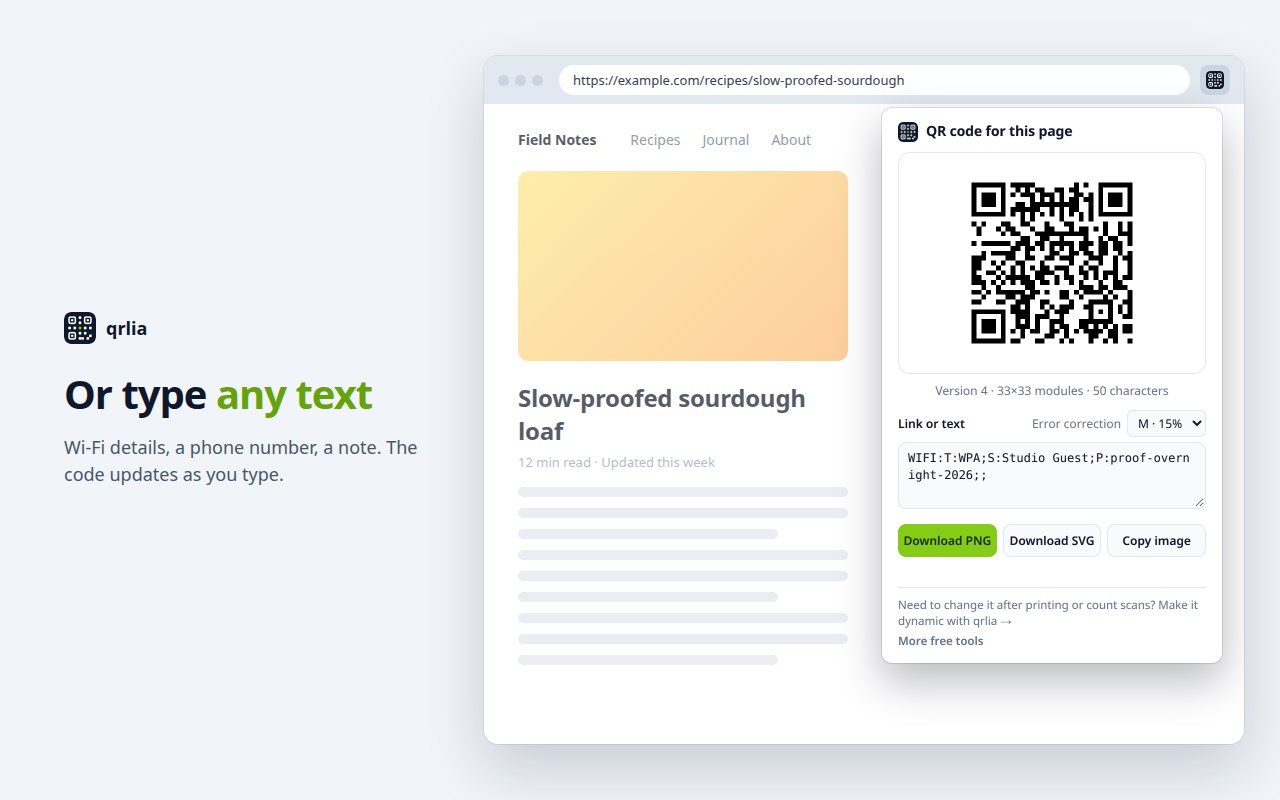
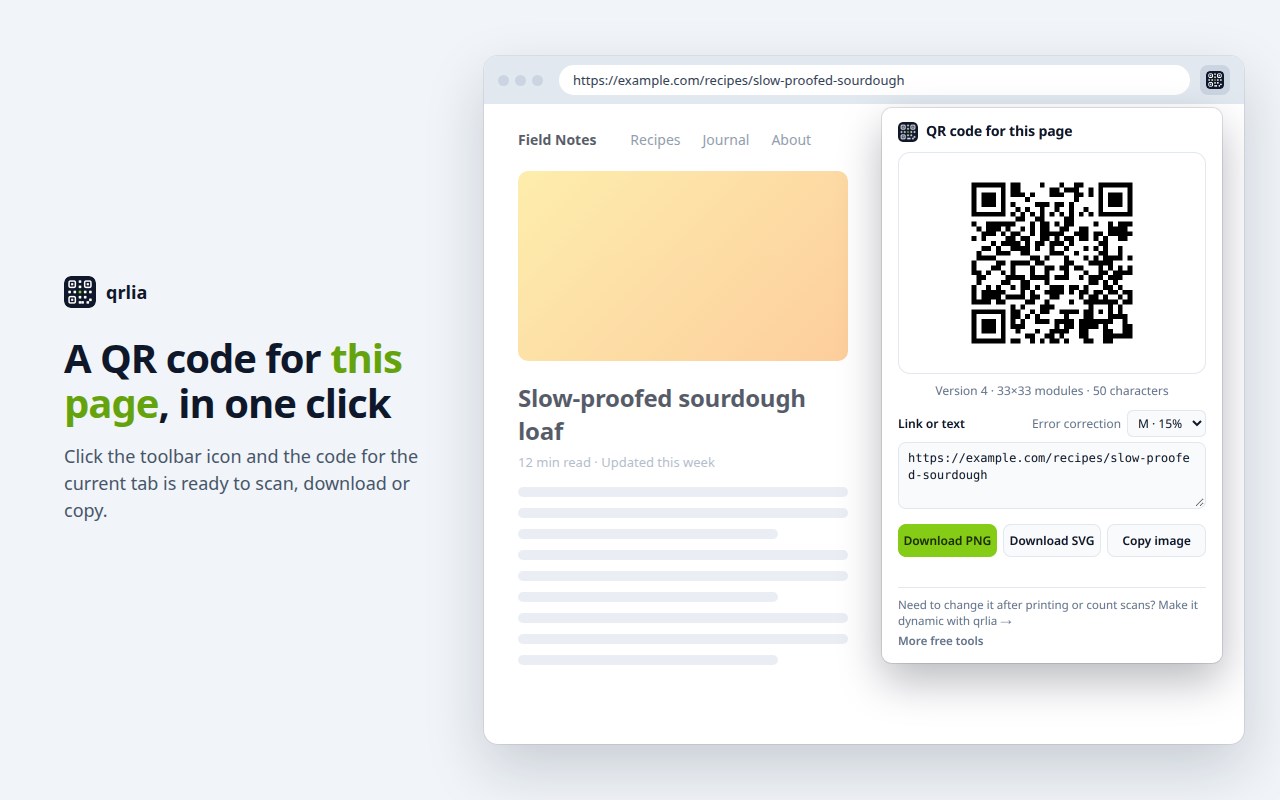
Click the qrlia icon in your toolbar and you get a QR code for the page you are on. Scan it with your phone to carry the page across, or download it for a slide, a flyer or a label.
What it does
• Makes a QR code for the current tab's address the moment you open it.
• Accepts any other text too: a different link, Wi-Fi details, a phone number, a short note. The code updates as you type.
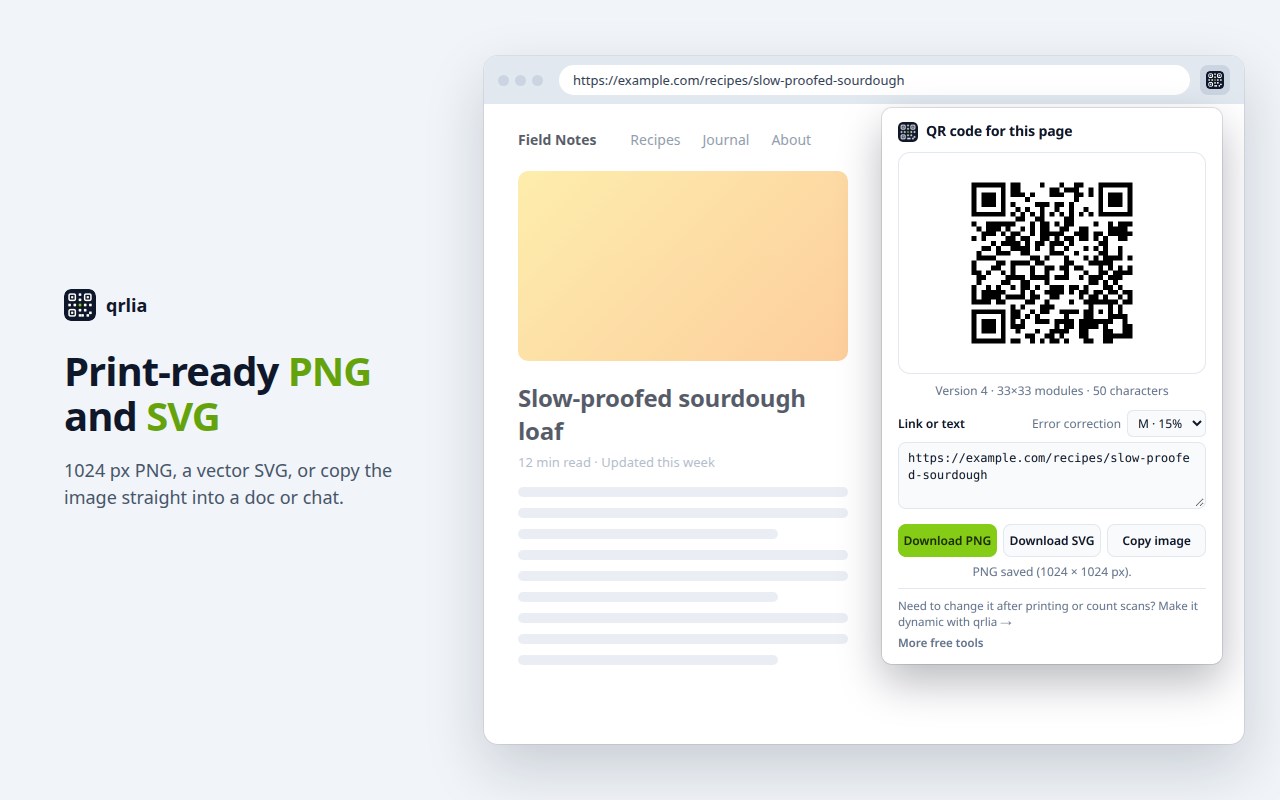
• Download PNG (1024 × 1024 px) or SVG (vector, sharp at any print size), or copy the image to paste into a document or chat.
• Error correction is M (15%) by default; switch to L, Q or H when you need to.
• Shows the QR version and size, warns when the text makes a dense code, and tells you plainly when text is too long to fit.
• Follows your system's light or dark mode.
Private by design
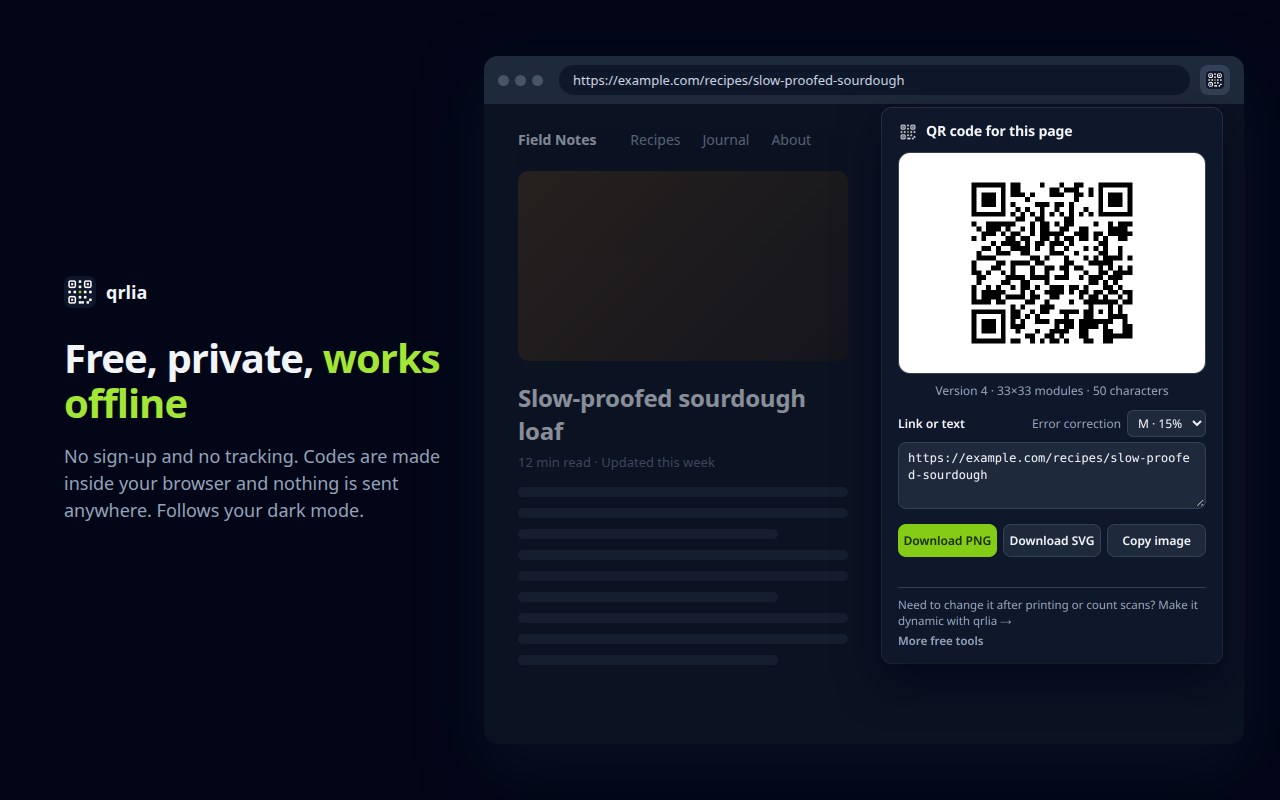
• Free, with no account and no sign-up.
• Works offline. The QR code is made inside your browser by a small open-source encoder bundled with the extension.
• Nothing leaves your browser: no analytics, no tracking, no network requests. The extension reads the current tab's address only when you click its icon, and stores nothing.
These are static QR codes: the text is written into the code itself, so it keeps working for as long as the destination does. If you need a code you can change after printing, or want to count scans, qrlia (qrlia.com) offers dynamic QR codes as a separate service. The extension links to it and works fully without it.
qrlia — QR code for this page 是做什么的
qrlia — QR code for this page 是一款面向 Edge 的效率工具类扩展,主要用来管住注意力、屏蔽干扰站点、记录时间。官方对它的介绍是:Instant QR code for the page you are on, or any text. PNG and SVG download. Free, no sign-up, nothing leaves your browser.在微软 Edge 加载项商店上,它当前版本 1.0.0。
适合什么人用
从功能定位看,qrlia — QR code for this page 更适合想专注工作学习、减少无效刷网页的用户。如果你平时只是偶尔遇到相关需求,用浏览器自带功能也能凑合;但如果这件事每天都发生,装一个专门处理它的扩展通常比手动操作省事得多。
怎么安装 qrlia — QR code for this page
- 打开微软 Edge 加载项商店上的官方页面;
- 点「添加到浏览器」并确认权限提示;
- 装好后在扩展列表里固定图标,方便随时开关。
本站只做索引与介绍,安装包来自官方商店。如果商店页面提示当前地区不可用,说明该扩展未在你所在区域上架。
常见问题
qrlia — QR code for this page 是免费的吗?
qrlia — QR code for this page 在微软 Edge 加载项商店免费提供下载。它是浏览器扩展,装上就能直接用,不需要注册账号。
qrlia — QR code for this page 安全吗?
它只申请了 0 项权限,范围比较克制,没有申请「读取所有网站数据」这种大权限。
qrlia — QR code for this page 支持哪些浏览器?
当前收录的版本来自微软 Edge 加载项商店,适用于 Edge。同一个扩展在其他商店可能有对应版本,但功能与版本号不一定相同。
怎么卸载 qrlia — QR code for this page?
在扩展管理页找到 qrlia — QR code for this page,点移除即可。它在本地保存的设置会一起清掉,不会残留数据。
权限清单 来自 manifest.json 原文
接口权限 1
activeTab