
QR Nest EN
RatLabs · EEdge MV3
A modern, lightweight tool to create, save, and copy QR codes from links instantly.
截图


简介
QR Code Content Types
🔗 Generate QR codes for URLs
📝 Create plain text QR codes
📶 Generate Wi-Fi network configuration QR codes
👤 Create contact information QR codes (vCard)
📧 Generate email QR codes with subject and body
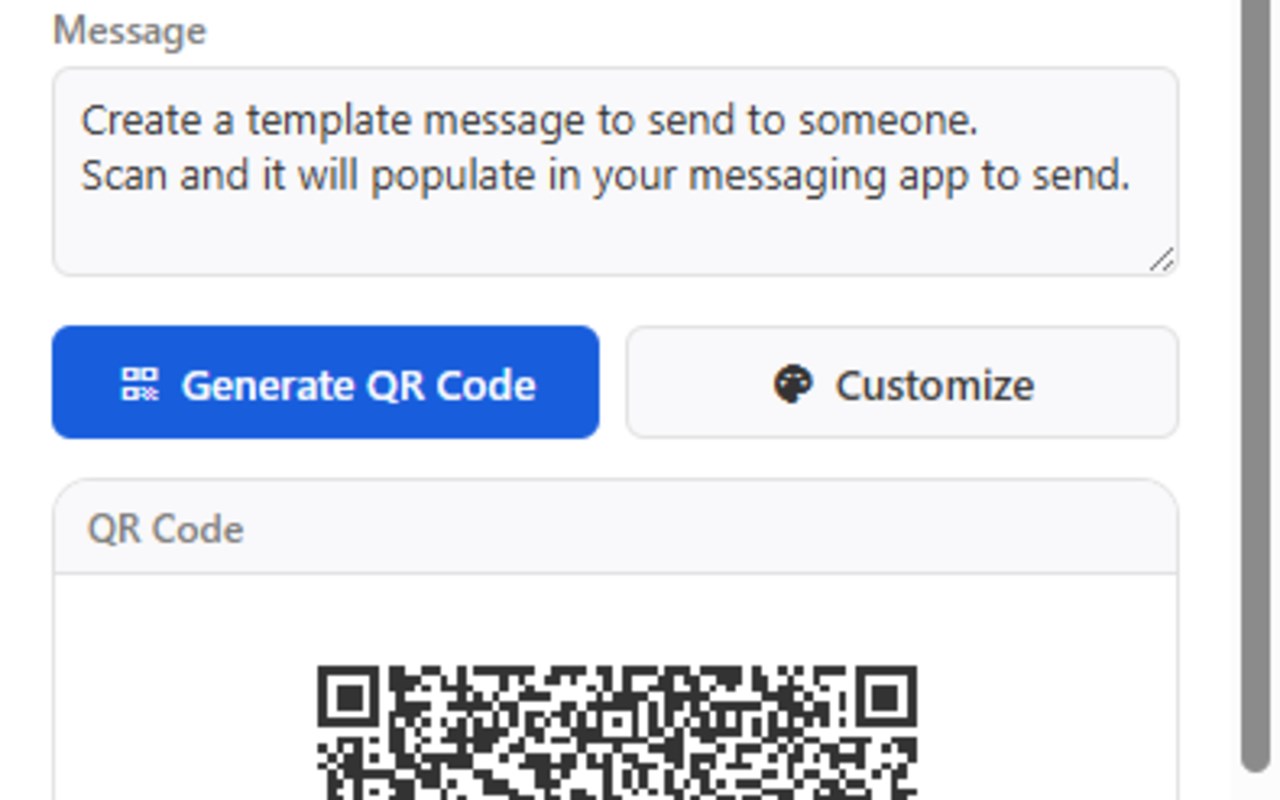
💬 Create SMS QR codes with message
🎨 Customization Options
🖌️ Choose foreground and background colors
🛡️ Adjust QR code error correction level
📏 Customize QR code size
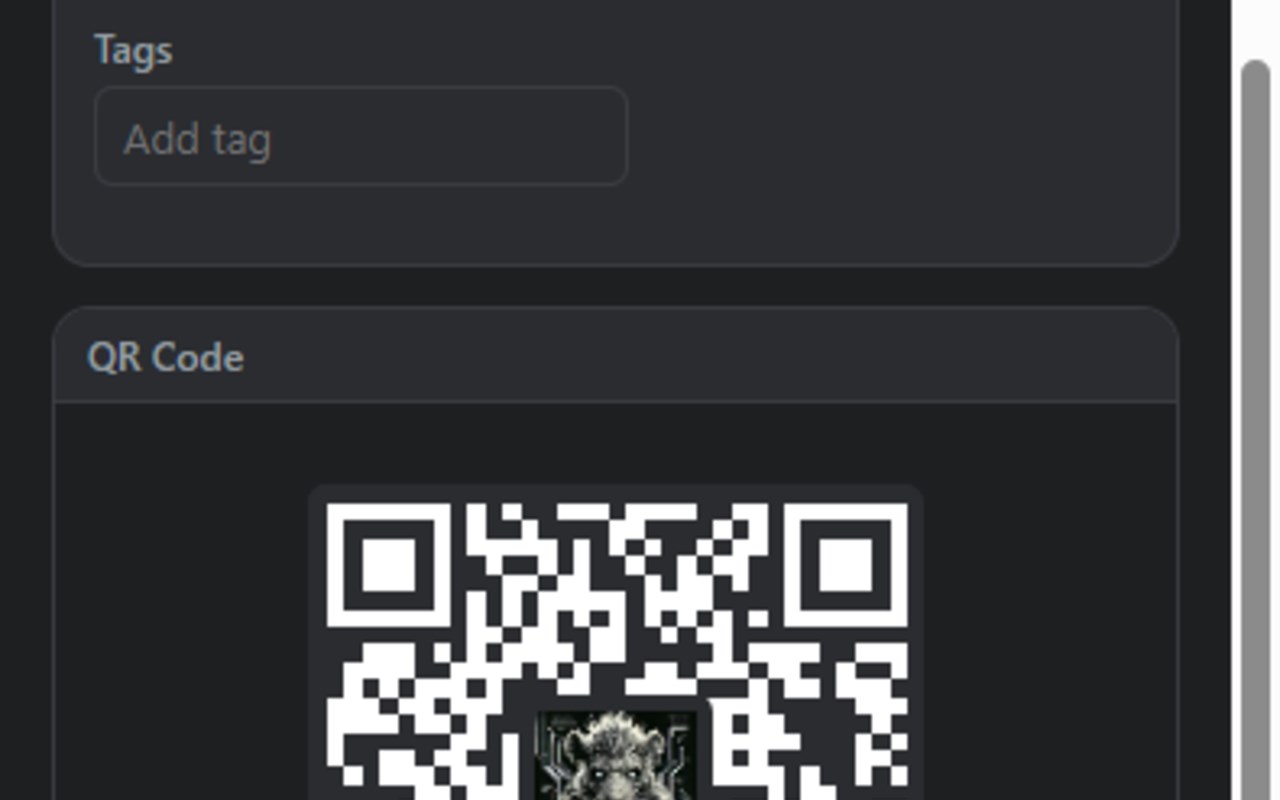
🖼️ Add logo/image overlay to QR codes
🌙 Dark mode support
📤 Export & Sharing
📋 Copy QR codes directly to your clipboard
📥 Download QR codes as PNG with adjustable sizes
🔄 Download QR codes as SVG for vector quality
🔎 Choose transparent background option
🌐 Browser Integration
🖱️ Right-click context menu to generate QR for any link
✂️ Right-click to create QR code from selected text
⌨️ Keyboard shortcut (Ctrl+Shift+Q) to generate QR for current page
📚 Organization
🖼️ Save QR codes with thumbnails for quick reference
🏷️ Categorize with tags for easy organization
🔍 Search through saved QR codes by content, type, or tags
🔄 Drag and drop to reorder saved QR codes
🚀 Usage
🔘 Click the QR Nest icon in your browser toolbar
📋 Select a QR code type (URL, text, Wi-Fi, contact, email, SMS)
✏️ Enter the required information
🎯 Click "Generate QR Code" to create your QR code
🎨 Customize appearance using the "Customize" button
📤 Copy or download the QR code using the buttons below
💾 Optionally save QR codes for later use with "Save"
⌨️ Keyboard Shortcut
Press Ctrl+Shift+Q (or Cmd+Shift+Q on Mac) to generate a QR code for the current page
🖱️ Context Menu
Right-click on any link and select "Generate QR code for this link"
Right-click on a page and select "Generate QR code for this page"
Select text, right-click, and select "Generate QR code for selected text"
💻 Development
QR Nest is built using:
🌐 HTML, CSS, and JavaScript
📊 QRCode.js for QR code generation
🎨 Spectrum for color picker functionality
🧩 Chrome/Firefox extension APIs
QR Nest 是做什么的
QR Nest 是一款面向 Edge 的效率工具类扩展,主要用来管住注意力、屏蔽干扰站点、记录时间。官方对它的介绍是:A modern, lightweight tool to create, save, and copy QR codes from links instantly.在微软 Edge 加载项商店上,它当前版本 1.1.0,评分 5(1 人评价),约 31 名用户。
适合什么人用
从功能定位看,QR Nest 更适合想专注工作学习、减少无效刷网页的用户。如果你平时只是偶尔遇到相关需求,用浏览器自带功能也能凑合;但如果这件事每天都发生,装一个专门处理它的扩展通常比手动操作省事得多。
怎么安装 QR Nest
- 打开微软 Edge 加载项商店上的官方页面;
- 点「添加到浏览器」并确认权限提示;
- 装好后在扩展列表里固定图标,方便随时开关。
本站只做索引与介绍,安装包来自官方商店。如果商店页面提示当前地区不可用,说明该扩展未在你所在区域上架。
常见问题
QR Nest 是免费的吗?
QR Nest 在微软 Edge 加载项商店免费提供下载。它是浏览器扩展,装上就能直接用,不需要注册账号。
QR Nest 安全吗?
它只申请了 0 项权限,范围比较克制,没有申请「读取所有网站数据」这种大权限。
QR Nest 支持哪些浏览器?
当前收录的版本来自微软 Edge 加载项商店,适用于 Edge。同一个扩展在其他商店可能有对应版本,但功能与版本号不一定相同。
怎么卸载 QR Nest?
在扩展管理页找到 QR Nest,点移除即可。它在本地保存的设置会一起清掉,不会残留数据。
权限清单 来自 manifest.json 原文
接口权限 5
activeTabclipboardWritecontextMenusdownloadsstorage