
PROXYDECK.NET — proxy service ratings EN
PROXYDECK · EEdge MV3
PROXYDECK score, key specs and full-review link right on proxy provider sites. Vetted alternatives for unreviewed services.
截图
简介
Choosing a proxy provider is mostly guesswork: every vendor claims 99.9%
uptime, a 100M+ IP pool and the best prices. PROXYDECK puts an independent
verdict on the screen while you are still on the provider's own website —
before you enter your card details.
WHAT YOU SEE ON A PROVIDER'S SITE
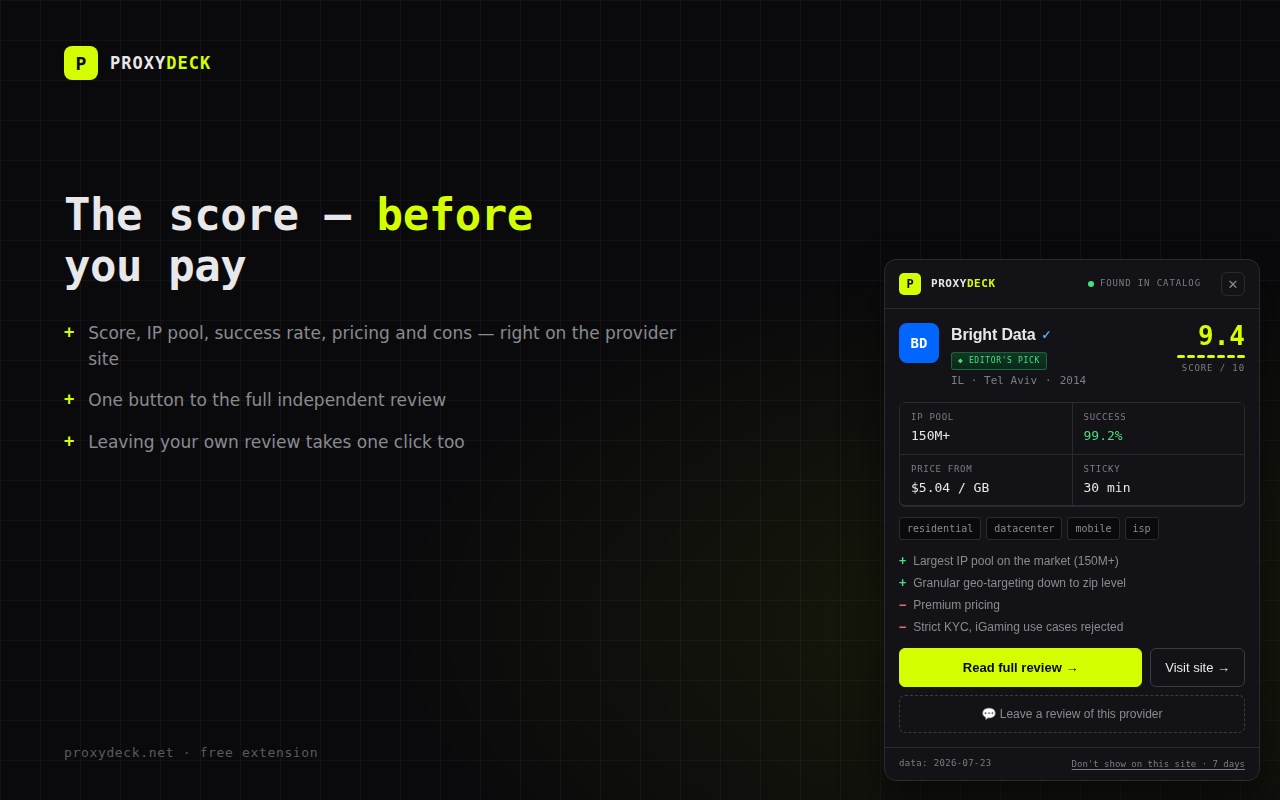
Open any of 89 reviewed proxy services and a compact card appears in the
corner with:
• our composite score out of 10, with the seven-category meter behind it
• the real numbers: IP pool size, success rate, starting price, sticky
session length, supported proxy types
• the honest downsides, not just the selling points
• one button to the full review on proxydeck.net, and one to leave your
own experience with that provider
NOT EVERY SERVICE GETS A SCORE — ON PURPOSE
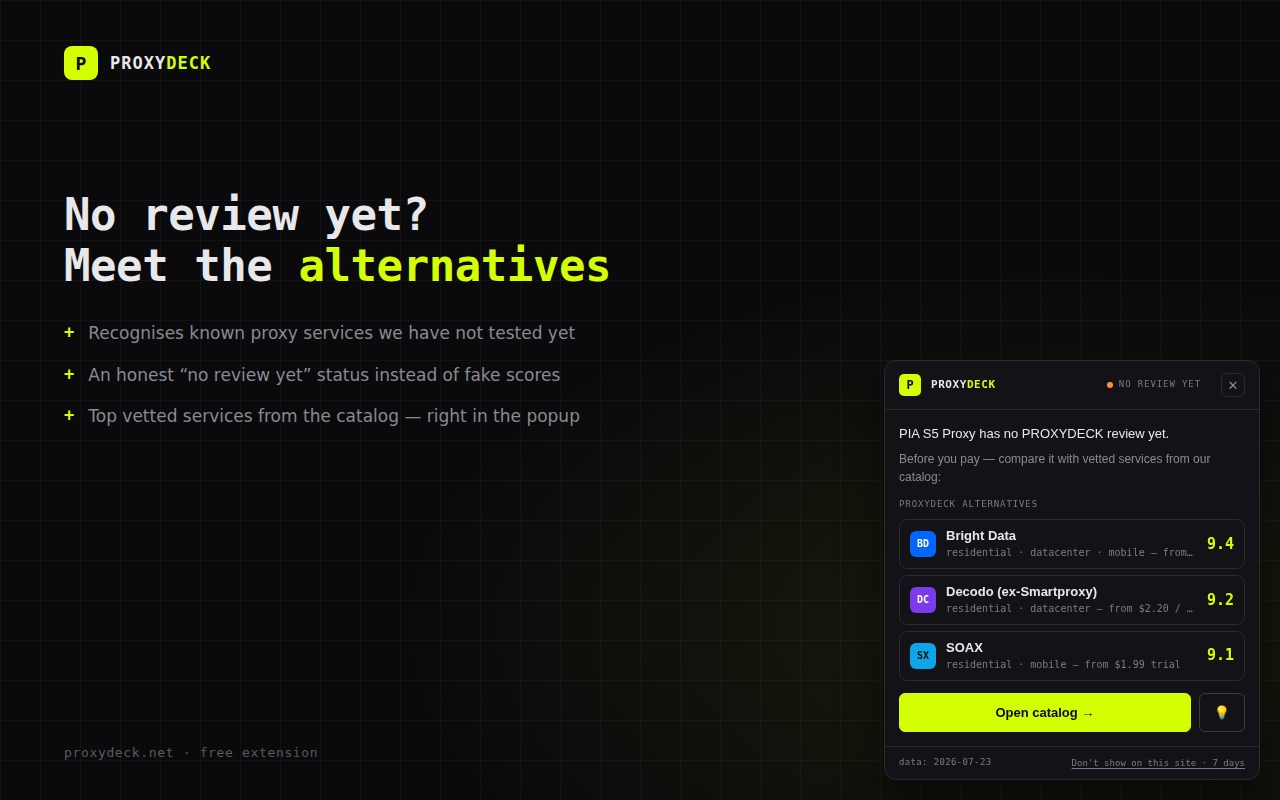
• Services we have not tested yet are labelled "no review yet" and get a
shortlist of vetted alternatives instead of an invented rating
• Brand-new entries show "in testing" with a dash where the score would
be — we never publish a number before our own benchmark run
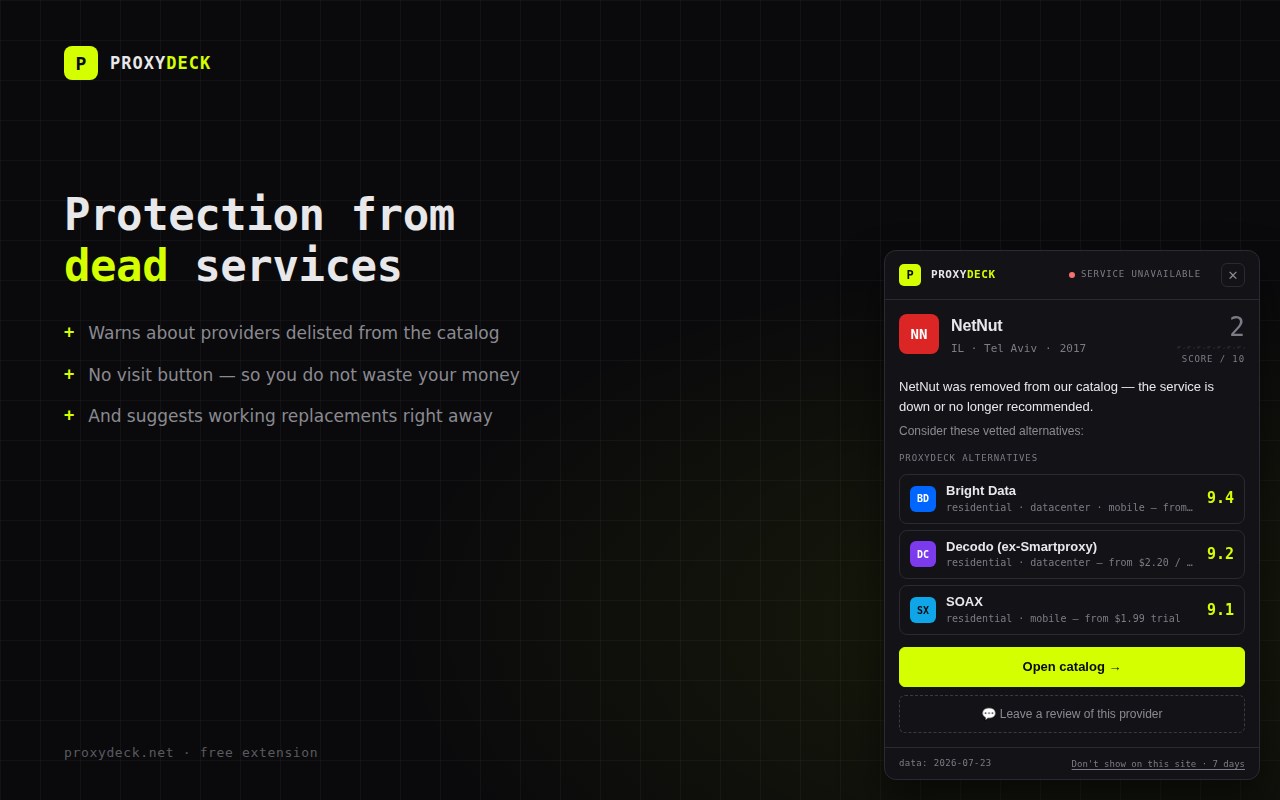
• Providers that went offline, got seized or stopped being recommendable
are flagged in red, with the visit button removed and safe replacements
suggested. That warning alone can save you a wasted payment.
FROM THE TOOLBAR
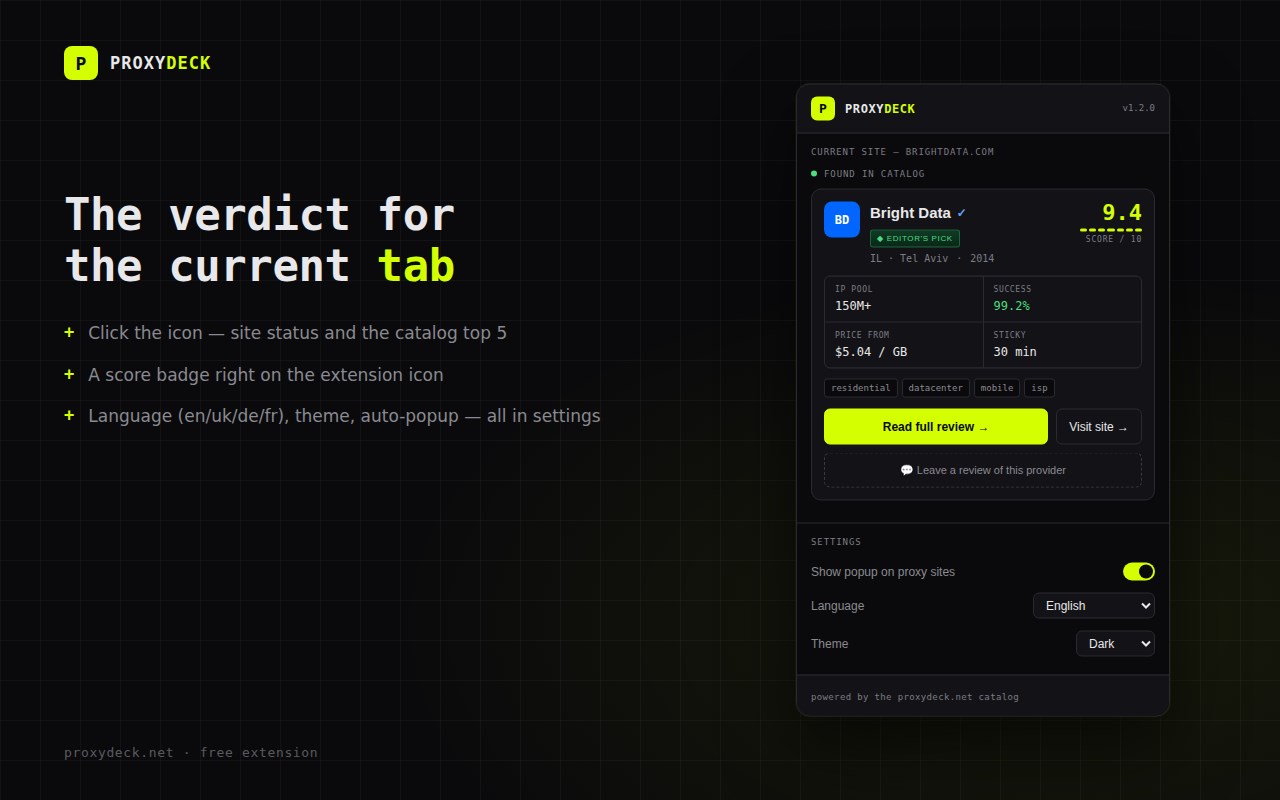
Click the icon on any page for the verdict on the current site, or the
catalog top 5 anywhere else. The icon itself carries a badge: the score
for reviewed services, an amber "?" for unreviewed ones, a red "!" for
delisted ones. Language, theme and the auto-popup switch live in the same
panel.
Available in English, Ukrainian, German, French and Spanish.
WHERE THE SCORES COME FROM
Scores are assigned by the PROXYDECK editorial team, not by vendors. Seven
weighted categories — success rate, price, pool size, geo coverage, sticky
sessions, payment options and support — measured in weekly runs from four
markets. The full method is public:
https://proxydeck.net/methodology
PRIVACY — NO COMPROMISES
• Your browsing history is never collected, stored or transmitted
• The addresses of pages you visit never leave your browser: requests to
our API carry only public catalog identifiers, never your current URL
• The extension runs on a fixed, built-in list of proxy-service domains —
it has no access to "all sites"
• No third-party analytics, no tracking pixels, no ads, no accounts
• Uninstalling removes every trace it stored locally
Full policy: https://proxydeck.net/legal/extension-privacy
AFFILIATE DISCLOSURE
The button that opens a provider's website may contain an affiliate link.
If you end up subscribing, PROXYDECK may earn a commission at no extra
cost to you. That funds our independent testing and never influences the
scores — the same methodology is applied to providers we earn nothing
from, and they win top places too.
Free, open about how it works, and built by the team behind the
proxydeck.net catalog.
Questions or corrections: privacy@proxydeck.net
PROXYDECK.NET — proxy service ratings 是做什么的
PROXYDECK.NET — proxy service ratings 是一款面向 Edge 的实用工具类扩展,主要用来解决浏览器里某类具体的小问题。官方对它的介绍是:PROXYDECK score, key specs and full-review link right on proxy provider sites. Vetted alternatives for unreviewed services.在微软 Edge 加载项商店上,它当前版本 1.3.0,约 1 名用户。
适合什么人用
从功能定位看,PROXYDECK.NET — proxy service ratings 更适合想补上浏览器原生缺失功能的用户。如果你平时只是偶尔遇到相关需求,用浏览器自带功能也能凑合;但如果这件事每天都发生,装一个专门处理它的扩展通常比手动操作省事得多。
怎么安装 PROXYDECK.NET — proxy service ratings
- 打开微软 Edge 加载项商店上的官方页面;
- 点「添加到浏览器」并确认权限提示;
- 装好后在扩展列表里固定图标,方便随时开关。
本站只做索引与介绍,安装包来自官方商店。如果商店页面提示当前地区不可用,说明该扩展未在你所在区域上架。
常见问题
PROXYDECK.NET — proxy service ratings 是免费的吗?
PROXYDECK.NET — proxy service ratings 在微软 Edge 加载项商店免费提供下载。它是浏览器扩展,装上就能直接用,不需要注册账号。
PROXYDECK.NET — proxy service ratings 安全吗?
它只申请了 0 项权限,范围比较克制,没有申请「读取所有网站数据」这种大权限。
PROXYDECK.NET — proxy service ratings 支持哪些浏览器?
当前收录的版本来自微软 Edge 加载项商店,适用于 Edge。同一个扩展在其他商店可能有对应版本,但功能与版本号不一定相同。
怎么卸载 PROXYDECK.NET — proxy service ratings?
在扩展管理页找到 PROXYDECK.NET — proxy service ratings,点移除即可。它在本地保存的设置会一起清掉,不会残留数据。
权限清单 来自 manifest.json 原文
接口权限 2
activeTabstorage