
Privacy Screen for Gmail by Chameleon EN
Chameleon Labs · EEdge MV3
Hide your Gmail from prying eyes in public. Plus a clean reader mode and bigger font size without breaking the layout.
截图
简介
Reading Gmail in a cafe, on a train, or in an open office means anyone nearby can read it too. Hardware privacy screens dim your display and protect one device. Chameleon does it in software: your inbox looks like gibberish to everyone around you, while you keep reading normally.
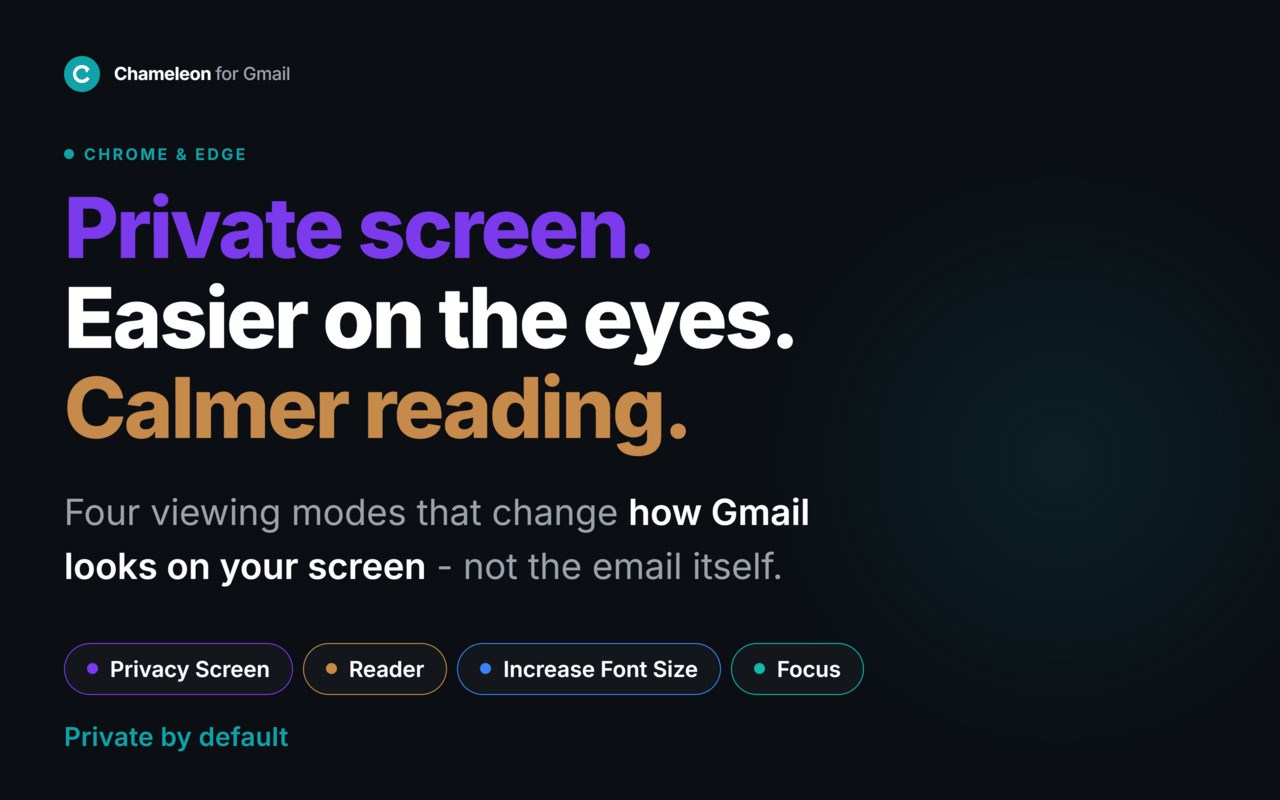
Chameleon adds four viewing modes to Gmail. Each changes how email looks on your screen without changing anything in the email itself. Everything runs locally in your browser - no account, no server, no tracking.
🔒 Privacy Screen - Hide your Gmail from prying eyes
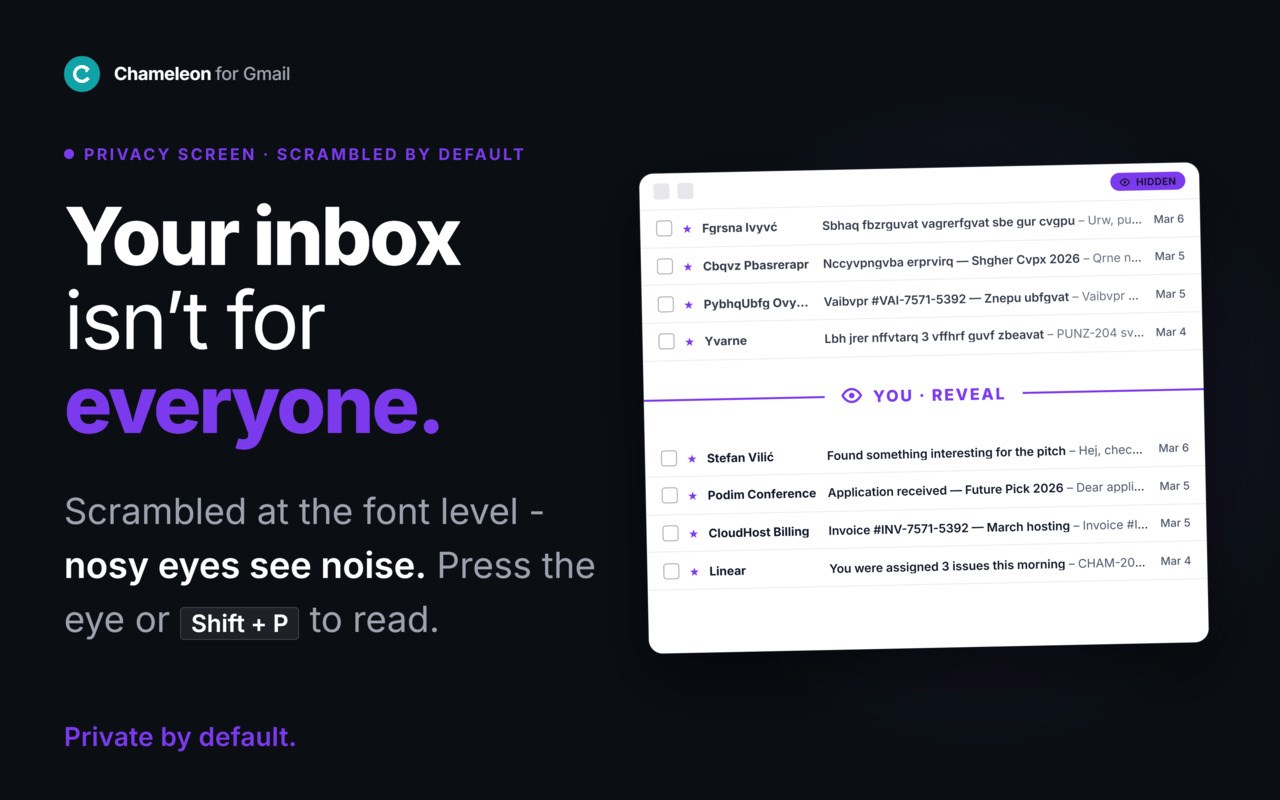
Scrambles the visible text in your inbox and email threads using font-based character substitution. To anyone glancing at your screen, your Gmail is unreadable noise. To you, it is one hover away: hover over any inbox row to reveal that message, or hold to read an open email through a moving reveal window. The eye button reveals or re-scrambles everything in one tap.
No webcam, no gaze detection, no battery drain, and nothing to re-enable: your settings survive page reloads and tab switches automatically. Some users report learning to read the scrambled text directly and stop revealing at all.
Important: this is visual obfuscation, not cryptographic security. It protects against shoulder surfing - the person next to you in a cafe, train, or open office - not a determined attacker with access to your device.
Best for: commuters, cafe and coworking workers, open-office employees, anyone reading sensitive email in shared spaces.
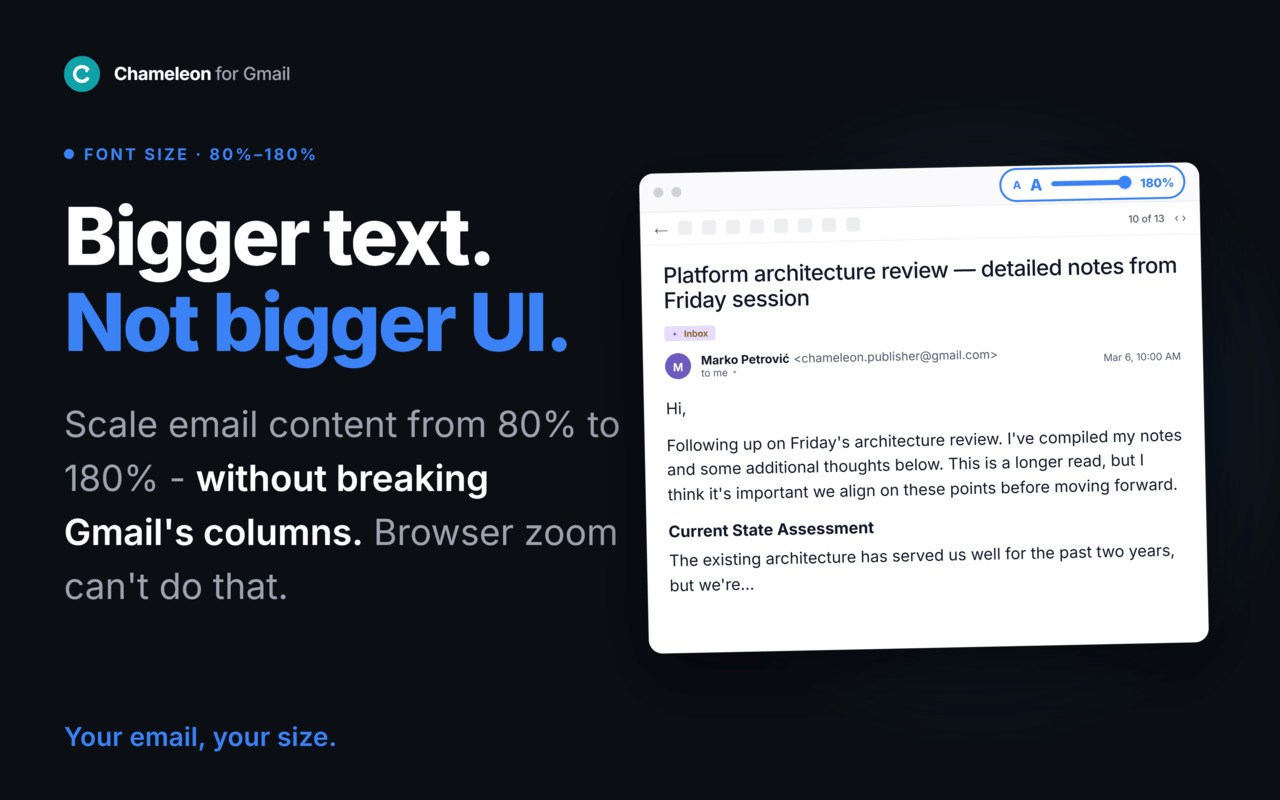
🔍 Increase Font Size - Bigger Gmail text without breaking the layout
Unlike browser zoom, which scales everything (sidebar, buttons, headers, menus), Chameleon increases only the text you read. Subject lines, sender names, preview text, and message bodies scale up to 180%. Gmail's interface stays at its default size. No horizontal scrolling, no oversized sidebar. Your preferred size is saved automatically.
Best for: laptop users (especially 13-inch screens), anyone over 40, people with low vision, anyone who finds Gmail's default text too small.
📖 Reader Mode - Read email like a book
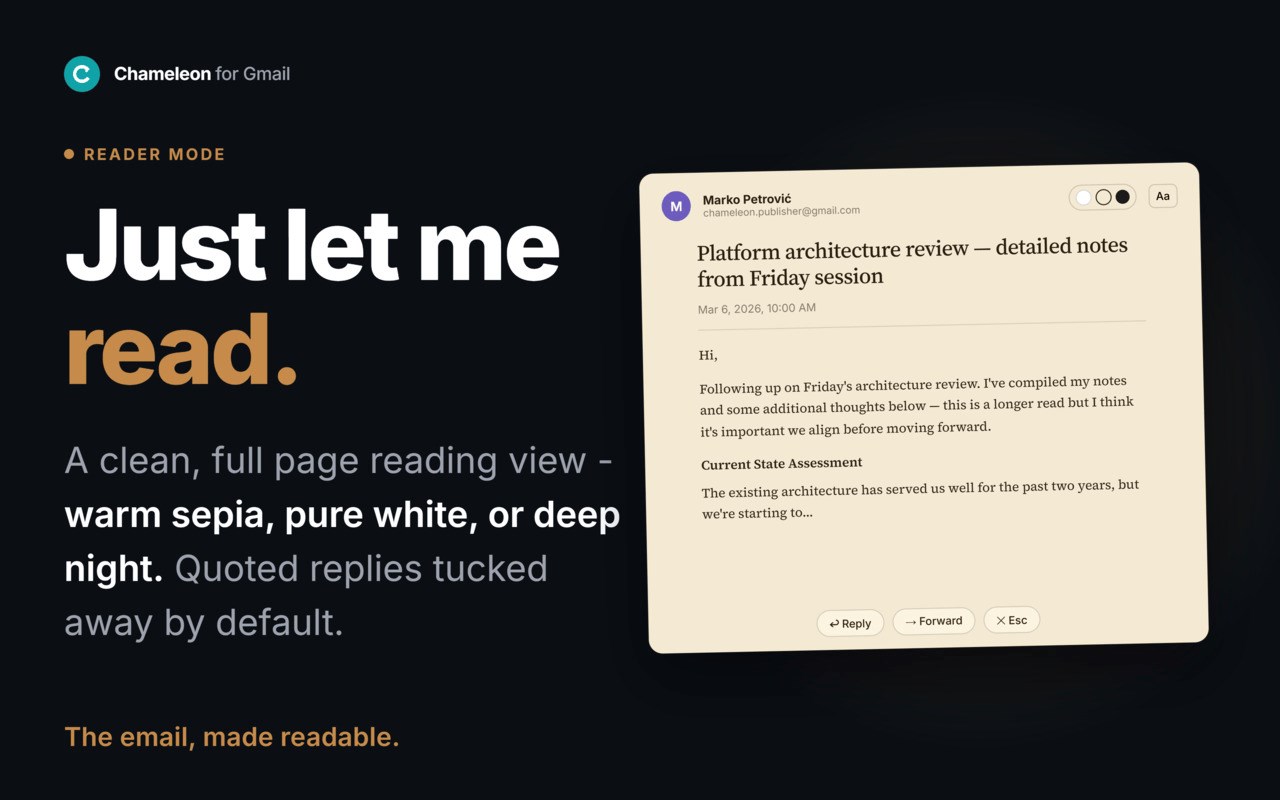
Opens any email or thread in a clean, full-screen reading view. Gmail's sidebar, toolbar, and clutter disappear. Your message renders in comfortable serif typography, centered in a 68-character column - the same line width used by books and e-readers. Three themes (light, sepia, dark), a 3-step font size control, thread navigation, single-keystroke activation.
Best for: long emails, newsletters, detailed threads, knowledge workers with high email volume, anyone who needs fewer visual distractions to focus.
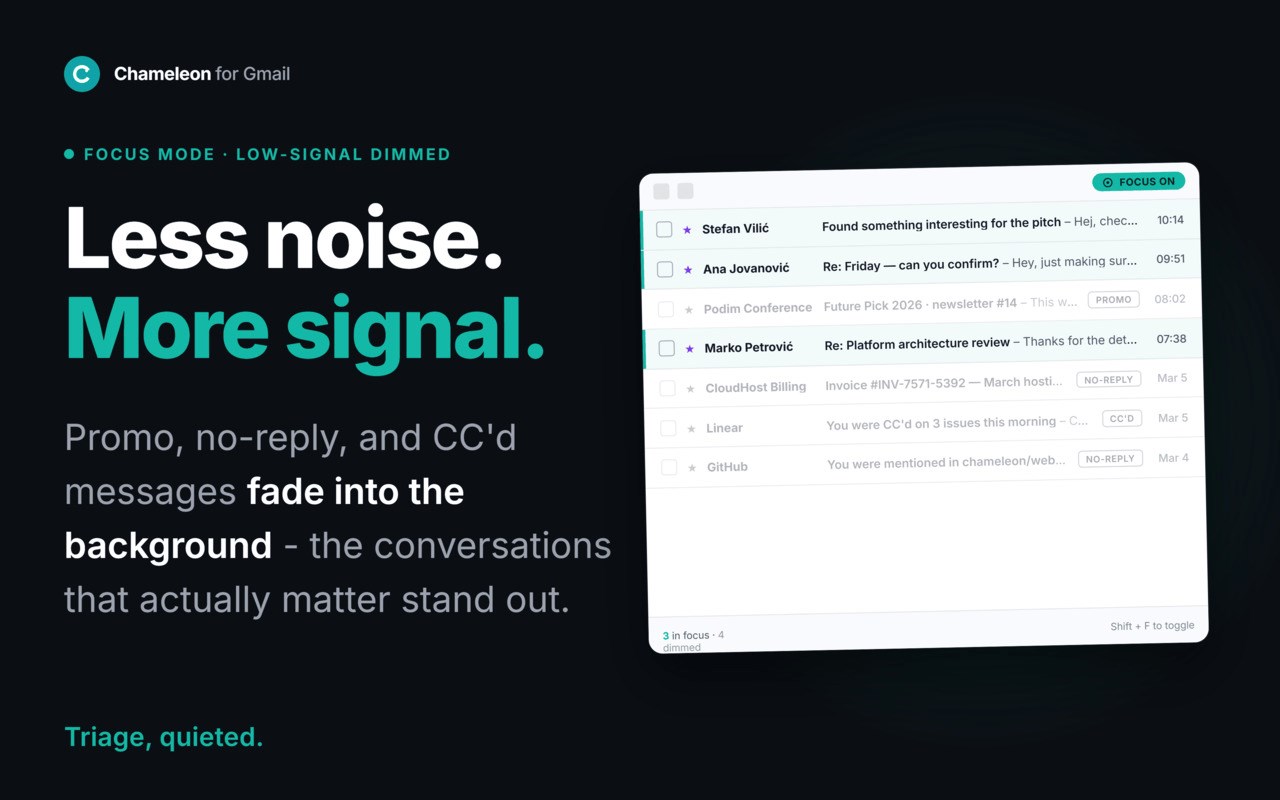
🎯 Focus - Quiet the inbox
Dims low-signal inbox rows - promotional, no-reply, and CC'd messages - so the conversations that matter stand out. A calmer inbox without leaving Gmail, switching views, or hiding anything.
Best for: anyone who feels overwhelmed opening Gmail, deep-work and digital-minimalism fans.
🔐 Privacy and trust
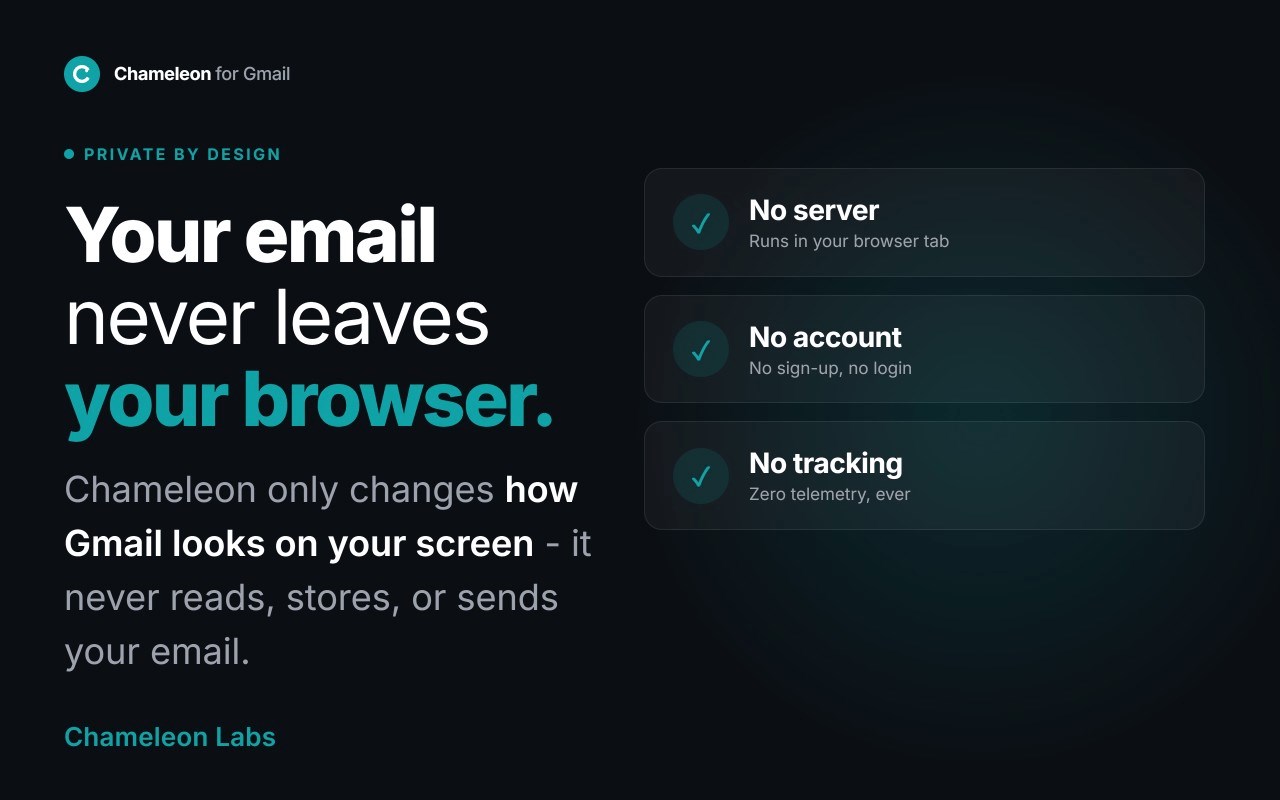
Chameleon runs entirely in your browser. Nothing is collected automatically, and no email content ever leaves your machine. The only data we ever receive is what you explicitly submit: optional survey answers, feedback, or your email if you ask for updates. Two permissions only: storage (saves your preferences locally) and mail.google.com (required to change how Gmail looks). No analytics. No account. No tracking. Manifest V3 - every claim here is verifiable in this listing's permissions tab.
How it works
Chameleon applies visual transformations inside Gmail using CSS and font substitution, entirely within your browser. No email content is modified, stored, or transmitted. All modes run locally and only change how the page appears on your screen. Activate one mode or combine several from the Chameleon icon in Gmail's toolbar.
What Chameleon is not
Not encryption - Privacy Screen provides visual obfuscation, not cryptographic security.
Not a data collection tool - the extension does not collect or transmit any email data.
Not a Gmail replacement - it changes how you see email, not how Gmail works.
Permissions explained
Storage - saves your preferences (active modes, zoom level, reader theme) locally in your browser.
mail.google.com - required so Chameleon can restyle Gmail. No other sites are accessed.
Built by an independent team
Chameleon is built by Chameleon Labs, an independent team based in Europe. We do not take funding that requires us to monetize user data. We will never sell data, show ads, or require an account to use the core features. Support and feature requests: use the support tab on this listing, or visit chameleonlabs.adaptivemessages.com.
Privacy Screen for Gmail by Chameleon 是做什么的
Privacy Screen for Gmail by Chameleon 是一款面向 Edge 的效率工具类扩展,主要用来管住注意力、屏蔽干扰站点、记录时间。官方对它的介绍是:Hide your Gmail from prying eyes in public. Plus a clean reader mode and bigger font size without breaking the layout.在微软 Edge 加载项商店上,它当前版本 0.2.2,约 8 名用户。
适合什么人用
从功能定位看,Privacy Screen for Gmail by Chameleon 更适合想专注工作学习、减少无效刷网页的用户。如果你平时只是偶尔遇到相关需求,用浏览器自带功能也能凑合;但如果这件事每天都发生,装一个专门处理它的扩展通常比手动操作省事得多。
怎么安装 Privacy Screen for Gmail by Chameleon
- 打开微软 Edge 加载项商店上的官方页面;
- 点「添加到浏览器」并确认权限提示;
- 装好后在扩展列表里固定图标,方便随时开关。
本站只做索引与介绍,安装包来自官方商店。如果商店页面提示当前地区不可用,说明该扩展未在你所在区域上架。
常见问题
Privacy Screen for Gmail by Chameleon 是免费的吗?
Privacy Screen for Gmail by Chameleon 在微软 Edge 加载项商店免费提供下载。它是浏览器扩展,装上就能直接用,不需要注册账号。
Privacy Screen for Gmail by Chameleon 安全吗?
它只申请了 0 项权限,范围比较克制,没有申请「读取所有网站数据」这种大权限。
Privacy Screen for Gmail by Chameleon 支持哪些浏览器?
当前收录的版本来自微软 Edge 加载项商店,适用于 Edge。同一个扩展在其他商店可能有对应版本,但功能与版本号不一定相同。
怎么卸载 Privacy Screen for Gmail by Chameleon?
在扩展管理页找到 Privacy Screen for Gmail by Chameleon,点移除即可。它在本地保存的设置会一起清掉,不会残留数据。
权限清单 来自 manifest.json 原文
接口权限 1
storage