PrismTab - New Tab Dashboard EN
PrismTab · EEdge MV3
Lightning-fast, powerful and fully customizable new tab page.
截图
简介
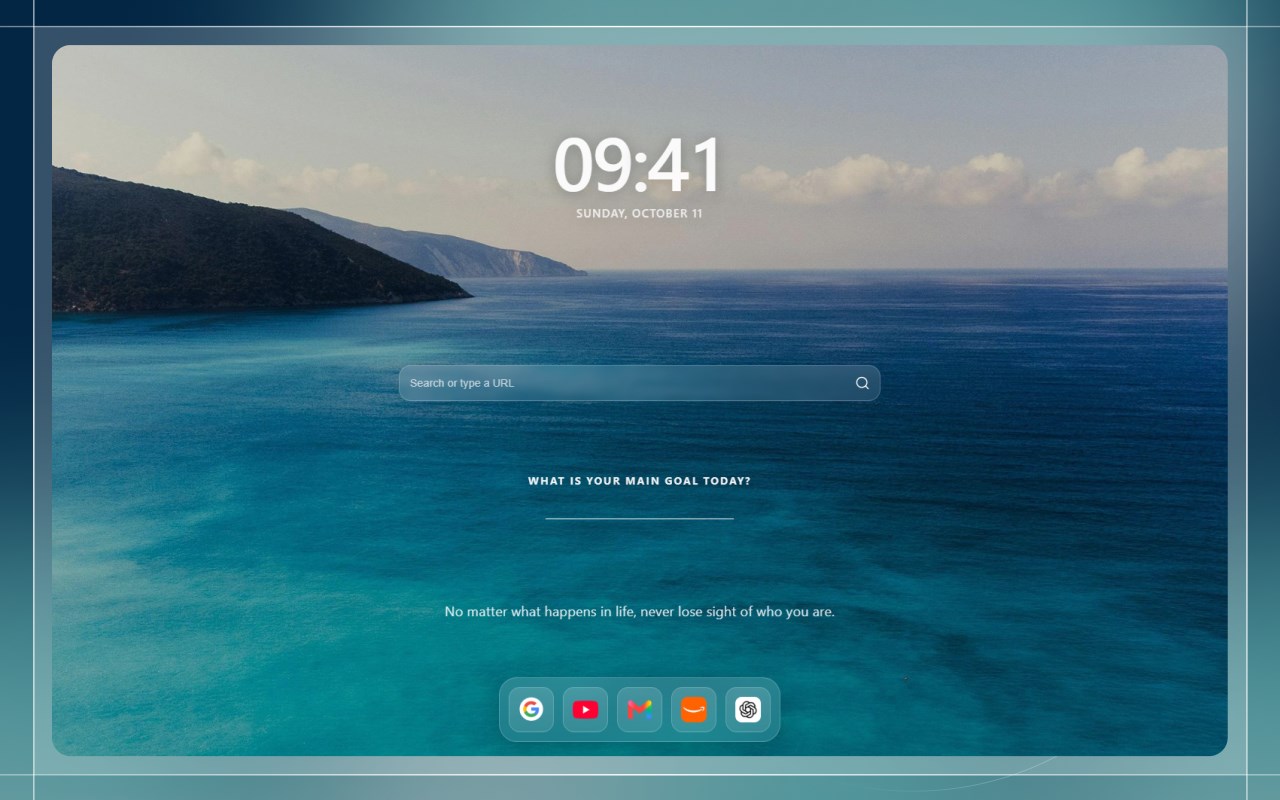
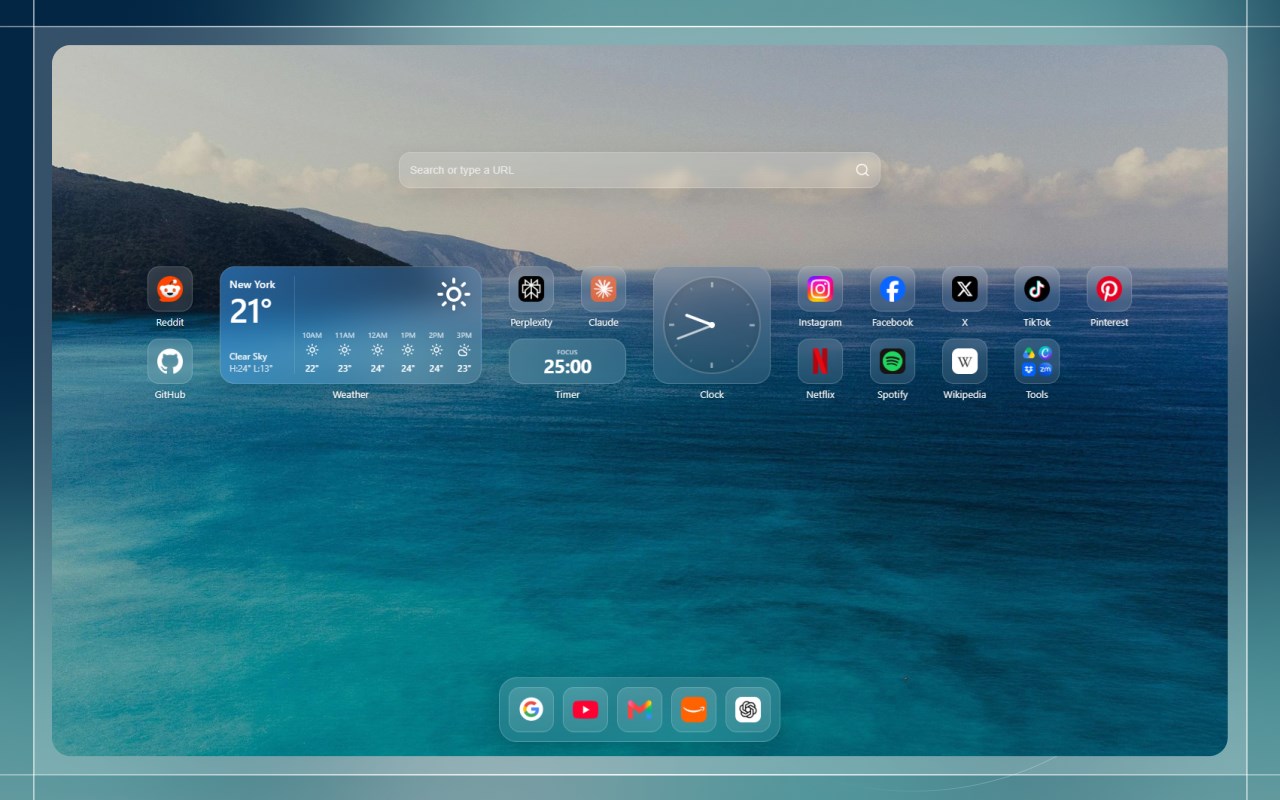
PrismTab replaces your default new tab page with a fast, customizable workspace built for focus and aesthetics. Features built-in widgets, two-way bookmark sync, and a distraction-free Zen mode — completely private and offline.
✦ Two Ways to Work
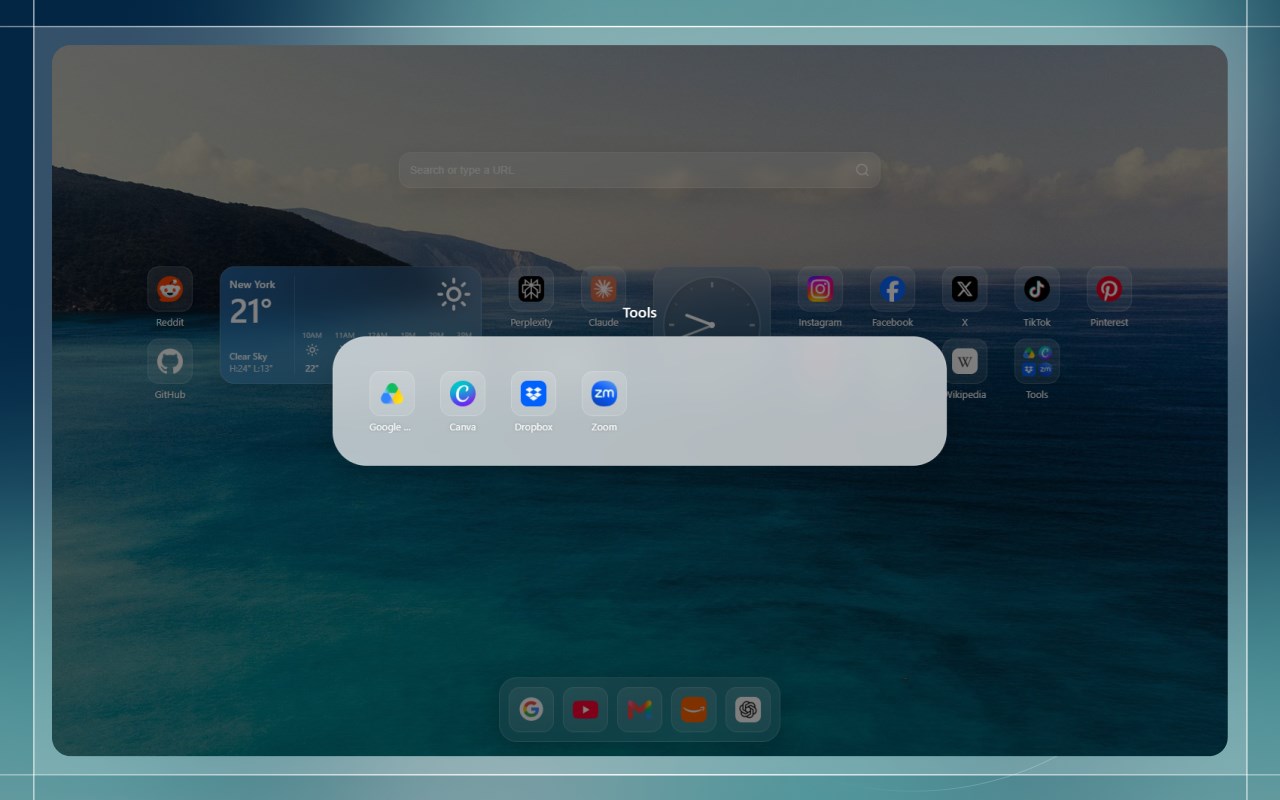
- Dashboard Mode: A customizable home screen with bookmarks, widgets, folders, and a floating dock.
- Minimalist Mode: A calm screen with a clean clock, daily focus goal, and quote.
✦ Built-in Widgets
- Notes: Clean scratchpad with rich text, checklists, links, and auto-save.
- Tasks: Simple to-do list with drag-to-reorder and progress tracking.
- Calendar: Day schedule and monthly view with 1-click Zoom/Meet links.
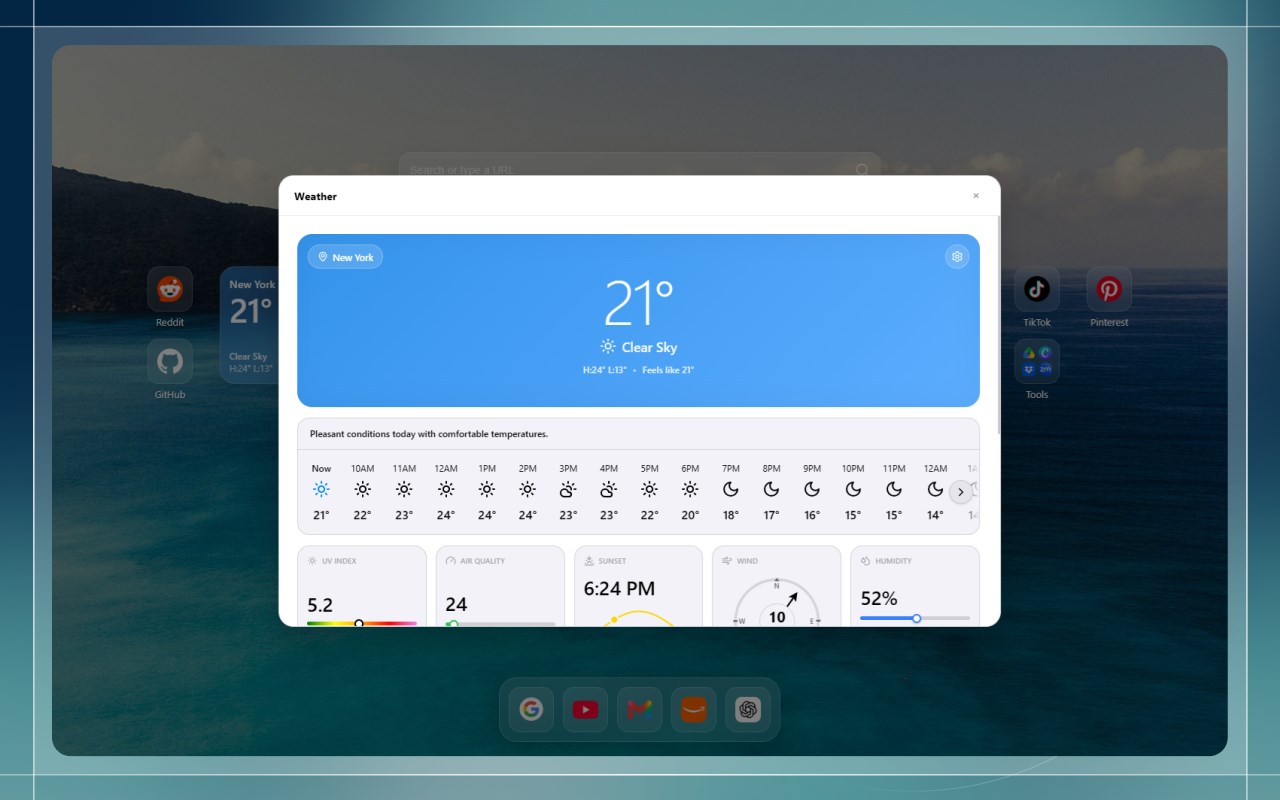
- Weather: Current temperatures, 7-day forecast, sunrise/sunset times, and air quality.
- Clock: Digital and analog faces with world timezones and sweeping hands.
- Timer: Pomodoro countdowns and custom focus timers with audio alerts.
- News Feeds: Clutter-free RSS reader for your favorite blogs and news sites.
- Utilities Hub: Quick calculator, unit converter, QR code generator, text tools, and more.
✦ Bookmarks & Layout
- 2-Way Sync: Connects to your browser bookmarks bar and keeps changes in sync.
- Fluid Drag & Drop: Move items freely, drop links together to make folders, or pin to the dock.
- Nested Folders: Organize shortcuts into clean folders inside folders.
- The Dock: A clean bottom or side shelf for your most-used websites.
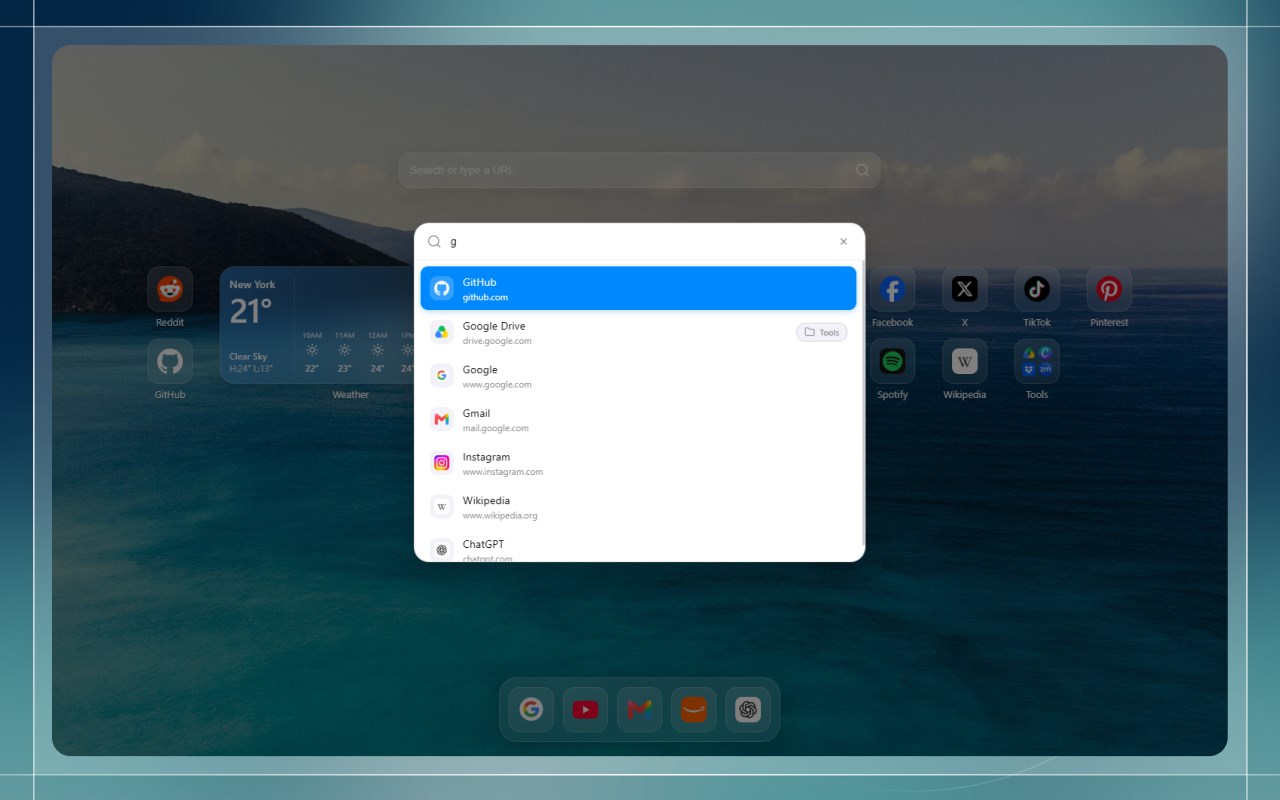
- Spotlight Search: Press Cmd + F (or Ctrl + F) to find any link or widget instantly.
✦ Full Customization
- Themes: Dark mode, light mode, or match system settings with custom accent colors.
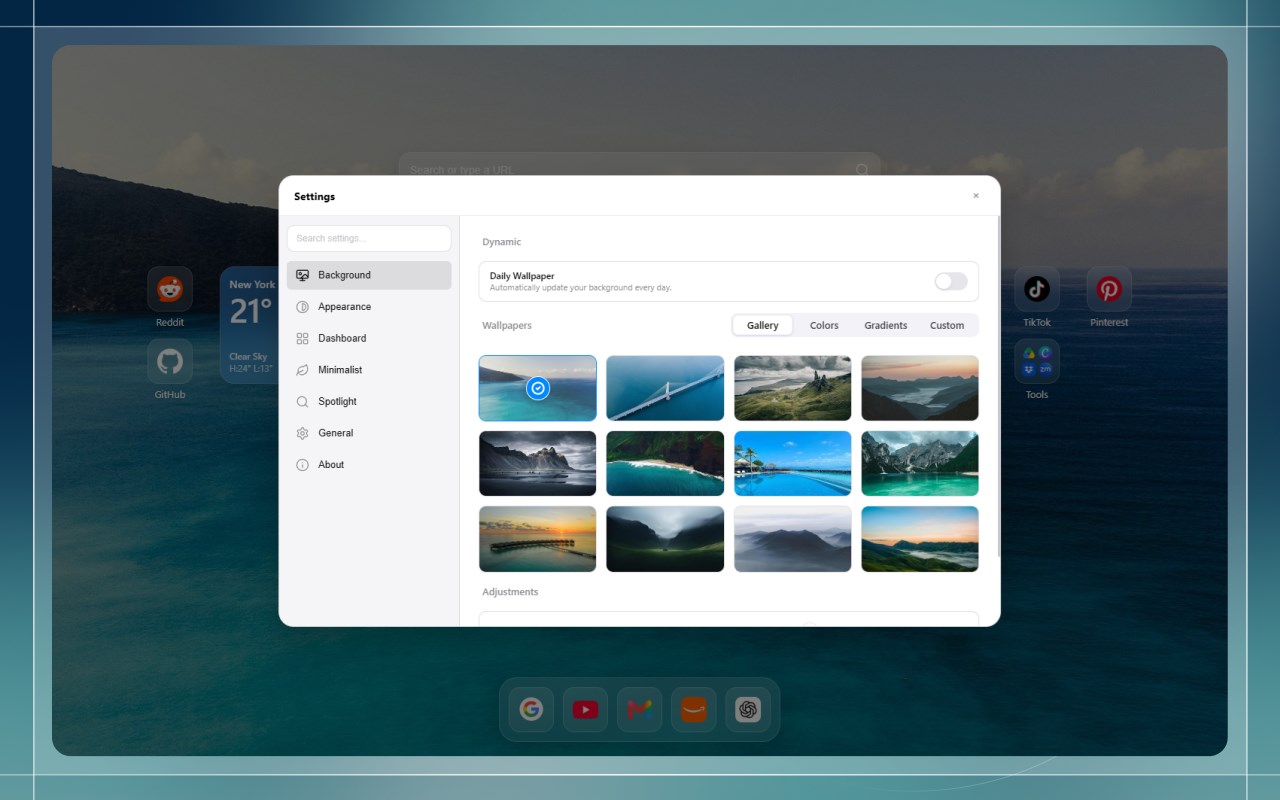
- Wallpapers: Daily curated photos, default gallery, solid/gradient colors, or custom uploads.
- Icon Styles: Choose squircle or circle icons with glass, solid, or clean transparent styles.
- Adaptive Text: Text contrast automatically shifts so links stay readable on any background.
✦ Fast, Private & Offline
- Instant Load: Built without heavy frameworks for zero-lag tab opens.
- 100% Local: Your data stays in your browser. Nothing is sent to external servers.
- Backup Anytime: Export your full setup to a file and restore it on any computer.
PrismTab - New Tab Dashboard 是做什么的
PrismTab - New Tab Dashboard 是一款面向 Edge 的效率工具类扩展,主要用来管住注意力、屏蔽干扰站点、记录时间。官方对它的介绍是:Lightning-fast, powerful and fully customizable new tab page.在微软 Edge 加载项商店上,它当前版本 2.1.3,评分 5(2 人评价),约 115 名用户。
适合什么人用
从功能定位看,PrismTab - New Tab Dashboard 更适合想专注工作学习、减少无效刷网页的用户。如果你平时只是偶尔遇到相关需求,用浏览器自带功能也能凑合;但如果这件事每天都发生,装一个专门处理它的扩展通常比手动操作省事得多。
怎么安装 PrismTab - New Tab Dashboard
- 打开微软 Edge 加载项商店上的官方页面;
- 点「添加到浏览器」并确认权限提示;
- 装好后在扩展列表里固定图标,方便随时开关。
本站只做索引与介绍,安装包来自官方商店。如果商店页面提示当前地区不可用,说明该扩展未在你所在区域上架。
常见问题
PrismTab - New Tab Dashboard 是免费的吗?
PrismTab - New Tab Dashboard 在微软 Edge 加载项商店免费提供下载。它是浏览器扩展,装上就能直接用,不需要注册账号。
PrismTab - New Tab Dashboard 安全吗?
它只申请了 0 项权限,范围比较克制,没有申请「读取所有网站数据」这种大权限。
PrismTab - New Tab Dashboard 支持哪些浏览器?
当前收录的版本来自微软 Edge 加载项商店,适用于 Edge。同一个扩展在其他商店可能有对应版本,但功能与版本号不一定相同。
怎么卸载 PrismTab - New Tab Dashboard?
在扩展管理页找到 PrismTab - New Tab Dashboard,点移除即可。它在本地保存的设置会一起清掉,不会残留数据。
权限清单 来自 manifest.json 原文
接口权限 5
alarmsoffscreensearchstorageunlimitedStorage
接口权限(可选) 1
bookmarks