Prisiev - AI Privacy Shield EN
Prisiev · EEdge MV3
Filter the Privacy, Empower the Prompt.
<all_urls>),意味着它可以读取你在任意站点的页面内容,包括已登录的页面。这是许多扩展正常工作的必要条件,但也值得你确认来源可信。
截图
简介
Prisiev: Secure Your AI Prompts on Edge
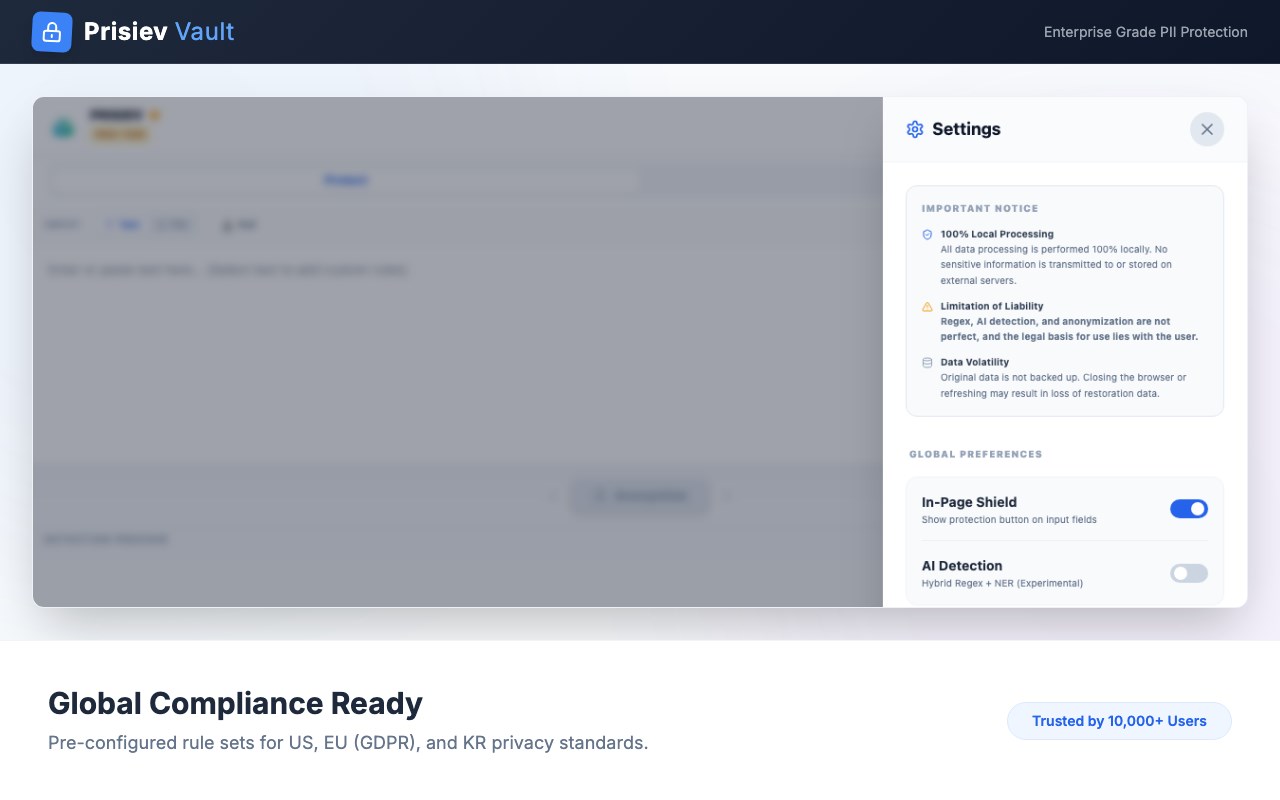
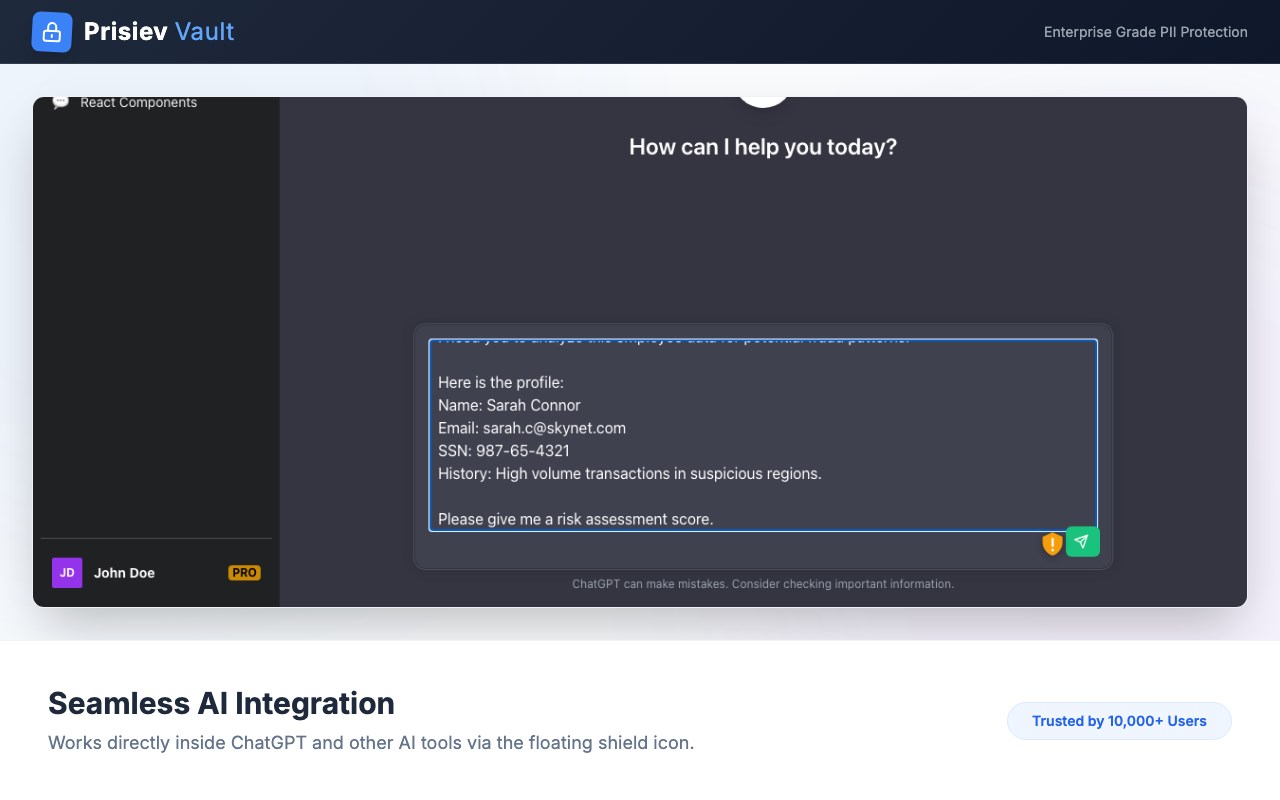
Filter the Privacy, Empower the Prompt. Unlock the full potential of Generative AI (ChatGPT, Claude, Bing Chat) without risking your sensitive data. Prisiev is a privacy-first browser extension that automatically detects and anonymizes Personal Identifiable Information (PII) directly on your device.
🔒 Why Prisiev?
AI is powerful, but pasting customer data or internal codes into public models is a security risk. Prisiev acts as a local firewall for your prompts, ensuring no sensitive data ever leaves your browser unencrypted.
✨ Key Features
1. Zero Data Exit (100% Local Processing)
Unlike other tools, Prisiev processes everything locally in your browser using WebAssembly.
No server uploads. Your data never touches our servers.
Works offline for maximum security.
2. Smart PII Detection
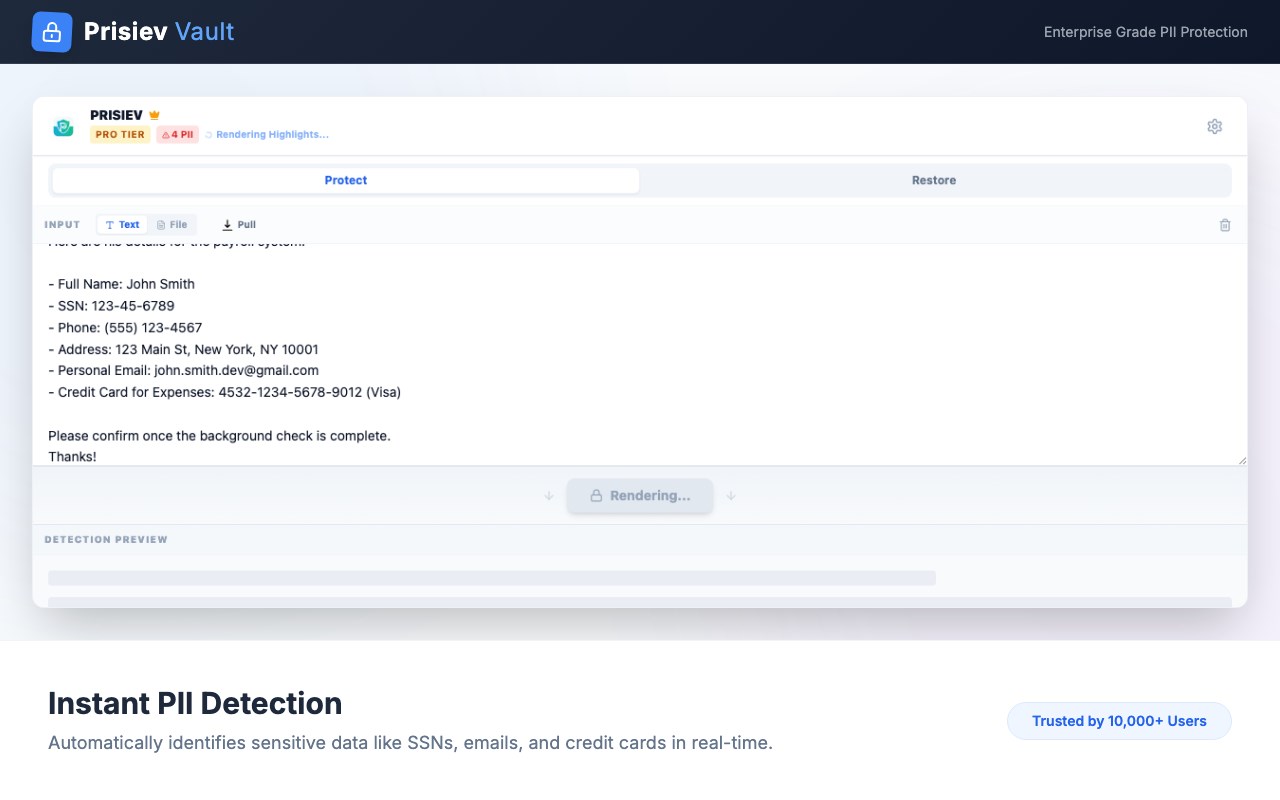
Universal Protection: Automatically detects Emails, Credit Card numbers, and standard ID formats.
Regional Compliance Packs (Pro): Specialized detection for:
🇺🇸 US (SSN, Tax IDs, Addresses)
🇪🇺 EU (IBAN, GDPR entities)
🇬🇧 UK (NHS/NI Numbers)
🇰🇷 Korea (RRN, Driver's Licenses)
🇯🇵 Japan (My Number, Phone formats)
Custom Rules: Define your own regex patterns to protect project names, internal codes, or proprietary terms.
3. Reversible Anonymization
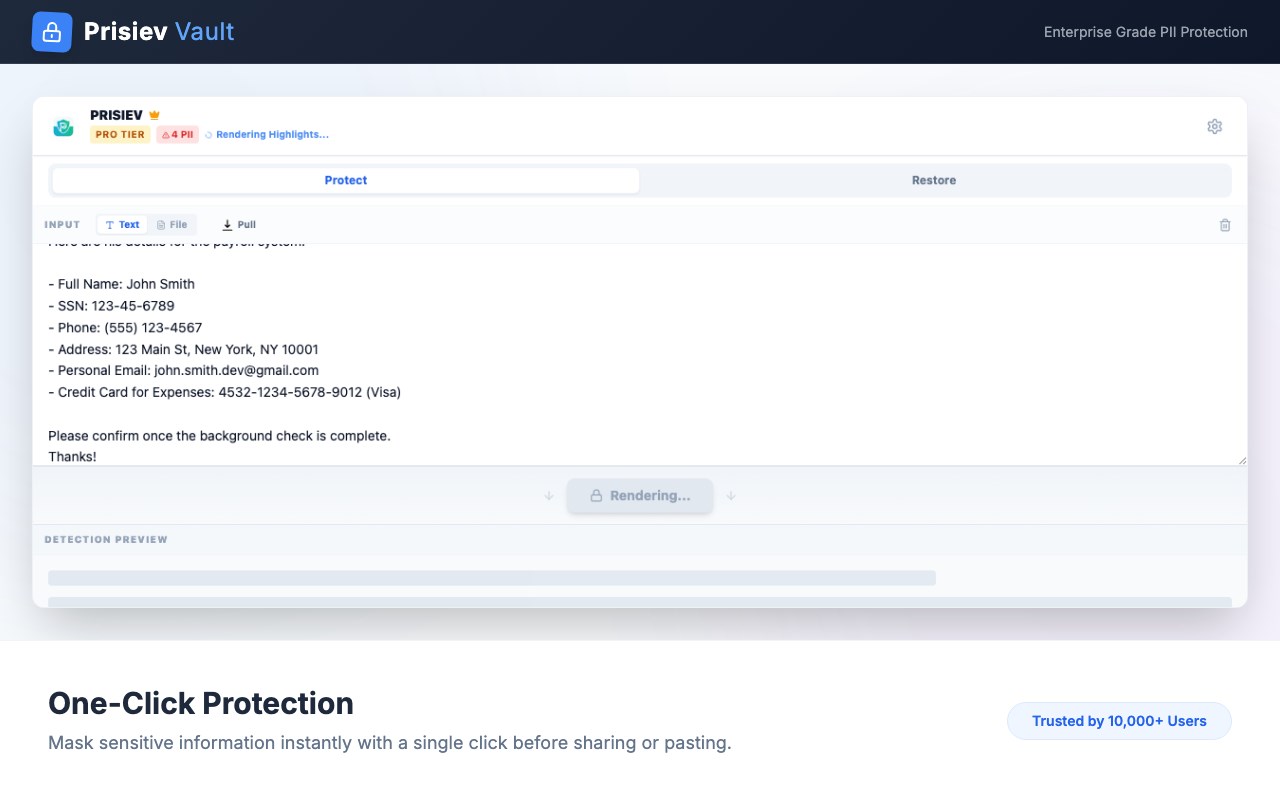
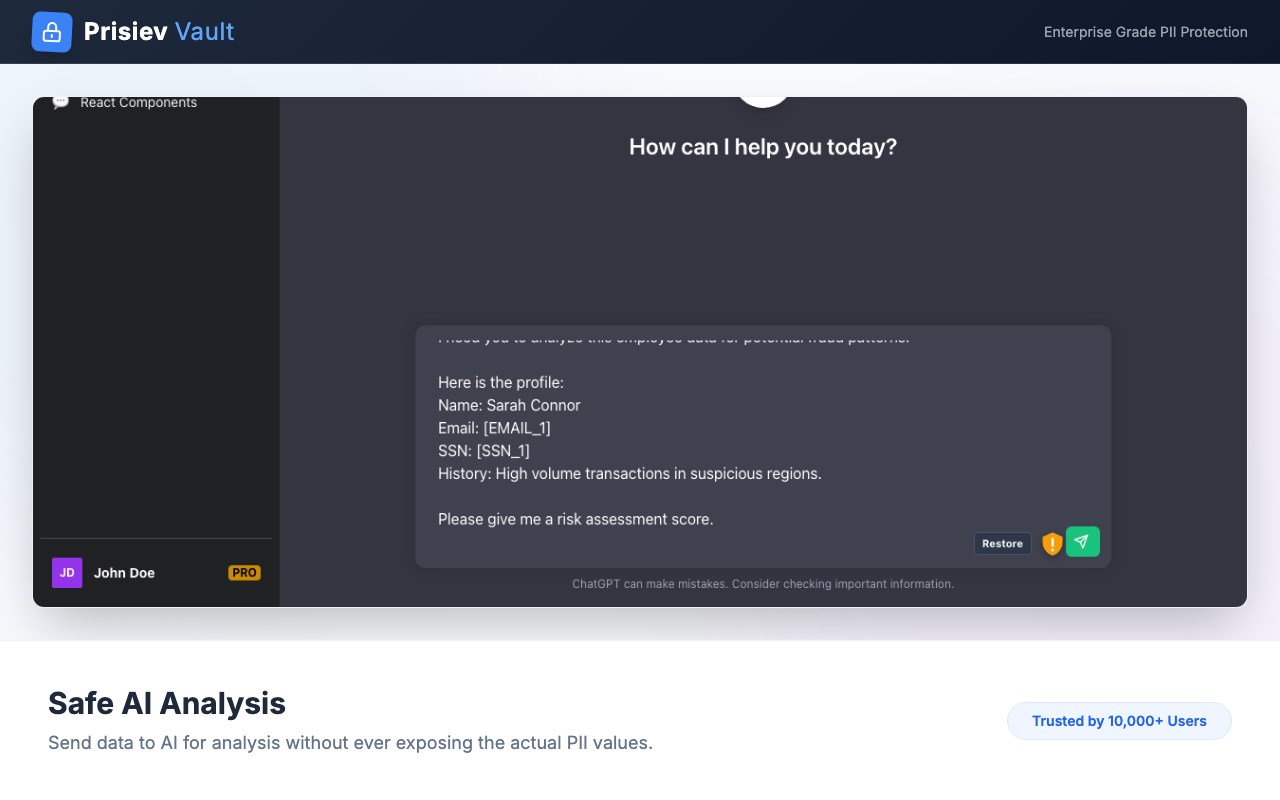
Protect: Converts "Contact John at 212-555-0199" to "Contact [PERSON_1] at [PHONE_1]".
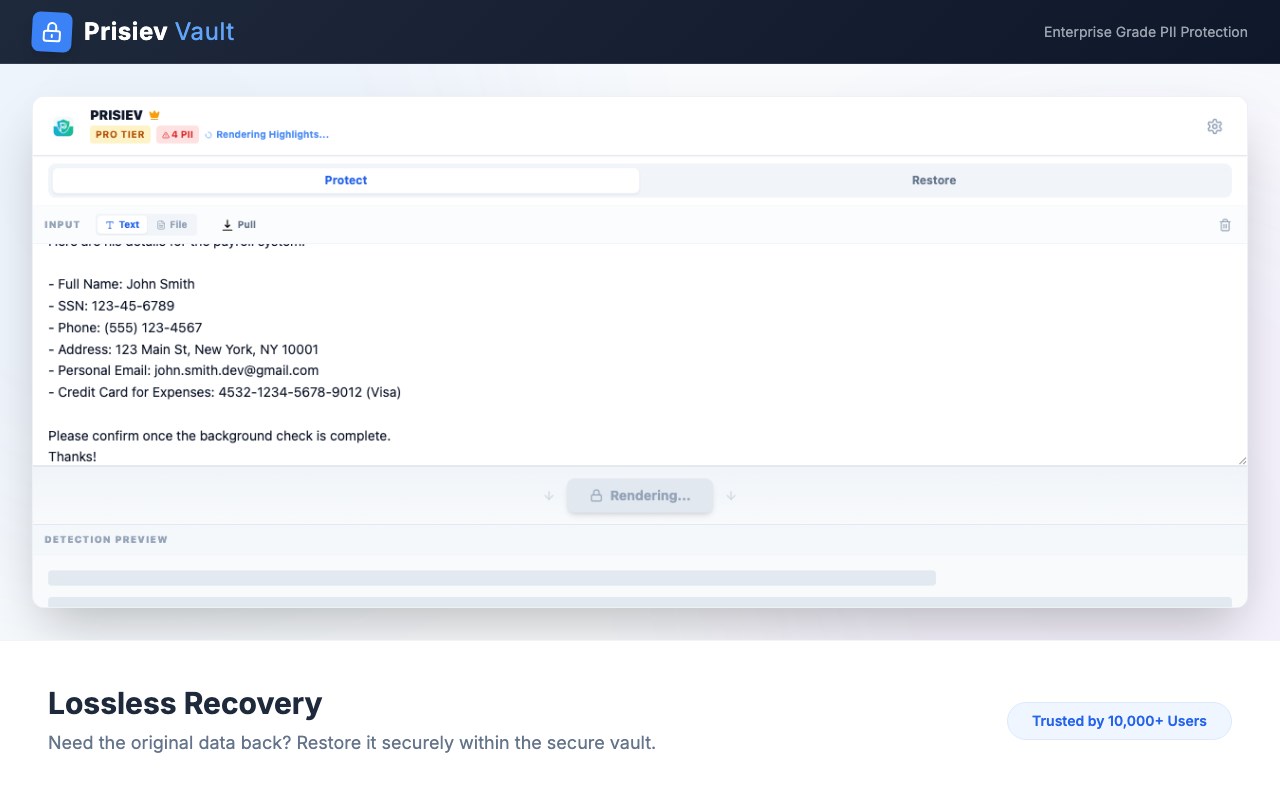
Restore: After getting the AI response, easily restore the original values with a single click.
Maintains context so the AI can still understand the relationship between data points.
4. Bulk Data Processing
Securely sanitize entire files before analysis.
Supports Excel (.xlsx), CSV, JSON, and Text files.
Perfect for data analysts and HR professionals needing to clean datasets locally.
5. Seamless Edge Sidebar Integration
Designed specifically for the Microsoft Edge Sidebar.
Multitask easily: Keep Prisiev open alongside ChatGPT or Bing Chat without switching tabs.
🚀 How it Works
Input: Type text or upload a file in the Prisiev side panel.
Anonymize: Click "Anonymize" to mask all sensitive info locally.
Prompt: Use the safe, masked text with your AI tools.
Restore: (Optional) Revert the AI's response back to original data if needed.
Privacy First. Trust is built on transparency. Prisiev is built with a "Privacy by Design" architecture. We do not collect, store, or transmit your input data.
Version: 1.0.0 Support:
prisiev701@gmail.com
Prisiev - AI Privacy Shield 是做什么的
Prisiev - AI Privacy Shield 是一款面向 Edge 的效率工具类扩展,主要用来管住注意力、屏蔽干扰站点、记录时间。官方对它的介绍是:Filter the Privacy, Empower the Prompt.在微软 Edge 加载项商店上,它当前版本 1.6.0,约 3 名用户。
适合什么人用
从功能定位看,Prisiev - AI Privacy Shield 更适合想专注工作学习、减少无效刷网页的用户。如果你平时只是偶尔遇到相关需求,用浏览器自带功能也能凑合;但如果这件事每天都发生,装一个专门处理它的扩展通常比手动操作省事得多。需要注意的是它作用于所有网站,装上后建议先观察一两天,确认不影响常用站点的正常使用。
怎么安装 Prisiev - AI Privacy Shield
- 打开微软 Edge 加载项商店上的官方页面;
- 点「添加到浏览器」并确认权限提示;
- 装好后在扩展列表里固定图标,方便随时开关。
本站只做索引与介绍,安装包来自官方商店。如果商店页面提示当前地区不可用,说明该扩展未在你所在区域上架。
常见问题
Prisiev - AI Privacy Shield 是免费的吗?
Prisiev - AI Privacy Shield 在微软 Edge 加载项商店免费提供下载。它是浏览器扩展,装上就能直接用,不需要注册账号。
Prisiev - AI Privacy Shield 安全吗?
它只申请了 0 项权限,范围比较克制,没有申请「读取所有网站数据」这种大权限。
Prisiev - AI Privacy Shield 支持哪些浏览器?
当前收录的版本来自微软 Edge 加载项商店,适用于 Edge。同一个扩展在其他商店可能有对应版本,但功能与版本号不一定相同。
怎么卸载 Prisiev - AI Privacy Shield?
在扩展管理页找到 Prisiev - AI Privacy Shield,点移除即可。它在本地保存的设置会一起清掉,不会残留数据。
权限清单 来自 manifest.json 原文
站点访问(可选) 1
<all_urls>
接口权限 5
clipboardReadclipboardWriteoffscreensidePanelstorage