
PicZoomer EN
ShivaCodeLab · EEdge MV3
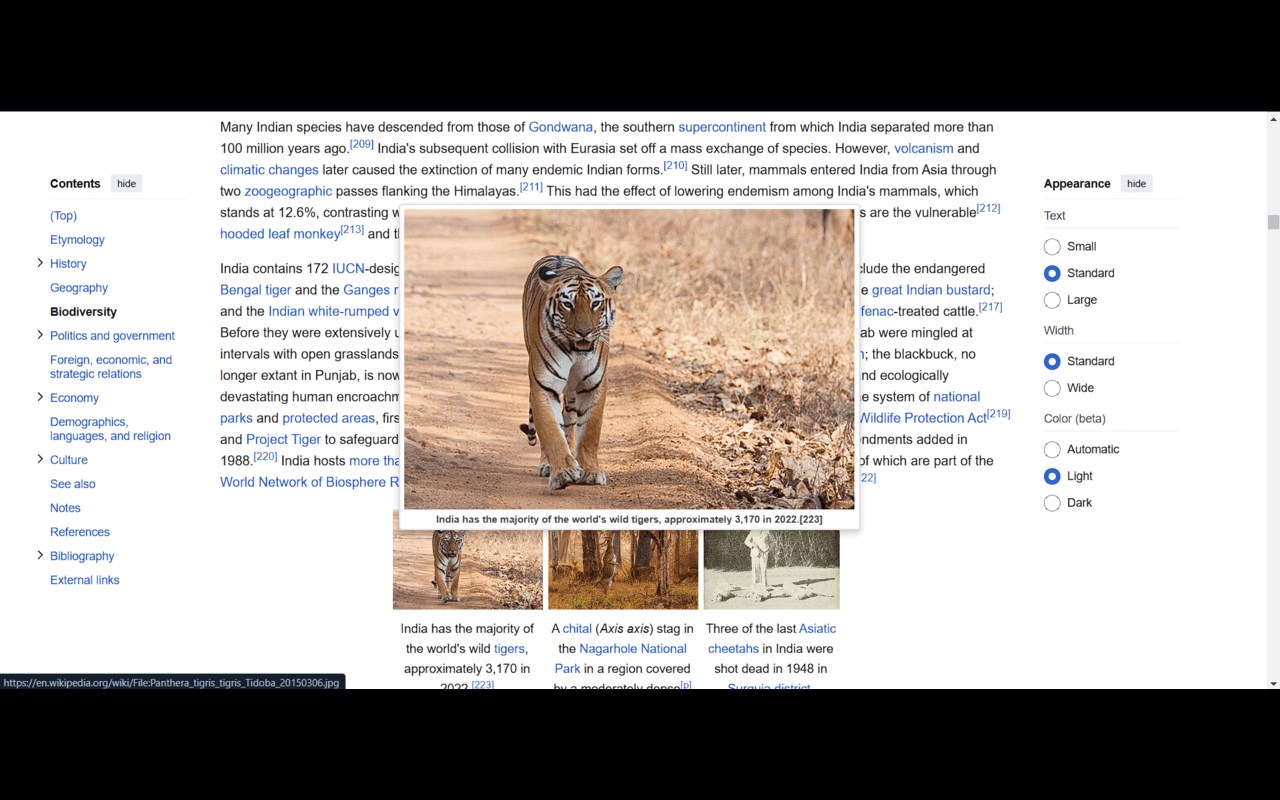
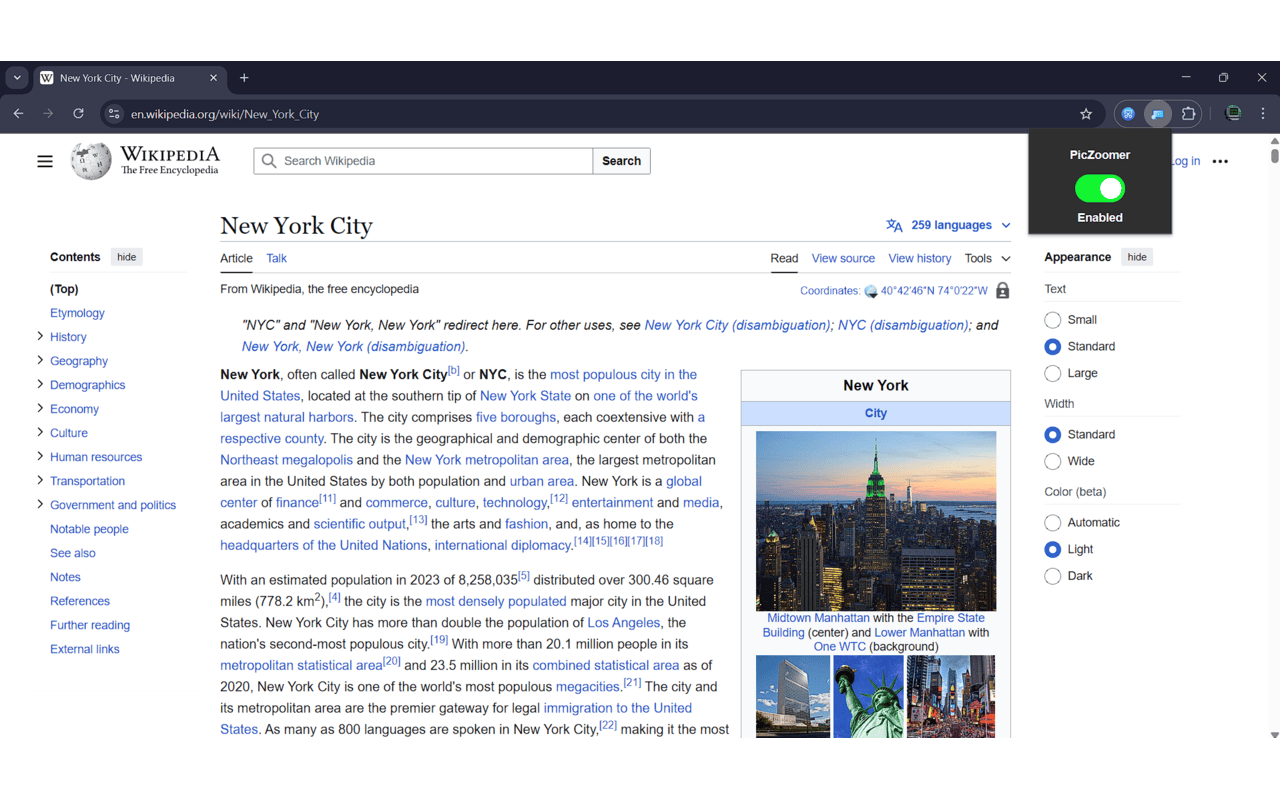
Zooms images when hovered over
截图
简介
PicZoomer - Image Zoom & Preview
Enhance your browsing experience with PicZoomer, the ultimate extension for zooming and previewing images in their original size. Simply hover over any image on a webpage, and PicZoomer will display it in a floating window at full resolution. Perfect for viewing high-quality images, inspecting details, or simply enjoying a closer look.
Key Features:
Hover to Zoom: Instantly preview images by hovering over them.
Original Size: View images in their full, high-resolution glory.
Floating Window: The zoomed image stays within your viewport for easy viewing.
Lightweight & Fast: Works seamlessly without slowing down your browser.
Works Everywhere: Compatible with all websites and dynamically loaded content.
Enable/Disable : User can now toggle between Enable & Disable.
Whether you're a designer, photographer, or just love exploring images, PicZoomer makes it easier than ever to zoom and preview images with just a hover. Try it now and see the web in a whole new way!
PicZoomer 是做什么的
PicZoomer 是一款面向 Edge 的实用工具类扩展,主要用来解决浏览器里某类具体的小问题。官方对它的介绍是:Zooms images when hovered over在微软 Edge 加载项商店上,它当前版本 1.2,评分 3(2 人评价),约 59 名用户。
适合什么人用
从功能定位看,PicZoomer 更适合想补上浏览器原生缺失功能的用户。如果你平时只是偶尔遇到相关需求,用浏览器自带功能也能凑合;但如果这件事每天都发生,装一个专门处理它的扩展通常比手动操作省事得多。
怎么安装 PicZoomer
- 打开微软 Edge 加载项商店上的官方页面;
- 点「添加到浏览器」并确认权限提示;
- 装好后在扩展列表里固定图标,方便随时开关。
本站只做索引与介绍,安装包来自官方商店。如果商店页面提示当前地区不可用,说明该扩展未在你所在区域上架。
常见问题
PicZoomer 是免费的吗?
PicZoomer 在微软 Edge 加载项商店免费提供下载。它是浏览器扩展,装上就能直接用,不需要注册账号。
PicZoomer 安全吗?
它只申请了 0 项权限,范围比较克制,没有申请「读取所有网站数据」这种大权限。
PicZoomer 支持哪些浏览器?
当前收录的版本来自微软 Edge 加载项商店,适用于 Edge。同一个扩展在其他商店可能有对应版本,但功能与版本号不一定相同。
怎么卸载 PicZoomer?
在扩展管理页找到 PicZoomer,点移除即可。它在本地保存的设置会一起清掉,不会残留数据。
权限清单 来自 manifest.json 原文
接口权限 1
storage