PDFPebble – Offline PDF Tools EN
ISMAIL SHADOW · EEdge MV3
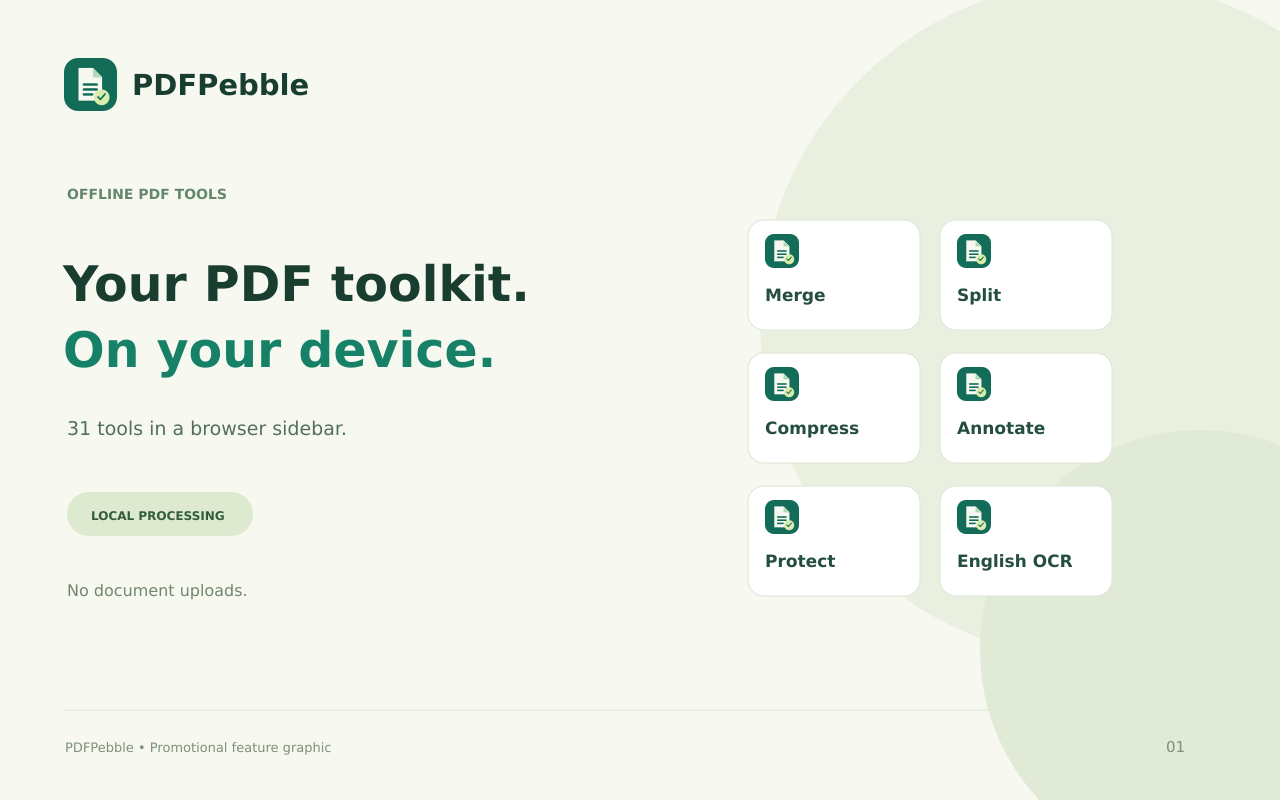
Merge, split, compress, annotate and protect PDFs locally. Private sidebar tools with bundled English OCR. No document uploads.
截图
简介
PDFPebble brings everyday PDF tools to your Microsoft Edge sidebar. Choose your files, adjust the settings and download the results—all processed locally on your device.
ORGANIZE YOUR PDFs
• Merge multiple PDFs into one document.
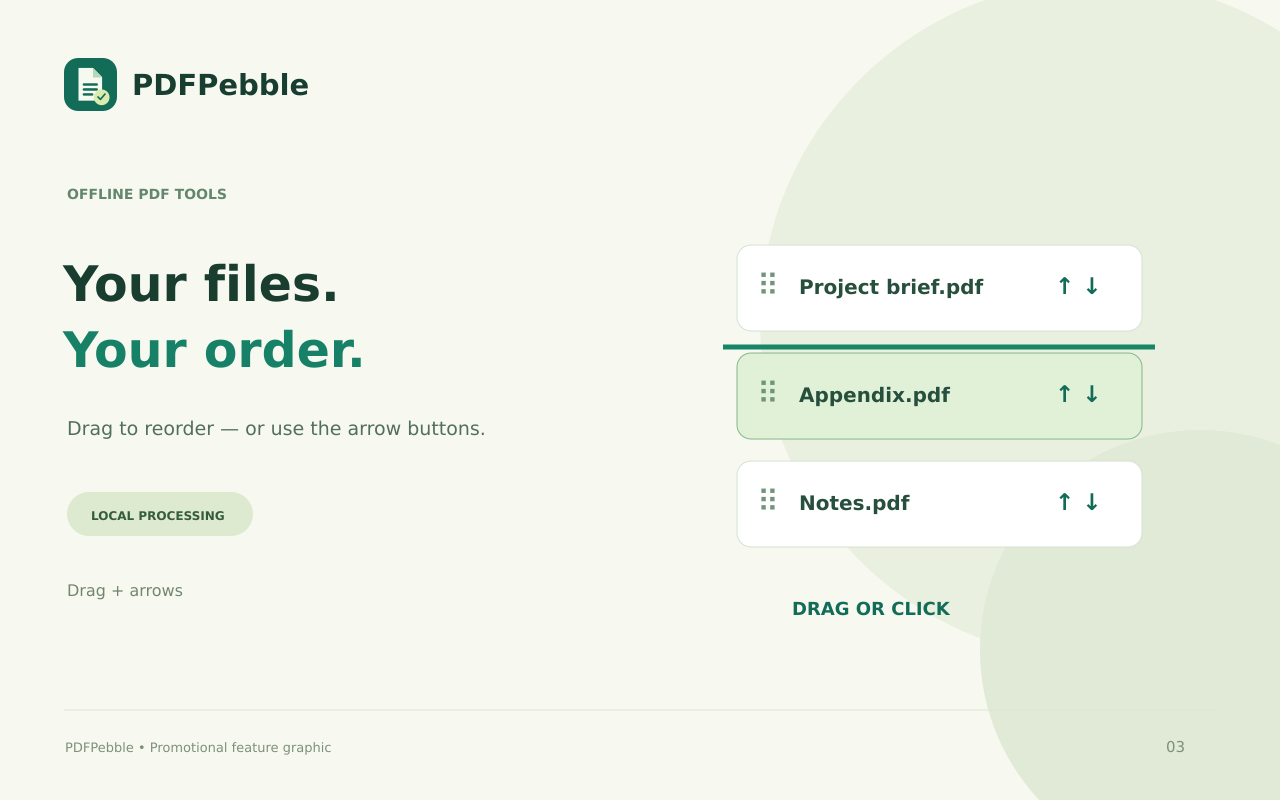
• Drag files up and down, or use the arrow buttons to arrange them.
• Split PDFs into individual pages or page groups.
• Extract, remove, reorder and rotate pages.
EDIT AND PERSONALIZE
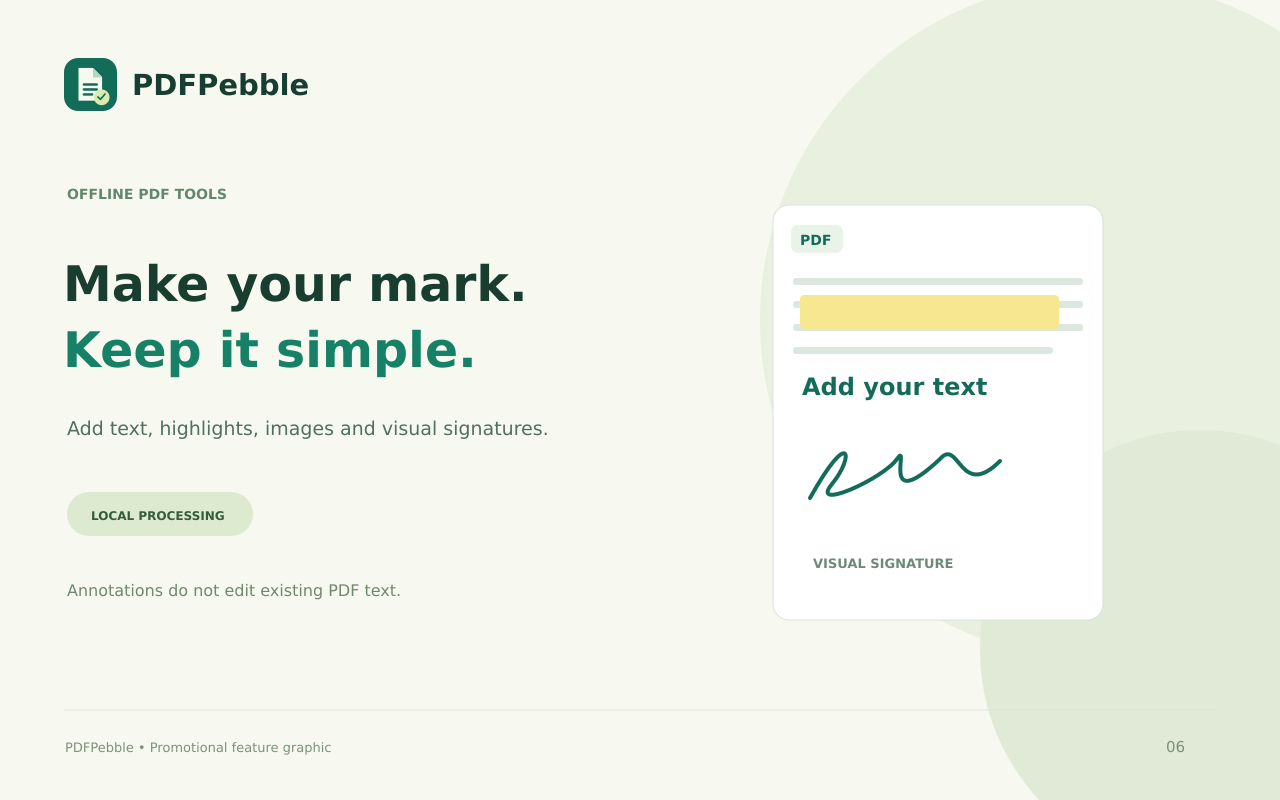
• Add text, images, highlights and shapes.
• Add page numbers and text watermarks.
• Crop page margins.
• Draw and place a visual signature.
• Fill supported PDF forms, add text fields or checkboxes, and flatten forms.
CONVERT AND OPTIMIZE
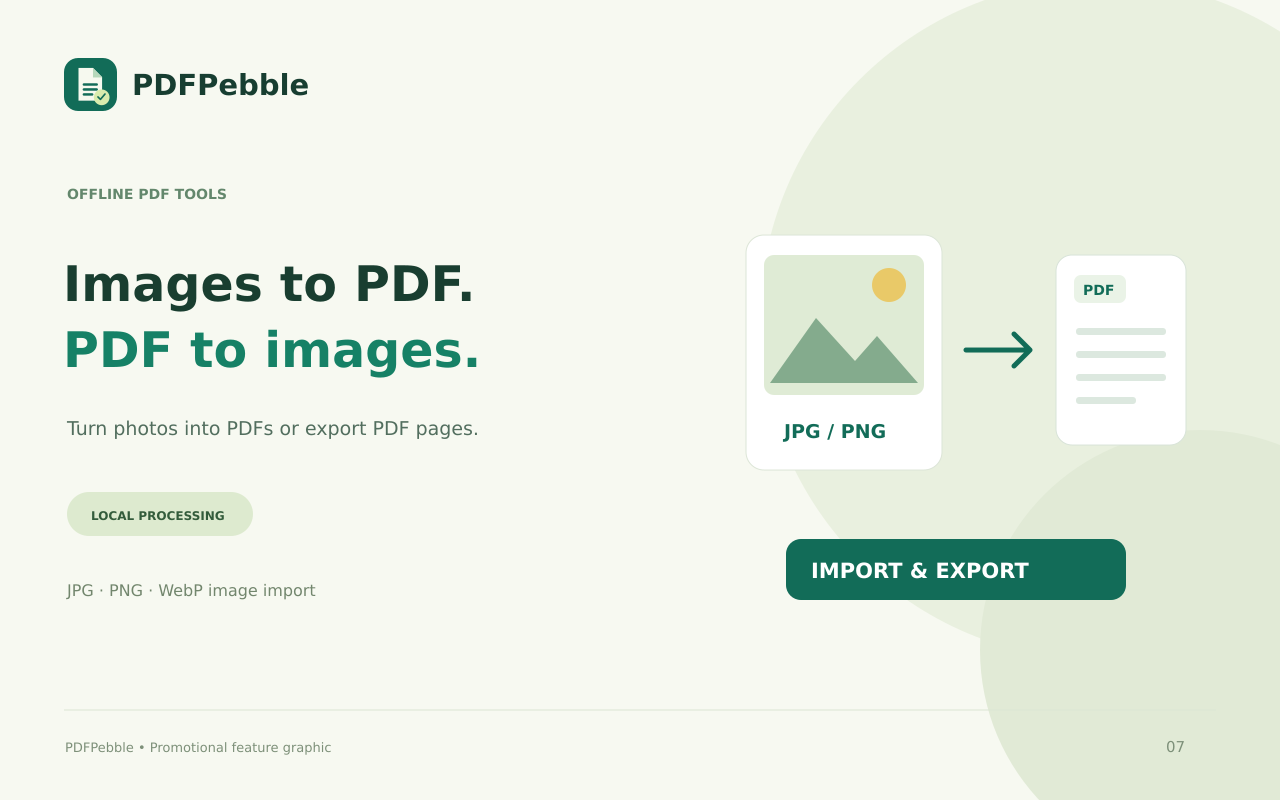
• Convert JPG, PNG and WebP images into PDFs.
• Export PDF pages as JPG or PNG images.
• Extract selectable text or export it to Markdown.
• Use simplified Word, Excel and PowerPoint conversions.
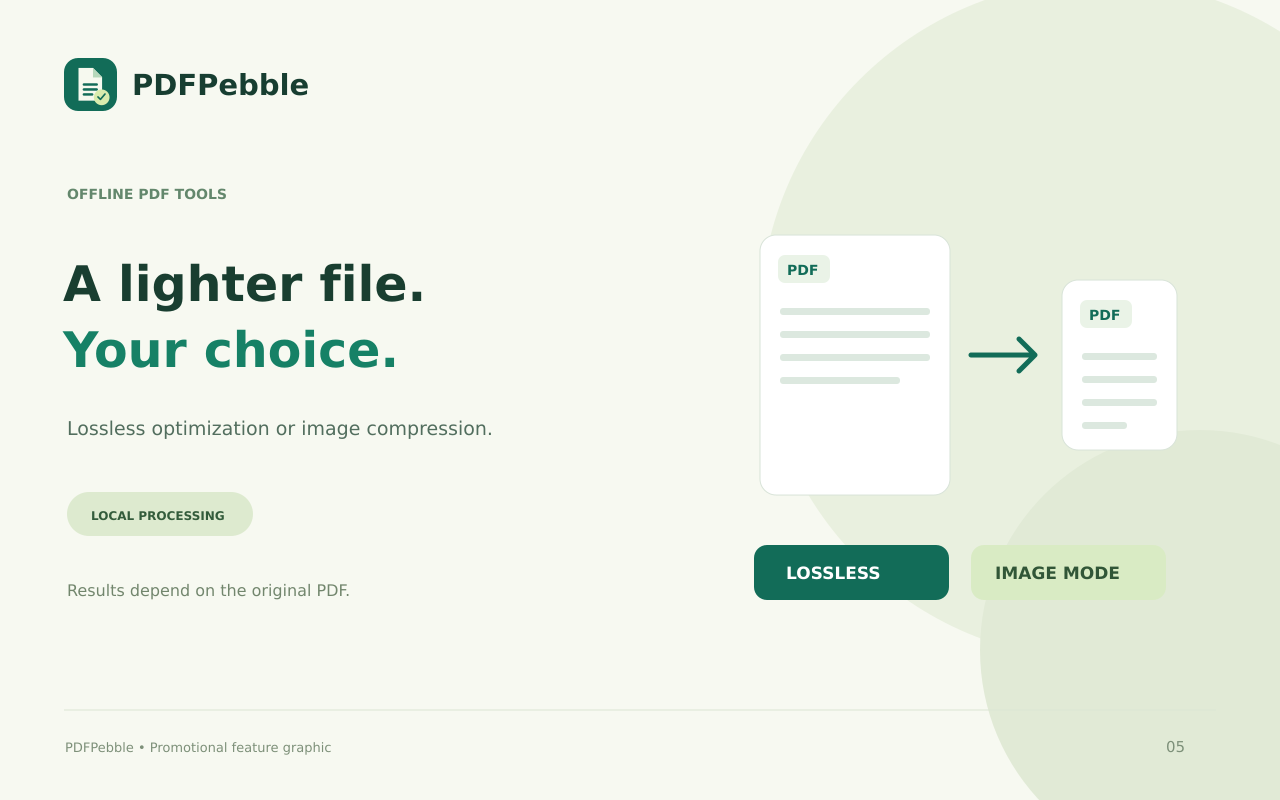
• Choose lossless optimization or image-based compression.
• Recognize English scans using bundled offline OCR.
• Attempt structural repair of damaged PDFs.
PROTECT AND REVIEW
• Add an AES-256 opening password.
• Remove password protection using the correct password.
• Redact selected areas by rebuilding pages as images.
• Compare extracted text between two PDFs.
WORK ONLINE OR OFFLINE
The extension includes its processing libraries, fonts and English OCR data. No account or external conversion API is required. Your selected documents are not uploaded to a server.
Use the compact sidebar or open the full workspace for more room.
PLEASE NOTE
Office conversions are simplified: PDF-to-Word exports text, PDF-to-Excel exports text items and coordinates, and PDF-to-PowerPoint creates image-based slides. Office-to-PDF imports text without preserving the original layout.
OCR supports English and may make mistakes. Comparison checks text, not graphics. Image compression and redaction remove original text layers, links and forms. Signatures are visual marks, not digital certificates.
PDF/A conversion, AI summaries and translation are not included. Compression and repair results depend on the original file.
PDFPebble – Offline PDF Tools 是做什么的
PDFPebble – Offline PDF Tools 是一款面向 Edge 的效率工具类扩展,主要用来管住注意力、屏蔽干扰站点、记录时间。官方对它的介绍是:Merge, split, compress, annotate and protect PDFs locally. Private sidebar tools with bundled English OCR. No document uploads.在微软 Edge 加载项商店上,它当前版本 1.0.3,评分 5(1 人评价),约 2 名用户。
适合什么人用
从功能定位看,PDFPebble – Offline PDF Tools 更适合想专注工作学习、减少无效刷网页的用户。如果你平时只是偶尔遇到相关需求,用浏览器自带功能也能凑合;但如果这件事每天都发生,装一个专门处理它的扩展通常比手动操作省事得多。
怎么安装 PDFPebble – Offline PDF Tools
- 打开微软 Edge 加载项商店上的官方页面;
- 点「添加到浏览器」并确认权限提示;
- 装好后在扩展列表里固定图标,方便随时开关。
本站只做索引与介绍,安装包来自官方商店。如果商店页面提示当前地区不可用,说明该扩展未在你所在区域上架。
常见问题
PDFPebble – Offline PDF Tools 是免费的吗?
PDFPebble – Offline PDF Tools 在微软 Edge 加载项商店免费提供下载。它是浏览器扩展,装上就能直接用,不需要注册账号。
PDFPebble – Offline PDF Tools 安全吗?
它只申请了 0 项权限,范围比较克制,没有申请「读取所有网站数据」这种大权限。
PDFPebble – Offline PDF Tools 支持哪些浏览器?
当前收录的版本来自微软 Edge 加载项商店,适用于 Edge。同一个扩展在其他商店可能有对应版本,但功能与版本号不一定相同。
怎么卸载 PDFPebble – Offline PDF Tools?
在扩展管理页找到 PDFPebble – Offline PDF Tools,点移除即可。它在本地保存的设置会一起清掉,不会残留数据。
权限清单 来自 manifest.json 原文
接口权限 1
sidePanel