PDF Merge Files - PDF Tools EN
TMD SPACE · EEdge MV3
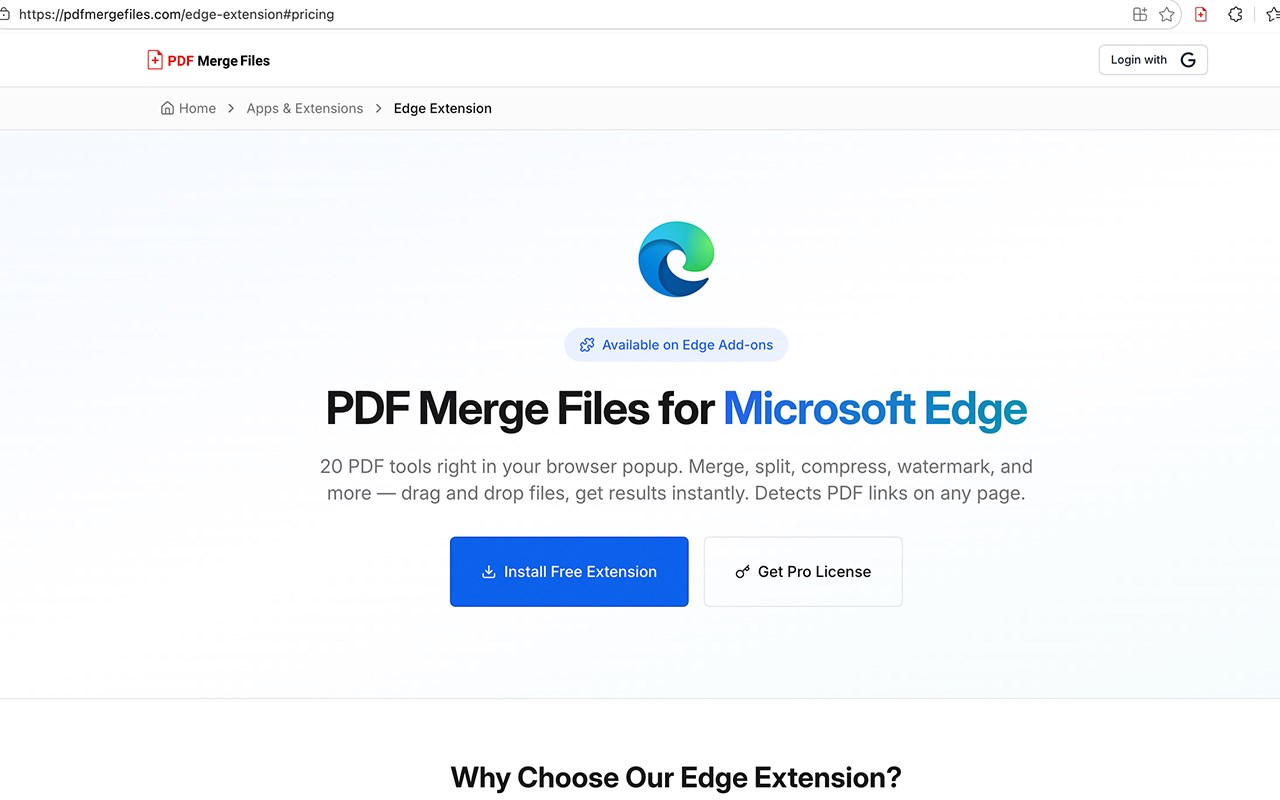
20 PDF tools in your browser — merge, split, compress, rotate, watermark and more. Drag and drop, get results instantly.
截图


简介
PDF Merge Files – 20 PDF Tools Directly in Your Browser
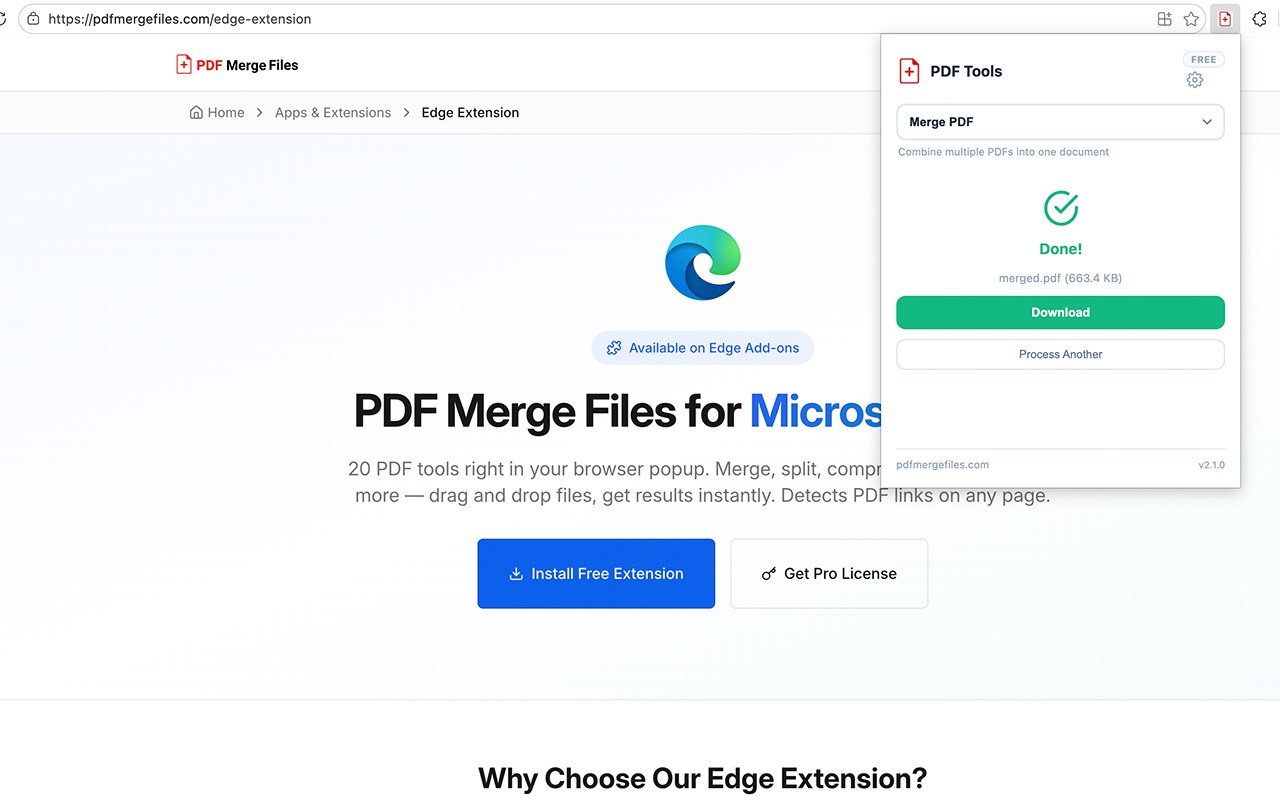
PDF Merge Files is a powerful browser extension that puts 20 essential PDF tools right in your browser popup. Merge, split, compress, rotate, watermark, protect, crop, resize, flatten, convert, and more — all without leaving your browser. Drag and drop your files, pick a tool, and get results in seconds.
The extension also detects PDF links on any webpage you visit and displays a badge count on the toolbar icon, so you always know when downloadable PDFs are nearby. Right-click on any page to access all 20 tools instantly from the context menu.
Whether you are a student compiling research papers, a professional managing contracts, or anyone who works with PDFs regularly, this extension eliminates the need to search for online converters or install desktop software. Everything runs through the trusted pdfmergefiles.com platform, and your files are processed securely.
PDF Merge Files offers a generous Free plan with 100 operations per month — no account required. For power users, the Pro plan unlocks 10,000 operations per month with priority processing. Activate Pro directly in the extension settings with a license key. The same license key works across the Edge extension and the WordPress plugin.
Key Features:
Core Tools:
- Merge PDF: Combine multiple PDF files into a single document.
- Split PDF: Separate a PDF into individual pages or custom page ranges.
- Compress PDF: Reduce file size with adjustable quality (Low, Medium, High).
- Images to PDF: Convert PNG, JPG, JPEG, GIF, BMP, and WebP images into a PDF.
- Rotate PDF: Rotate pages by 90°, 180°, or 270°.
- Protect PDF: Add password protection to any PDF.
- Unlock PDF: Remove password restrictions from a protected PDF.
- Watermark PDF: Add custom text watermarks with adjustable opacity.
Page Tools:
- Extract Pages: Pull specific pages out into a new PDF.
- Remove Pages: Delete unwanted pages from a PDF.
- Reorder Pages: Rearrange page order within a document.
- Add Page Numbers: Insert page numbers at configurable positions.
Transform Tools:
- Resize PDF: Change page dimensions to A4, A3, Letter, Legal, or Tabloid.
- Crop PDF: Trim margins from all sides with custom point values.
- Flatten PDF: Flatten form fields and annotations into static content.
- Grayscale PDF: Convert a color PDF to black and white.
- Repair PDF: Fix corrupted or broken PDF files.
Advanced Tools:
- Edit Metadata: Update the title, author, and document properties.
- OCR (Scan to Text): Make scanned PDFs searchable with optical character recognition.
- PDF to Images: Convert PDF pages to PNG or JPEG format.
Browser Integration:
- PDF Link Detection: Automatically scans every page for PDF links and shows a badge count on the toolbar icon.
- Right-Click Context Menu: Access all 20 PDF tools from the context menu on any webpage.
- Drag and Drop: Drop files directly into the popup to start processing immediately.
- Toolbar Popup: Clean, modern interface with categorized tool selector and file management.
Free and Pro Plans:
- Free: 100 operations per month. All 20 tools. No account required.
- Pro: 10,000 operations per month. Priority processing. Activate with a license key in Settings.
How It Works:
- Install PDF Merge Files from the Microsoft Edge Add-ons store.
- Pin the extension icon to your toolbar for quick access.
- Click the icon to open the popup. Select a tool from the categorized dropdown.
- Drag and drop files or click to browse. Configure options if needed.
- Click Process. Your file is securely handled and ready to download in seconds.
- Alternatively, right-click on any webpage to access tools from the context menu.
- Check the toolbar badge — it shows how many PDF links are on the current page.
Privacy:
- No personal data collected or tracked.
- Only stores a local site ID, usage count, and license key (if Pro) in browser storage.
- All file processing is handled securely through pdfmergefiles.com.
- No browsing history, cookies, or personal information is accessed.
PDF Merge Files - PDF Tools 是做什么的
PDF Merge Files - PDF Tools 是一款面向 Edge 的效率工具类扩展,主要用来管住注意力、屏蔽干扰站点、记录时间。官方对它的介绍是:20 PDF tools in your browser — merge, split, compress, rotate, watermark and more. Drag and drop, get results instantly.在微软 Edge 加载项商店上,它当前版本 2.1.0,约 361 名用户。
适合什么人用
从功能定位看,PDF Merge Files - PDF Tools 更适合想专注工作学习、减少无效刷网页的用户。如果你平时只是偶尔遇到相关需求,用浏览器自带功能也能凑合;但如果这件事每天都发生,装一个专门处理它的扩展通常比手动操作省事得多。
怎么安装 PDF Merge Files - PDF Tools
- 打开微软 Edge 加载项商店上的官方页面;
- 点「添加到浏览器」并确认权限提示;
- 装好后在扩展列表里固定图标,方便随时开关。
本站只做索引与介绍,安装包来自官方商店。如果商店页面提示当前地区不可用,说明该扩展未在你所在区域上架。
常见问题
PDF Merge Files - PDF Tools 是免费的吗?
PDF Merge Files - PDF Tools 在微软 Edge 加载项商店免费提供下载。它是浏览器扩展,装上就能直接用,不需要注册账号。
PDF Merge Files - PDF Tools 安全吗?
它只申请了 0 项权限,范围比较克制,没有申请「读取所有网站数据」这种大权限。
PDF Merge Files - PDF Tools 支持哪些浏览器?
当前收录的版本来自微软 Edge 加载项商店,适用于 Edge。同一个扩展在其他商店可能有对应版本,但功能与版本号不一定相同。
怎么卸载 PDF Merge Files - PDF Tools?
在扩展管理页找到 PDF Merge Files - PDF Tools,点移除即可。它在本地保存的设置会一起清掉,不会残留数据。
权限清单 来自 manifest.json 原文
接口权限 4
activeTabcontextMenusdownloadsstorage