
Password Slug EN
Password Slug · EEdge MV3
Split your passwords, double your security.
截图


简介
WHAT HAPPENS WHEN YOUR PASSWORD MANAGER GETS BREACHED?
With Password Slug, your accounts stay safe.
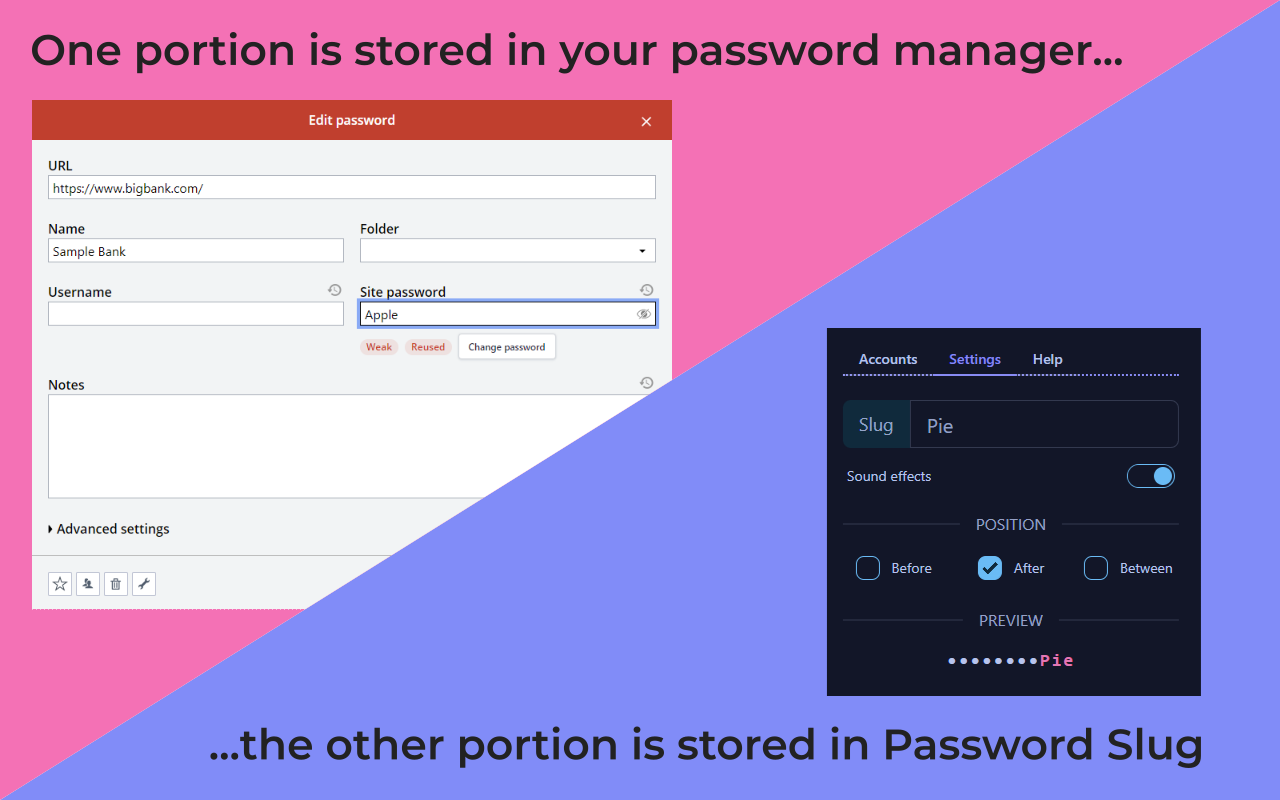
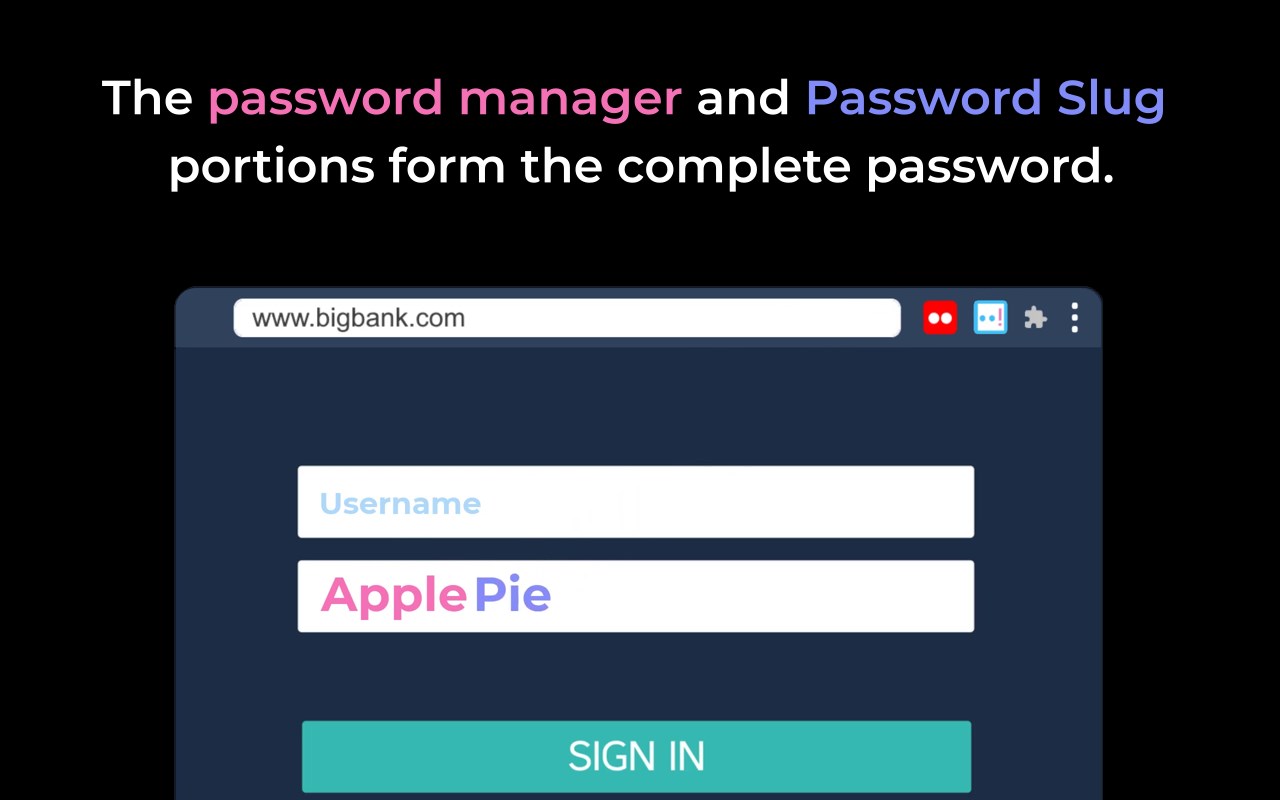
Password Slug uses the two-person rule — the same security principle that prevents unauthorized nuclear launches. Your password manager stores part of each password. Password Slug adds your secret "slug" to complete it. A hacker needs both to get in.
HOW IT WORKS
1. Install Password Slug.
2. Set your secret slug once.
3. Choose where to insert it: before, after, between each character, or any combination.
EXAMPLE
Your full password is "abc123!!". After setup:
• Your password manager stores: abc123
• Your slug is: !!
• Password Slug combines them: abc123!!
One-time setup required: You'll need to change your password on each account to include the slug. After that initial setup, Password Slug handles everything automatically.
WHY IT MATTERS
✅ Breaches happen. Major password managers have been compromised. Password Slug ensures hackers get incomplete passwords that won't work.
✅ Zero extra effort. Works invisibly after one-time setup. Your password manager and browser autofill work exactly as before.
✅ Stop trusting one company. Your complete passwords aren't stored in any single place — not even your password manager.
Built with the same proven technology that powers Lightning Autofill, the most popular autofill extension trusted by over 600,000 users. Privacy is baked in: no tracking, no snooping, and your slug never leaves your device.
Install Password Slug to take your password security to the next level. 🔒
WHAT'S NEW
- Exited early access 🥳
- Upgraded framework and packages
- Added "powered by" footer
- Improved quick start guide
- Polished content
- Fixed tooltip getting cut off
- Fixed news updates 404 error
Password Slug 是做什么的
Password Slug 是一款面向 Edge 的效率工具类扩展,主要用来管住注意力、屏蔽干扰站点、记录时间。官方对它的介绍是:Split your passwords, double your security.在微软 Edge 加载项商店上,它当前版本 1.0.0,约 7 名用户。
适合什么人用
从功能定位看,Password Slug 更适合想专注工作学习、减少无效刷网页的用户。如果你平时只是偶尔遇到相关需求,用浏览器自带功能也能凑合;但如果这件事每天都发生,装一个专门处理它的扩展通常比手动操作省事得多。
怎么安装 Password Slug
- 打开微软 Edge 加载项商店上的官方页面;
- 点「添加到浏览器」并确认权限提示;
- 装好后在扩展列表里固定图标,方便随时开关。
本站只做索引与介绍,安装包来自官方商店。如果商店页面提示当前地区不可用,说明该扩展未在你所在区域上架。
常见问题
Password Slug 是免费的吗?
Password Slug 在微软 Edge 加载项商店免费提供下载。它是浏览器扩展,装上就能直接用,不需要注册账号。
Password Slug 安全吗?
它只申请了 0 项权限,范围比较克制,没有申请「读取所有网站数据」这种大权限。
Password Slug 支持哪些浏览器?
当前收录的版本来自微软 Edge 加载项商店,适用于 Edge。同一个扩展在其他商店可能有对应版本,但功能与版本号不一定相同。
怎么卸载 Password Slug?
在扩展管理页找到 Password Slug,点移除即可。它在本地保存的设置会一起清掉,不会残留数据。
权限清单 来自 manifest.json 原文
接口权限 2
contextMenusstorage