
Password Ninja EN
Password Ninja · EEdge MV3
Memorable password generator for young people.
截图
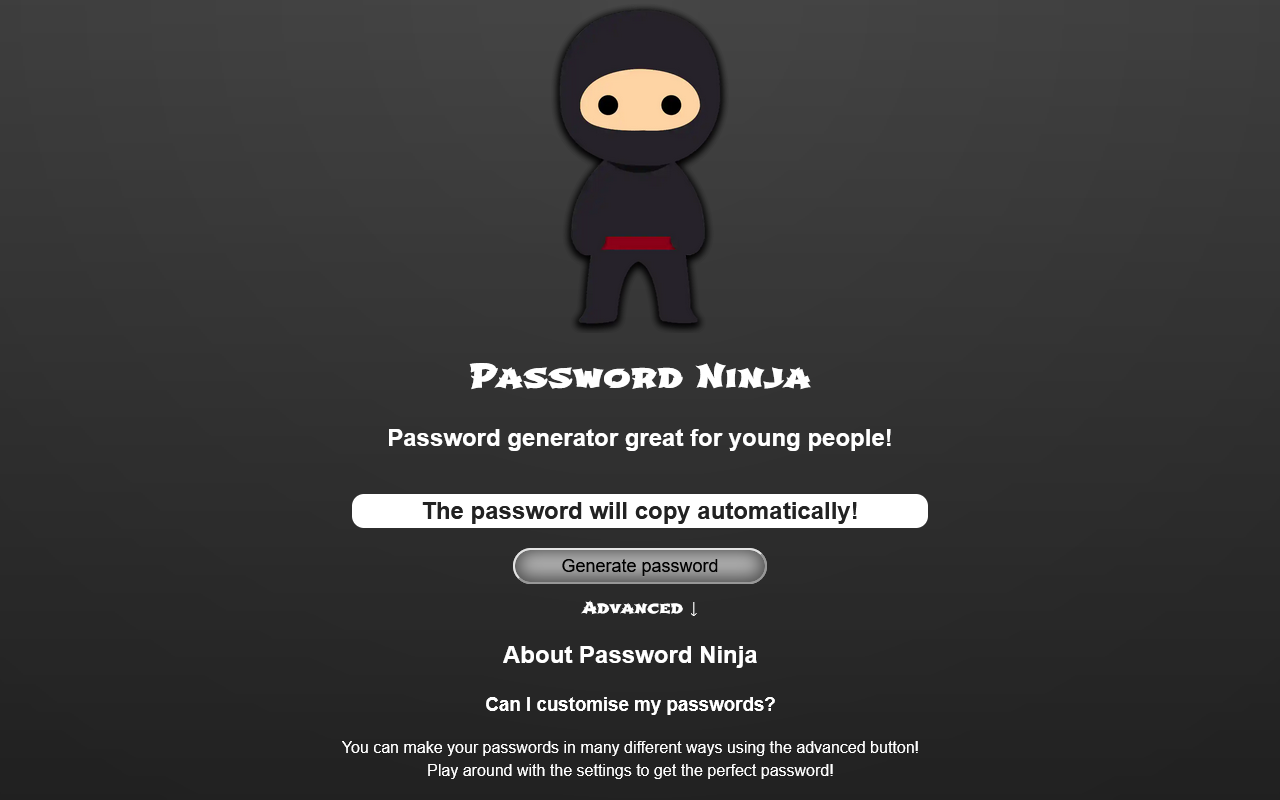
简介
Password Ninja: Memorable Password Generator for Young People
Password Ninja is an intuitive and approachable browser extension designed to help young users and beginners create unique, strong, and easy-to-remember passwords in seconds. This extension transforms the often daunting task of password creation into a fun and straightforward experience by generating passwords composed of playful, memorable words combined with numbers or symbols for enhanced security. Perfect for students, families, and educators, Password Ninja supports the development of healthy online habits and strengthens digital security without overwhelming users with complexity.
The extension features a sleek, modern popup interface accessible directly from your browser toolbar, making password generation quick and hassle-free. Each password is crafted from curated word lists that include diverse categories such as animals, objects, instruments, colors, and shapes, ensuring that generated passwords are memorable while maintaining strong protection. Users can customize the password’s difficulty level by adjusting length and selecting which word types or additional elements like numbers and special characters to include. This flexibility ensures the tool fits a variety of needs, from simple passwords suitable for young children to more complex ones for older teens or adults.
With privacy and ease of use at its core, Password Ninja runs entirely within your browser without any internet connection required. All user preferences and settings are stored locally, and no personal data is collected, maintaining a secure and private password creation process. The extension also features helpful educational prompts that encourage responsible and secure password use, making it an excellent resource for teaching password safety in schools and at home.
Key Features:
- Memorable password generation using curated word lists including animals, instruments, colors, shapes, and more.
- Instantly generate and copy secure, strong passwords from an easy-to-use browser popup.
- Customizable options allow users to adjust password length, word types, and the inclusion of numbers or symbols for added complexity.
- Clean and accessible interface designed with young people and beginners in mind, ensuring usability across all age groups.
- Fully offline operation with no internet connection needed; all processing and storage occur locally to maximize privacy.
- Quick copy-to-clipboard function for seamless use across websites and applications.
- Built-in educational elements promote better password habits and awareness for young users and learners.
How It Works:
1. Click the Password Ninja icon located in your browser toolbar to open the popup interface.
2. View the freshly generated password combining memorable words and optional numbers or symbols.
3. Adjust settings such as password length and select preferred word categories or additional character types using sliders or toggles.
4. Generate a new password anytime by clicking the “Generate” or refresh button for instant suggestions.
5. Copy the generated password to your clipboard with a simple click on the “Copy” icon, ready to be pasted into signup or login forms.
6. Your customized settings are saved locally, allowing for quick and consistent use in the future.
7. Close the popup once finished and enjoy enhanced password security seamlessly integrated into your browsing experience.
Privacy: - No personal data collected.
Password Ninja 是做什么的
Password Ninja 是一款面向 Edge 的效率工具类扩展,主要用来管住注意力、屏蔽干扰站点、记录时间。官方对它的介绍是:Memorable password generator for young people.在微软 Edge 加载项商店上,它当前版本 3.0.0,约 310 名用户。
适合什么人用
从功能定位看,Password Ninja 更适合想专注工作学习、减少无效刷网页的用户。如果你平时只是偶尔遇到相关需求,用浏览器自带功能也能凑合;但如果这件事每天都发生,装一个专门处理它的扩展通常比手动操作省事得多。
怎么安装 Password Ninja
- 打开微软 Edge 加载项商店上的官方页面;
- 点「添加到浏览器」并确认权限提示;
- 装好后在扩展列表里固定图标,方便随时开关。
本站只做索引与介绍,安装包来自官方商店。如果商店页面提示当前地区不可用,说明该扩展未在你所在区域上架。
常见问题
Password Ninja 是免费的吗?
Password Ninja 在微软 Edge 加载项商店免费提供下载。它是浏览器扩展,装上就能直接用,不需要注册账号。
Password Ninja 安全吗?
它只申请了 0 项权限,范围比较克制,没有申请「读取所有网站数据」这种大权限。
Password Ninja 支持哪些浏览器?
当前收录的版本来自微软 Edge 加载项商店,适用于 Edge。同一个扩展在其他商店可能有对应版本,但功能与版本号不一定相同。
怎么卸载 Password Ninja?
在扩展管理页找到 Password Ninja,点移除即可。它在本地保存的设置会一起清掉,不会残留数据。
权限清单 来自 manifest.json 原文
接口权限 1
storage
其他商店也有这款
同一款扩展在不同浏览器下的版本,权限与更新节奏可能不同
