
Password Generator Pro EN
Extninja · EEdge MV3
The easiest way to create strong, secure, and random passwords.
<all_urls>),意味着它可以读取你在任意站点的页面内容,包括已登录的页面。这是许多扩展正常工作的必要条件,但也值得你确认来源可信。
截图
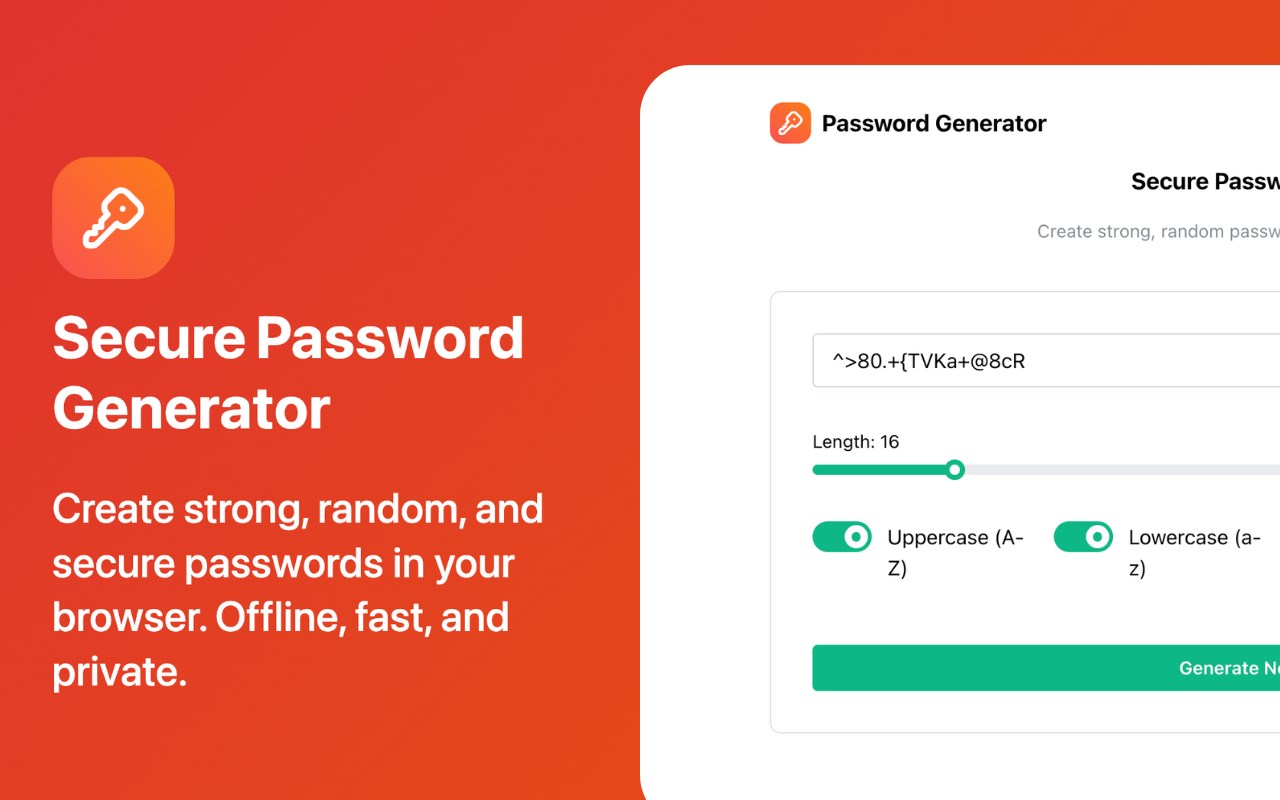
简介
The Easiest Way to Secure Your Accounts
Tired of thinking up new passwords? With Password Generator Pro, you can create strong, random passwords with just a few clicks. Best of all, it works entirely offline, right in your browser, ensuring your data is always secure and private. 🔒
Key Features
Effortless Generation: Create a new, strong password with a single click. ⚡
Fully Customizable:
Adjustable Length: Choose a password length from 8 to 64 characters.
Character Types: Include uppercase letters, lowercase letters, numbers, and symbols to meet any security requirement.
100% Secure & Private: Your passwords are never sent to a server. All generation happens locally on your own computer. Your privacy is guaranteed. 🔐
Fast & Lightweight: No more waiting for websites to load. Generation is instantaneous. 🚀
One-Click Copy: Instantly copy the generated password to your clipboard. 📋
Why Use This Tool?
Enhance Security: Protect your online accounts from brute-force attacks with complex, unpredictable passwords. 🛡️
Save Time: Stop wasting time trying to invent secure passwords. ⏱️
Ultimate Privacy: Since it works offline, you can be confident that your generated passwords are for your eyes only. 👁️
Who Is This For?
Anyone with Online Accounts: The perfect tool for creating secure logins for social media, email, banking, and more. 🌐
Developers & IT Professionals: Quickly generate secure credentials for testing environments or new user setups. 💻
Privacy-Conscious Individuals: A simple, secure tool for anyone who wants to take control of their digital security. 🔍
Upgrade your security today. Stop relying on insecure online tools and take control of your passwords! 🚀
Password Generator Pro 是做什么的
Password Generator Pro 是一款面向 Edge 的效率工具类扩展,主要用来管住注意力、屏蔽干扰站点、记录时间。官方对它的介绍是:The easiest way to create strong, secure, and random passwords.在微软 Edge 加载项商店上,它当前版本 1.0.0,约 2 名用户。
适合什么人用
从功能定位看,Password Generator Pro 更适合想专注工作学习、减少无效刷网页的用户。如果你平时只是偶尔遇到相关需求,用浏览器自带功能也能凑合;但如果这件事每天都发生,装一个专门处理它的扩展通常比手动操作省事得多。需要注意的是它作用于所有网站,装上后建议先观察一两天,确认不影响常用站点的正常使用。
怎么安装 Password Generator Pro
- 打开微软 Edge 加载项商店上的官方页面;
- 点「添加到浏览器」并确认权限提示;
- 装好后在扩展列表里固定图标,方便随时开关。
本站只做索引与介绍,安装包来自官方商店。如果商店页面提示当前地区不可用,说明该扩展未在你所在区域上架。
常见问题
Password Generator Pro 是免费的吗?
Password Generator Pro 在微软 Edge 加载项商店免费提供下载。它是浏览器扩展,装上就能直接用,不需要注册账号。
Password Generator Pro 安全吗?
它只申请了 0 项权限,范围比较克制,没有申请「读取所有网站数据」这种大权限。
Password Generator Pro 支持哪些浏览器?
当前收录的版本来自微软 Edge 加载项商店,适用于 Edge。同一个扩展在其他商店可能有对应版本,但功能与版本号不一定相同。
怎么卸载 Password Generator Pro?
在扩展管理页找到 Password Generator Pro,点移除即可。它在本地保存的设置会一起清掉,不会残留数据。
权限清单 来自 manifest.json 原文
站点访问(可选) 1
<all_urls>
接口权限 2
declarativeNetRequestWithHostAccessstorage