
Owl - dark mode for Edge EN
Spotify Music Downloader · EEdge MV3
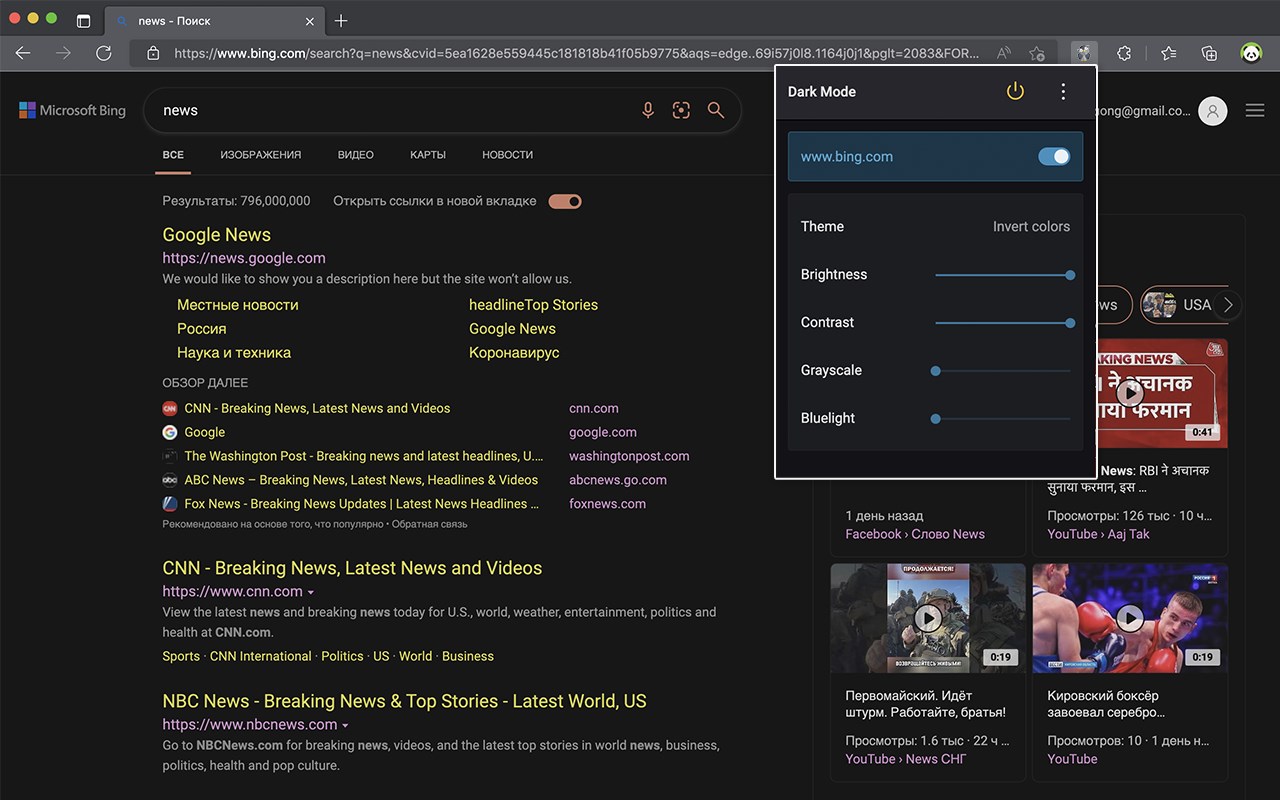
Dark Mode, read at night. Bluelight filter for every website. Relax your eyes at night and day.
<all_urls>),意味着它可以读取你在任意站点的页面内容,包括已登录的页面。这是许多扩展正常工作的必要条件,但也值得你确认来源可信。
截图
简介
Owl - dark mode is a fast, lite and simple extension that automatically turns the colors of your browser content to warmer or darker.
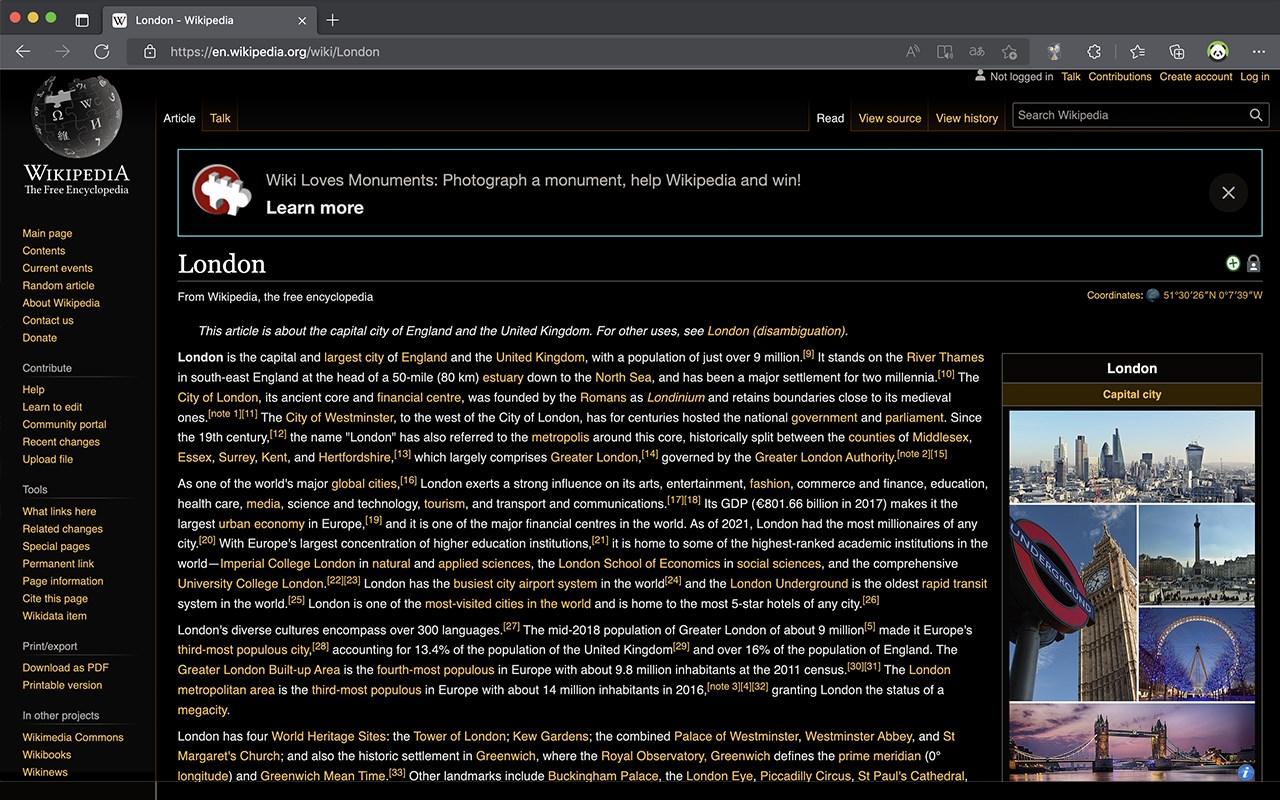
This eye-care extension enables night mode by creating dark themes for websites on the fly. Owl - dark mode inverts bright colors, making them high contrast and easy to read at night.
Dark Theme: ( Night Mode / Smart dark reader / dark night reading)
✓ Blue Light Filter + Darkness for every Website AND / OR specific ones!
Avoid eye strain. Relax your eyes at night & day.
✓ Invert colors, improve brightness & contrast. Mild / faint colors, Bright colors, greyscale, sepia, ...
✓ Schedule dark to manage your day-night-cycle. Blue light makes us awake and prevents sleep. Care for your eyes. (dark mode is not only for night shifts)
✓ Style (css) editor. Delete elements/logos/ads/notifcations. Soon: Visual Picker/Selector, Drag & Drop. customize any Website beyond stylus / stylish / userstyles
To come:
✓ Reduce brightness of colors only - not color-tone
(compare with samsung browser dark mode)
✓ Smart dark mode / invert: Only if page is very light or blue
✓ We are working on a smart Theme-Engine to exceed the results you get from other extensions (dark reader depends on crowdsourced styles)
Note:
Remember to disable any similar dark theme or night shift mode extension to prevent compatibility issues.
We really hope that our Owl - dark mode will be useful to you! We look forward to your feedback and ratings! Also write your suggestions for improving the functionality.
Owl - dark mode for Edge 是做什么的
Owl - dark mode for Edge 是一款面向 Edge 的实用工具类扩展,主要用来解决浏览器里某类具体的小问题。官方对它的介绍是:Dark Mode, read at night. Bluelight filter for every website. Relax your eyes at night and day.在微软 Edge 加载项商店上,它当前版本 1.0.1,评分 4.3(6 人评价),约 335 名用户。
适合什么人用
从功能定位看,Owl - dark mode for Edge 更适合想补上浏览器原生缺失功能的用户。如果你平时只是偶尔遇到相关需求,用浏览器自带功能也能凑合;但如果这件事每天都发生,装一个专门处理它的扩展通常比手动操作省事得多。需要注意的是它作用于所有网站,装上后建议先观察一两天,确认不影响常用站点的正常使用。
怎么安装 Owl - dark mode for Edge
- 打开微软 Edge 加载项商店上的官方页面;
- 点「添加到浏览器」并确认权限提示;
- 装好后在扩展列表里固定图标,方便随时开关。
本站只做索引与介绍,安装包来自官方商店。如果商店页面提示当前地区不可用,说明该扩展未在你所在区域上架。
常见问题
Owl - dark mode for Edge 是免费的吗?
Owl - dark mode for Edge 在微软 Edge 加载项商店免费提供下载。它是浏览器扩展,装上就能直接用,不需要注册账号。
Owl - dark mode for Edge 安全吗?
它只申请了 0 项权限,范围比较克制,没有申请「读取所有网站数据」这种大权限。
Owl - dark mode for Edge 支持哪些浏览器?
当前收录的版本来自微软 Edge 加载项商店,适用于 Edge。同一个扩展在其他商店可能有对应版本,但功能与版本号不一定相同。
怎么卸载 Owl - dark mode for Edge?
在扩展管理页找到 Owl - dark mode for Edge,点移除即可。它在本地保存的设置会一起清掉,不会残留数据。
权限清单 来自 manifest.json 原文
站点访问(可选) 1
<all_urls>
接口权限 3
scriptingstoragetabs
接口权限(可选) 1
downloads