
Original Image Finder & Collector EN
a2z Tools · EEdge MV3
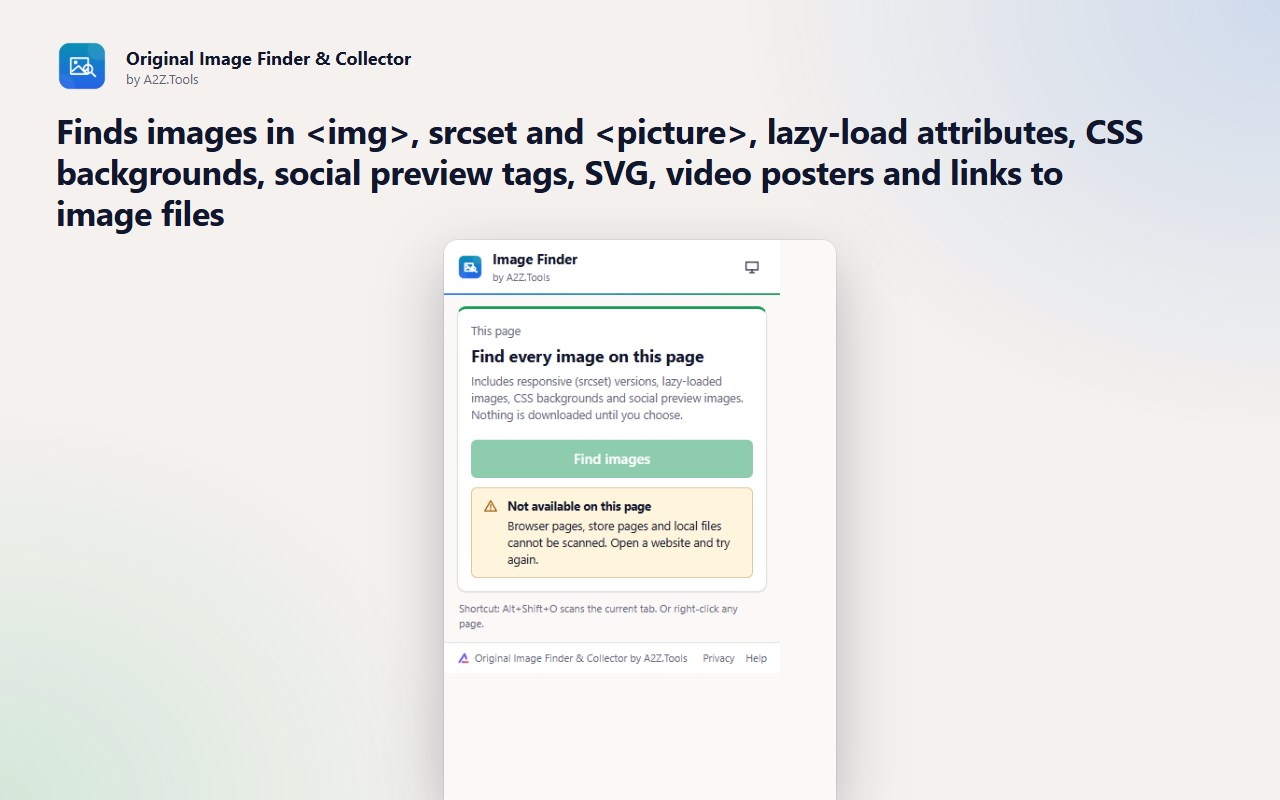
Find every image on a page, including srcset, lazy-loaded and CSS backgrounds, pick the largest versions and save them neatly.
截图
简介
Find and collect the highest-quality images on any page.
Right-click > Save image usually gives you whatever size the page happened to display. Original Image Finder & Collector looks deeper: it reads the responsive srcset candidates, lazy-load attributes, CSS backgrounds and social preview tags, then shows you the largest version of each picture it can find.
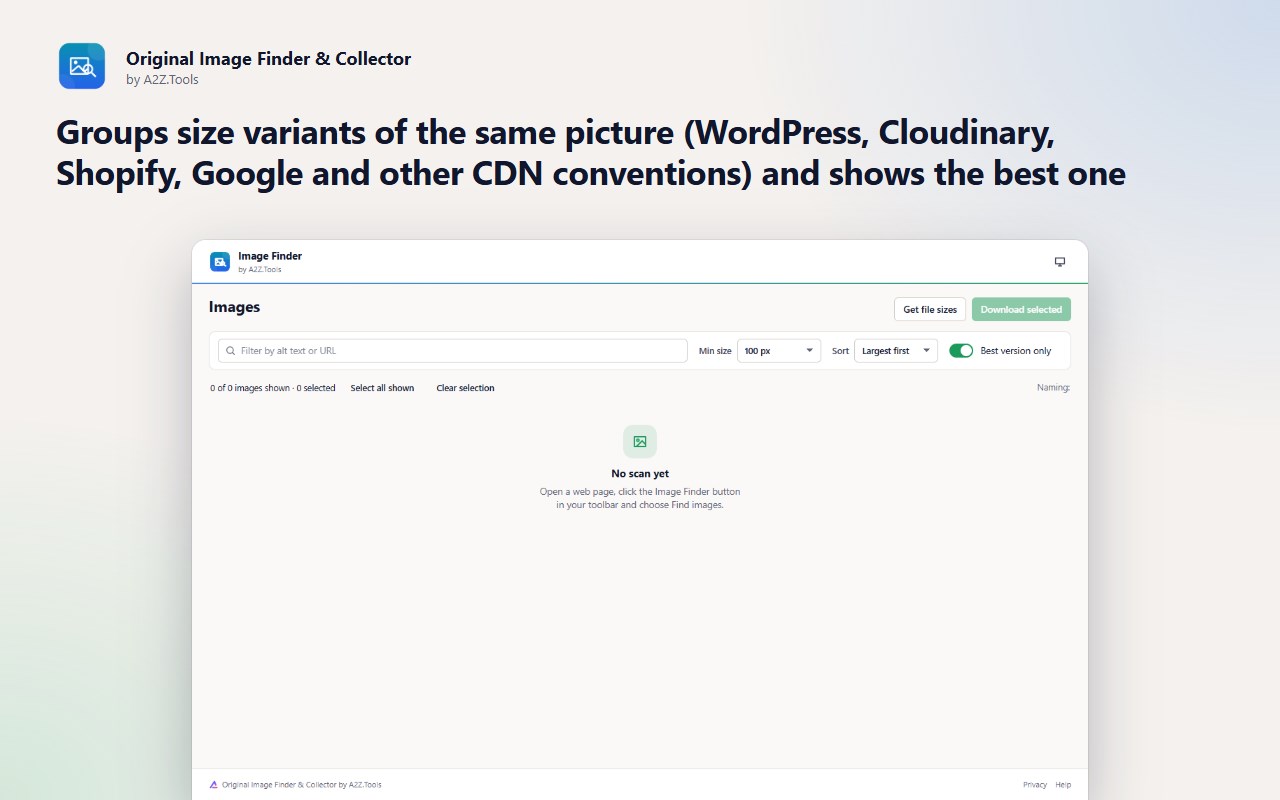
Smaller copies of the same image are grouped together, so a product gallery becomes one clean grid instead of five thumbnails per photo. Filter by size or format, select what you need and save it into a folder named after the site, with a file-name pattern you choose.
The extension only looks at a page when you ask it to and never works around logins, paywalls or download protection.
KEY FEATURES
• Finds images in , srcset and , lazy-load attributes, CSS backgrounds, social preview tags, SVG, video posters and links to image files
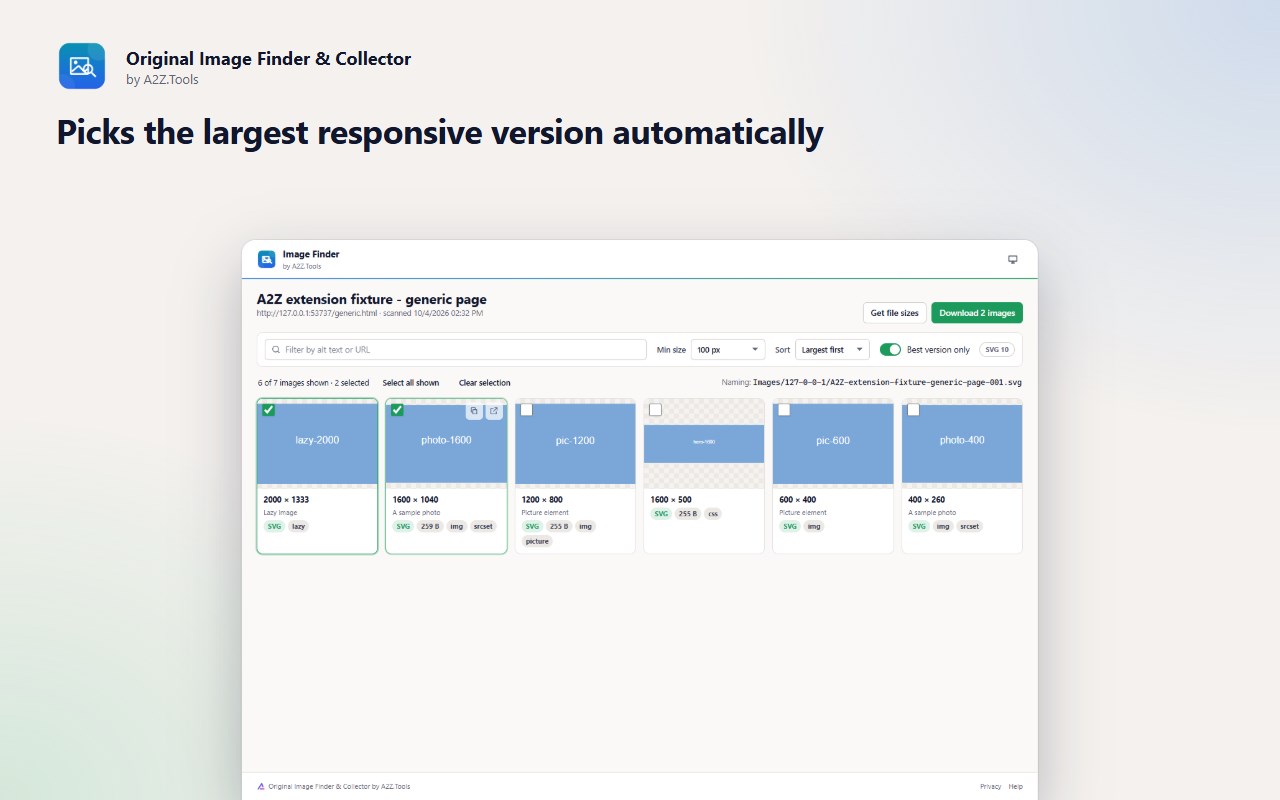
• Picks the largest responsive version automatically
• Groups size variants of the same picture using common CMS and CDN naming conventions, and shows the best one
• Real pixel dimensions, format and file size
• Filter by minimum size, format and alt text; sort by resolution, file size or page order
• Select many and save them in one go, into a folder per site, with a file-name template you control
• Right-click menu and keyboard shortcut (Alt+Shift+O)
PRIVACY
Scans run only when you ask, on the tab you are viewing. Results stay on this device. No account, no analytics, no uploads.
GOOD TO KNOW
• Images drawn on a , protected by DRM or only loaded after interaction are not listed; scroll the page first so lazy images load.
• Some sites refuse downloads without their own cookies or referrer; those images show as failed.
• File sizes need the optional site-access permission or a server that reports them.
• Very large pages are limited to the first 1,500 image references.
Original Image Finder & Collector is a free extension by A2Z.Tools, the makers of 1,000+ free online tools at https://a2z.tools.
Support: https://a2z.tools/contact-us
Original Image Finder & Collector 是做什么的
Original Image Finder & Collector 是一款面向 Edge 的实用工具类扩展,主要用来解决浏览器里某类具体的小问题。官方对它的介绍是:Find every image on a page, including srcset, lazy-loaded and CSS backgrounds, pick the largest versions and save them neatly.在微软 Edge 加载项商店上,它当前版本 1.0.0。
适合什么人用
从功能定位看,Original Image Finder & Collector 更适合想补上浏览器原生缺失功能的用户。如果你平时只是偶尔遇到相关需求,用浏览器自带功能也能凑合;但如果这件事每天都发生,装一个专门处理它的扩展通常比手动操作省事得多。
怎么安装 Original Image Finder & Collector
- 打开微软 Edge 加载项商店上的官方页面;
- 点「添加到浏览器」并确认权限提示;
- 装好后在扩展列表里固定图标,方便随时开关。
本站只做索引与介绍,安装包来自官方商店。如果商店页面提示当前地区不可用,说明该扩展未在你所在区域上架。
常见问题
Original Image Finder & Collector 是免费的吗?
Original Image Finder & Collector 在微软 Edge 加载项商店免费提供下载。它是浏览器扩展,装上就能直接用,不需要注册账号。
Original Image Finder & Collector 安全吗?
它只申请了 0 项权限,范围比较克制,没有申请「读取所有网站数据」这种大权限。
Original Image Finder & Collector 支持哪些浏览器?
当前收录的版本来自微软 Edge 加载项商店,适用于 Edge。同一个扩展在其他商店可能有对应版本,但功能与版本号不一定相同。
怎么卸载 Original Image Finder & Collector?
在扩展管理页找到 Original Image Finder & Collector,点移除即可。它在本地保存的设置会一起清掉,不会残留数据。
权限清单 来自 manifest.json 原文
接口权限 5
activeTabcontextMenusdownloadsscriptingstorage