
OpenL Translate EN
DeepTab · EEdge MV3
Accurate AI Translation in 100+ Languages
<all_urls>),意味着它可以读取你在任意站点的页面内容,包括已登录的页面。这是许多扩展正常工作的必要条件,但也值得你确认来源可信。
截图
简介
Accurate AI Translation in 100+ Languages
OpenL Translate - Translate any webpage instantly without copying and pasting to translation sites.
Features
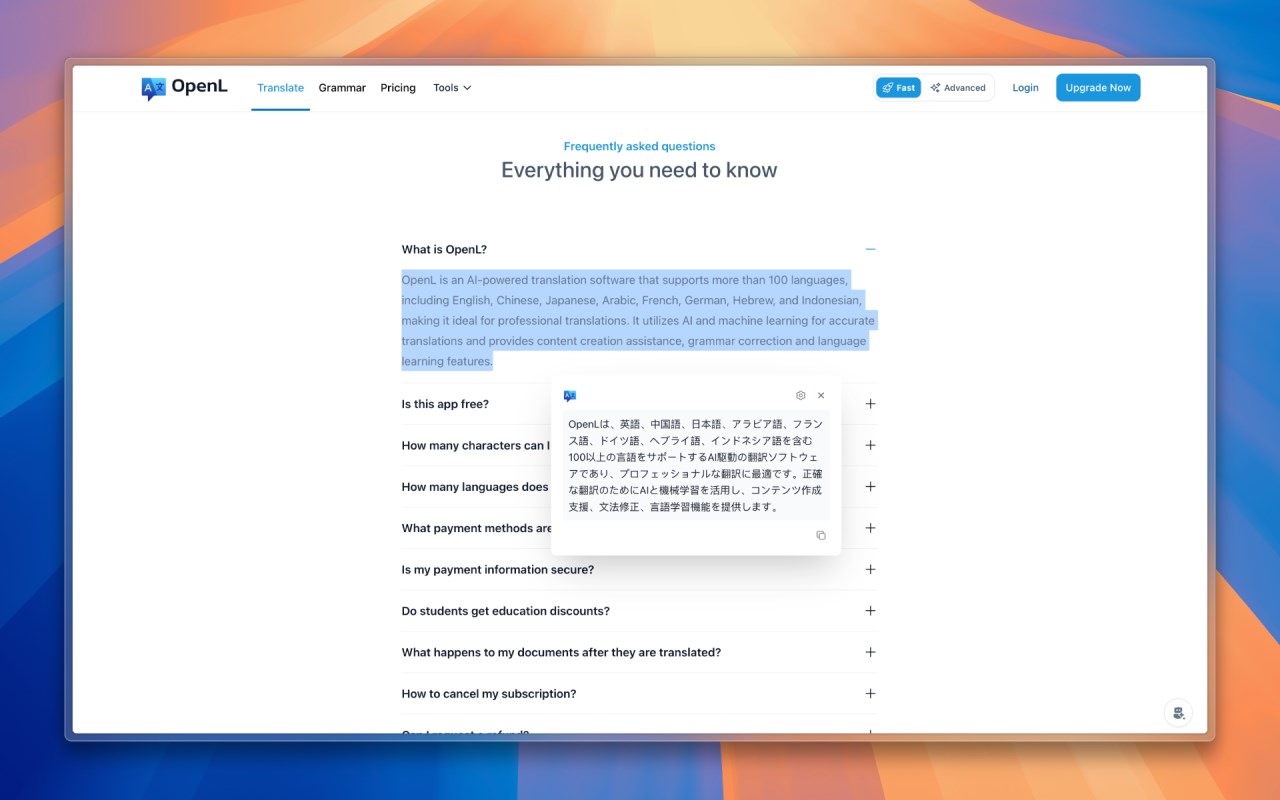
📝 Word Selection Translation
Select any text on any webpage to get instant translations. Great for reading foreign news, social media, or technical docs.
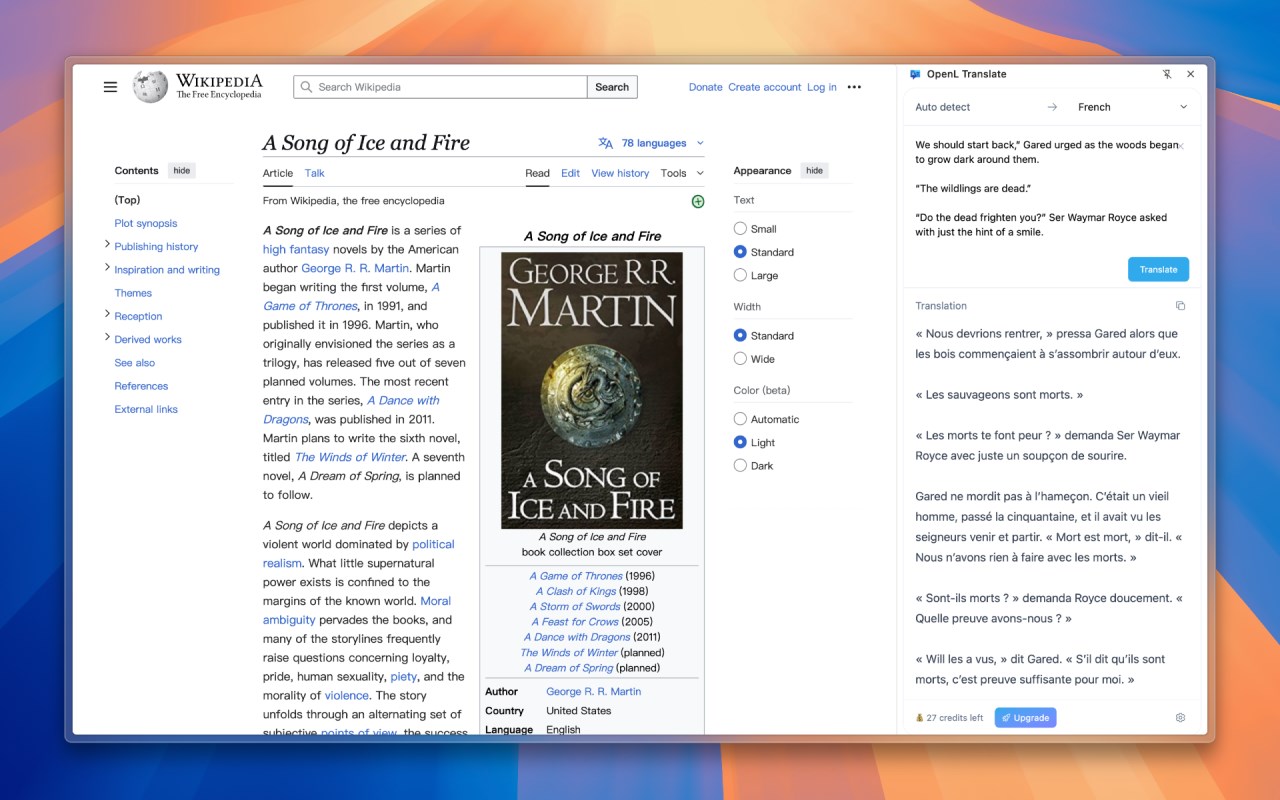
📋 Sidebar Translation
Open a translation sidebar on any website to translate longer texts and conversations without switching pages.
🤖 AI-Powered Accurate Translations
Uses advanced AI neural translation technology to understand context and provide native-level accuracy, not just word-for-word translations.
🌍 100+ Language Support
Effortlessly bridge cultural divides with support for over 100 languages including English, Arabic, Chinese, French, Spanish, Japanese, Korean, German, and more.
💻 Works Everywhere
Use it on all websites - shopping sites, news sites, social platforms, tech forums, you name it.
Pricing
🆓 Try It Free
Try OpenL Translate free with 40 daily translations, perfect for regular browsing.
⭐ Pro Plan
Upgrade for unlimited translations of longer texts, tailored for professional translation needs.
🎓 Educational Discount
Students and educators using .edu email addresses can enjoy a 30% discount. You can apply for this offer once per year to support affordable language learning.
Why Choose OpenL Translate? ✨
⚡ Fast translation with no waiting
🎯 Understands context for better accuracy
🔒 Privacy-focused with encrypted data processing
🚀 Smooth browsing experience without interruptions
Say goodbye to language barriers and browse freely! 🚀
OpenL Translate 是做什么的
OpenL Translate 是一款面向 Edge 的效率工具类扩展,主要用来管住注意力、屏蔽干扰站点、记录时间。官方对它的介绍是:Accurate AI Translation in 100+ Languages在微软 Edge 加载项商店上,它当前版本 1.9.2,约 1,120 名用户。
适合什么人用
从功能定位看,OpenL Translate 更适合想专注工作学习、减少无效刷网页的用户。如果你平时只是偶尔遇到相关需求,用浏览器自带功能也能凑合;但如果这件事每天都发生,装一个专门处理它的扩展通常比手动操作省事得多。需要注意的是它作用于所有网站,装上后建议先观察一两天,确认不影响常用站点的正常使用。
怎么安装 OpenL Translate
- 打开微软 Edge 加载项商店上的官方页面;
- 点「添加到浏览器」并确认权限提示;
- 装好后在扩展列表里固定图标,方便随时开关。
本站只做索引与介绍,安装包来自官方商店。如果商店页面提示当前地区不可用,说明该扩展未在你所在区域上架。
常见问题
OpenL Translate 是免费的吗?
OpenL Translate 在微软 Edge 加载项商店免费提供下载。它是浏览器扩展,装上就能直接用,不需要注册账号。
OpenL Translate 安全吗?
它只申请了 0 项权限,范围比较克制,没有申请「读取所有网站数据」这种大权限。
OpenL Translate 支持哪些浏览器?
当前收录的版本来自微软 Edge 加载项商店,适用于 Edge。同一个扩展在其他商店可能有对应版本,但功能与版本号不一定相同。
怎么卸载 OpenL Translate?
在扩展管理页找到 OpenL Translate,点移除即可。它在本地保存的设置会一起清掉,不会残留数据。
权限清单 来自 manifest.json 原文
站点访问(可选) 1
<all_urls>
接口权限 5
contextMenussidePanelstoragetabstts