
Multi Search Hub EN
Multi Search Hub · EEdge MV3
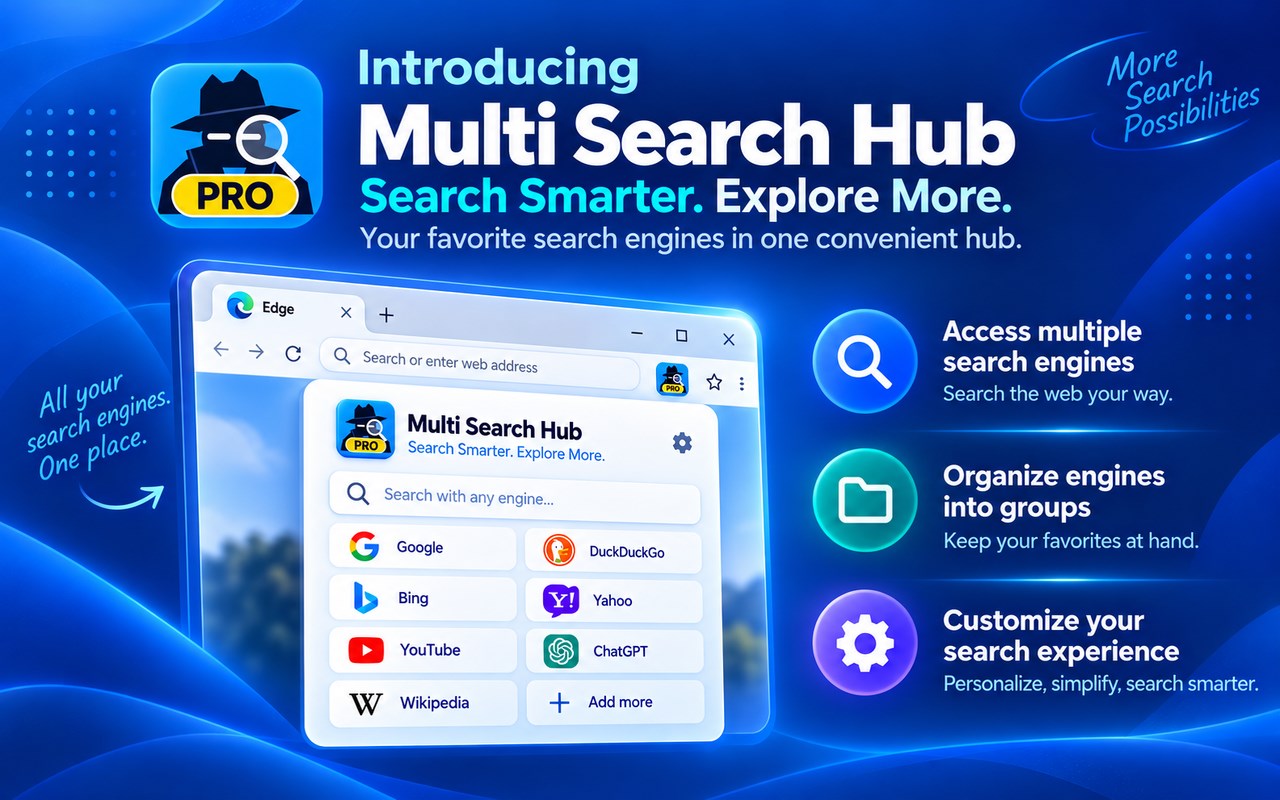
Search web, images and videos across multiple engines. Combine results, organize groups, and unlock Pro features.
截图
简介
**Multi Search Hub — Search More. Search Smarter.**
Search multiple websites and search engines from one convenient Microsoft Edge extension. Multi Search Hub brings web searches, images, videos, and specialized search sources together in an organized interface.
**Key Features**
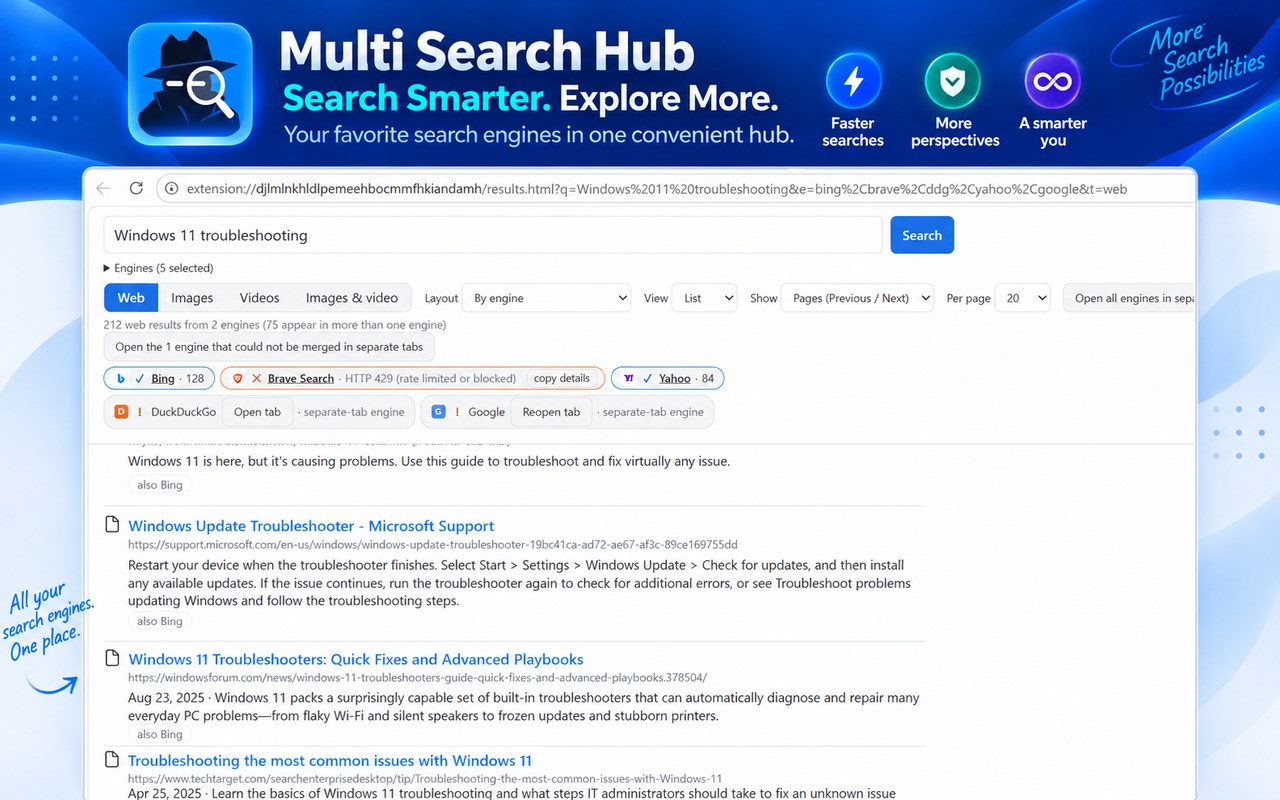
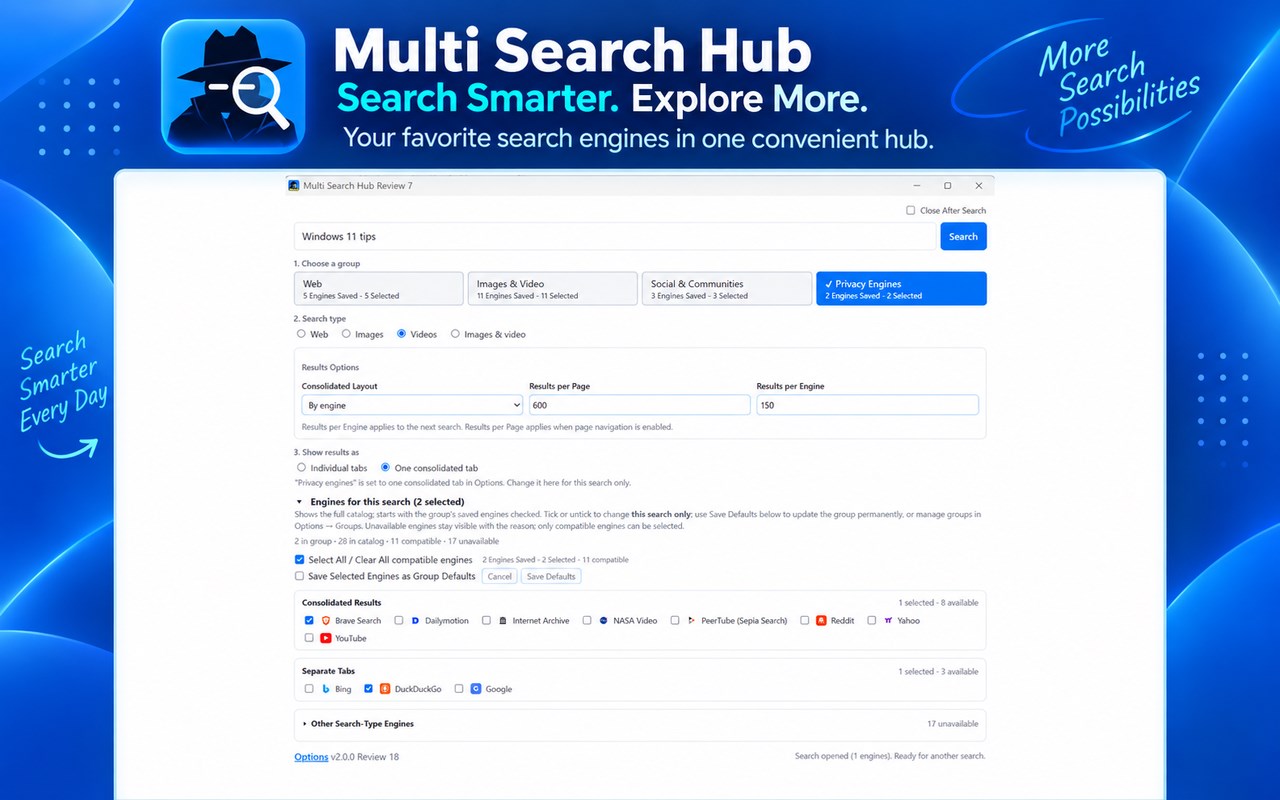
- **Multi-Engine Search:** Search across supported web, image, and video engines without repeatedly entering the same query.
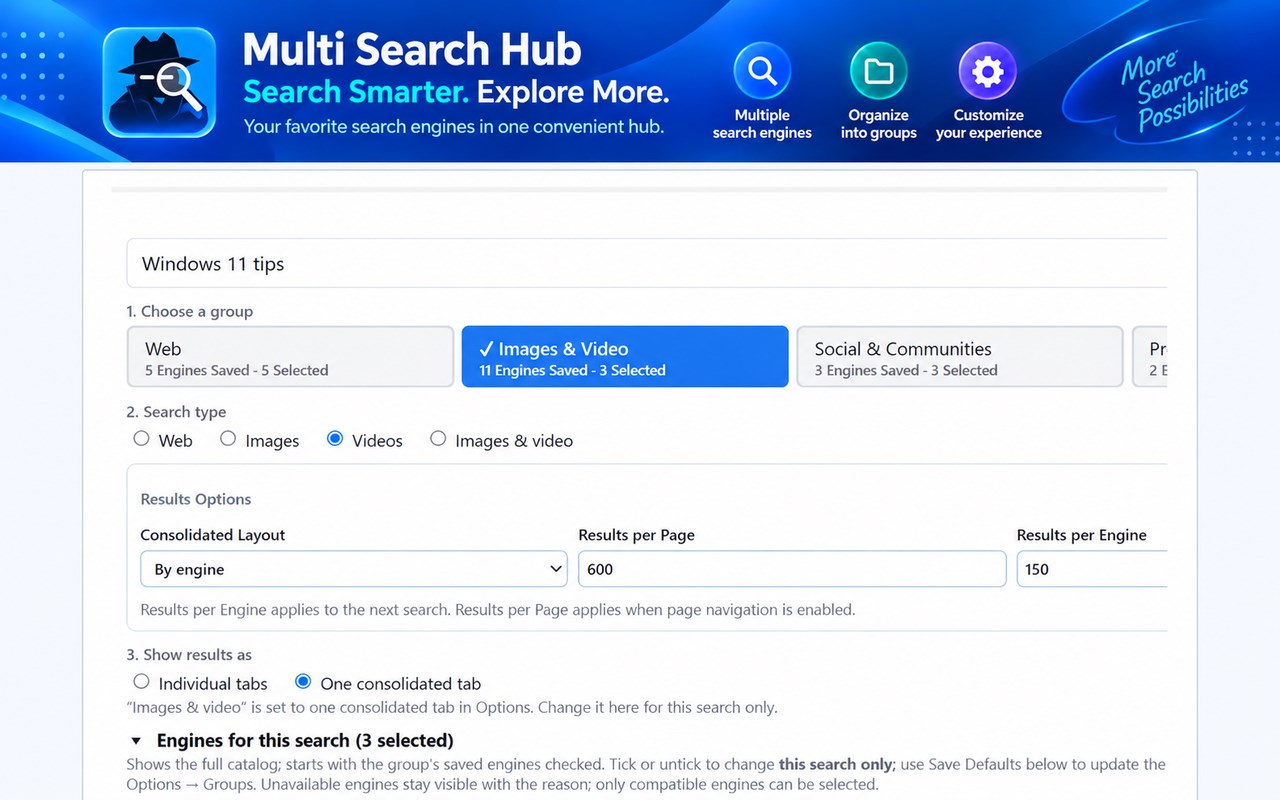
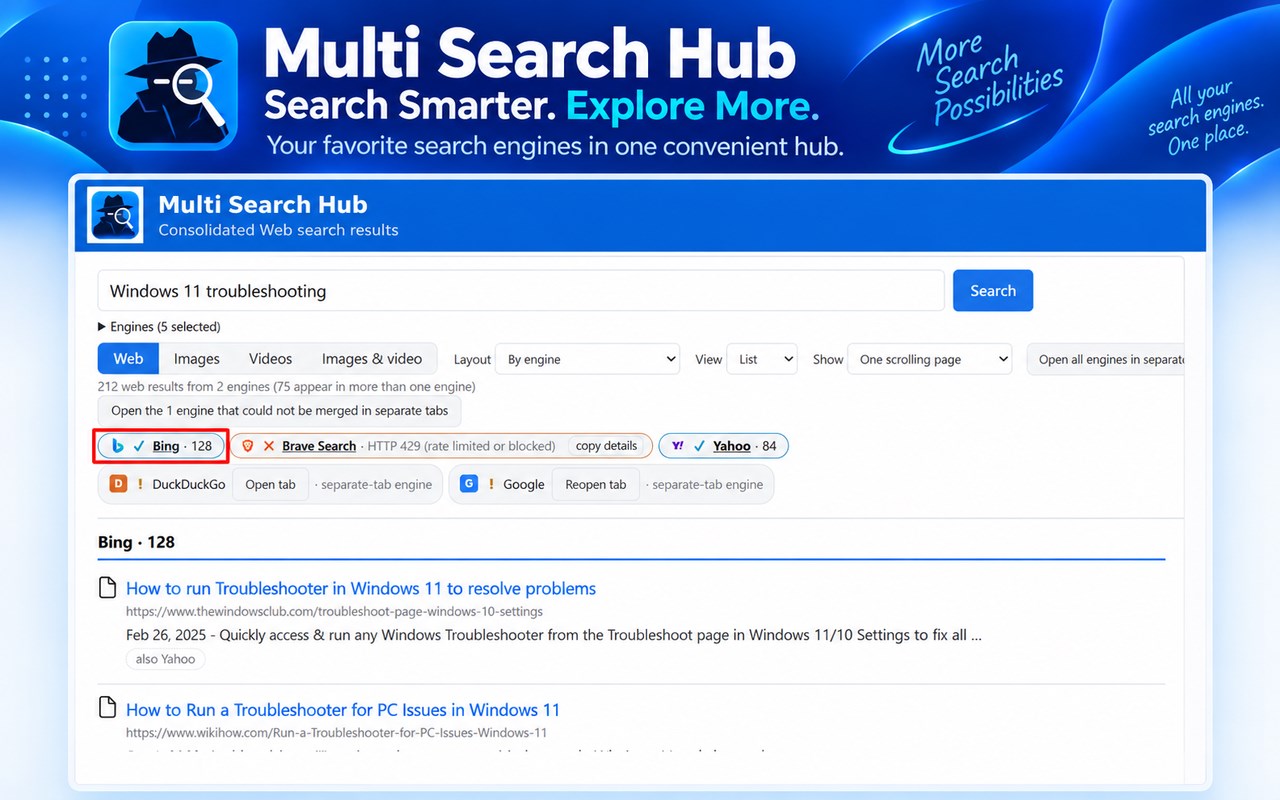
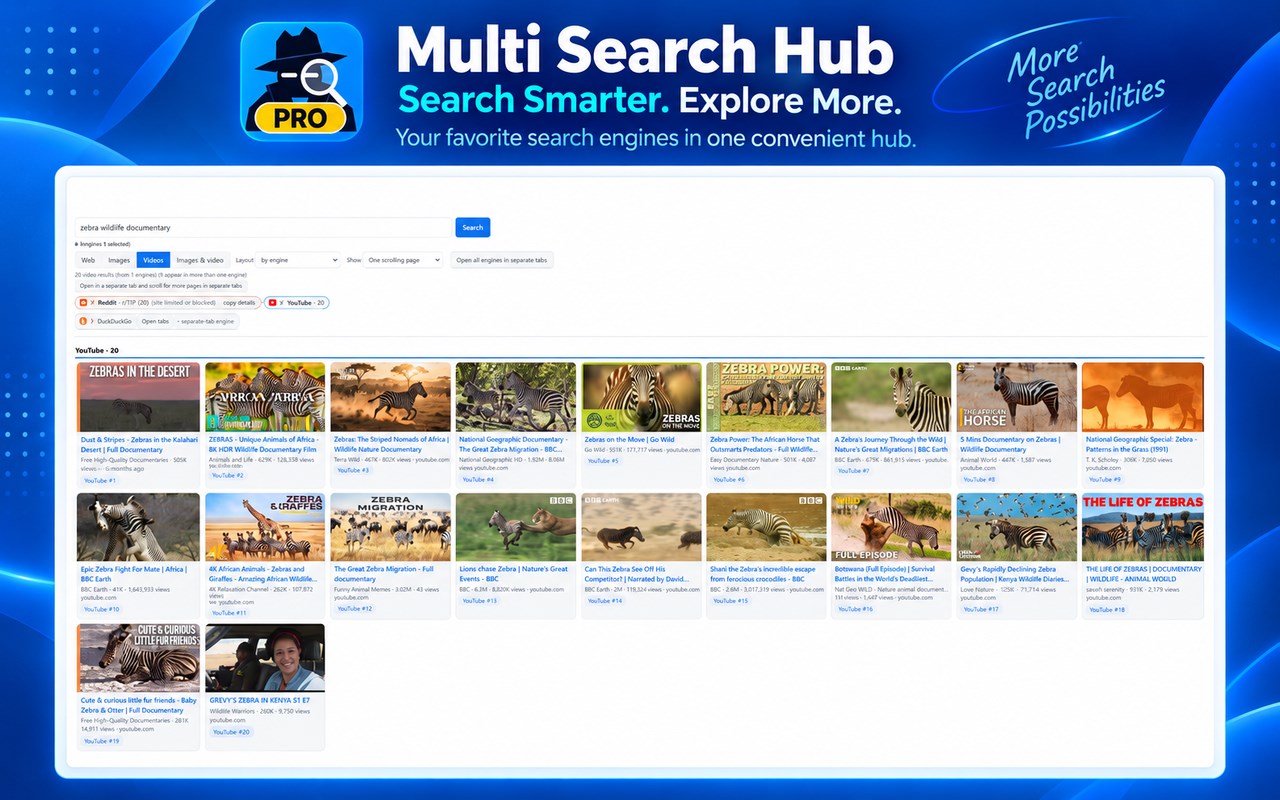
- **Consolidated Results:** View compatible search results together in one tab, organized by engine or with duplicate results consolidated.
- **Images and Videos:** Discover images and videos from multiple sources. Preview images in a convenient side panel with related images and links to original websites.
- **Custom Search Groups:** Organize your favorite engines into groups for faster searching.
- **Flexible Search Modes:** Choose consolidated results or separate tabs for individual search engines.
- **Search History:** Repeat previous searches using the original engines or your current selections.
- **Personalized Results:** Choose List or Cards views, adjust pagination, and customize the number of results displayed.
- **Convenient Search Window:** Open a separate search window that remembers its size and position.
- **Settings Backup:** Export and import your preferences using JSON files.
**Free and Pro**
Multi Search Hub offers Free functionality and optional Pro features. Pro is available through a one-time purchase, with license activation handled securely through Dodo Payments.
**Designed for Microsoft Edge**
Multi Search Hub combines powerful search options with a clean, customizable interface. Some search providers may open in separate tabs or limit automated access.
Make searching simpler, faster, and more organized with Multi Search Hub.
Multi Search Hub 是做什么的
Multi Search Hub 是一款面向 Edge 的搜索增强类扩展,主要用来补充搜索结果、切换搜索引擎、过滤无效结果。官方对它的介绍是:Search web, images and videos across multiple engines. Combine results, organize groups, and unlock Pro features.在微软 Edge 加载项商店上,它当前版本 3.8.7,约 1 名用户。
适合什么人用
从功能定位看,Multi Search Hub 更适合每天大量搜索、希望结果更干净准确的用户。如果你平时只是偶尔遇到相关需求,用浏览器自带功能也能凑合;但如果这件事每天都发生,装一个专门处理它的扩展通常比手动操作省事得多。
怎么安装 Multi Search Hub
- 打开微软 Edge 加载项商店上的官方页面;
- 点「添加到浏览器」并确认权限提示;
- 装好后在扩展列表里固定图标,方便随时开关。
本站只做索引与介绍,安装包来自官方商店。如果商店页面提示当前地区不可用,说明该扩展未在你所在区域上架。
常见问题
Multi Search Hub 是免费的吗?
Multi Search Hub 在微软 Edge 加载项商店免费提供下载。它是浏览器扩展,装上就能直接用,不需要注册账号。
Multi Search Hub 安全吗?
它只申请了 0 项权限,范围比较克制,没有申请「读取所有网站数据」这种大权限。
Multi Search Hub 支持哪些浏览器?
当前收录的版本来自微软 Edge 加载项商店,适用于 Edge。同一个扩展在其他商店可能有对应版本,但功能与版本号不一定相同。
怎么卸载 Multi Search Hub?
在扩展管理页找到 Multi Search Hub,点移除即可。它在本地保存的设置会一起清掉,不会残留数据。
权限清单 来自 manifest.json 原文
接口权限 10
activeTabcontextMenusdeclarativeNetRequestWithHostAccessdownloadsfaviconscriptingstoragetabGroupswebRequestwebRequestAuthProvider