
moyoNote EN
MoyuNote · EEdge MV3
All-in-one tool for organizing, managing, and structuring your information into a comprehensive knowledge base.
<all_urls>),意味着它可以读取你在任意站点的页面内容,包括已登录的页面。这是许多扩展正常工作的必要条件,但也值得你确认来源可信。
截图


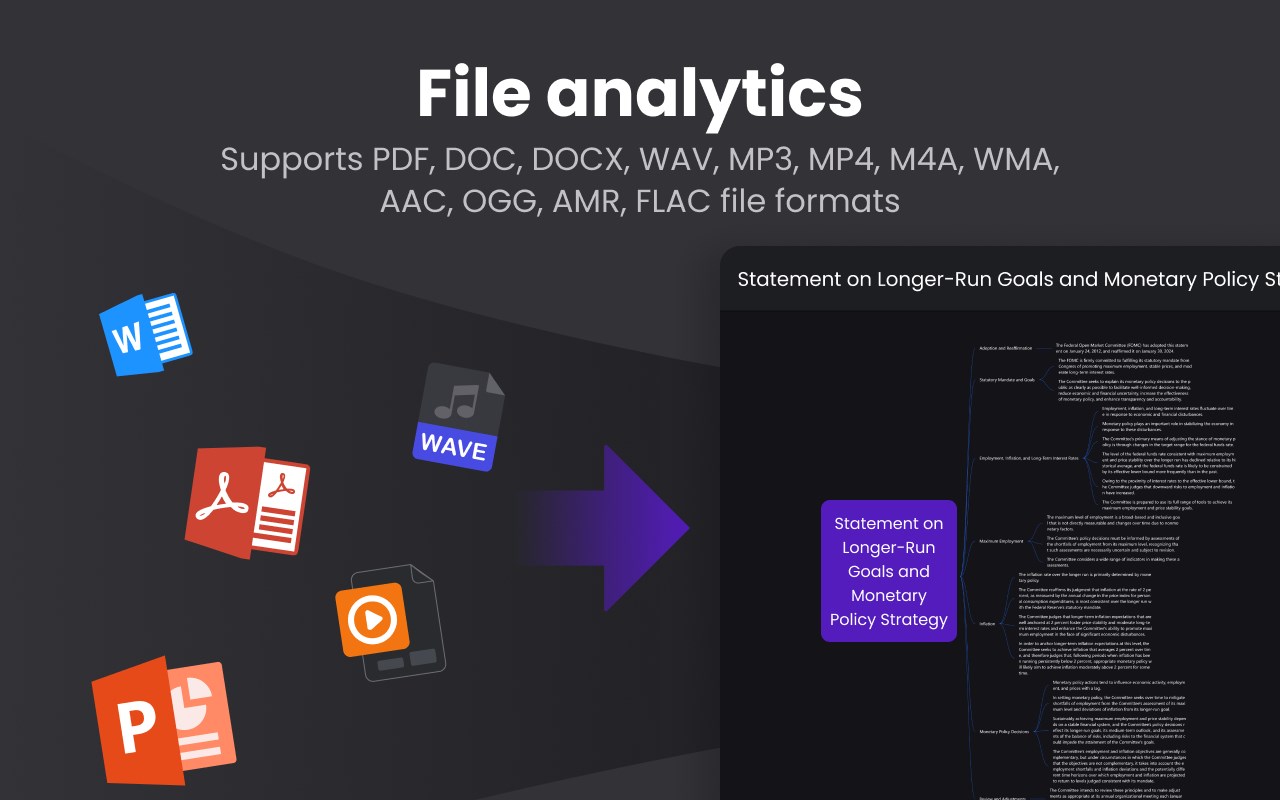


简介
👋 Hey moyoer!
I'm Sven, and I'm beyond excited to introduce you to my passion project, moyonote.com !
🎓 The Story: While working as a marketing director for a tech company, I received many messages all day, finding it difficult to read them efficiently, which led me to wonder if there could be a tool to sort all this information and make it clear to me. so I created the moyonote.com and it can sort all these informations from websites and your local disk.
👉 Why moyonote.com ?
moyoNote is an all-in-one tool for organizing, managing, and structuring your information into a comprehensive knowledge base.
👉 Core Features:
Sort Meeting Minutes: Perfectly compatible with mainstream online conferencing products like Tencent Meeting and Feishu Meeting, it can quickly organize messy meeting minutes into mind maps.
Sort Exam Key Points: For complex presentation materials, moyoNote can also generate review mind maps with one click, providing a clear understanding of the knowledge structure.
Interpretation of Laws and Policies: Financial and real estate policies can also be interpreted and the content categorized and organized with one click.
Understanding Industry Terminology: When surfing the internet and encountering unfamiliar industry jargon, clicking moyonote can instantly explain the jargon in plain language, quickly clarifying the context and knowledge structure behind it.
👉 Special Launch Offer:
Get 3 days free: using the promote code 'moyoer'
Pay: you can purchase $9.9 pre month to access the full features and service.
Thank you for your support! Feel free to ask any questions – I'm here to chat or reach me via email ( sven@moyonote.com)
Cheers,
Sven
moyoNote 是做什么的
moyoNote 是一款面向 Edge 的效率工具类扩展,主要用来管住注意力、屏蔽干扰站点、记录时间。官方对它的介绍是:All-in-one tool for organizing, managing, and structuring your information into a comprehensive knowledge base.在微软 Edge 加载项商店上,它当前版本 1.25,评分 5(1 人评价),约 11 名用户。
适合什么人用
从功能定位看,moyoNote 更适合想专注工作学习、减少无效刷网页的用户。如果你平时只是偶尔遇到相关需求,用浏览器自带功能也能凑合;但如果这件事每天都发生,装一个专门处理它的扩展通常比手动操作省事得多。需要注意的是它作用于所有网站,装上后建议先观察一两天,确认不影响常用站点的正常使用。
怎么安装 moyoNote
- 打开微软 Edge 加载项商店上的官方页面;
- 点「添加到浏览器」并确认权限提示;
- 装好后在扩展列表里固定图标,方便随时开关。
本站只做索引与介绍,安装包来自官方商店。如果商店页面提示当前地区不可用,说明该扩展未在你所在区域上架。
常见问题
moyoNote 是免费的吗?
moyoNote 在微软 Edge 加载项商店免费提供下载。它是浏览器扩展,装上就能直接用,不需要注册账号。
moyoNote 安全吗?
它只申请了 0 项权限,范围比较克制,没有申请「读取所有网站数据」这种大权限。
moyoNote 支持哪些浏览器?
当前收录的版本来自微软 Edge 加载项商店,适用于 Edge。同一个扩展在其他商店可能有对应版本,但功能与版本号不一定相同。
怎么卸载 moyoNote?
在扩展管理页找到 moyoNote,点移除即可。它在本地保存的设置会一起清掉,不会残留数据。
权限清单 来自 manifest.json 原文
站点访问(可选) 1
*://*/*
接口权限 2
activeTabcookies