
MillionPugs: Shop & get in-game content EN
MILLION PUGS LTD · Edge MV3
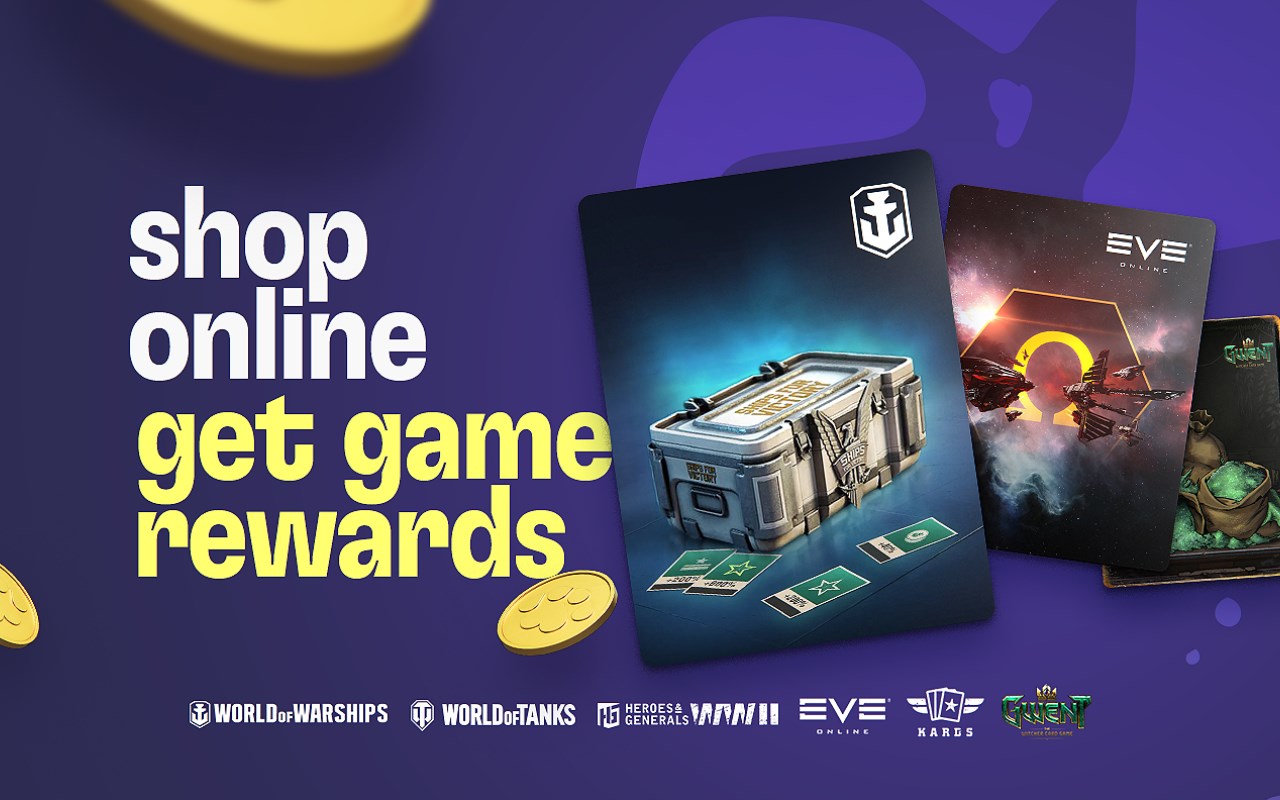
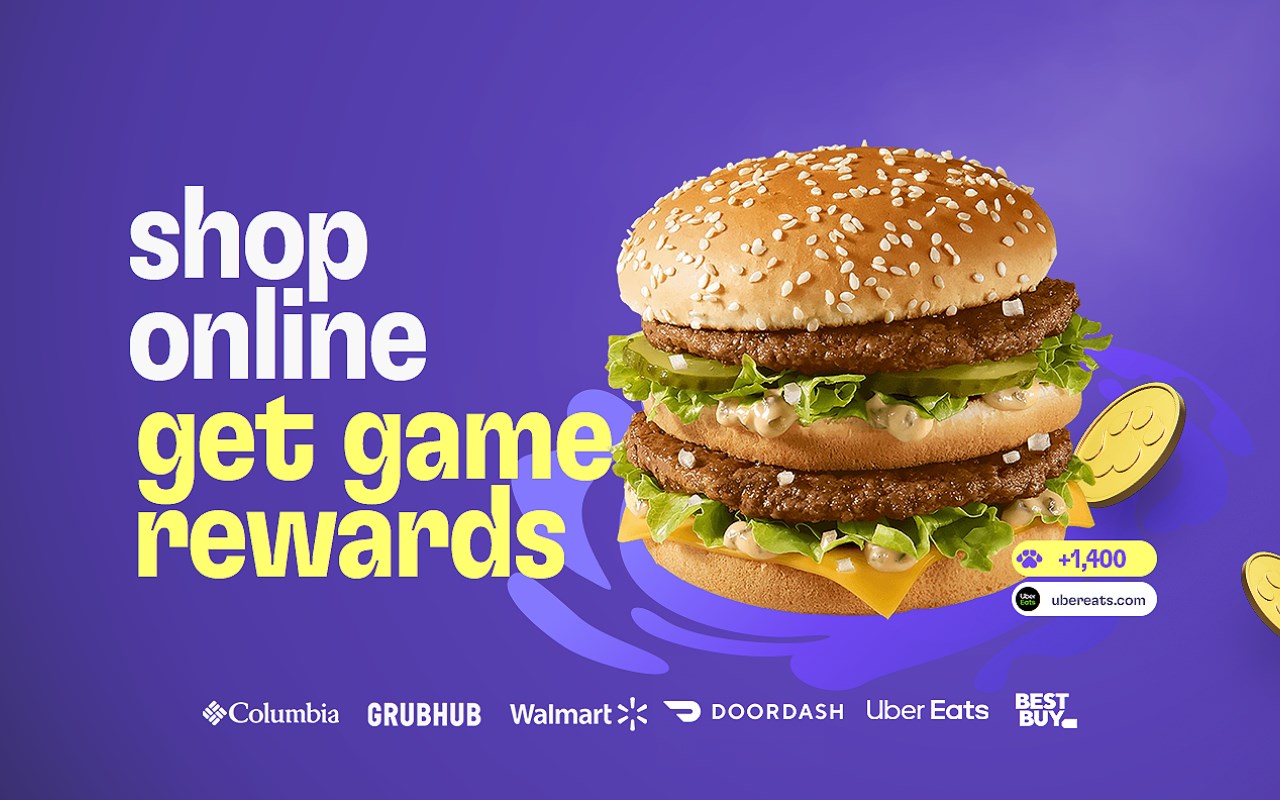
Shop at your favorite brands and get exclusive content for your favorite games.
<all_urls>),意味着它可以读取你在任意站点的页面内容,包括已登录的页面。这是许多扩展正常工作的必要条件,但也值得你确认来源可信。
截图
简介
DID WE SAY IN-GAME CONTENT?
Yes, we did.
Just install the MillionPugs Edge extension and earn pugs™ every time you shop online with 850+ brands that love gamers. Then redeem your pugs™ for exclusive in-game content for your favorite games.
DID WE SAY 850+ BRANDS?
Oh, yes we did. Every time you shop online with 850+ of your favorite brands, like Walmart, BestBuy, HSN and Bloomingdale's, you’ll get a bunch of cute pugs™ in your account at MillionPugs.com.
DID WE SAY IT’S FOR YOUR FAVORITE GAMES?
Yes! MillionPugs is backed by gaming industry bigwigs who know what gamers want. You can use pugs™ to get exclusive in-game content!
HOW DOES IT WORK?
It’s easy. Just install the browser extension and go shopping with one of our 850+ partner brands.
If your extension is activated when you click “buy,” they’ll send some pugs™ your way in return.
With your new pugs™ you can get your grubby hands on hundreds of exclusive in-game items in your favorite games.
And then you can use those in-game items to kill your (in-game) enemies or impress your (in-game) friends.
Nice, right?
SO WHAT ARE YOU WAITING FOR?
Download the Million Pugs extension now and start getting that sweet in-game content!
MillionPugs: Shop & get in-game content 是做什么的
MillionPugs: Shop & get in-game content 是一款面向 Edge 的购物比价类扩展,主要用来比价、查历史价格、自动套用优惠券、返现。官方对它的介绍是:Shop at your favorite brands and get exclusive content for your favorite games.在微软 Edge 加载项商店上,它当前版本 1.47.1,评分 4.2(5 人评价),约 4,767 名用户。
适合什么人用
从功能定位看,MillionPugs: Shop & get in-game content 更适合经常网购、想在下单前确认是否真便宜的用户。如果你平时只是偶尔遇到相关需求,用浏览器自带功能也能凑合;但如果这件事每天都发生,装一个专门处理它的扩展通常比手动操作省事得多。需要注意的是它作用于所有网站,装上后建议先观察一两天,确认不影响常用站点的正常使用。
怎么安装 MillionPugs: Shop & get in-game content
- 打开微软 Edge 加载项商店上的官方页面;
- 点「添加到浏览器」并确认权限提示;
- 装好后在扩展列表里固定图标,方便随时开关。
本站只做索引与介绍,安装包来自官方商店。如果商店页面提示当前地区不可用,说明该扩展未在你所在区域上架。
常见问题
MillionPugs: Shop & get in-game content 是免费的吗?
MillionPugs: Shop & get in-game content 在微软 Edge 加载项商店免费提供下载。它是浏览器扩展,装上就能直接用,不需要注册账号。
MillionPugs: Shop & get in-game content 安全吗?
它只申请了 0 项权限,范围比较克制,没有申请「读取所有网站数据」这种大权限。
MillionPugs: Shop & get in-game content 支持哪些浏览器?
当前收录的版本来自微软 Edge 加载项商店,适用于 Edge。同一个扩展在其他商店可能有对应版本,但功能与版本号不一定相同。
怎么卸载 MillionPugs: Shop & get in-game content?
在扩展管理页找到 MillionPugs: Shop & get in-game content,点移除即可。它在本地保存的设置会一起清掉,不会残留数据。
权限清单 来自 manifest.json 原文
站点访问(可选) 2
http://*/*https://*/*
接口权限 10
alarmscookiesdeclarativeNetRequestWithHostAccessmanagementoffscreenscriptingstoragetabsunlimitedStoragewebNavigation
接口权限(可选) 1
notifications