MailPress - Save Email as PDF for Gmail EN
pixture.dev · EEdge MV3
One-click export of Gmail emails to clean, searchable PDFs. Threads, batch export, filename templates, Google Drive. 100% local.
截图


简介
MailPress adds a "Save as PDF" button right inside Gmail. One click turns the email you're reading into a clean, searchable, archival-quality PDF on your disk - correctly formatted, sensibly named, ready to file, share, or print. No print dialog, no popup windows, no configuration.
WHAT IT DOES
Open any email in Gmail and you'll see a MailPress button next to it. Click it, and in a few seconds you have a real PDF:
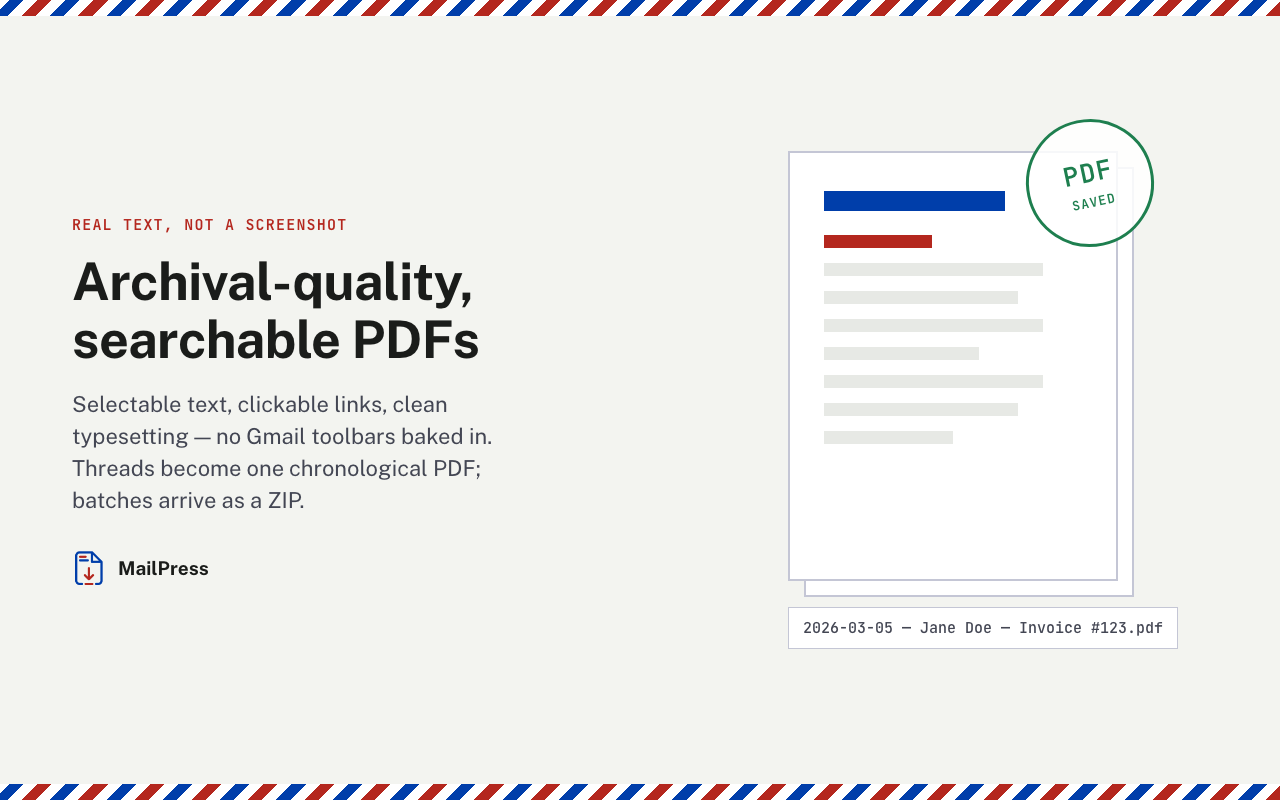
• True text, not a screenshot - every word is selectable and searchable, links stay clickable, and the file prints crisply at any size.
• Clean layout - the message is re-typeset for paper. No Gmail sidebars, toolbars, ads, or clipped margins in your document.
• A filename that makes sense - "2026-07-18 - Jane Doe - Invoice #123.pdf" by default. Fully customizable with {date}, {sender}, {subject}, and {counter} tokens, with a live preview as you type.
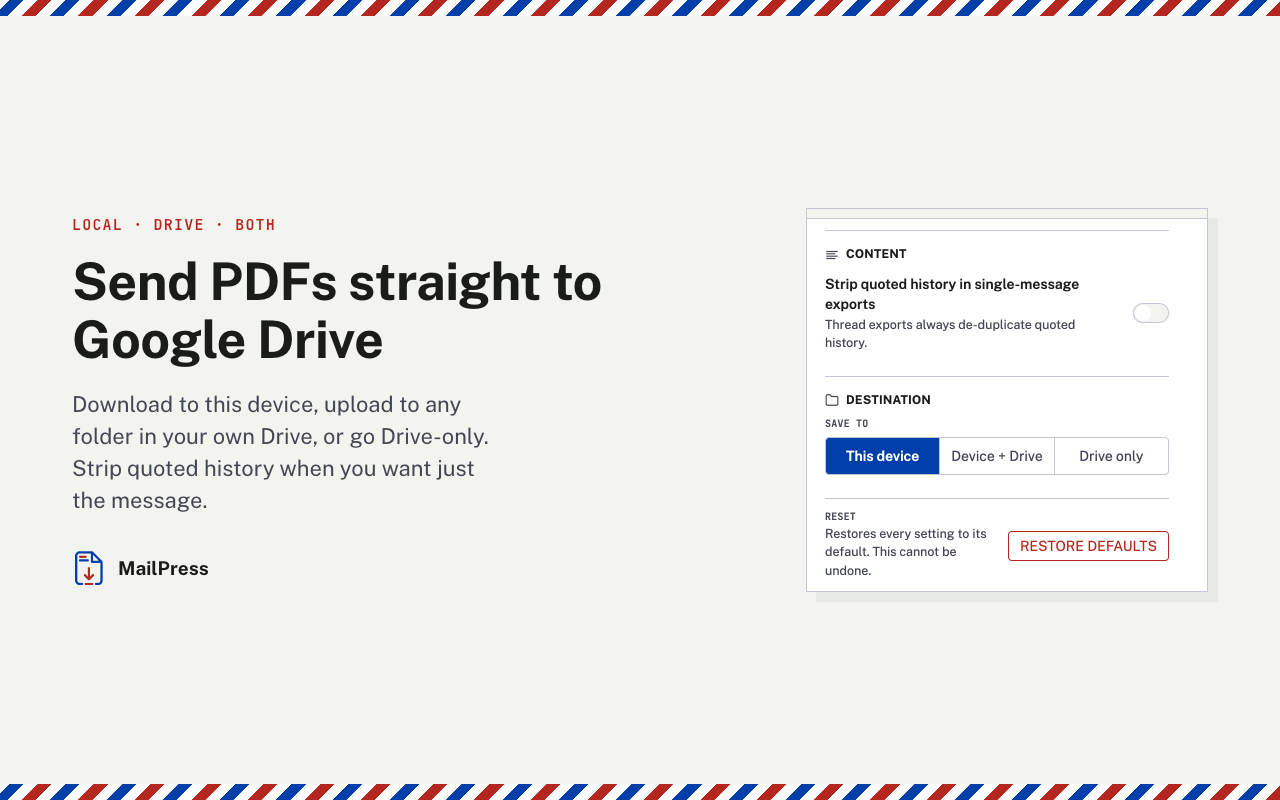
• Saved where you want - download locally, upload to your own Google Drive (any folder you choose), or both.
Need more than one email?
• Thread export - save an entire conversation as one chronological PDF.
• Batch export - select several emails in your inbox and export them all in one go, delivered as a tidy ZIP.
You stay in control of the output: A4 or Letter, portrait or landscape, normal or compact margins, and an option to strip quoted reply history so the PDF contains only the message that matters.
WHY INSTALL IT
Because the alternatives are bad.
Gmail's built-in Print produces a cluttered page with interface edge baked in, and makes you fight a print dialog every single time. Screenshots are blurry, unsearchable, and useless as records. Email-to-PDF web services ask you to forward your private mail to a stranger's server.
MailPress fixes all three:
1. It's instant. One click, no dialogs, no new tabs. Progress appears right on the button - rendering, saving, done.
2. It's a real document. Searchable text and clean typesetting mean the PDF works as a record: for a legal file, an expense report, a warranty claim, or a court exhibit.
3. It's private by design. All processing happens locally in your browser. Your email content is never sent to our servers - nobody at MailPress can read your mail. The only upload that ever happens is the one you explicitly turn on, to your own Google Drive.
If you save emails regularly - receipts, contracts, confirmations, client correspondence, HR records - MailPress removes a small daily friction permanently. If you only need it occasionally, it's the difference between "clean PDF in five seconds" and "wrestling the print dialog, again".
PRIVACY
• Email content is processed entirely inside your browser and never sent to our servers.
• Sign-in exists only to track your export quota and subscription.
• Google Drive access is optional and limited strictly to files MailPress creates (drive.file scope) — we can never see the rest of your Drive.
SUPPORT
Questions or found a bug? Write to support@pixture.dev - bug reports that lead to a fix earn a free month of Pro.
Install MailPress and turn your next email into a document worth keeping.
MailPress - Save Email as PDF for Gmail 是做什么的
MailPress - Save Email as PDF for Gmail 是一款面向 Edge 的效率工具类扩展,主要用来管住注意力、屏蔽干扰站点、记录时间。官方对它的介绍是:One-click export of Gmail emails to clean, searchable PDFs. Threads, batch export, filename templates, Google Drive. 100% local.在微软 Edge 加载项商店上,它当前版本 1.0.1,约 5 名用户。
适合什么人用
从功能定位看,MailPress - Save Email as PDF for Gmail 更适合想专注工作学习、减少无效刷网页的用户。如果你平时只是偶尔遇到相关需求,用浏览器自带功能也能凑合;但如果这件事每天都发生,装一个专门处理它的扩展通常比手动操作省事得多。
怎么安装 MailPress - Save Email as PDF for Gmail
- 打开微软 Edge 加载项商店上的官方页面;
- 点「添加到浏览器」并确认权限提示;
- 装好后在扩展列表里固定图标,方便随时开关。
本站只做索引与介绍,安装包来自官方商店。如果商店页面提示当前地区不可用,说明该扩展未在你所在区域上架。
常见问题
MailPress - Save Email as PDF for Gmail 是免费的吗?
MailPress - Save Email as PDF for Gmail 在微软 Edge 加载项商店免费提供下载。它是浏览器扩展,装上就能直接用,不需要注册账号。
MailPress - Save Email as PDF for Gmail 安全吗?
它只申请了 0 项权限,范围比较克制,没有申请「读取所有网站数据」这种大权限。
MailPress - Save Email as PDF for Gmail 支持哪些浏览器?
当前收录的版本来自微软 Edge 加载项商店,适用于 Edge。同一个扩展在其他商店可能有对应版本,但功能与版本号不一定相同。
怎么卸载 MailPress - Save Email as PDF for Gmail?
在扩展管理页找到 MailPress - Save Email as PDF for Gmail,点移除即可。它在本地保存的设置会一起清掉,不会残留数据。
权限清单 来自 manifest.json 原文
接口权限 6
alarmsdownloadsidentityoffscreenscriptingstorage