
Mail Privacy Shield – Email Tracker Blocker EN
a2z Tools · EEdge MV3
Detects and blocks tracking pixels in Gmail, Outlook and Yahoo Mail on the web, and cleans tracking from links you click.
截图
简介
Know when an email tries to track you.
Most marketing emails, and many sales emails, carry an invisible image. When your mail client loads it, the sender learns that you opened the email, when, how many times and roughly where. Mail Privacy Shield stops those images from loading in Gmail, Outlook on the web and Yahoo Mail.
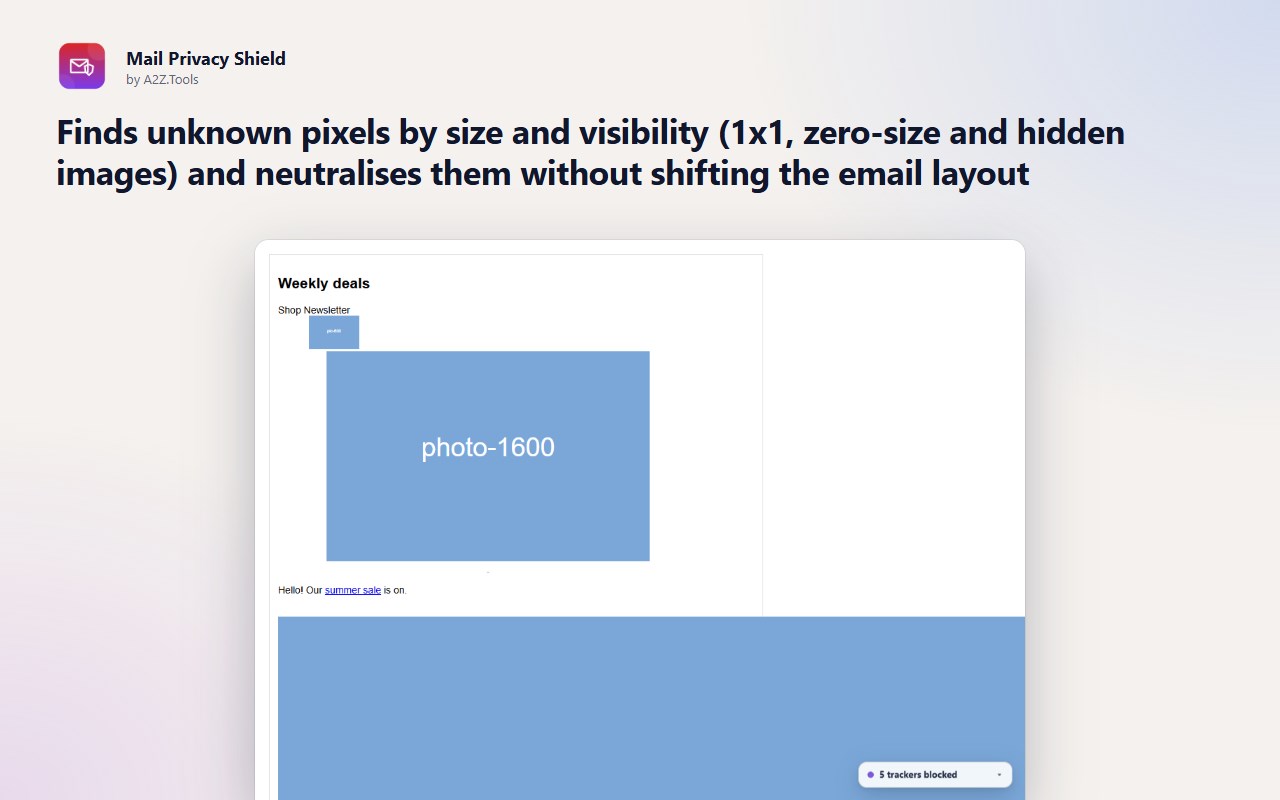
Known tracking services are blocked at the network level. Unknown pixels are recognised by their size and visibility and neutralised in place, so the email still looks exactly as it should. A small chip tells you how many trackers an email contained and which companies they belong to.
Everything happens in your browser. The extension looks only at image and link addresses inside the emails you open, never at what your emails say, and nothing is sent anywhere.
KEY FEATURES
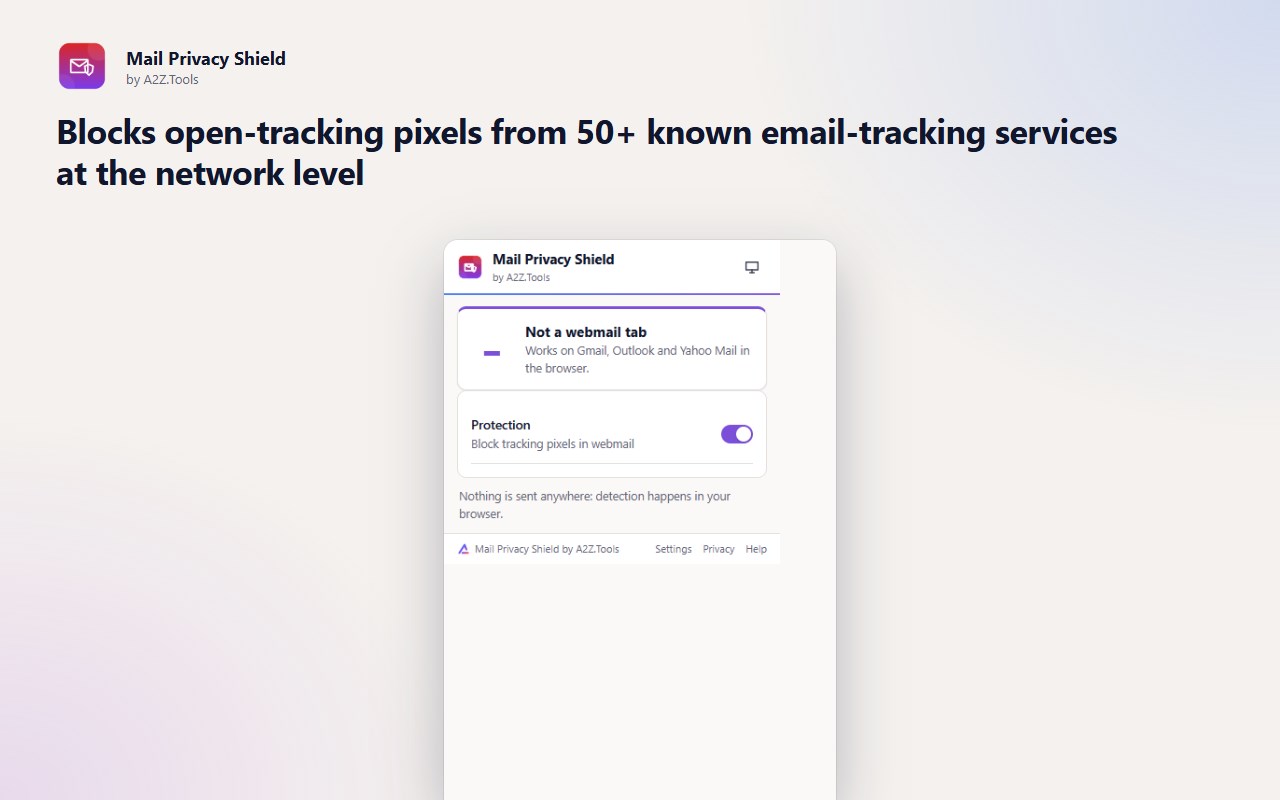
• Blocks open-tracking pixels from 50+ known email-tracking services at the network level
• Finds unknown pixels by size and visibility (1x1, zero-size and hidden images) and neutralises them without shifting the email layout
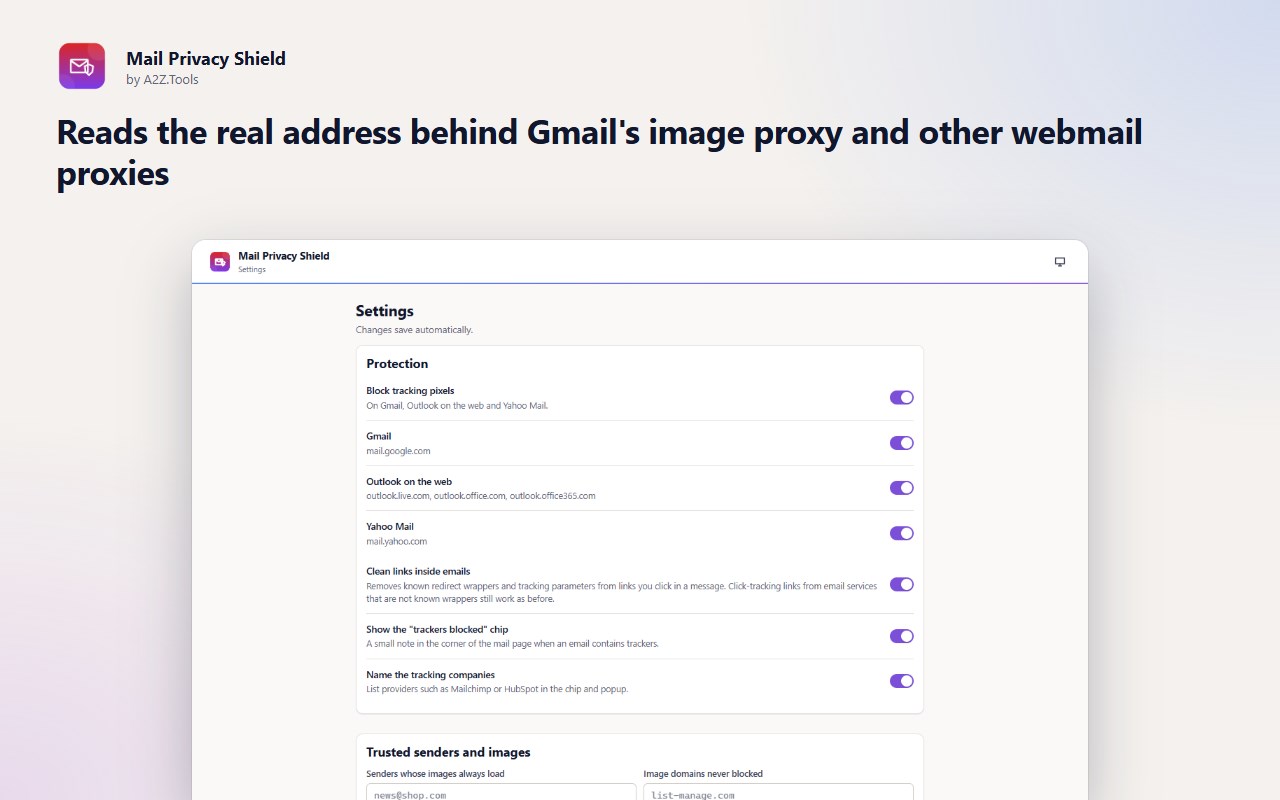
• Reads the real address behind Gmail's image proxy and other webmail proxies
• "N trackers blocked" chip in the mail page and a count on the toolbar icon, with the tracking companies named
• Cleans redirect wrappers and tracking parameters from links you click inside emails
• Trust a sender or an image domain so their images always load
• Turn protection on or off per mail service
PRIVACY
Detection happens in your browser. Mail Privacy Shield never reads, stores or sends the text of your emails, has no account and no analytics. It keeps only a count of blocked trackers on your device.
GOOD TO KNOW
• Gmail and some Outlook accounts fetch remote images through their own proxy. Pixels from known services are caught by their address, but an unknown pixel can still be requested before it is recognised; Gmail's own setting "Ask before displaying external images" closes that gap completely.
• Images that look normal but turn out to be 1x1 after loading are reported as "detected", not blocked.
• Click-tracking links of email services that are not simple redirect wrappers cannot be cleaned without opening them.
• Sender detection for the trusted-sender list is most reliable on Gmail; on Outlook and Yahoo Mail use trusted image domains if a sender is not recognised.
• Webmail page structures change; the extension falls back to doing nothing rather than hiding real content.
Mail Privacy Shield is a free extension by A2Z.Tools, the makers of 1,000+ free online tools at https://a2z.tools.
Support: https://a2z.tools/contact-us
Mail Privacy Shield – Email Tracker Blocker 是做什么的
Mail Privacy Shield – Email Tracker Blocker 是一款面向 Edge 的效率工具类扩展,主要用来管住注意力、屏蔽干扰站点、记录时间。官方对它的介绍是:Detects and blocks tracking pixels in Gmail, Outlook and Yahoo Mail on the web, and cleans tracking from links you click.在微软 Edge 加载项商店上,它当前版本 1.0.0,约 3 名用户。
适合什么人用
从功能定位看,Mail Privacy Shield – Email Tracker Blocker 更适合想专注工作学习、减少无效刷网页的用户。如果你平时只是偶尔遇到相关需求,用浏览器自带功能也能凑合;但如果这件事每天都发生,装一个专门处理它的扩展通常比手动操作省事得多。
怎么安装 Mail Privacy Shield – Email Tracker Blocker
- 打开微软 Edge 加载项商店上的官方页面;
- 点「添加到浏览器」并确认权限提示;
- 装好后在扩展列表里固定图标,方便随时开关。
本站只做索引与介绍,安装包来自官方商店。如果商店页面提示当前地区不可用,说明该扩展未在你所在区域上架。
常见问题
Mail Privacy Shield – Email Tracker Blocker 是免费的吗?
Mail Privacy Shield – Email Tracker Blocker 在微软 Edge 加载项商店免费提供下载。它是浏览器扩展,装上就能直接用,不需要注册账号。
Mail Privacy Shield – Email Tracker Blocker 安全吗?
它只申请了 0 项权限,范围比较克制,没有申请「读取所有网站数据」这种大权限。
Mail Privacy Shield – Email Tracker Blocker 支持哪些浏览器?
当前收录的版本来自微软 Edge 加载项商店,适用于 Edge。同一个扩展在其他商店可能有对应版本,但功能与版本号不一定相同。
怎么卸载 Mail Privacy Shield – Email Tracker Blocker?
在扩展管理页找到 Mail Privacy Shield – Email Tracker Blocker,点移除即可。它在本地保存的设置会一起清掉,不会残留数据。
权限清单 来自 manifest.json 原文
接口权限 2
declarativeNetRequeststorage