
LinkFeed Pro - Reader Mode for LinkedIn EN
AMOREM · EEdge MV3
LinkedIn Reader Mode: widen the feed, auto-expand long posts, customize text and spacing, and hide interface clutter.
截图
简介
LinkFeed Pro turns LinkedIn into a wider, calmer, more readable feed. Keep the posts. Remove the interface noise.
👓 A BETTER WAY TO READ LINKEDIN
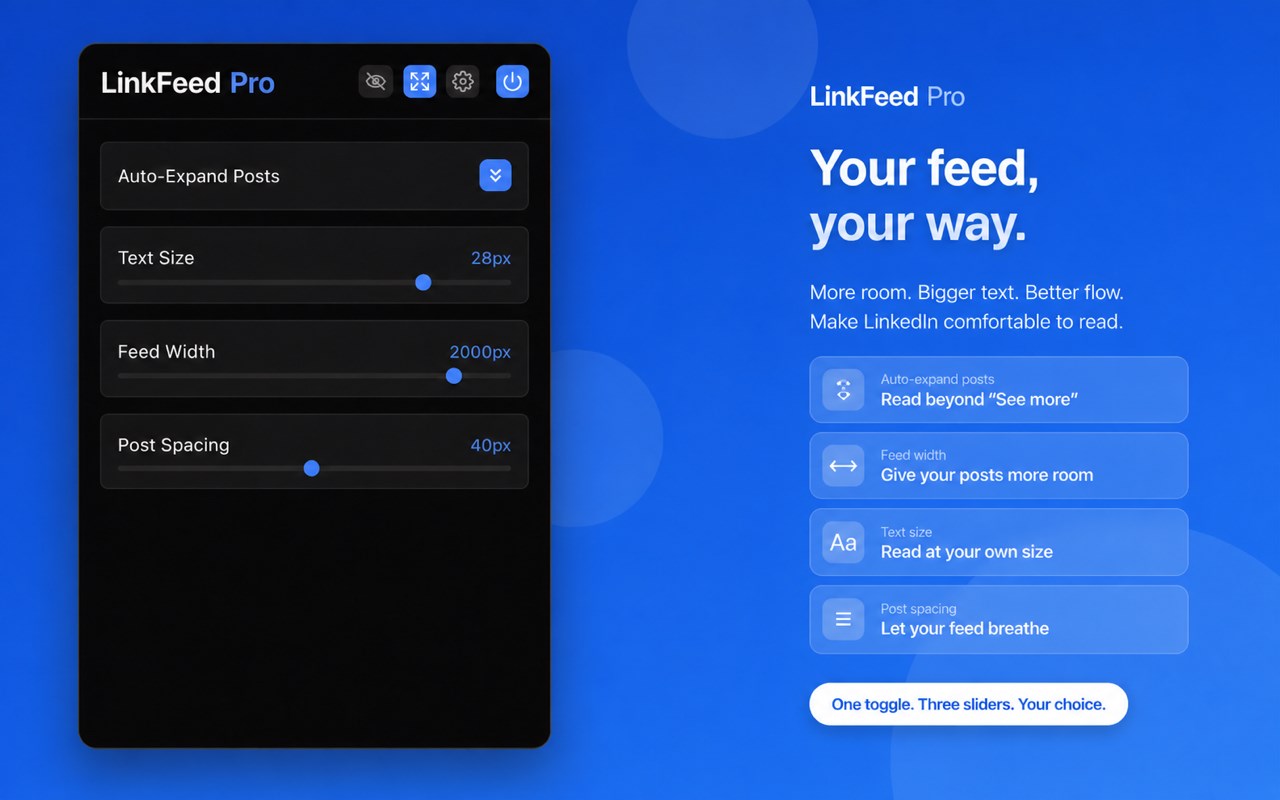
✅ Widen the feed to use more of your screen
✅ Automatically expand long posts
✅ Increase post text without zooming the whole page
✅ Adjust the spacing between posts
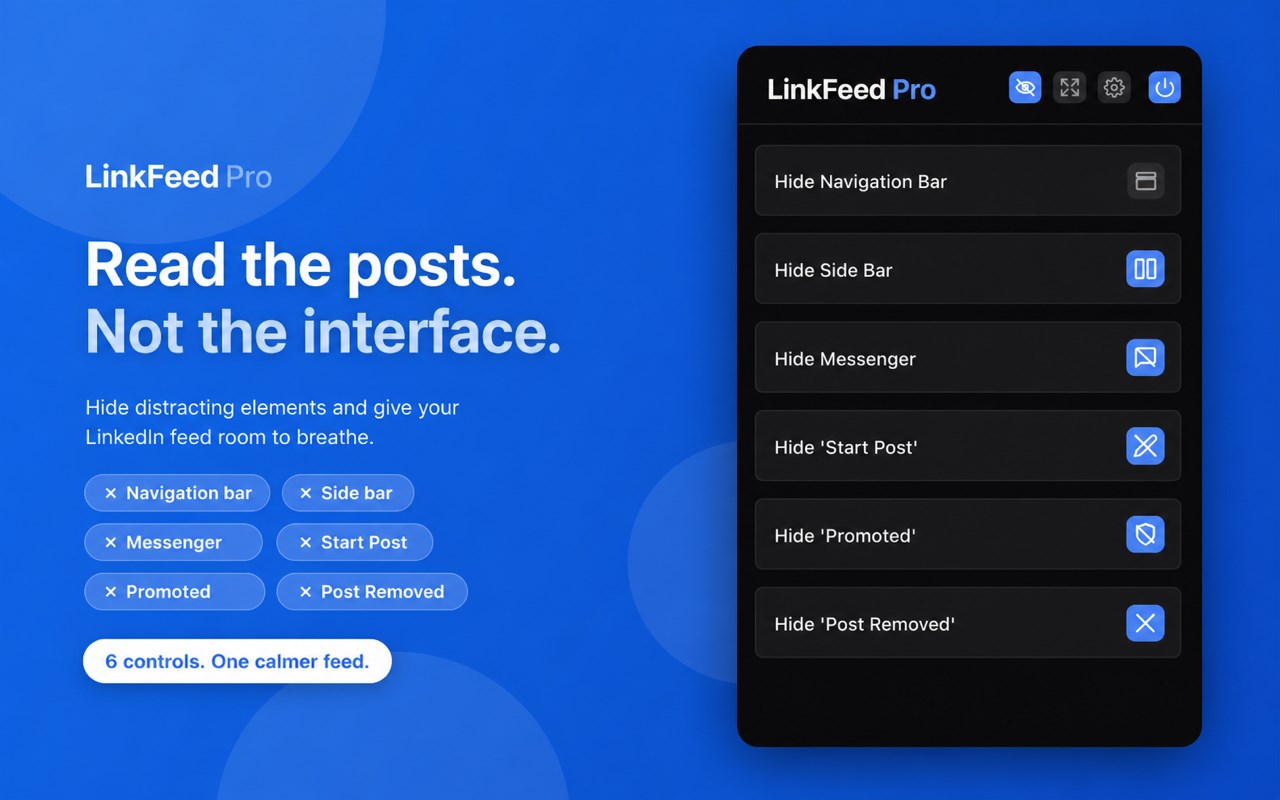
✅ Hide the left sidebar, right sidebar, top navigation, post composer, and message dock
✅ Remove promoted posts and “Post removed” cards
✅ Enable or disable every option independently
⚡ FAST COMPATIBILITY FIXES
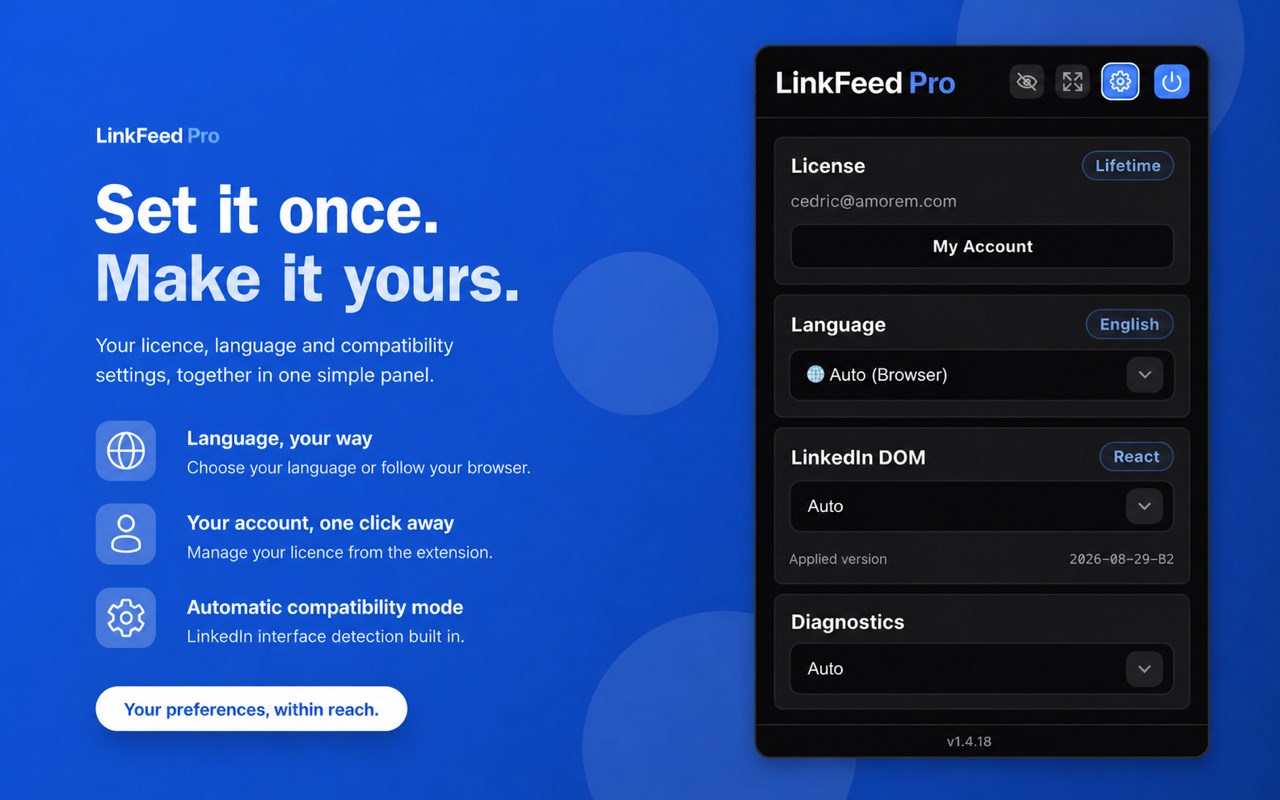
LinkedIn changes its interface frequently. LinkFeed Pro includes a versioned compatibility engine that can receive validated, data-only layout rules.
Many compatibility fixes can be delivered without waiting for a new release.
All executable code is packaged with the extension.
Compatibility updates contain data-only rules and never download or execute remote JavaScript.
🛡️ READING, NOT OUTREACH AUTOMATION
LinkFeed Pro does not post, like, comment, connect, or send messages on your behalf.
It is built to improve reading and interface control—not to automate LinkedIn activity.
💳 ONE PAYMENT, NO SUBSCRIPTION
Try every feature free for 7 days, with no account or card required.
Then unlock lifetime access with a one-time $29 purchase.
LinkFeed Pro is an independent product and is not affiliated with, endorsed by, or sponsored by LinkedIn Corporation. LinkedIn is a registered trademark of LinkedIn Corporation.
LinkFeed Pro - Reader Mode for LinkedIn 是做什么的
LinkFeed Pro - Reader Mode for LinkedIn 是一款面向 Edge 的实用工具类扩展,主要用来解决浏览器里某类具体的小问题。官方对它的介绍是:LinkedIn Reader Mode: widen the feed, auto-expand long posts, customize text and spacing, and hide interface clutter.在微软 Edge 加载项商店上,它当前版本 1.4.72,约 11 名用户。
适合什么人用
从功能定位看,LinkFeed Pro - Reader Mode for LinkedIn 更适合想补上浏览器原生缺失功能的用户。如果你平时只是偶尔遇到相关需求,用浏览器自带功能也能凑合;但如果这件事每天都发生,装一个专门处理它的扩展通常比手动操作省事得多。
怎么安装 LinkFeed Pro - Reader Mode for LinkedIn
- 打开微软 Edge 加载项商店上的官方页面;
- 点「添加到浏览器」并确认权限提示;
- 装好后在扩展列表里固定图标,方便随时开关。
本站只做索引与介绍,安装包来自官方商店。如果商店页面提示当前地区不可用,说明该扩展未在你所在区域上架。
常见问题
LinkFeed Pro - Reader Mode for LinkedIn 是免费的吗?
LinkFeed Pro - Reader Mode for LinkedIn 在微软 Edge 加载项商店免费提供下载。它是浏览器扩展,装上就能直接用,不需要注册账号。
LinkFeed Pro - Reader Mode for LinkedIn 安全吗?
它只申请了 0 项权限,范围比较克制,没有申请「读取所有网站数据」这种大权限。
LinkFeed Pro - Reader Mode for LinkedIn 支持哪些浏览器?
当前收录的版本来自微软 Edge 加载项商店,适用于 Edge。同一个扩展在其他商店可能有对应版本,但功能与版本号不一定相同。
怎么卸载 LinkFeed Pro - Reader Mode for LinkedIn?
在扩展管理页找到 LinkFeed Pro - Reader Mode for LinkedIn,点移除即可。它在本地保存的设置会一起清掉,不会残留数据。
权限清单 来自 manifest.json 原文
接口权限 5
activeTabalarmscontextMenusdownloadsstorage