
JSON Viewer & Formatter — ClearJSON EN
wayknow · EEdge MV3
Format & view JSON: syntax highlighting, collapsible tree, 10 themes, 500MB+. JWT decode, regex search, CSV/YAML export. 100% local.
截图
简介
ClearJSON is the trustworthy JSON viewer you've been looking for — built after popular JSON formatters went rogue with ads and tracking. All processing happens on your
device. Period.
━━━━━━━━━━━━━━━━━━━━━━
✨ Why Switch to ClearJSON?
━━━━━━━━━━━━━━━━━━━━━━
• 100% Local — Every byte stays on your machine. Zero network requests.
• Privacy First — No analytics, no tracking, no accounts, no ads. Not now, not ever.
• Lightning Fast — Handles everything from tiny API responses to 500 MB data dumps with virtual scrolling (Pro).
• Honest Pricing — $2.99/month or $19.99/year, cancel anytime. Covers 3 devices.
━━━━━━━━━━━━━━━━━━━━━━
🆓 Free Features (Forever)
━━━━━━━━━━━━━━━━━━━━━━
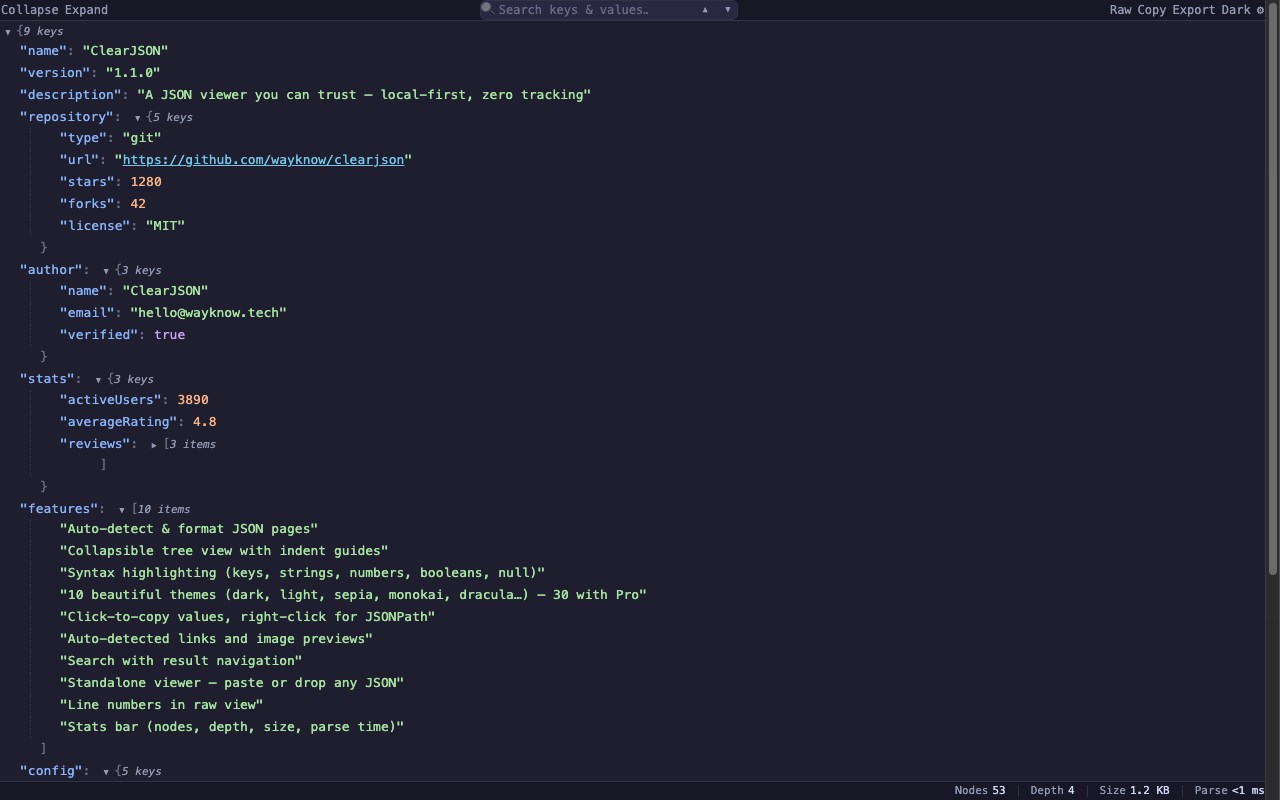
• Auto-detect & format JSON, JSON-LD, JSON:API, and NDJSON
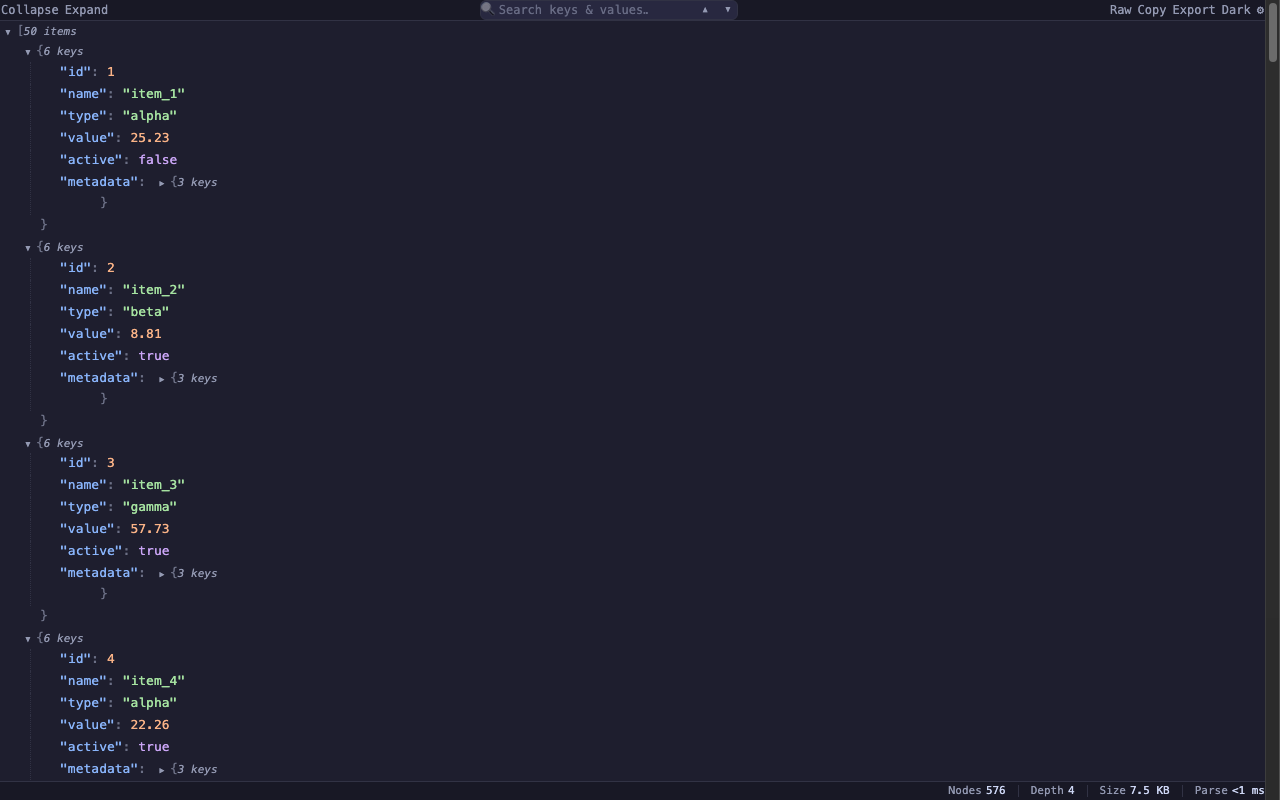
• Collapsible tree view with indent guides and element counts
• Syntax highlighting — strings, numbers, booleans, null, keys, punctuation
• 10 built-in themes with automatic dark/light system-follow
• Click-to-copy values • Right-click for JSONPath or subtree
• Auto-detected clickable links • Hover-to-preview images (PNG/JPG/GIF/SVG/WebP)
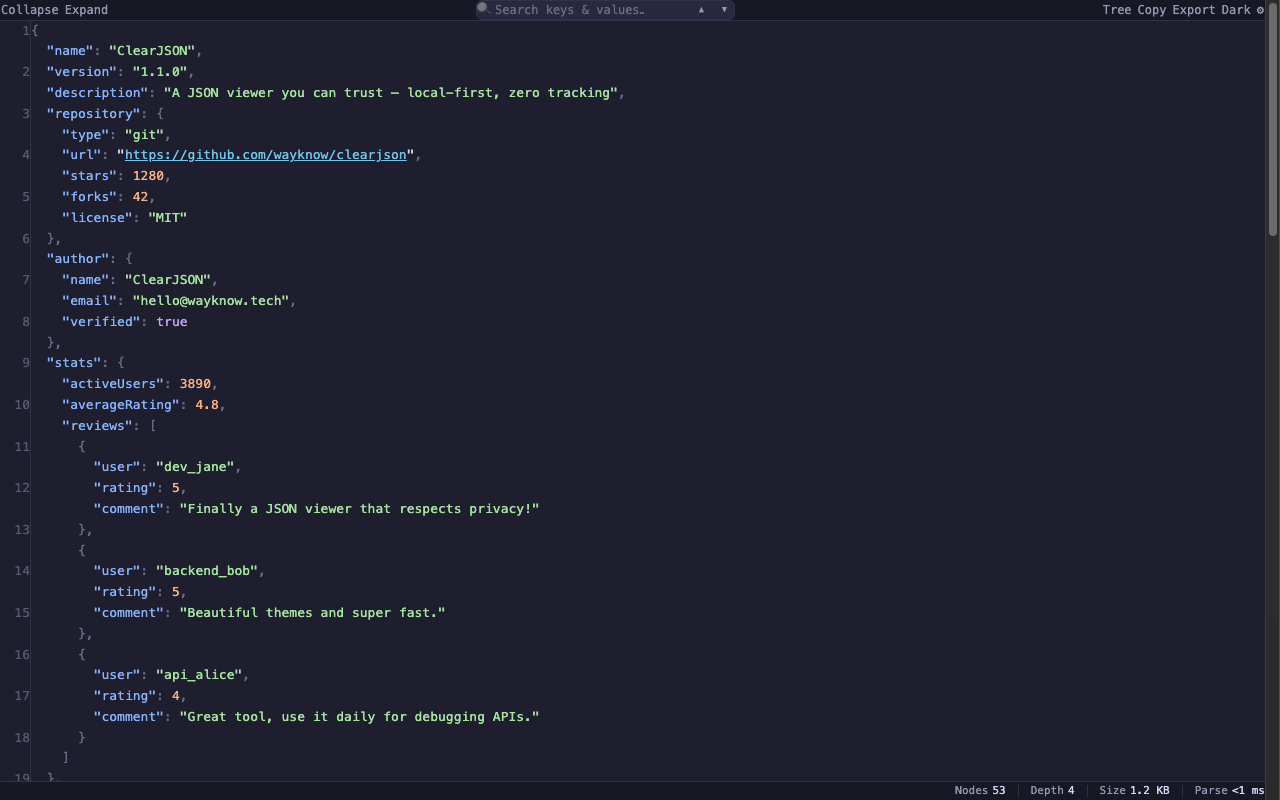
• Line numbers in raw view
• Status bar — node count, max depth, file size, parse time
• Keyboard shortcuts: [ collapse, ] expand, D theme, R raw, / search
• Standalone viewer — paste, drag-and-drop, or load any JSON file
• URL exclusion list (regex) — skip sites with built-in JSON rendering
━━━━━━━━━━━━━━━━━━━━━━
💰 Pro ($2.99/month — Cancel Anytime)
━━━━━━━━━━━━━━━━━━━━━━
• Large file virtual scrolling — 500 MB JSON without freezing (Web Worker + streaming parser)
• JWT auto-decode — detect eyJ... tokens, inline display header + payload, highlight expiry
• Advanced search — regex with match navigation and full-document highlighting
• Multi-format export — CSV, TSV, YAML, TypeScript type definitions (recursive inference)
• 20 premium themes — Monokai, Dracula, Nord, One Dark, Solarized, Catppuccin, GitHub, Tokyo Night, Gruvbox, and more
• Custom keyboard shortcuts — remap all 6 shortcuts to your preference
• Coming soon: JSON diff · JSONPath queries · YAML/XML conversion
━━━━━━━━━━━━━━━━━━━━━━
🔓 How to Upgrade
━━━━━━━━━━━━━━━━━━━━━━
1. Click the Pro badge in the toolbar (or visit wayknow.tech/clearjson.html)
2. Complete checkout via Creem ($2.99/month or $19.99/year) — your license key (CLJ-XXXX-XXXX-XXXX) arrives by email instantly
3. Paste the key in Settings → Pro → Activate. Works offline after first activation.
━━━━━━━━━━━━━━━━━━━━━━
🛡️ Permissions Explained
━━━━━━━━━━━━━━━━━━━━━━
• storage — Save your theme, settings, and license
• activeTab — Format JSON in the current tab only when you interact with the extension
• Host permission (file://) — Format local JSON files you open in your browser
• Content scripts on JSON URLs — Detect and format JSON pages; page content is never read or transmitted
ClearJSON does not, and will never, make a network request for free users.
The Pro license verification is the ONLY network call, and only when activating or checking a key.
JSON Viewer & Formatter — ClearJSON 是做什么的
JSON Viewer & Formatter — ClearJSON 是一款面向 Edge 的实用工具类扩展,主要用来解决浏览器里某类具体的小问题。官方对它的介绍是:Format & view JSON: syntax highlighting, collapsible tree, 10 themes, 500MB+. JWT decode, regex search, CSV/YAML export. 100% local.在微软 Edge 加载项商店上,它当前版本 2.0.4,约 4 名用户。
适合什么人用
从功能定位看,JSON Viewer & Formatter — ClearJSON 更适合想补上浏览器原生缺失功能的用户。如果你平时只是偶尔遇到相关需求,用浏览器自带功能也能凑合;但如果这件事每天都发生,装一个专门处理它的扩展通常比手动操作省事得多。
怎么安装 JSON Viewer & Formatter — ClearJSON
- 打开微软 Edge 加载项商店上的官方页面;
- 点「添加到浏览器」并确认权限提示;
- 装好后在扩展列表里固定图标,方便随时开关。
本站只做索引与介绍,安装包来自官方商店。如果商店页面提示当前地区不可用,说明该扩展未在你所在区域上架。
常见问题
JSON Viewer & Formatter — ClearJSON 是免费的吗?
JSON Viewer & Formatter — ClearJSON 在微软 Edge 加载项商店免费提供下载。它是浏览器扩展,装上就能直接用,不需要注册账号。
JSON Viewer & Formatter — ClearJSON 安全吗?
它只申请了 0 项权限,范围比较克制,没有申请「读取所有网站数据」这种大权限。
JSON Viewer & Formatter — ClearJSON 支持哪些浏览器?
当前收录的版本来自微软 Edge 加载项商店,适用于 Edge。同一个扩展在其他商店可能有对应版本,但功能与版本号不一定相同。
怎么卸载 JSON Viewer & Formatter — ClearJSON?
在扩展管理页找到 JSON Viewer & Formatter — ClearJSON,点移除即可。它在本地保存的设置会一起清掉,不会残留数据。
权限清单 来自 manifest.json 原文
站点访问(可选) 1
file:///*
接口权限 2
activeTabstorage