
JSON Viewer & Beautifier, Formatter - Lumina JSON EN
Furneez · EEdge MV3
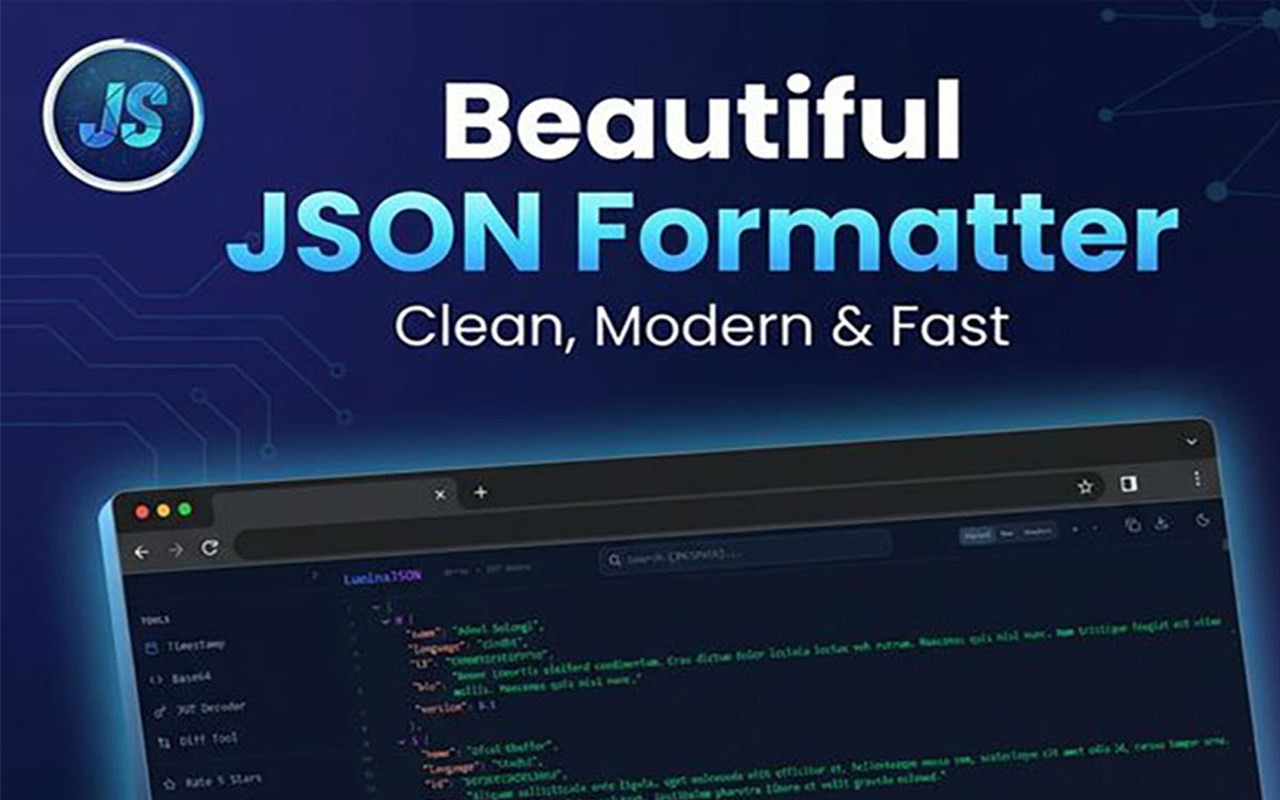
JSON viewer & formatter to view JSON easily. JSON beautifier, JSON editor & JSON prettier for JSON (JavaScript Object Notation).
截图
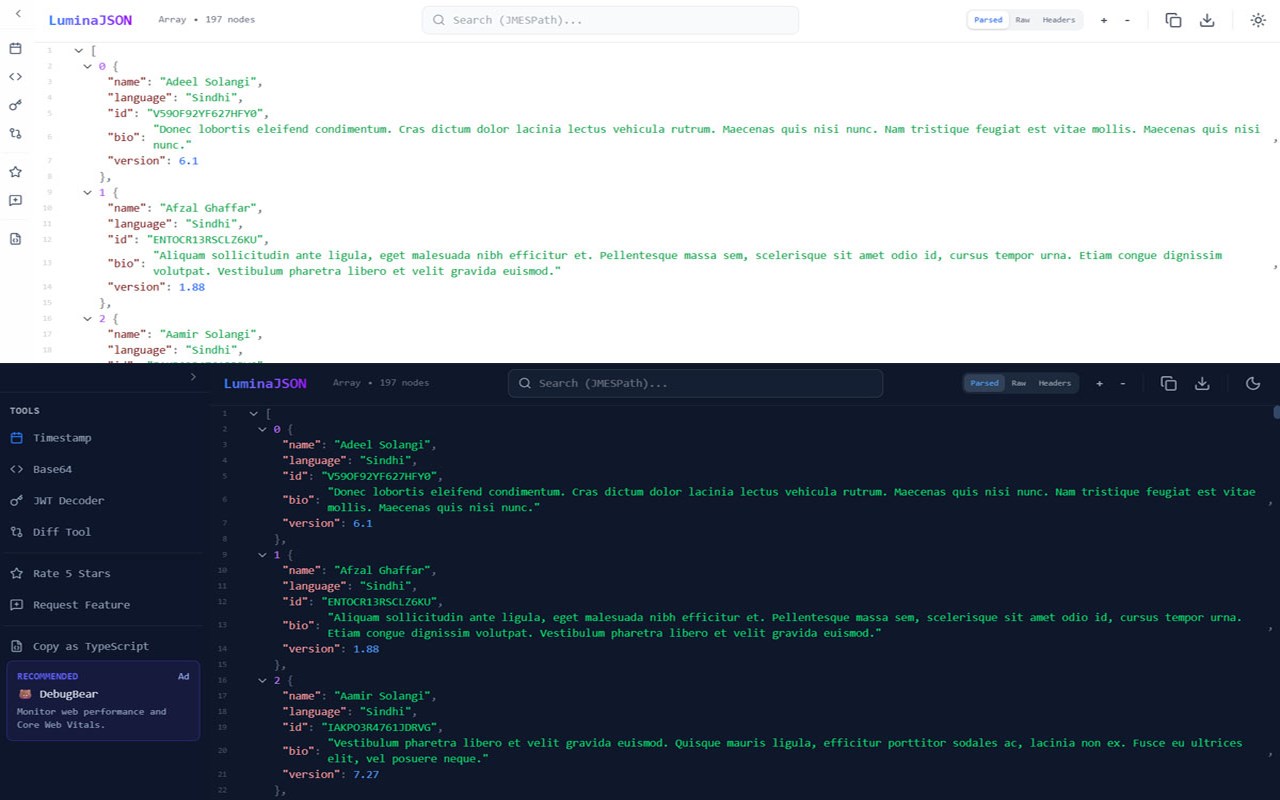
简介
The Ultimate JSON Viewer, Formatter & Editor
Powerful JSON viewer and JSON formatter to view JSON instantly. Beautify, edit, and explore JSON (JavaScript Object Notation) with advanced developer tools.
Transform raw JSON into a clean, structured, and interactive format using this fast, reliable JSON beautifier and JSON prettier built for developers.
────────────────────────
KEY FEATURES
────────────────────────
• JSON Viewer & Formatter
Easily view JSON data and format it with perfect indentation and syntax highlighting.
• JSON Beautifier & Prettier
Automatically clean and structure your data with a powerful JSON beautifier and JSON prettier.
• Interactive JSON Editor
Edit and explore JSON with a built-in JSON editor featuring collapsible trees and nodes.
• Raw & Parsed View
Switch between raw JSON and formatted views for better debugging and analysis.
• Clickable URLs
Open links directly from JSON data in a new tab.
• Syntax Highlighting
Improves readability of complex JSON object notation structures.
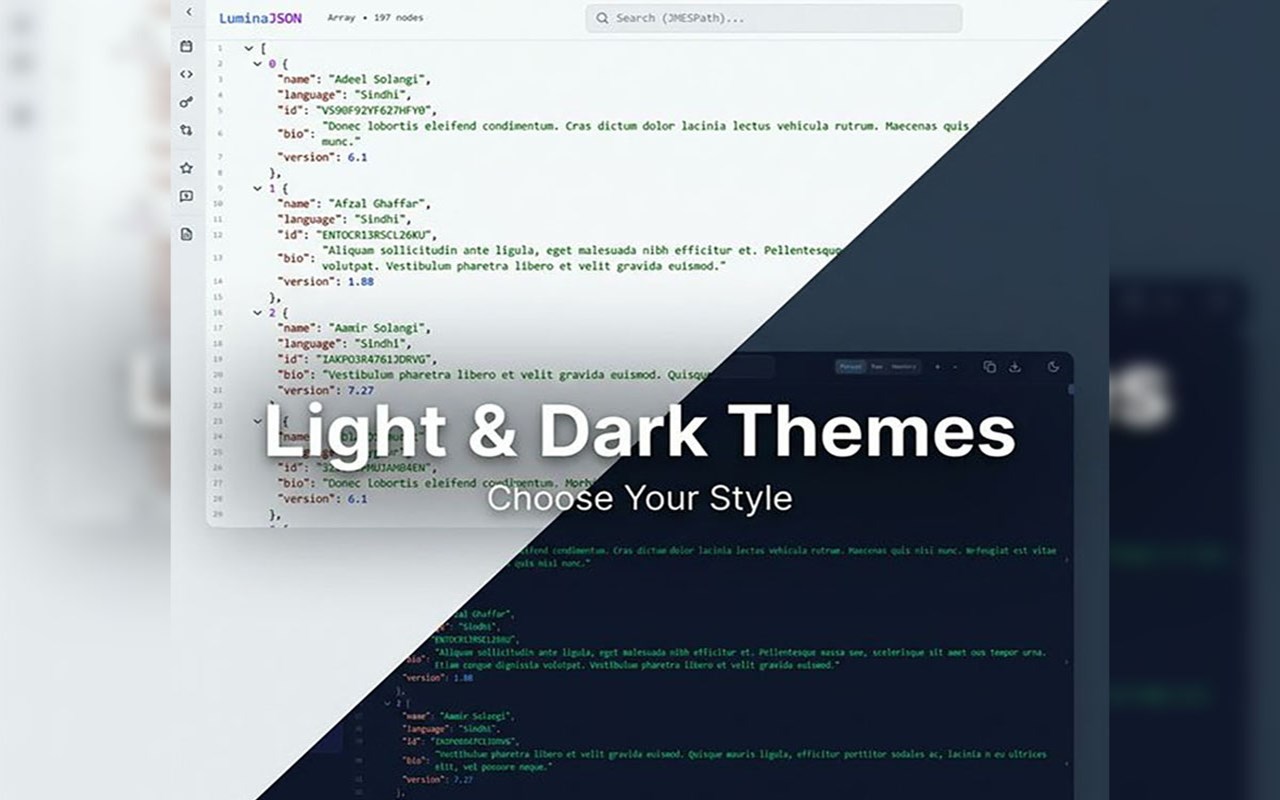
• Dark & Light Mode
Choose between sleek dark mode or clean light mode.
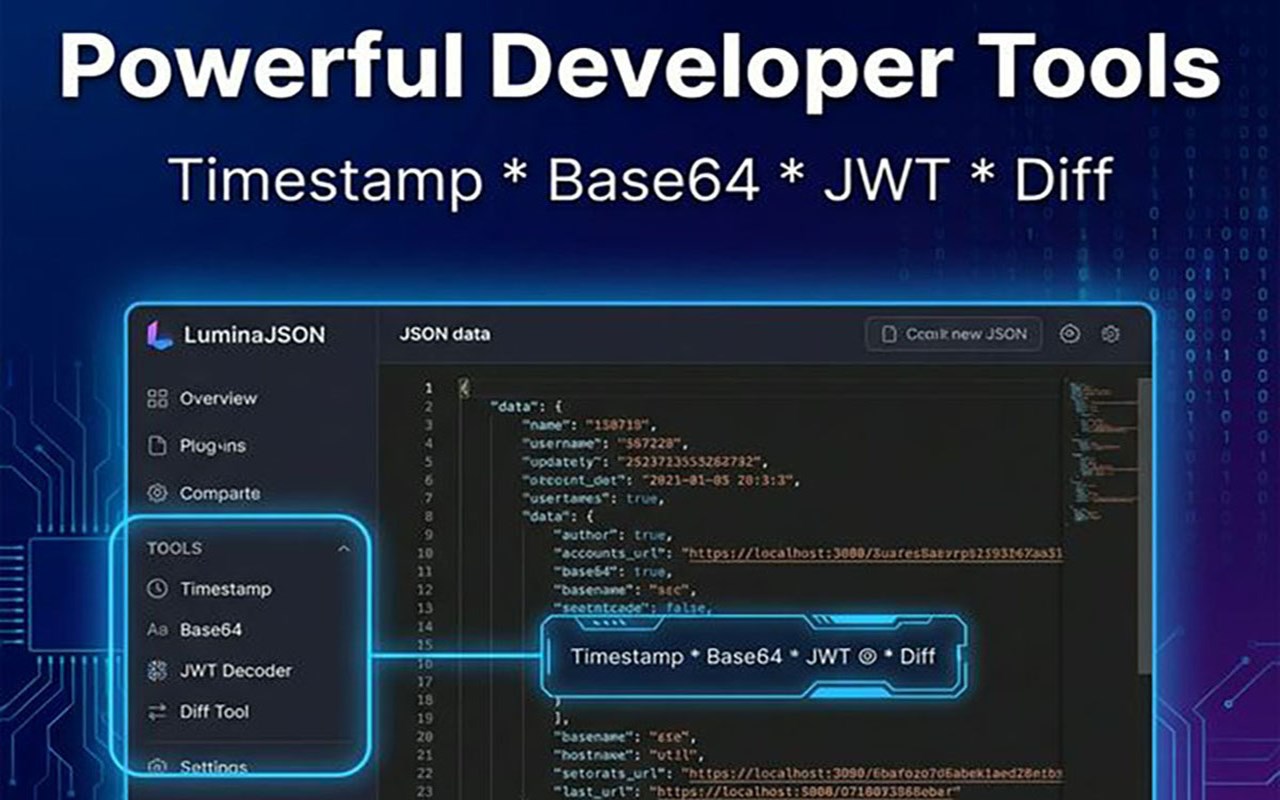
• Advanced Developer Tools
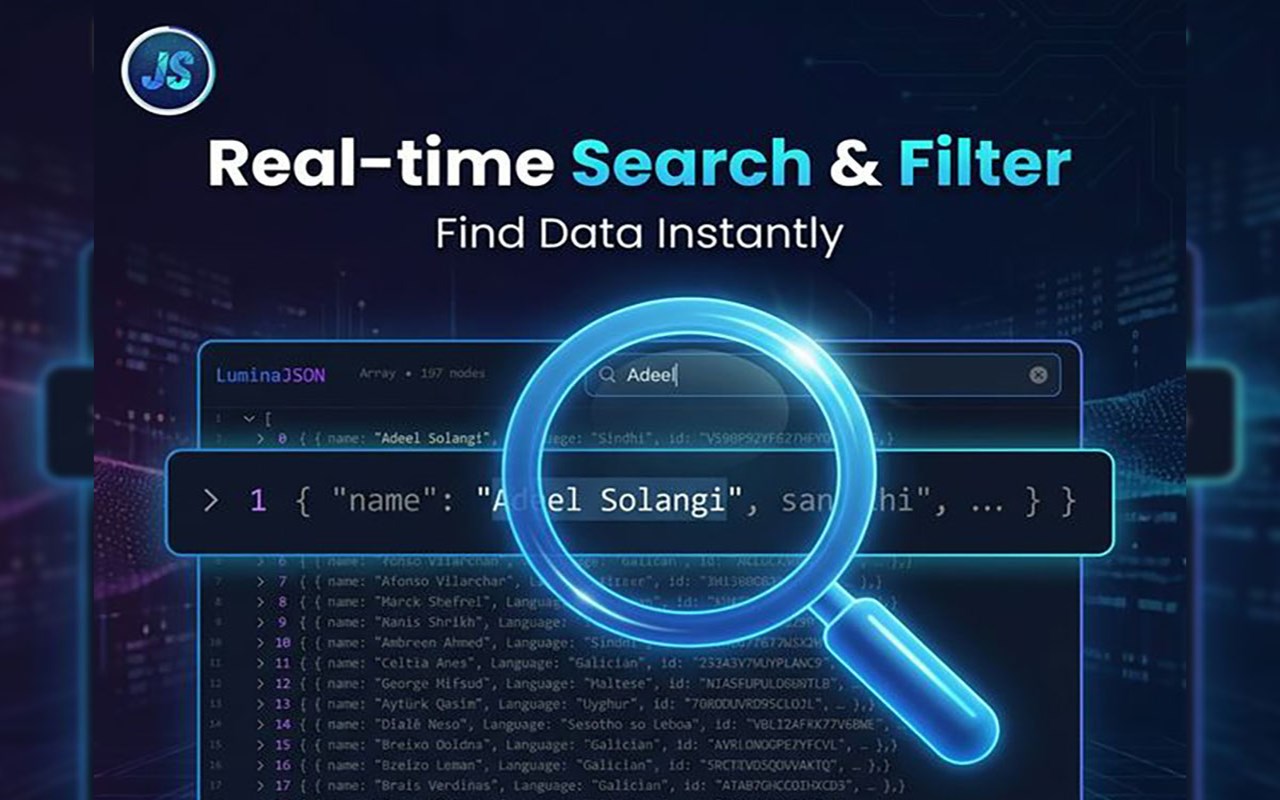
▸ Real-time Search
Quickly find keys and values in large JSON files.
▸ Base64 Decoder
Decode Base64 strings instantly.
▸ JWT Decoder
Inspect tokens without leaving the page.
▸ Timestamp Converter
Convert Unix timestamps to readable dates.
▸ JSON Diff Tool
Compare JSON objects side-by-side.
▸ TypeScript Generator
Convert JSON into TypeScript interfaces automatically.
• Privacy First
All JSON processing happens locally in your browser—no data is sent externally.
• High Performance
Handles large JSON files smoothly without lag.
────────────────────────
WHY CHOOSE THIS JSON VIEWER & FORMATTER?
────────────────────────
This all-in-one JSON viewer, JSON formatter, and JSON editor is built for speed, usability, and performance. Whether you're debugging APIs, analyzing responses, or working with JSON object notation, this tool makes it effortless to view JSON, format data, and improve productivity.
────────────────────────
Transparency & Monetization
────────────────────────
To keep LuminaJSON free, we may show clearly labeled recommendations in a "Sponsored/Ads" section. These may include trusted services or useful tools.
Affiliate Disclosure: We may earn a small commission at no extra cost to you. This helps support ongoing development.
Interaction is completely optional.
**Keywords:**
JSON Formatter, JSON Viewer, JSON Validator, JSON Pretty Print, JSON Beautifier, Developer Tools, Dark Mode, TypeScript Generator.
JSON Viewer & Beautifier, Formatter - Lumina JSON 是做什么的
JSON Viewer & Beautifier, Formatter - Lumina JSON 是一款面向 Edge 的实用工具类扩展,主要用来解决浏览器里某类具体的小问题。官方对它的介绍是:JSON viewer & formatter to view JSON easily. JSON beautifier, JSON editor & JSON prettier for JSON (JavaScript Object Notation).在微软 Edge 加载项商店上,它当前版本 1.4.0,约 35 名用户。
适合什么人用
从功能定位看,JSON Viewer & Beautifier, Formatter - Lumina JSON 更适合想补上浏览器原生缺失功能的用户。如果你平时只是偶尔遇到相关需求,用浏览器自带功能也能凑合;但如果这件事每天都发生,装一个专门处理它的扩展通常比手动操作省事得多。
怎么安装 JSON Viewer & Beautifier, Formatter - Lumina JSON
- 打开微软 Edge 加载项商店上的官方页面;
- 点「添加到浏览器」并确认权限提示;
- 装好后在扩展列表里固定图标,方便随时开关。
本站只做索引与介绍,安装包来自官方商店。如果商店页面提示当前地区不可用,说明该扩展未在你所在区域上架。
常见问题
JSON Viewer & Beautifier, Formatter - Lumina JSON 是免费的吗?
JSON Viewer & Beautifier, Formatter - Lumina JSON 在微软 Edge 加载项商店免费提供下载。它是浏览器扩展,装上就能直接用,不需要注册账号。
JSON Viewer & Beautifier, Formatter - Lumina JSON 安全吗?
它只申请了 0 项权限,范围比较克制,没有申请「读取所有网站数据」这种大权限。
JSON Viewer & Beautifier, Formatter - Lumina JSON 支持哪些浏览器?
当前收录的版本来自微软 Edge 加载项商店,适用于 Edge。同一个扩展在其他商店可能有对应版本,但功能与版本号不一定相同。
怎么卸载 JSON Viewer & Beautifier, Formatter - Lumina JSON?
在扩展管理页找到 JSON Viewer & Beautifier, Formatter - Lumina JSON,点移除即可。它在本地保存的设置会一起清掉,不会残留数据。
权限清单 来自 manifest.json 原文
接口权限 2
storageunlimitedStorage
其他商店也有这款
同一款扩展在不同浏览器下的版本,权限与更新节奏可能不同
