
JSON Side - JSON Formatter & Tools EN
wen.dai · EEdge MV3
A dedicated JSON toolkit - Format, compare, convert, and query JSON data. Right-click any JSON text to format instantly.
截图
简介
## Short Description (132 characters max)
JSON formatter, diff comparison, and converter - Right-click any JSON to format instantly. 100% Free Pro features!
## Detailed Description
**JSON Side** - The must-have JSON toolkit for developers, API testers, and data analysts.
### 🚀 Why Install JSON Side?
**Stop wasting time with messy JSON!** Whether you're debugging API responses, analyzing data, or working with configuration files, JSON Side makes your life easier with one-click formatting and powerful comparison tools.
### ✨ What Can You Do?
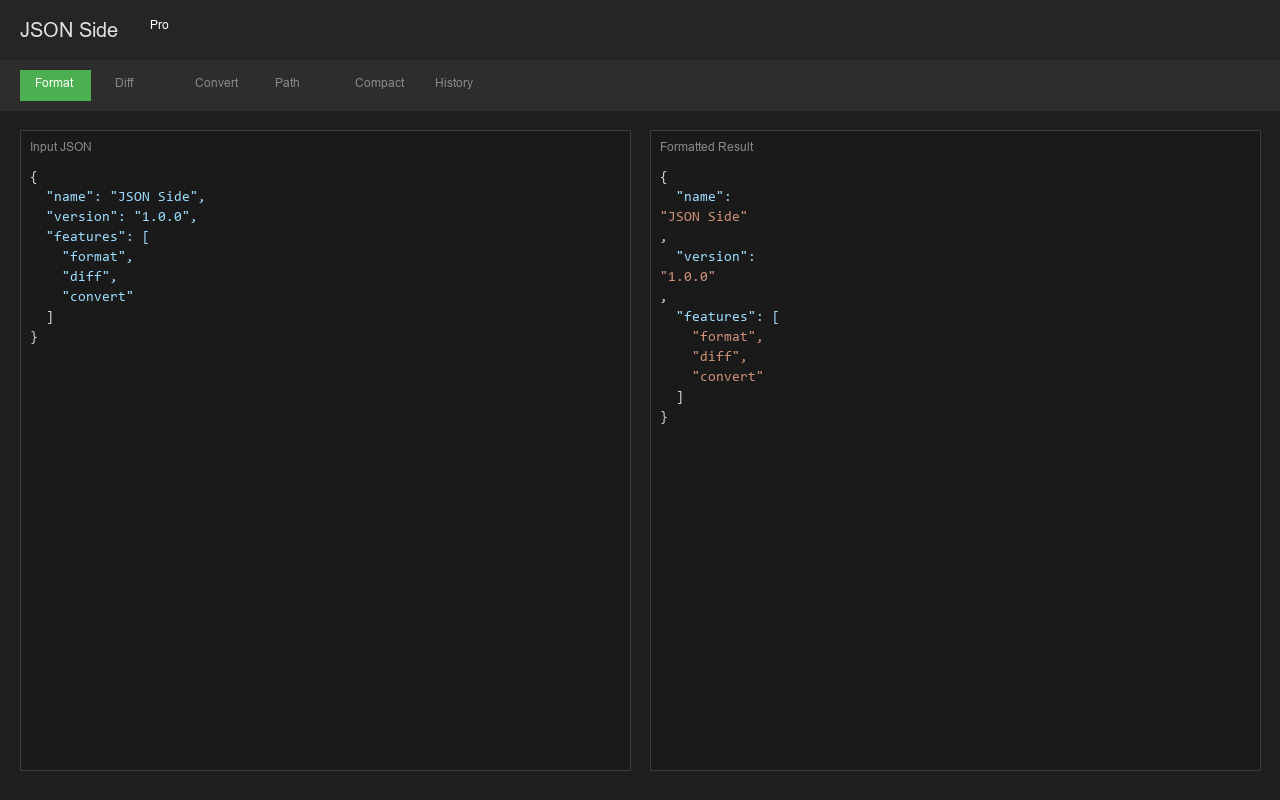
**📌 Format JSON Instantly**
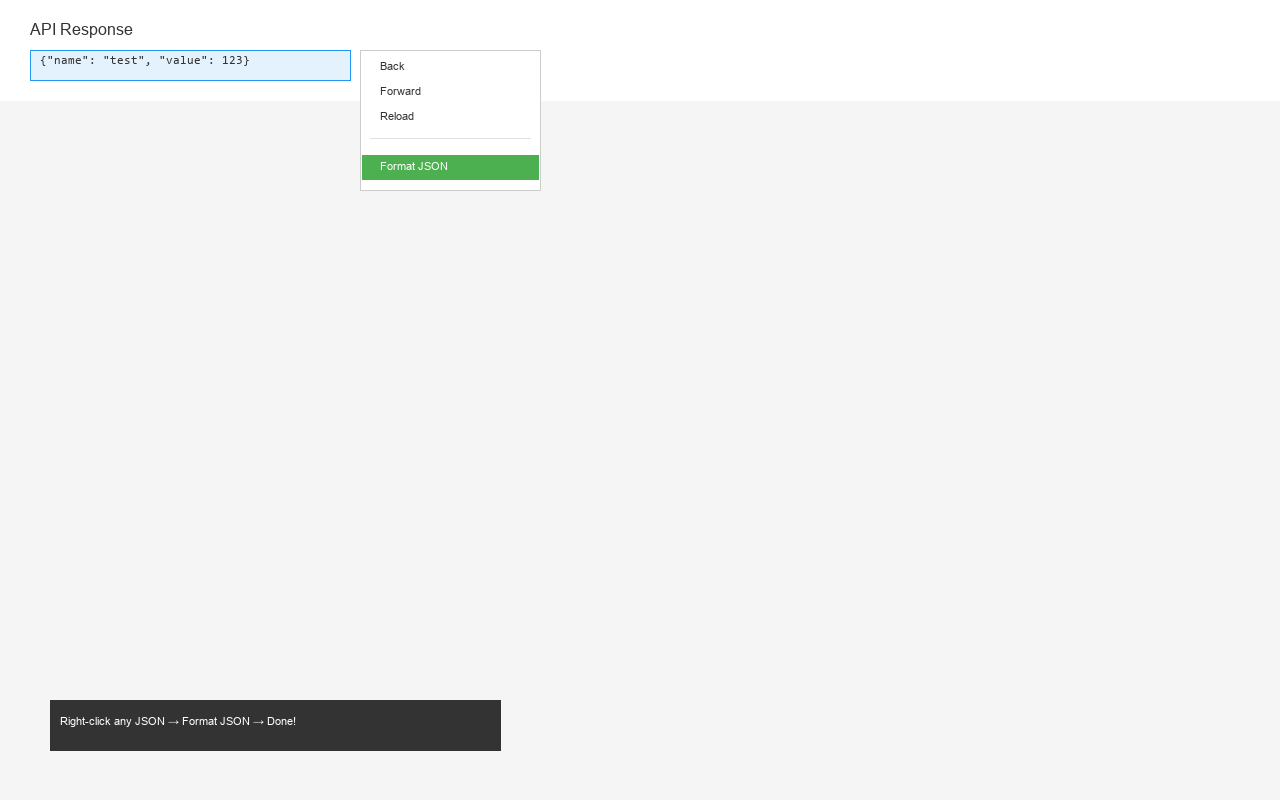
- Right-click any JSON text on a webpage → "Format JSON" → Done!
- Clean, syntax-highlighted output with collapsible sections
- Automatically detects and converts timestamps to readable dates
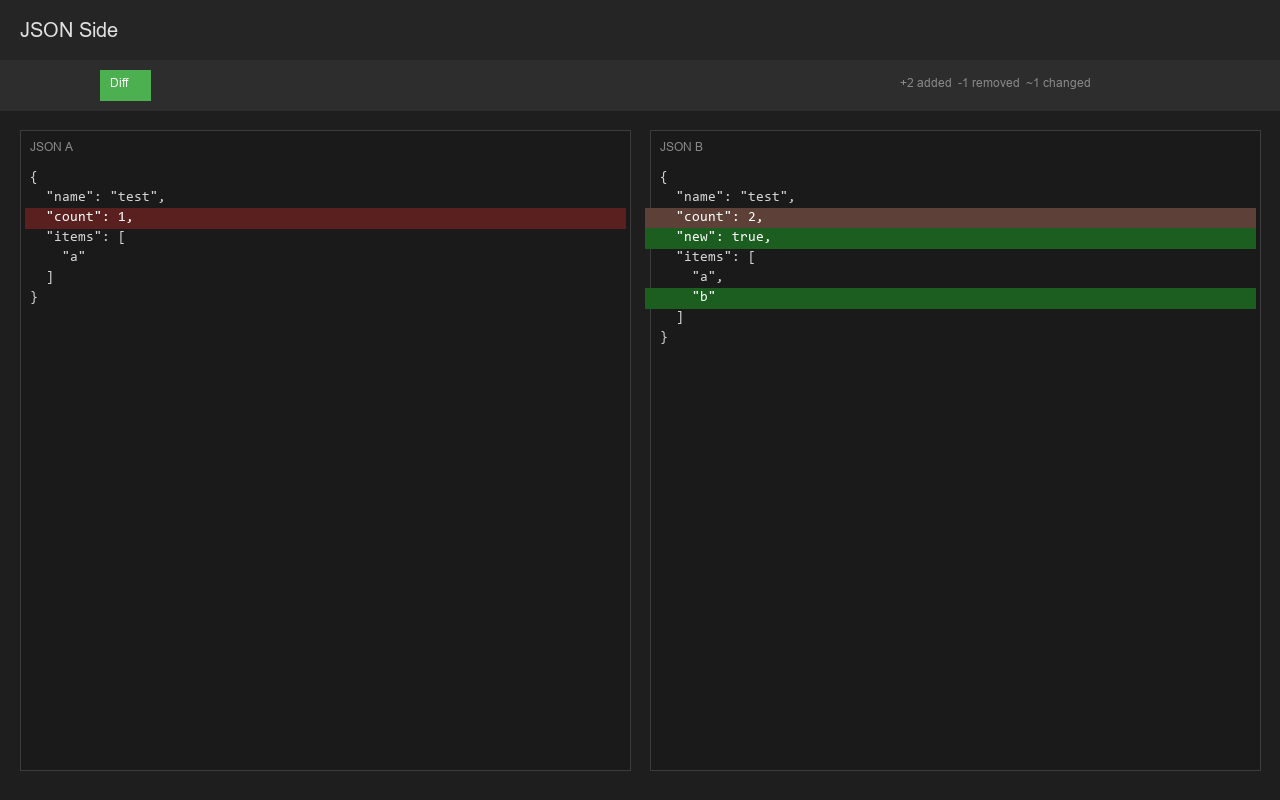
**🔍 Compare JSON with Ease**
- Side-by-side diff comparison with color-coded changes
- Green = Added | Red = Deleted | Orange = Modified
- Perfect for API response comparison and debugging
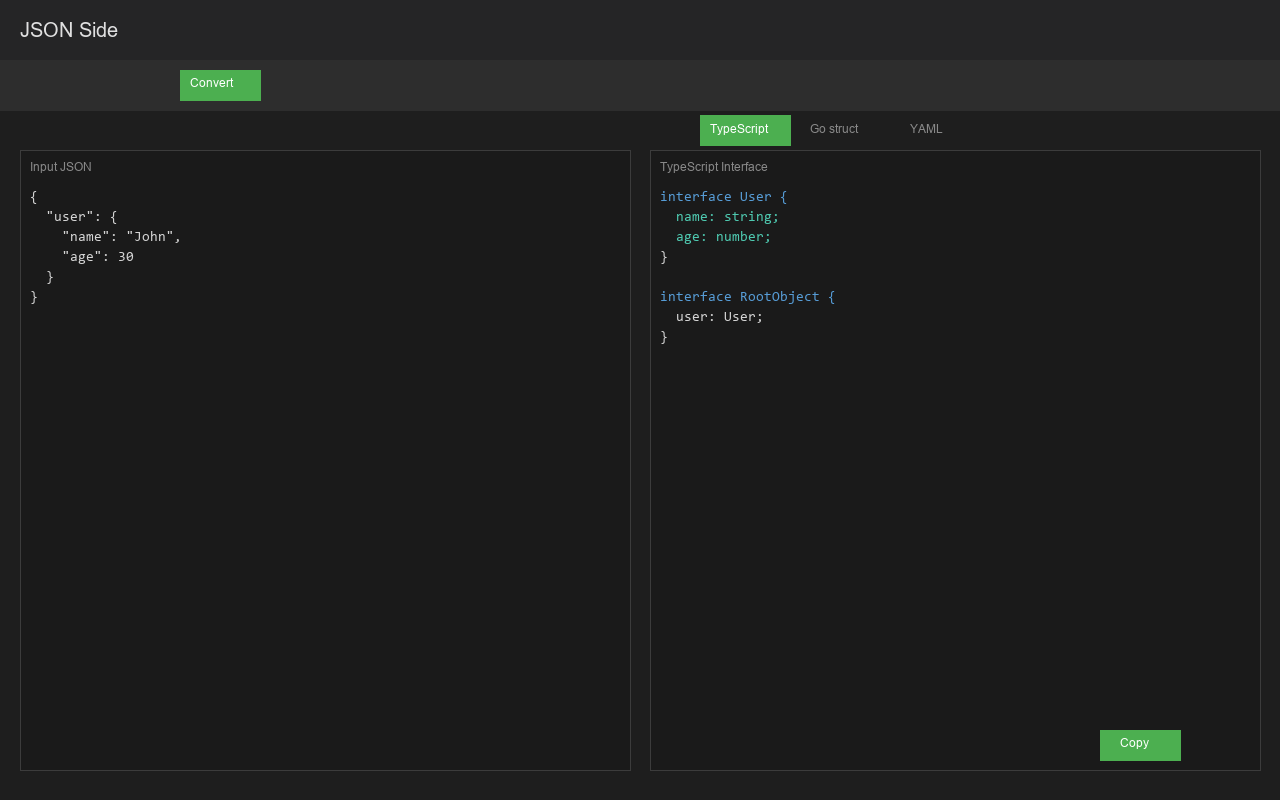
**🔄 Convert to Any Format**
- JSON → TypeScript interfaces
- JSON → Go structs
- JSON → YAML
- One click to copy results
**🔗 Query with JSON Path**
- Extract specific data using powerful JSON Path syntax
- Examples: `$.store.book[0].title`, `$..author`
JSON Side - JSON Formatter & Tools 是做什么的
JSON Side - JSON Formatter & Tools 是一款面向 Edge 的实用工具类扩展,主要用来解决浏览器里某类具体的小问题。官方对它的介绍是:A dedicated JSON toolkit - Format, compare, convert, and query JSON data. Right-click any JSON text to format instantly.在微软 Edge 加载项商店上,它当前版本 1.0.4,约 1 名用户。
适合什么人用
从功能定位看,JSON Side - JSON Formatter & Tools 更适合想补上浏览器原生缺失功能的用户。如果你平时只是偶尔遇到相关需求,用浏览器自带功能也能凑合;但如果这件事每天都发生,装一个专门处理它的扩展通常比手动操作省事得多。
怎么安装 JSON Side - JSON Formatter & Tools
- 打开微软 Edge 加载项商店上的官方页面;
- 点「添加到浏览器」并确认权限提示;
- 装好后在扩展列表里固定图标,方便随时开关。
本站只做索引与介绍,安装包来自官方商店。如果商店页面提示当前地区不可用,说明该扩展未在你所在区域上架。
常见问题
JSON Side - JSON Formatter & Tools 是免费的吗?
JSON Side - JSON Formatter & Tools 在微软 Edge 加载项商店免费提供下载。它是浏览器扩展,装上就能直接用,不需要注册账号。
JSON Side - JSON Formatter & Tools 安全吗?
它只申请了 0 项权限,范围比较克制,没有申请「读取所有网站数据」这种大权限。
JSON Side - JSON Formatter & Tools 支持哪些浏览器?
当前收录的版本来自微软 Edge 加载项商店,适用于 Edge。同一个扩展在其他商店可能有对应版本,但功能与版本号不一定相同。
怎么卸载 JSON Side - JSON Formatter & Tools?
在扩展管理页找到 JSON Side - JSON Formatter & Tools,点移除即可。它在本地保存的设置会一起清掉,不会残留数据。
权限清单 来自 manifest.json 原文
接口权限 3
bookmarkscontextMenusstorage